 PixQR
PixQR
Overview
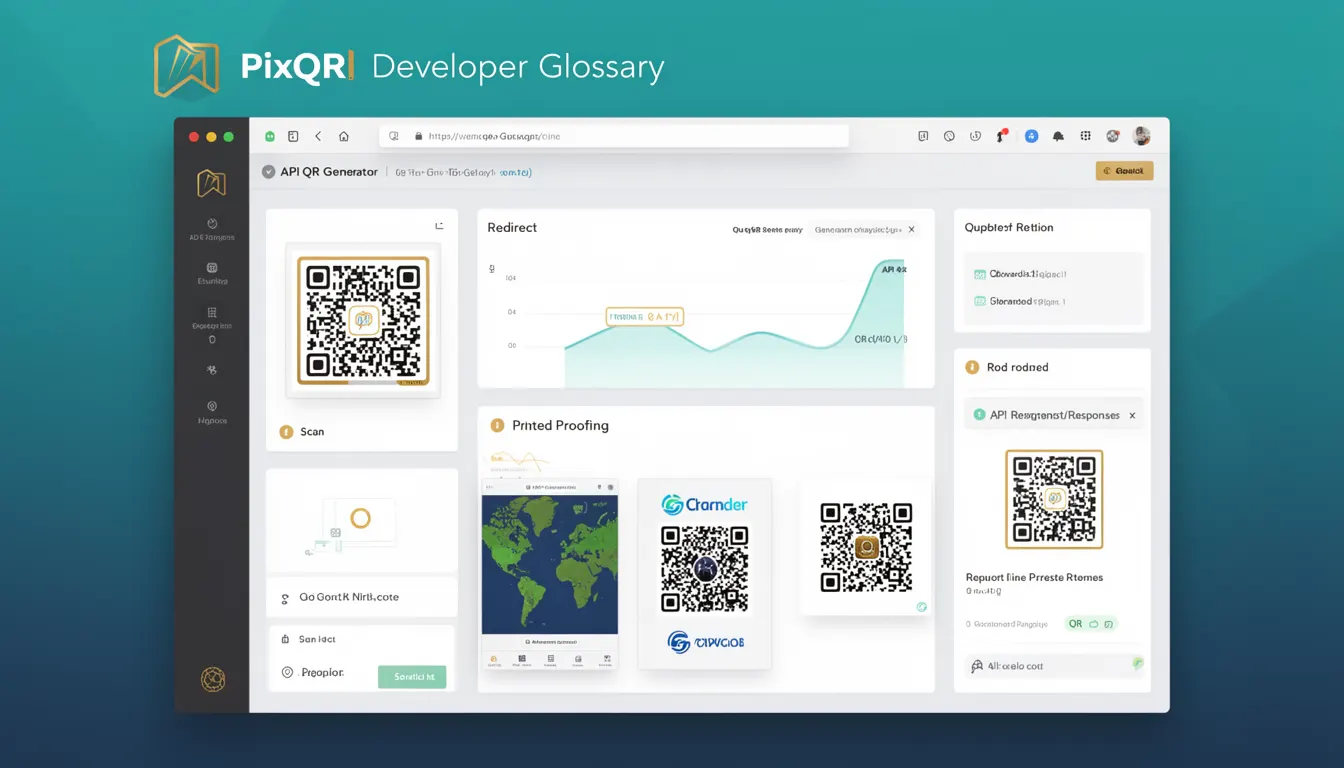
An API QR Generator refers to a backend service or module within the PixQR platform that enables developers to programmatically create, customize, and manage QR codes using structured HTTP requests. This tool is essential for developers building applications that require dynamic QR code generation, such as marketing tools, inventory systems, or user onboarding flows.
The API QR Generator is part of a larger QR code ecosystem, where QR codes are not static but dynamically generated based on input parameters. It allows developers to define the content, size, style, and behavior of a QR code without manual creation, supporting integration into web apps, mobile apps, or server-side workflows.
Why It Matters
For developers working with dynamic content or scalable applications, the API QR Generator eliminates the need for manual QR code creation and ensures consistent branding, security, and reliability. It allows systems to generate thousands of QR codes on demand, each tailored to specific data, such as URLs, product identifiers, or user tokens.
Using an API-based approach ensures that QR codes are generated consistently and securely, reducing the risk of errors or fraud. It also supports analytics tracking, enabling developers to monitor scan behavior, user engagement, and redirect performance, which is crucial for marketing and user experience optimization.
How It Works
The PixQR API QR Generator operates through a RESTful interface that accepts structured JSON input and returns QR code assets or metadata. The process involves specifying parameters such as content, format, size, and branding options. The API then processes these inputs and returns either a binary QR code image or a URL to a generated asset.
- Input parameters include content (text, URL, or data), format (PNG, SVG, or base64), size (in pixels or scale), and branding options like colors or logo inclusion.
- Generated QR codes support error correction levels (L, M, Q, H) to ensure scannability under various conditions.
- QR codes can be linked to dynamic redirects, allowing for real-time updates of target URLs without re-generating the code.
- API responses are structured and include metadata such as QR code ID, creation timestamp, and access controls.
- Support for batch generation allows developers to request multiple QR codes in a single call, improving performance for bulk operations.
Quick Reference
| Item | Purpose | Notes |
|---|---|---|
| content | Defines the data encoded in the QR code | Must be valid URL or text |
| format | Specifies output image format | Supported: PNG, SVG, base64 |
| size | Pixel dimensions of the QR code | Default: 300x300 pixels |
| errorCorrection | Level of error correction | Options: L, M, Q, H |
| branding | Customizes appearance | Supports logo, color, and background |
Basic Example
PixQR Example QR
This QR links directly to this glossary page, so printed notes, onboarding docs, and support material can bring scanners back to the current reference.
/glossary/qr-code-generators/qr-code-generators-api-qr-generator

This basic example shows how to generate a QR code for a simple URL using the PixQR API.
POST /api/v1/qr/generate
Content-Type: application/json

{
  "content": "https://example.com",
  "format": "png",
  "size": 300
}
This request sends a JSON payload to the API endpoint, specifying the URL to encode, output format, and size. The API returns a QR code image in PNG format, which can be directly embedded in a web page or saved to a file.
Production Example
In a production environment, developers should validate inputs, handle errors gracefully, and configure branding for consistency. This example demonstrates a more robust approach to generating QR codes.
POST /api/v1/qr/generate
Content-Type: application/json
Authorization: Bearer YOUR_API_KEY

{
  "content": "https://shop.example.com/product/123",
  "format": "svg",
  "size": 500,
  "errorCorrection": "H",
  "branding": {
    "logo": "https://example.com/logo.png",
    "foregroundColor": "#000000",
    "backgroundColor": "#ffffff"
  }
}
This example includes error correction for enhanced scannability, a branded logo, and explicit authorization. It also uses SVG output for scalability, making it suitable for responsive or print applications.
Common Mistakes
- Not validating input content, leading to malformed QR codes or security vulnerabilities.
- Using default error correction levels without considering usage environment or scanning conditions.
- Hardcoding API keys in client-side code, exposing credentials to attackers.
- Ignoring the response structure, which may include metadata or errors not immediately visible.
- Not handling API rate limits or batch processing failures, causing service disruption.
- Choosing inappropriate image formats for the use case, such as PNG for high-resolution print.
Security And Production Notes
- Always use HTTPS and API keys to authenticate requests, preventing unauthorized access.
- Validate all input data to avoid injection attacks or malformed QR codes.
- Implement rate limiting to avoid API abuse and ensure service stability.
- Use error correction levels appropriately to maintain scannability in real-world conditions.
- Ensure that branding elements like logos are from trusted sources to avoid malicious redirects or content injection.
Related Concepts
The API QR Generator connects to several core concepts in QR code development and digital asset management:
- Dynamic Redirects allow QR codes to point to URLs that can be updated without regenerating the code.
- Scan Analytics track how QR codes are used, providing insights for marketing and user behavior.
- Brand-Safe Design ensures QR codes align with corporate identity while remaining scannable.
- Privacy Controls govern how data within QR codes is handled, particularly for user-specific content.
- Operational Workflows define how QR code generation fits into broader systems, such as inventory or onboarding.