 PixQR
PixQR
Overview
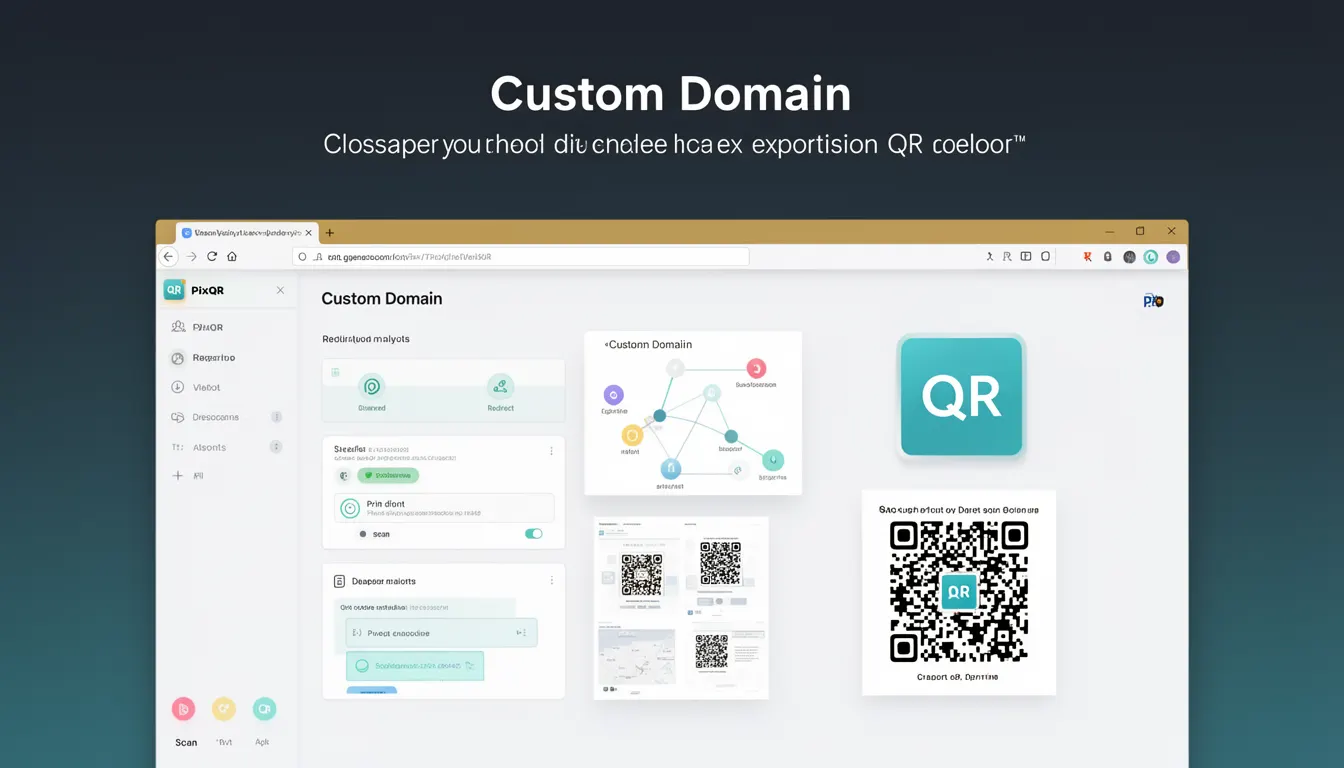
In the context of PixQR, a Custom Domain refers to a feature that allows users to associate their own branded domain with QR code generation and redirection workflows. Instead of using PixQR’s default domain (e.g., pixqr.link), users can configure a domain they own—such as qr.mycompany.com—to be used for all QR code links and redirects. This enables a seamless integration of QR codes into brand ecosystems and enhances trust and professionalism.
Custom domains are typically used when a business or organization wants to maintain a consistent branding experience, improve user confidence in scanned links, and avoid the appearance of third-party redirections. The domain must be verified and configured within the PixQR platform before it can be used for QR code generation.
Why It Matters
For developers and product teams, Custom Domains are crucial for maintaining brand integrity and user trust. When users scan a QR code, they are often directed to a link that includes the domain they recognize. This familiarity reduces the risk of phishing or suspicious behavior, especially in marketing or customer engagement scenarios.
From a technical perspective, Custom Domains also support advanced tracking and analytics by allowing developers to monitor specific domains or subdomains for scan behavior, user engagement, and redirect performance. They also improve operational workflows by enabling centralized management of QR code redirects and reducing reliance on PixQR’s default infrastructure for branding-sensitive use cases.
How It Works
When a Custom Domain is configured in PixQR, it becomes available for use in QR code generation and redirect management. The system handles DNS validation, SSL certificate provisioning, and URL routing to ensure seamless integration. Below are the key components and behaviors of this feature:
- Users must first register and verify their domain through DNS records or email confirmation.
- Once verified, the domain can be selected in the QR code generation interface or API configuration.
- Generated QR codes will use the configured domain in their redirect URLs, replacing PixQR’s default domain.
- Custom domains support both HTTP and HTTPS protocols, with automatic SSL certificate management.
- Analytics and tracking data are segmented by domain, enabling deeper insights into user behavior.
The implementation of Custom Domains relies on PixQR’s domain management APIs, which allow developers to programmatically configure, validate, and assign domains to QR code generation workflows. This ensures flexibility and scalability for enterprise-level deployments.
Quick Reference
| Item | Purpose | Notes |
|---|---|---|
| Domain Verification | Ensures ownership of the domain | Requires DNS or email validation |
| SSL Certificate Provisioning | Enables HTTPS support | Automatically managed by PixQR |
| Redirect URL Generation | Constructs QR code URLs using custom domain | Replaces default PixQR domain |
| Analytics Segmentation | Allows domain-specific tracking | Enhances reporting and insights |
| API Configuration | Enables programmatic domain assignment | Supports bulk QR code generation |
Basic Example
PixQR Example QR
This QR links directly to this glossary page, so printed notes, onboarding docs, and support material can bring scanners back to the current reference.
/glossary/qr-code-generators/qr-code-generators-custom-domain
This basic example demonstrates how a QR code URL might be constructed using a custom domain.
https://qr.mycompany.com/abc123This URL uses a custom domain qr.mycompany.com instead of a default PixQR domain. The path /abc123 is a unique identifier for the QR code and its associated redirect target.
Production Example
In a production environment, developers may use PixQR’s API to programmatically generate QR codes with a custom domain. The following example illustrates how to configure a QR code with a custom domain and a redirect target.
{
  "domain": "qr.mycompany.com",
  "target_url": "https://mycompany.com/products/xyz",
  "expires_at": "2025-12-31T23:59:59Z",
  "metadata": {
    "campaign": "product_launch",
    "location": "storefront"
  }
}
This configuration ensures that the generated QR code will redirect to the specified target using the custom domain, with additional metadata for tracking and analytics. It also includes an expiration date to manage long-term QR code lifecycle.
Common Mistakes
- Using an unverified domain in production, leading to redirect failures or security warnings.
- Not properly configuring DNS records during domain verification, causing delays or verification failures.
- Assigning the same domain to multiple QR code generators without proper tracking or analytics setup.
- Ignoring SSL certificate expiration, which can break redirects in HTTPS environments.
- Using a domain that is not fully qualified or lacks proper subdomain support, causing routing errors.
- Not testing QR code functionality with custom domains in various environments before deployment.
Security And Production Notes
- Always verify domain ownership through DNS or email before using a domain in production.
- Ensure that SSL certificates are properly managed and renewed to prevent redirect disruptions.
- Implement access controls to restrict which users or services can assign domains to QR code workflows.
- Use HTTPS for all custom domain redirects to ensure secure communication and avoid mixed-content warnings.
- Regularly audit domain usage to detect and prevent unauthorized or malicious QR code generation.
Related Concepts
Custom Domain is closely related to several key concepts in QR code generation and web infrastructure:
- Dynamic Redirects: Custom domains are often used in conjunction with dynamic redirect logic to manage link behavior.
- QR Code Analytics: Domain segmentation enables more granular tracking of user engagement.
- API Integration: The ability to assign custom domains via API supports scalable deployment.
- Brand Safety: Using custom domains enhances brand trust and reduces phishing risks.
- Scan Reliability: Proper domain configuration ensures consistent QR code scanning behavior across devices.