 PixQR
PixQR
Overview
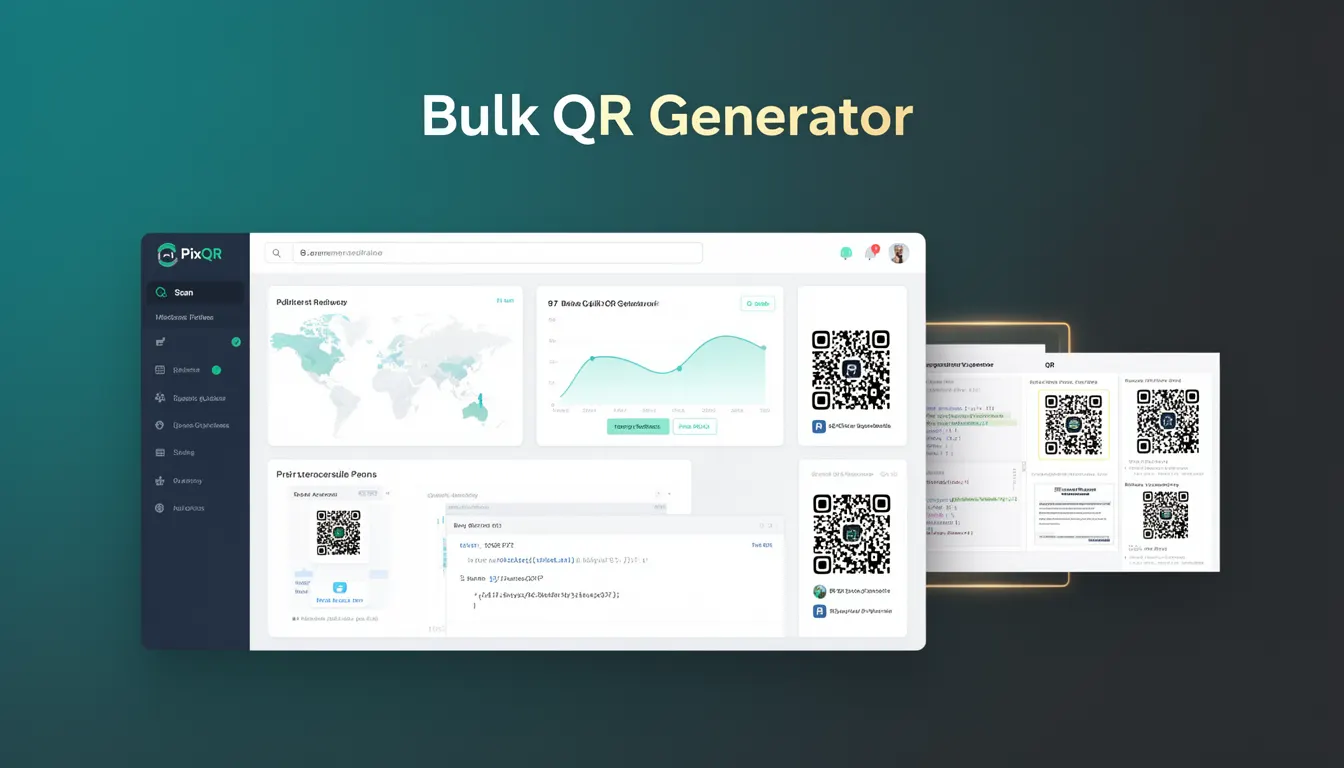
A Bulk QR Generator is a PixQR platform feature that allows developers and content managers to create, manage, and export multiple QR codes in a single operation. This tool is essential for organizations that need to generate a large number of QR codes for marketing campaigns, inventory tracking, event management, or product labeling.
Unlike individual QR code generation, which requires manual input or API calls for each code, a Bulk QR Generator streamlines the process by accepting batch data and producing a collection of QR codes with consistent or customized attributes. This functionality is especially valuable in environments where scan reliability, brand-safe design, and secure operational workflows are paramount.
Why It Matters
For developers and operations teams, a Bulk QR Generator significantly reduces the time and effort required to deploy large-scale QR code initiatives. It enables rapid deployment of marketing assets, ensures consistency in branding, and minimizes human error during code creation.
In production environments, this capability supports scalable workflows for businesses that rely on QR codes for digital-to-physical interactions. It also plays a role in maintaining privacy standards and reducing exposure to fraud by centralizing QR code generation and management under secure, audit-ready processes.
How It Works
The Bulk QR Generator operates by accepting structured input data, such as CSV files, JSON arrays, or API payloads, and mapping them to QR code attributes. The system then processes each entry to produce a batch of QR codes, each with customizable parameters like redirect URLs, design elements, and analytics tracking.
- Input data is validated against predefined schema to ensure compatibility with QR code generation rules.
- Each QR code in the batch inherits default settings unless overridden by input fields.
- Generated codes are stored in a centralized repository with metadata for tracking, analytics, and future modification.
- Export options include downloadable ZIP archives, CSV lists, or direct API integration for further automation.
- Batch processing can be scheduled or triggered via webhook, allowing for automated workflows in larger systems.
Quick Reference
| Item | Purpose | Notes |
|---|---|---|
| Input Format | Defines data structure for batch generation | CSV, JSON, or API payload |
| Redirect URL | Target destination for QR code scans | Must be secure and valid |
| Design Attributes | Visual styling of QR codes | Brand-safe and accessible |
| Analytics | Tracking and reporting | Optional per code or batch |
| Export Options | Output formats for generated codes | ZIP, CSV, or API |
Basic Example
PixQR Example QR
This QR links directly to this glossary page, so printed notes, onboarding docs, and support material can bring scanners back to the current reference.
/glossary/qr-code-generators/qr-code-generators-bulk-qr-generator

This example demonstrates how a basic input array might be used to generate a set of QR codes with default settings.
{
  "codes": [
    {
      "id": "product_001",
      "url": "https://example.com/product/001",
      "label": "Product 001"
    },
    {
      "id": "product_002",
      "url": "https://example.com/product/002",
      "label": "Product 002"
    }
  ]
}
The input array contains two entries, each defining a unique QR code with an ID, target URL, and label. The system uses default QR code parameters such as size, design, and analytics tracking unless overridden.
Production Example
In a production environment, a Bulk QR Generator might be used to create codes for a product catalog, ensuring consistent branding, secure redirects, and analytics tracking.
{
  "batch": {
    "name": "Summer Sale Catalog",
    "codes": [
      {
        "id": "sku_12345",
        "url": "https://shop.example.com/product/12345",
        "label": "Summer T-Shirt",
        "design": {
          "logo": "https://example.com/logo.png",
          "color": "#000000"
        },
        "analytics": {
          "campaign": "SummerSale2024",
          "track_scans": true
        }
      },
      {
        "id": "sku_67890",
        "url": "https://shop.example.com/product/67890",
        "label": "Summer Shorts",
        "design": {
          "logo": "https://example.com/logo.png",
          "color": "#000000"
        },
        "analytics": {
          "campaign": "SummerSale2024",
          "track_scans": true
        }
      }
    ]
  }
}
This version includes explicit design and analytics parameters, making it suitable for production workflows where branding consistency and tracking are required. It also allows for centralized management of metadata, ensuring scalability and auditability.
Common Mistakes
- Using unvalidated input data, leading to malformed QR codes or system errors during generation.
- Overlooking analytics or tracking settings, which can result in missed data for performance evaluation.
- Ignoring design consistency, causing brand confusion or accessibility issues in printed materials.
- Not implementing proper error handling for large batches, which can cause partial failures or system crashes.
- Reusing IDs or URLs in batch operations, which may lead to redirect conflicts or duplicate tracking.
- Assuming all QR codes are generated with identical parameters, ignoring the need for customization in dynamic environments.
Security And Production Notes
- Validate all input URLs to prevent phishing or malicious redirects in generated codes.
- Implement rate limiting on bulk generation APIs to prevent abuse or denial-of-service attacks.
- Ensure that design assets (e.g., logos) are served securely over HTTPS to maintain brand integrity.
- Use audit logs to track batch creation and modification for compliance and fraud prevention.
- Apply secure export methods for sensitive batch data, such as encrypted ZIP archives or API token-based access.
Related Concepts
Several PixQR developer concepts are closely related to the Bulk QR Generator:
- Dynamic Redirects – QR codes often point to dynamic URLs that can be modified post-generation, which is supported in bulk operations.
- QR Code Analytics – Bulk generation supports tracking scan behavior across all codes in a batch.
- Brand-Safe Design – Ensures consistent visual elements across all generated codes in a batch.
- Scan Reliability – Bulk systems must ensure each code meets quality standards for scanning in various environments.
- Operational Workflows – The generator supports scheduled or webhook-triggered workflows for automated code deployment.