 PixQR
PixQR
Overview
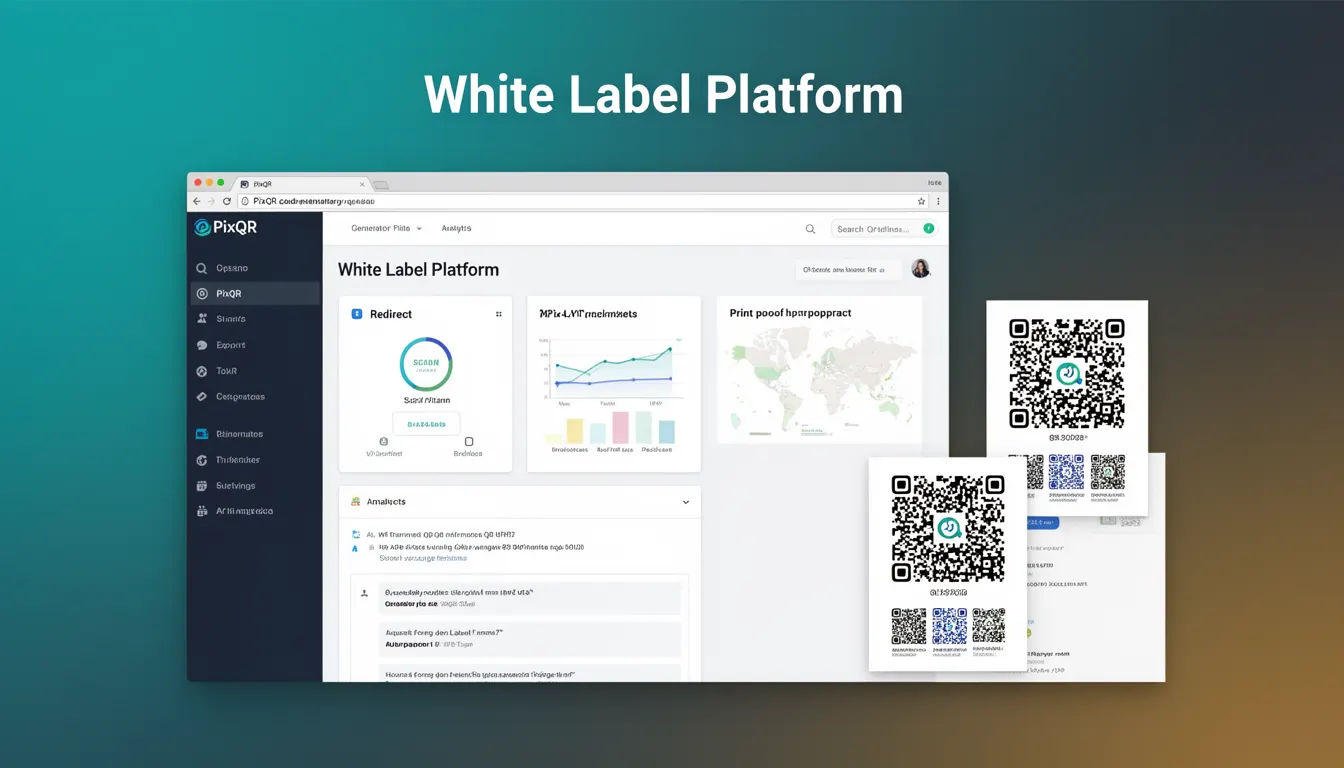
A White Label Platform in the context of QR code generation refers to a system or service that allows organizations to rebrand and redistribute QR code functionality under their own brand identity. This is particularly useful for businesses that want to offer QR code services to their customers or internal teams without exposing the underlying infrastructure or third-party branding.
For developers working with PixQR, a white label platform enables integration of QR code generation capabilities into existing products or services. It typically includes APIs, SDKs, and tools that allow developers to customize the appearance, functionality, and user experience of QR codes while maintaining control over the brand identity.
Why It Matters
White label platforms are essential for businesses that want to offer QR code solutions as part of their core product or service. They provide a seamless experience for end-users, maintain brand consistency, and allow for scalable distribution without the overhead of managing QR code infrastructure.
For developers, white label solutions simplify integration and reduce time-to-market. They also enable the creation of custom workflows, analytics, and user interfaces that align with existing product designs. This is especially important in industries where brand trust and user experience are critical, such as e-commerce, marketing, and enterprise services.
How It Works
White label QR code platforms operate by providing a set of APIs and tools that allow developers to integrate QR code functionality into their own applications or services. The core mechanisms include:
- API endpoints for generating QR codes with customizable parameters such as size, color, and content type.
- Branding controls that allow customization of visual elements like logos, colors, and fonts.
- Dynamic redirect management that supports URL updates without changing the QR code itself.
- Analytics and reporting features that track scan behavior and user engagement.
- Secure token-based authentication to ensure only authorized users can access the platform.
These platforms typically support standard QR code formats like QR Code 2005 and ISO/IEC 18004, ensuring compatibility across various devices and scanners. They often include support for both static and dynamic QR codes, with dynamic options allowing for real-time content updates.
Quick Reference
| Item | Purpose | Notes |
|---|---|---|
| API Endpoint | Generates QR codes | Supports GET and POST requests |
| Branding Parameters | Customizes visual appearance | Includes logo, colors, and fonts |
| Dynamic Redirect | Updates content without changing QR code | Supports URL changes in real-time |
| Analytics | Tracks scan data | Provides insights on user engagement |
| Authentication | Secures access | Uses API keys or OAuth tokens |
Basic Example
PixQR Example QR
This QR links directly to this glossary page, so printed notes, onboarding docs, and support material can bring scanners back to the current reference.
/glossary/qr-code-generators/qr-code-generators-white-label-platform
This basic example demonstrates how to generate a QR code using a PixQR white label API endpoint with minimal parameters.
const response = await fetch('https://api.pixqr.com/generate', {
  method: 'POST',
  headers: {
    'Authorization': 'Bearer YOUR_API_KEY',
    'Content-Type': 'application/json'
  },
  body: JSON.stringify({
    content: 'https://example.com',
    size: 200
  })
});
The example sends a POST request to the PixQR API with a URL to encode and a size parameter. The API returns a QR code image that can be displayed or downloaded. The authorization header ensures secure access to the platform.
Production Example
This production example shows how to securely generate a QR code with branding and analytics features using PixQR's white label platform.
const generateQRCode = async (url, brandingOptions) => {
  const response = await fetch('https://api.pixqr.com/generate', {
    method: 'POST',
    headers: {
      'Authorization': `Bearer ${process.env.PIXQR_API_KEY}`,
      'Content-Type': 'application/json'
    },
    body: JSON.stringify({
      content: url,
      size: 300,
      branding: {
        logo: 'https://yourbrand.com/logo.png',
        background_color: '#ffffff',
        foreground_color: '#000000'
      },
      analytics: {
        enabled: true,
        track_scans: true
      }
    })
  });

  if (!response.ok) {
    throw new Error('Failed to generate QR code');
  }

  const qrData = await response.json();
  return qrData.url;
};
This version includes error handling, environment variables for API keys, and comprehensive branding options. It also enables analytics tracking, which is essential for monitoring QR code performance and user engagement.
Common Mistakes
- Hardcoding API keys in client-side code exposes credentials to attackers. Always use environment variables or secure backend storage.
- Not validating input content can lead to invalid QR codes or injection attacks. Always sanitize and validate URL inputs.
- Ignoring branding consistency can result in poor user experience. Ensure all QR codes follow the same visual style.
- Disabling analytics or tracking features limits the ability to optimize QR code performance. Enable analytics for better insights.
- Using default colors or fonts without customization can make QR codes appear unprofessional. Customize branding elements to match brand guidelines.
- Failing to implement rate limiting or usage quotas can lead to abuse or service degradation. Implement proper rate limiting for API access.
Security And Production Notes
- Always use HTTPS for all API communications to prevent data interception.
- Implement proper authentication and authorization to restrict access to authorized users only.
- Validate all input data to prevent injection attacks and ensure QR code integrity.
- Use environment variables or secure configuration management for API keys and sensitive data.
- Monitor API usage and implement rate limiting to prevent abuse and maintain service availability.
Related Concepts
White label platforms are closely related to several other concepts in QR code development and API integration:
API Gateway: A gateway that manages access to backend services, often used in white label platforms to route requests and handle authentication.
Dynamic QR Codes: QR codes that can be updated without changing the physical code, commonly supported in white label systems for content management.
Analytics and Tracking: Features that provide insights into QR code performance, including scan counts, geographic data, and user behavior.
Brand Identity Management: The process of maintaining consistent branding across all generated QR codes and related materials.
Content Delivery Network (CDN): A network of servers that deliver QR code images efficiently to users globally, often integrated into white label platforms.