 PixQR
PixQR
Overview
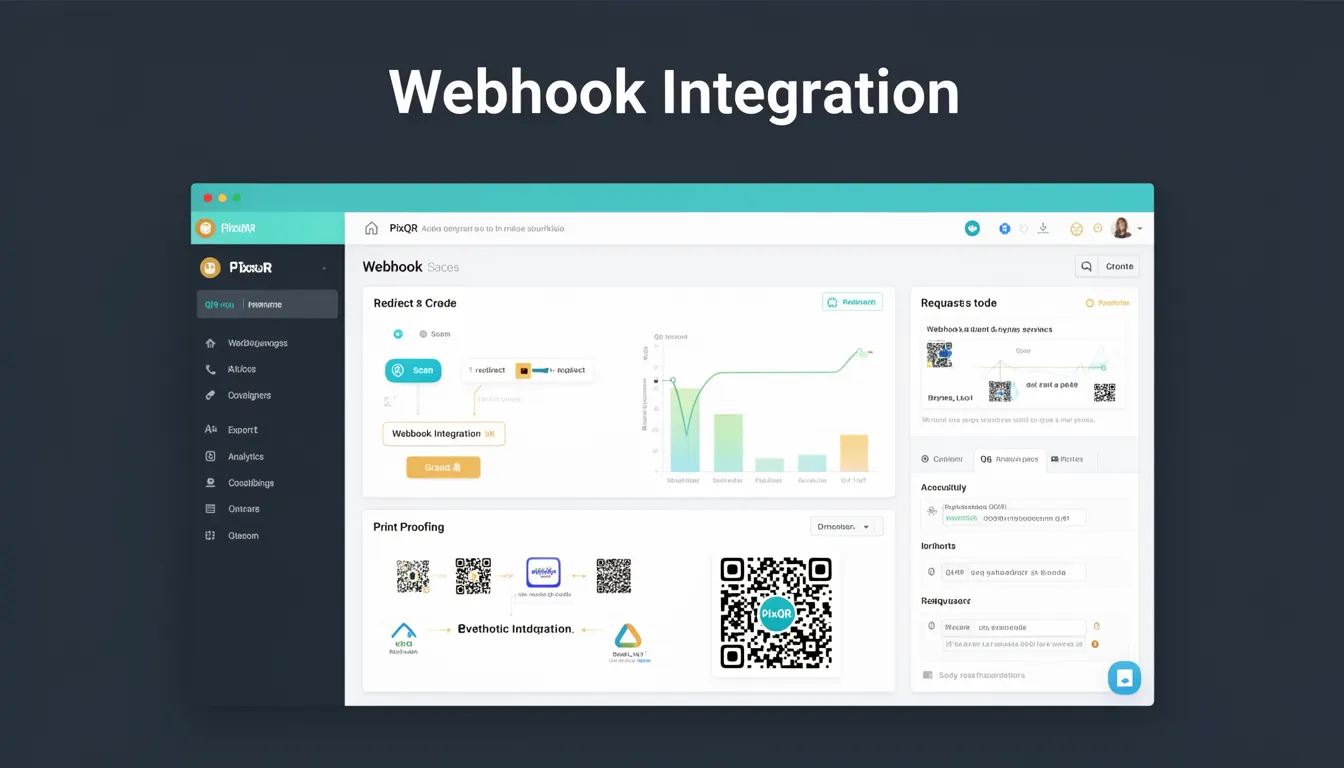
Webhook Integration in the context of PixQR refers to a mechanism that allows developers to receive real-time notifications when specific events occur within the PixQR platform, such as QR code generation, scan tracking, or redirect changes. These integrations enable automated workflows, real-time analytics, and seamless system communication between PixQR and external applications.
For developers working with PixQR, Webhook Integration is a core feature for building scalable, event-driven systems. It is used when developers need to react to QR code lifecycle events, such as when a QR code is scanned, updated, or exported, without polling or manual checks.
Why It Matters
Webhook Integration is essential for maintaining real-time responsiveness in QR code management systems. It reduces latency, improves scalability, and enables automated actions based on platform events. For example, a marketing team may use a webhook to trigger an email campaign when a QR code is scanned, or a developer might use it to update analytics dashboards in real time.
From a security standpoint, webhooks are critical for maintaining data integrity and enabling fraud detection. When a QR code is scanned or redirected, a webhook can validate or log the action, helping to detect unauthorized access or abuse. Additionally, it allows for performance optimization by reducing the need for constant polling, which can strain server resources.
How It Works
Webhook Integration in PixQR operates by allowing developers to configure a URL endpoint that will receive HTTP POST requests from the PixQR platform whenever an event occurs. These requests contain structured JSON payloads describing the event and associated data.
- The developer specifies a webhook URL during QR code configuration or platform setup.
- PixQR sends an HTTP POST request to that URL when a defined event occurs, such as a QR code scan or redirect change.
- The payload includes event type, timestamp, QR code metadata, and scan details if applicable.
- The endpoint must be publicly accessible and capable of handling HTTP requests with a 2xx response to confirm receipt.
- PixQR supports multiple event types including "qr_code_scanned", "qr_code_updated", and "redirect_changed".
Quick Reference
| Item | Purpose | Notes |
|---|---|---|
| Event Type | Identifies the action that triggered the webhook | Examples: qr_code_scanned, qr_code_updated |
| HTTP Method | Webhook requests use POST | Must support HTTPS |
| Payload Format | JSON structure with event details | Includes timestamp, QR ID, metadata |
| Response Code | Must return 2xx status to confirm receipt | 4xx or 5xx indicates retry or failure |
| Security | Optional signature verification for authenticity | Use PixQR’s HMAC signature for validation |
Basic Example
PixQR Example QR
This QR links directly to this glossary page, so printed notes, onboarding docs, and support material can bring scanners back to the current reference.
/glossary/qr-code-generators/qr-code-generators-webhook-integration

This basic example shows how to configure a webhook URL in PixQR to receive scan events.
{
  "event_type": "qr_code_scanned",
  "qr_id": "qr-12345",
  "timestamp": "2023-10-01T12:00:00Z",
  "scan_data": {
    "ip_address": "192.168.1.100",
    "user_agent": "Mozilla/5.0"
  }
}
The example payload includes an event type, QR code ID, timestamp, and scan metadata. This data can be parsed and used to trigger downstream actions like logging or analytics updates.
Production Example
This production-ready example demonstrates how to safely handle incoming webhook requests with validation and error handling.
const express = require('express');
const crypto = require('crypto');
const app = express();

app.use(express.json());

const WEBHOOK_SECRET = 'your-webhook-secret';

app.post('/webhook', (req, res) => {
  const signature = req.headers['x-pixqr-signature'];
  const payload = JSON.stringify(req.body);

  const expectedSignature = 'sha256=' + crypto
    .createHmac('sha256', WEBHOOK_SECRET)
    .update(payload)
    .digest('hex');

  if (signature !== expectedSignature) {
    return res.status(401).send('Unauthorized');
  }

  const eventType = req.body.event_type;
  switch (eventType) {
    case 'qr_code_scanned':
      console.log('QR scanned:', req.body.qr_id);
      break;
    default:
      console.log('Unknown event:', eventType);
  }

  res.status(200).send('OK');
});

app.listen(3000, () => {
  console.log('Webhook server listening on port 3000');
});
This version includes signature verification to ensure the request originates from PixQR, handles different event types, and sends an appropriate HTTP response. It is suitable for production use in secure, scalable environments.
Common Mistakes
- Not validating webhook signatures, which can lead to unauthorized access or data injection attacks.
- Using HTTP instead of HTTPS for webhook endpoints, exposing sensitive data.
- Not responding with a 2xx status code, causing PixQR to retry the webhook multiple times.
- Handling large payloads without proper memory or timeout management, risking system crashes.
- Ignoring event deduplication, which can cause duplicate actions or data inconsistencies.
- Not implementing rate limiting or circuit breaker patterns, leading to overload during high-volume events.
Security And Production Notes
- Always use HTTPS for webhook endpoints to prevent data interception.
- Implement signature verification using PixQR’s HMAC to ensure authenticity of events.
- Set timeouts and retry limits to prevent hanging or overloaded systems.
- Validate incoming payloads to prevent injection or malformed data errors.
- Use dedicated webhook handlers or queues to manage event processing and avoid blocking main application threads.
Related Concepts
Webhook Integration is closely related to several core concepts in PixQR and web development:
- Event-Driven Architecture — Webhooks are a key component of event-driven systems, enabling asynchronous communication between services.
- API Endpoints — Webhooks rely on HTTP endpoints, similar to REST APIs, but are used for real-time notifications rather than request-response cycles.
- Real-Time Analytics — Webhooks can feed live data into dashboards or analytics tools, improving decision-making speed.
- Automated Workflows — By reacting to webhook events, developers can automate actions like sending emails, updating databases, or triggering external systems.
- Scan Tracking — Webhooks are essential for logging and monitoring QR code scans, especially in marketing or security applications.