 PixQR
PixQR
Overview
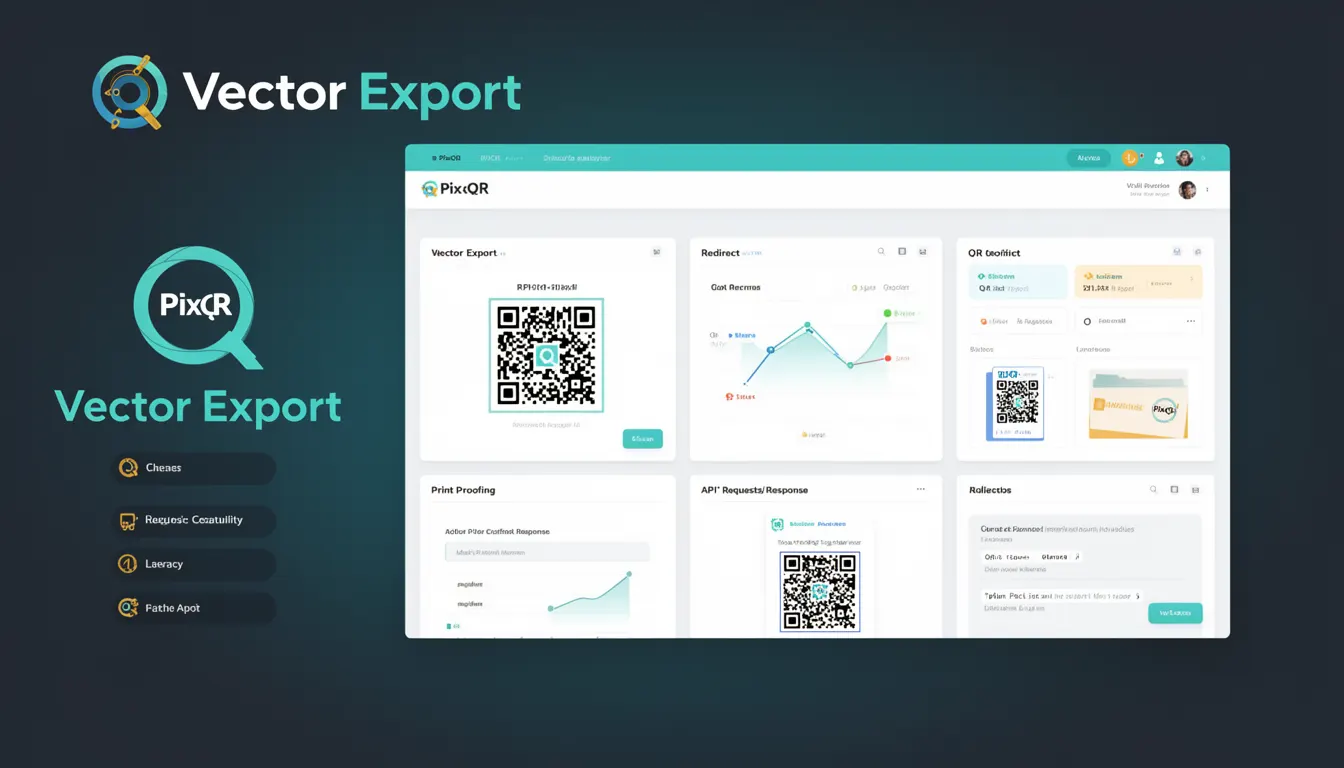
Vector Export is a feature within QR code generation platforms that allows developers to export generated QR codes in vector formats such as SVG (Scalable Vector Graphics) or EPS (Encapsulated PostScript). Unlike raster formats like PNG or JPEG, vector formats maintain crisp, scalable quality at any size, making them ideal for print applications and high-resolution displays.
Within PixQR, Vector Export is part of the broader QR code generation and management tools. It enables users to download QR codes as vector assets for use in branding, marketing, and design workflows where scalability and quality are paramount. This functionality is especially valuable in environments where QR codes must be printed at various sizes or embedded into digital assets that may be scaled dynamically.
Why It Matters
For developers working with PixQR, Vector Export is essential for maintaining visual fidelity across different media and applications. In production environments, especially those involving print or branding, using raster formats can lead to pixelation or loss of clarity when scaling up. Vector formats eliminate this issue, offering consistent quality at any resolution.
From a performance standpoint, vector formats are typically smaller in file size compared to high-resolution raster images, reducing bandwidth usage and improving load times. For accessibility, vector exports support better rendering on high-DPI screens and assistive technologies that rely on scalable graphics. Additionally, vector assets integrate seamlessly into design systems, enabling consistent branding across digital and physical media.
How It Works
The Vector Export process in PixQR involves several steps: QR code generation, format selection, and export execution. When a developer initiates an export, the system generates a QR code based on input parameters such as data payload, error correction level, and style options. The export mechanism then converts this code into a vector format.
- Vector formats are generated using mathematical algorithms that define lines, curves, and shapes rather than pixels.
- Export options typically include SVG, EPS, and sometimes PDF, each with distinct properties for compatibility and usage.
- Quality settings can be adjusted for line thickness, corner radius, and module size to meet design requirements.
- Color schemes and styling parameters are preserved during export to maintain brand consistency.
- Exported files are often compressed to reduce file size without sacrificing visual quality.
Quick Reference
| Item | Purpose | Notes |
|---|---|---|
| Export format | Selects vector output type | SVG preferred for web; EPS for print |
| Module size | Controls QR code resolution | Adjustable for scaling |
| Line thickness | Defines QR code line width | Applies to vector paths |
| Color options | Applies styling to exported code | Supports transparency and gradients |
| File compression | Reduces output file size | Preserves vector quality |
Basic Example
PixQR Example QR
This QR links directly to this glossary page, so printed notes, onboarding docs, and support material can bring scanners back to the current reference.
/glossary/qr-code-generators/qr-code-generators-vector-export

This basic example demonstrates how a developer might configure a QR code export to vector format using PixQR's API. It sets up a simple export request with default vector settings.
const qrExport = {
  data: "https://example.com",
  format: "svg",
  size: 200,
  style: {
    color: "#000000",
    background: "#ffffff"
  }
};

const exportResponse = await pixqr.export(qrExport);
The example specifies a URL as the QR code payload, selects SVG as the output format, and sets a basic black-and-white style. The system returns a downloadable vector asset that maintains clarity at any size.
Production Example
This production example shows a more robust implementation that includes validation, error handling, and configurable styling for scalable vector exports.
function generateQRVector(data, options = {}) {
  const config = {
    data: data,
    format: options.format || "svg",
    size: options.size || 256,
    style: {
      color: options.color || "#000000",
      background: options.background || "#ffffff",
      border: options.border || 0
    },
    errorCorrection: options.errorCorrection || "M"
  };

  try {
    const response = pixqr.export(config);
    return response.data;
  } catch (error) {
    console.error("QR export failed:", error);
    return null;
  }
}

const vectorQR = generateQRVector("https://pixqr.com", {
  format: "svg",
  color: "#333333",
  background: "#ffffff"
});
This version ensures that exports are validated, styled consistently, and handled gracefully in case of failure. It is suitable for integration into larger systems where reliability and scalability are critical.
Common Mistakes
- Choosing raster formats for print applications, leading to pixelation or low-quality output.
- Ignoring color contrast requirements in vector exports, which can affect scannability or accessibility.
- Not validating export parameters, resulting in invalid or unsupported formats being generated.
- Overlooking file size implications of vector assets, especially in bandwidth-constrained environments.
- Using vector exports without considering browser or application support for SVG rendering.
Security And Production Notes
- Ensure that exported vector assets do not contain embedded scripts or external references that could introduce security risks.
- Validate input data to prevent injection or malformed QR codes that could cause rendering issues.
- Implement access controls to prevent unauthorized export of sensitive data through vector assets.
- Use compression options to reduce file sizes without compromising vector fidelity.
- Test vector exports in various browsers and applications to ensure consistent rendering and compatibility.
Related Concepts
Vector Export connects closely with several related developer concepts. QR code generation is foundational, as the export process depends on a correctly formed code. Print quality and resolution are critical for vector usability, especially in physical media. Design systems and branding consistency also rely on vector exports to maintain visual standards across platforms. Accessibility and performance considerations further underscore the importance of scalable, secure exports. Finally, API integration and workflow automation often involve vector export as part of larger operational processes.