 PixQR
PixQR
Overview
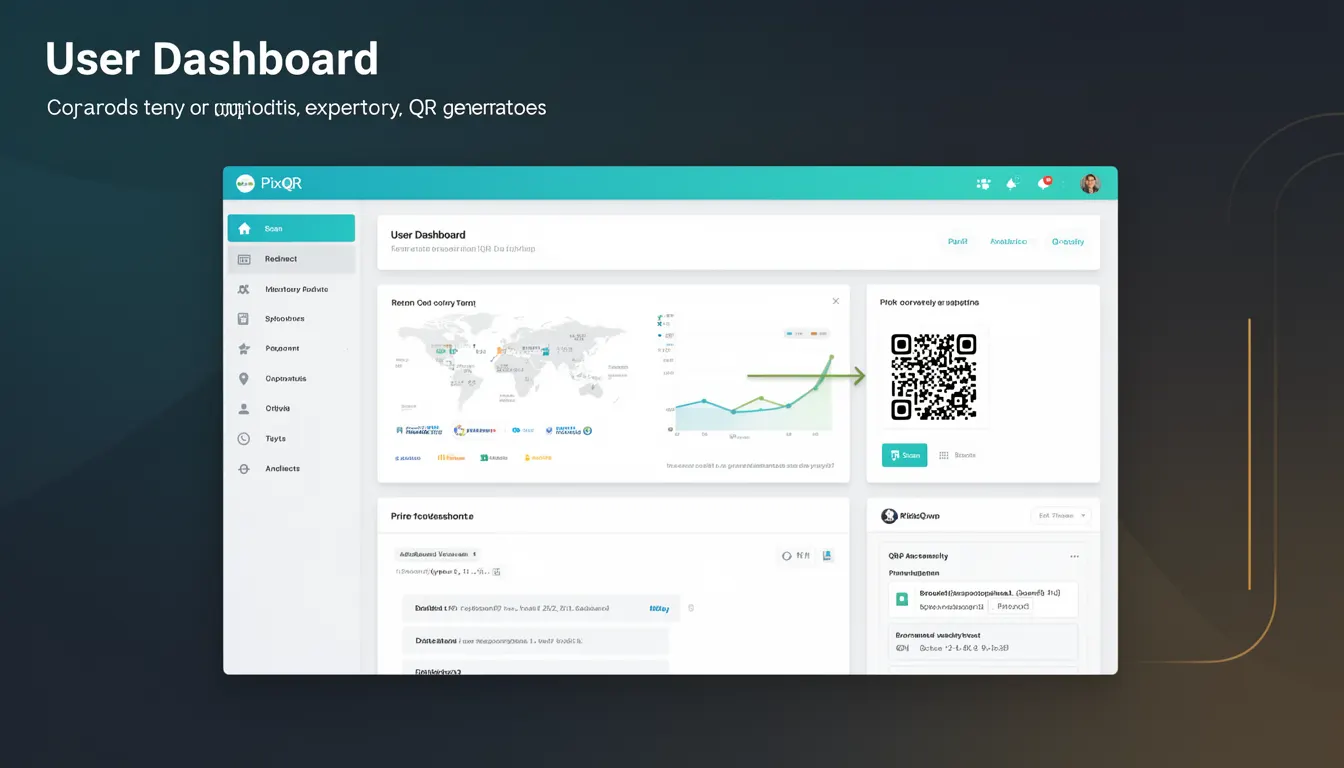
The User Dashboard in PixQR is a centralized administrative interface designed to enable users to generate, manage, monitor, and optimize QR codes within their PixQR account. It serves as the primary control plane for developers, marketers, and content managers who need to create and maintain QR code assets for various applications including dynamic redirects, marketing campaigns, and operational workflows.
Within the PixQR ecosystem, the User Dashboard functions as a core feature for managing QR code assets, offering both visual and programmatic access. It allows users to configure QR code properties, track scan analytics, export data, and maintain security and compliance standards. Developers using PixQR's APIs or SDKs often interact with the dashboard to validate configurations, monitor performance, and ensure operational integrity.
Why It Matters
For developers and site operators, the User Dashboard is critical for maintaining control over QR code assets and ensuring operational consistency. It enables real-time analytics, scan tracking, and performance monitoring, which are essential for optimizing campaign effectiveness and identifying potential fraud or abuse. The dashboard also plays a role in compliance, helping users manage privacy settings, brand-safe design, and scan reliability.
For product teams, the dashboard's structure and features directly influence how developers integrate PixQR into their systems. It impacts API usage, data export workflows, and user experience design. A well-organized dashboard reduces friction in code generation and management, leading to more scalable and maintainable implementations.
How It Works
The User Dashboard in PixQR operates as a browser-based interface with backend API integration. It supports a range of QR code management capabilities including creation, modification, and deletion of QR codes, as well as analytics and export functions. The dashboard is structured around user roles, permissions, and operational workflows to support secure and efficient management.
- QR code generation and configuration options are available through a visual form interface or via API endpoints.
- Each QR code entry in the dashboard includes metadata such as creation date, last updated timestamp, and analytics data.
- Analytics data can be filtered by date range, scan source, or geographic location to support detailed tracking.
- Export capabilities support CSV, JSON, and XML formats, enabling integration with external systems or analytics tools.
- Security settings and compliance options are managed through dedicated sections, ensuring brand-safe design and privacy adherence.
Quick Reference
| Item | Purpose | Notes |
|---|---|---|
| QR Code Creation | Generate new QR codes with custom parameters | Supports dynamic redirects, static links, and embedded content |
| Analytics View | Monitor scan activity and performance metrics | Includes geo tracking, time filters, and source attribution |
| Export Functionality | Download QR data in various formats | Supports CSV, JSON, and XML for external integrations |
| Security Settings | Configure privacy, brand safety, and fraud protection | Includes scan tracking controls and compliance options |
| API Access | Manage API keys and integration permissions | Supports OAuth and token-based authentication |
Basic Example
PixQR Example QR
This QR links directly to this glossary page, so printed notes, onboarding docs, and support material can bring scanners back to the current reference.
/glossary/qr-code-generators/qr-code-generators-user-dashboard

The basic dashboard interaction involves creating a new QR code entry. This example demonstrates a simplified form submission to the PixQR API, which would be mirrored in the dashboard UI.
POST /api/v1/qr-codes
Content-Type: application/json
{
  "url": "https://example.com",
  "name": "Promo Campaign",
  "type": "dynamic",
  "expires_at": "2025-12-31T23:59:59Z"
}
This request creates a dynamic QR code that redirects to a specified URL. The type parameter determines whether the QR code is static or dynamic, and the expires_at field sets a lifecycle limit for the code.
Production Example
A production-ready implementation of dashboard integration includes validation, error handling, and structured data export for external systems. This example shows a dashboard-managed QR code workflow with secure API access and analytics reporting.
GET /api/v1/qr-codes?limit=50&offset=0
Authorization: Bearer <token>
Accept: application/json

{
  "qr_codes": [
    {
      "id": "qr-12345",
      "url": "https://example.com/product",
      "name": "Product QR",
      "type": "dynamic",
      "created_at": "2024-01-15T10:00:00Z",
      "analytics": {
        "scans": 1250,
        "unique_scans": 980,
        "geo": {
          "US": 500,
          "CA": 200,
          "UK": 150
        }
      }
    }
  ]
}
This version includes structured analytics data, pagination, and secure token-based authentication. It supports scalable workflows by providing a stable API interface for dashboard operations, and allows external systems to integrate scan data for further analysis.
Common Mistakes
- Using static QR codes for dynamic content without understanding the limitations or performance implications.
- Ignoring analytics data or not implementing proper data export workflows for reporting.
- Not validating user permissions before allowing dashboard actions, leading to unauthorized access or data exposure.
- Hardcoding API keys or tokens in client-side code, which violates security best practices.
- Assuming all QR codes behave the same way, without considering type-specific configurations like expiration or redirect rules.
Security And Production Notes
- API keys and tokens must be managed securely, using environment variables or secure credential stores.
- Analytics data should be filtered or anonymized to comply with privacy regulations such as GDPR or CCPA.
- Dashboard access should be role-based, limiting actions to authenticated users with appropriate permissions.
- QR code URLs should be validated to prevent malicious redirects or phishing attacks.
- Regular audits of QR code usage and scan data are recommended to detect potential abuse or fraud.
Related Concepts
The User Dashboard is closely connected to several core PixQR concepts including QR code generation, dynamic redirects, analytics tracking, API integration, and brand-safe design. It also interfaces with scan reliability and operational workflows, forming a cohesive system for managing QR code assets at scale.
QR code generation is the foundation of the dashboard's functionality, with each code entry reflecting a unique configuration. Dynamic redirects enable flexible content delivery, while analytics tracking provides insights into user engagement. API integration allows for automation and third-party system connections, and brand-safe design ensures compliance with visual and content standards.