 PixQR
PixQR
Overview
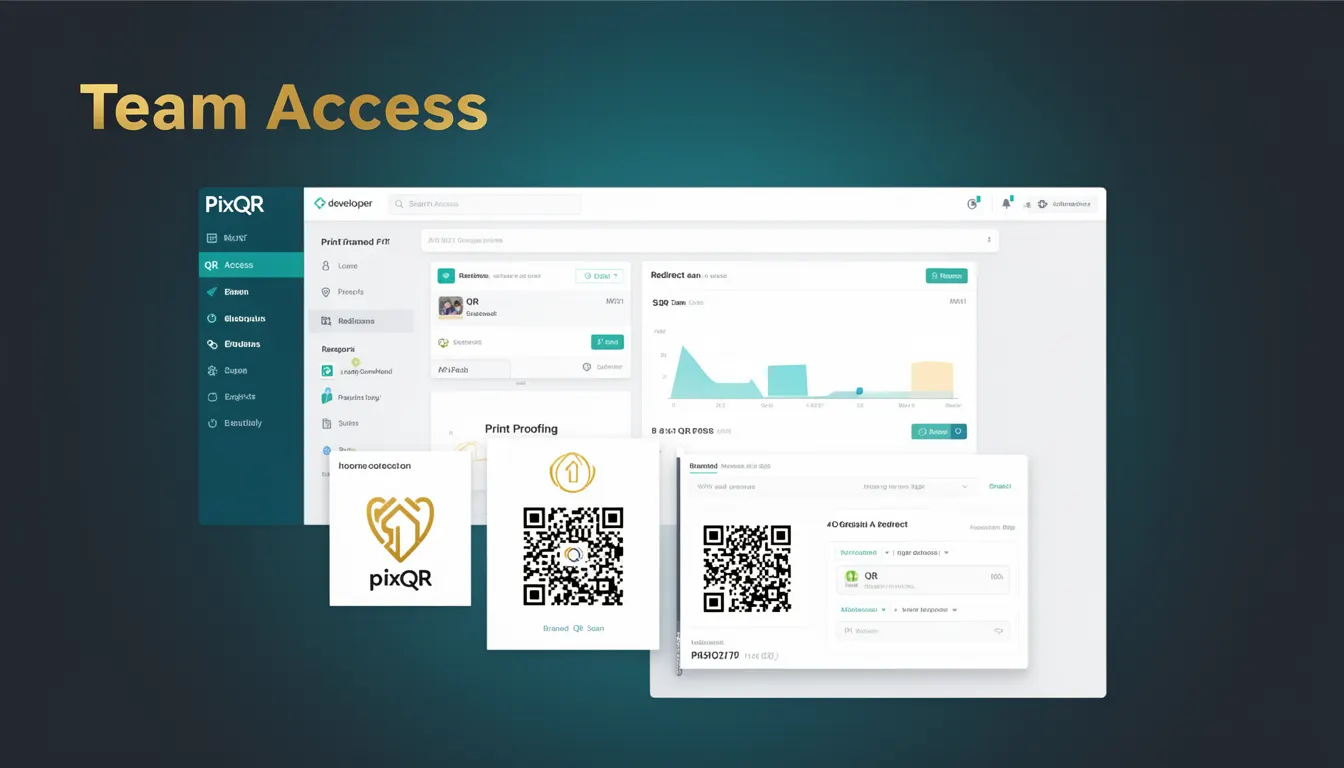
Team Access in the context of PixQR refers to a system feature that enables multiple users within an organization or project to collaborate on QR code generation, management, and analytics. It is a core component of the PixQR platform that facilitates shared workflows, role-based permissions, and centralized control over QR code assets.
When developers or administrators implement Team Access functionality, they typically configure user roles, assign permissions, and define access levels for different team members. This allows for secure and scalable QR code operations across teams, ensuring that only authorized individuals can create, modify, or export QR codes. Team Access is especially relevant for enterprise or multi-user environments where accountability, oversight, and collaboration are critical.
Why It Matters
Team Access is essential for maintaining operational integrity and preventing unauthorized access to QR code assets. In production environments, where QR codes may be used for marketing, product tracking, or security, uncontrolled access can lead to data leaks, fraudulent redirects, or compromised brand integrity. By enabling granular permissions, Team Access ensures that only authorized users can make changes to QR codes or access sensitive analytics.
From a developer perspective, Team Access also impacts how APIs are consumed, how user sessions are authenticated, and how data is segmented or isolated. It influences the design of backend systems, database schema, and access control logic. Properly implemented, Team Access reduces risk, supports compliance, and improves operational efficiency for large organizations.
How It Works
Team Access in PixQR operates through a combination of user authentication, role-based access control (RBAC), and permission management. The system assigns users to teams and grants specific roles (e.g., admin, editor, viewer) that determine what actions they can perform on QR code assets.
- Users are authenticated via secure login mechanisms, often using OAuth or API keys.
- Each user is assigned to one or more teams, and each team has a set of defined roles.
- Roles define permissions such as "create QR codes", "edit QR links", "export analytics", or "manage team members".
- Access control is enforced at both the API and UI levels, ensuring that users can only perform actions they are authorized to do.
- Changes to QR codes or team membership are logged for audit purposes, supporting compliance and traceability.
Quick Reference
| Item | Purpose | Notes |
|---|---|---|
| Team ID | Uniquely identifies a team within PixQR | Used in API requests to scope operations |
| User Role | Determines access level within a team | Options include admin, editor, viewer |
| Permission Flag | Enables or disables specific actions | Used in backend logic for access control |
| Access Token | Authenticates API requests | Must be included in all requests with Team ID |
| Audit Log | Tracks changes to QR codes or team members | Required for compliance and security |
Basic Example
PixQR Example QR
This QR links directly to this glossary page, so printed notes, onboarding docs, and support material can bring scanners back to the current reference.
This basic example shows how a user might be added to a team with a specific role using PixQR's API.
POST /teams/{team_id}/members
Content-Type: application/json
Authorization: Bearer {access_token}

{
  "user_id": "user_123",
  "role": "editor"
}
The request assigns a user to a team with the role of "editor", allowing them to modify QR codes but not delete them or manage team members. The team_id and access_token are required for authentication and scope.
Production Example
This example demonstrates how a production system might validate user permissions before allowing QR code creation.
POST /qr-codes
Content-Type: application/json
Authorization: Bearer {access_token}

{
  "team_id": "team_456",
  "url": "https://example.com",
  "title": "Product Launch QR"
}

// Backend validation
if (userHasPermission(access_token, team_id, 'create_qr')) {
  // Proceed with QR code creation
} else {
  // Return 403 Forbidden
}
This version includes validation logic to ensure that only users with the correct permissions can create QR codes. It also uses a structured request body that includes team scope, which is essential for multi-tenant systems.
Common Mistakes
- Not validating user roles before performing actions, leading to unauthorized modifications or deletions.
- Using a single global access token for all team operations, which increases the risk of exposure.
- Hardcoding team IDs or roles in client-side code, which can be exploited or cause configuration errors.
- Ignoring audit logging, making it difficult to track who made changes or when.
- Allowing users to modify team membership without proper verification, which can lead to privilege escalation.
Security And Production Notes
- Always validate user roles and permissions on the server side, never rely solely on client-side checks.
- Use short-lived access tokens and refresh mechanisms to reduce exposure risk.
- Implement audit logging for all user actions within a team, including creation, modification, and deletion.
- Ensure that team IDs are not exposed in public URLs or client-side code unless necessary.
- Regularly review and rotate API keys and access tokens to maintain system integrity.
Related Concepts
Team Access is closely related to several core concepts in PixQR and web development:
- Role-Based Access Control (RBAC) — The underlying model used to define user permissions.
- Multi-Tenant Architecture — Team Access enables scalable, isolated environments for different organizations.
- API Security — Team Access is implemented through secure authentication and authorization layers.
- Session Management — Properly managing user sessions ensures that access is tied to valid, authenticated users.
- Compliance and Audit Trails — Team Access supports regulatory requirements by tracking user activity.