 PixQR
PixQR
Overview
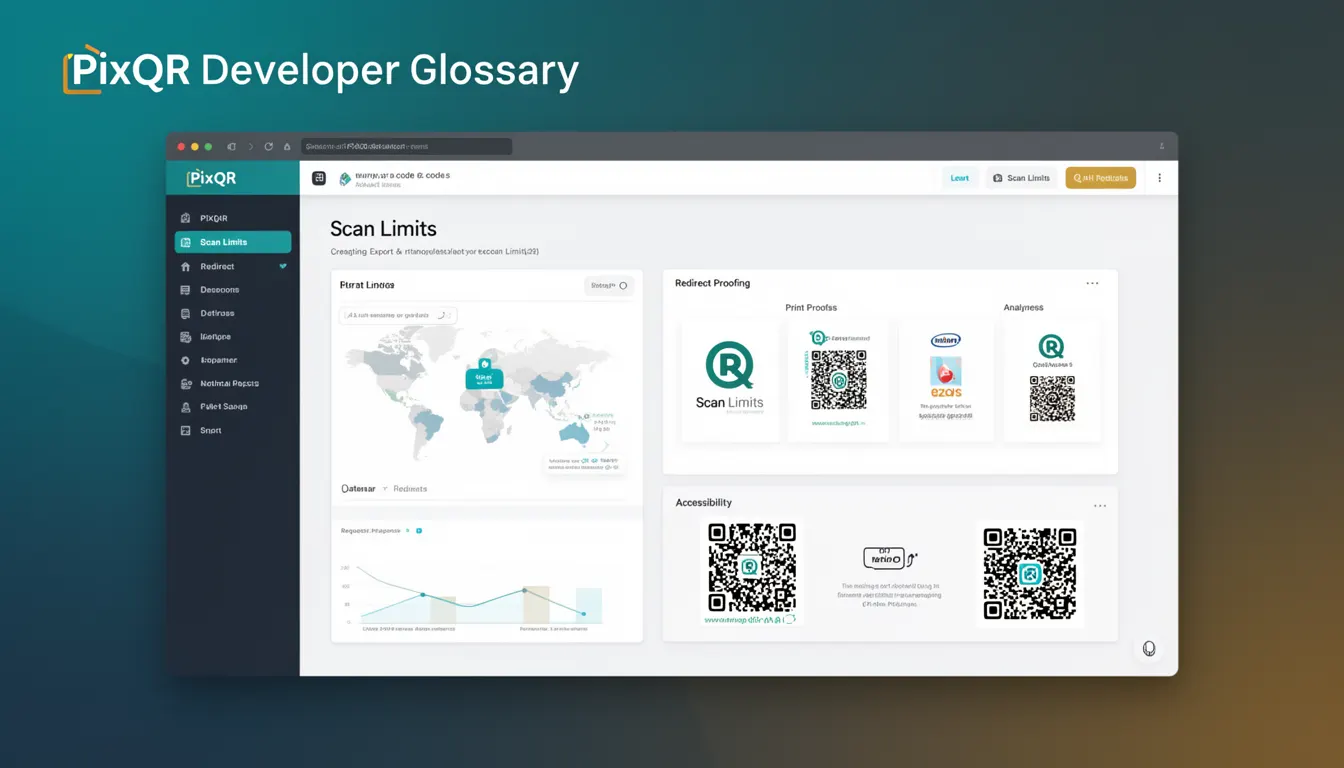
Scan Limits refer to a set of constraints and controls implemented within PixQR's QR code generation platform that define how many times a QR code can be scanned or how long it remains active. These limits are applied at the time of QR code creation and can be configured to manage traffic, enforce usage policies, or control access to content.
For developers working with PixQR, Scan Limits provide a way to programmatically manage the lifecycle and usage of QR codes. They are particularly relevant when integrating with systems that require dynamic behavior, such as event ticketing, promotional campaigns, or access control systems. Understanding Scan Limits allows developers to build applications that respect and enforce these constraints, ensuring that QR code usage aligns with business or security requirements.
Why It Matters
Scan Limits are crucial for developers who manage high-volume or sensitive QR code deployments. They prevent abuse by limiting how many times a QR code can be used, which is especially important in scenarios like promotional giveaways, access control, or event entry. Without proper Scan Limits, QR codes may be exploited to gain unlimited access or trigger unintended actions, leading to potential fraud or system strain.
From a performance standpoint, Scan Limits help reduce server load by controlling how often a QR code's target URL is accessed. They also improve user experience by ensuring that a QR code behaves predictably and securely, particularly in public or shared environments. For example, a limited scan QR code for a one-time discount can prevent users from reusing the same code multiple times.
How It Works
Scan Limits in PixQR are implemented as configurable parameters during QR code creation. These parameters are applied at the time of generation and are enforced by the platform's backend systems. When a QR code is scanned, the system checks the current scan count against the defined limit and returns appropriate responses, such as redirecting to a "used" page or denying further access.
- Scan Limits can be set to a fixed number of scans, such as 1, 5, or 100.
- They can also be configured with a time-based expiration, where a QR code becomes inactive after a set duration.
- Scan limits are enforced at the platform level and are not dependent on client-side behavior or browser settings.
- Each QR code’s scan limit is stored in the platform's database and updated with each scan event.
- When a scan limit is exceeded, the system logs the event and may trigger alerts for administrators.
Quick Reference
| Item | Purpose | Notes |
|---|---|---|
| scan_limit | Maximum number of scans allowed | Can be set to 1 or higher |
| expiration_date | Time after which QR code becomes inactive | ISO 8601 formatted date string |
| scan_count | Current number of scans | Automatically incremented on scan |
| is_active | Indicates if QR code can still be scanned | Updated based on limits |
| usage_logs | Record of scan events | Used for analytics and audit |
Basic Example
PixQR Example QR
This QR links directly to this glossary page, so printed notes, onboarding docs, and support material can bring scanners back to the current reference.

This basic example shows how to define a QR code with a scan limit of 3 using PixQR's API. It demonstrates the core parameter needed to set Scan Limits.
{
  "url": "https://example.com/promo",
  "scan_limit": 3,
  "expiration_date": "2025-12-31T23:59:59Z"
}
The scan_limit parameter sets the maximum number of scans allowed. The expiration_date ensures the QR code becomes inactive after a certain time, combining both time and scan constraints for enhanced control.
Production Example
This example shows a more comprehensive approach to setting Scan Limits in a production environment, including validation, logging, and handling of limit exceeded scenarios.
{
  "url": "https://example.com/access",
  "scan_limit": 1,
  "expiration_date": "2025-06-30T23:59:59Z",
  "metadata": {
    "event_id": "event_12345",
    "user_id": "user_67890"
  },
  "analytics": {
    "track_scans": true,
    "track_location": false
  }
}
This version includes metadata for tracking and analytics, ensuring that scan events are logged and associated with specific users or events. It also demonstrates how Scan Limits can be combined with other platform features to support robust access control and audit trails.
Common Mistakes
- Assuming Scan Limits are automatically enforced on client-side QR code readers without backend validation.
- Setting scan limits to zero or negative values, which can cause unexpected behavior or errors.
- Forgetting to configure expiration dates, leading to QR codes that remain active indefinitely.
- Not accounting for concurrent scans when setting high scan limits, which can cause race conditions or inconsistent state.
- Using Scan Limits without logging or monitoring, which makes it difficult to detect abuse or system issues.
Security And Production Notes
- Scan Limits must be enforced server-side to prevent bypassing by users or malicious actors.
- Always validate scan limit values to ensure they are within acceptable ranges.
- Implement logging for every scan event to track usage and detect anomalies.
- Use expiration dates in conjunction with scan limits to prevent long-term abuse.
- Ensure that scan limit updates are atomic to avoid race conditions in high-concurrency environments.
Related Concepts
Scan Limits are closely related to several other concepts in QR code management and digital access control:
- QR Code Lifecycle: Scan Limits are part of the broader lifecycle management of QR codes, including creation, activation, usage, and deactivation.
- Dynamic Redirects: They work in tandem with dynamic redirects to control how many times a URL can be accessed.
- Analytics and Tracking: Scan Limits often include analytics features that record how many times a QR code has been scanned.
- Access Control: In systems where QR codes grant access, Scan Limits enforce usage policies and prevent unauthorized reuse.
- API Rate Limiting: Scan Limits function similarly to API rate limiting, restricting how often a resource can be accessed.