 PixQR
PixQR
Overview
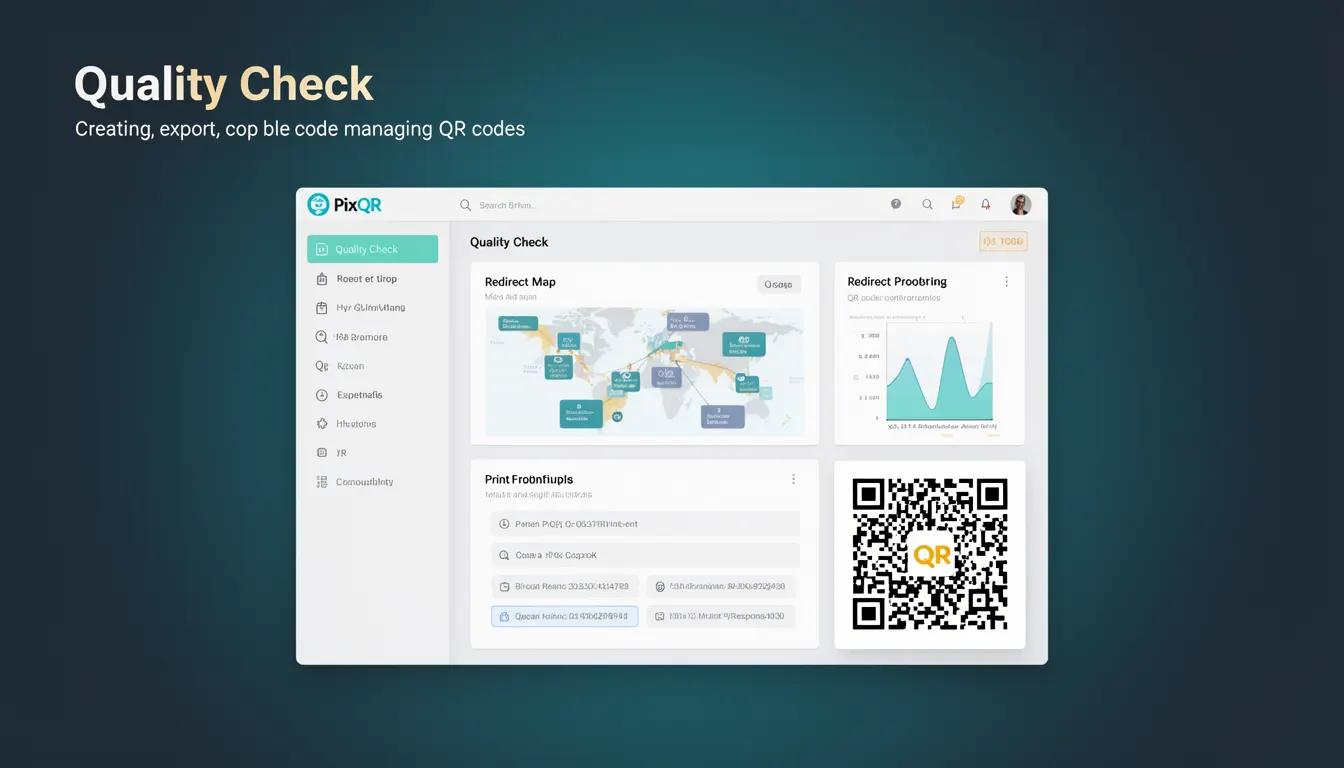
Quality Check in the context of PixQR refers to a set of automated and manual verification mechanisms designed to ensure that QR codes generated or managed through the platform meet specific technical and operational standards. These checks validate elements such as scan reliability, design compliance, link integrity, and brand safety.
Developers and operators use Quality Check features when creating QR codes to prevent common issues like malformed links, incorrect encoding, or design inconsistencies that could lead to failed scans or user confusion. In PixQR, this process is integrated into the code generation workflow, offering both real-time feedback and batch validation capabilities.
Why It Matters
Quality Check is essential for maintaining trust and usability in QR code systems. Poorly generated QR codes can fail to scan, redirect to malicious sites, or violate brand guidelines, leading to user frustration, security risks, or damage to brand reputation.
From a production standpoint, Quality Check helps teams reduce support tickets, prevent fraud, and ensure that all QR codes function reliably across devices and scanning applications. For developers, it acts as a safety net that catches errors before deployment, reducing the need for manual QA or post-production fixes.
How It Works
The Quality Check process in PixQR is implemented as a multi-stage validation system that runs during QR code creation and management. It ensures that all inputs and outputs meet technical and policy requirements before the QR code is finalized.
- Link validation ensures that the target URL is reachable, properly formatted, and does not contain malicious or disallowed domains.
- Encoding verification checks that the data is correctly encoded using QR code standards (such as UTF-8, ISO/IEC 18004).
- Scan reliability testing simulates QR code scanning under various conditions, including lighting and camera angle.
- Design compliance checks ensure that the QR code's visual appearance meets brand-safe and accessibility standards.
- Privacy and security checks validate that no sensitive or private information is embedded in the QR code payload.
Quick Reference
| Item | Purpose | Notes |
|---|---|---|
| Link validation | Ensures URL is valid and safe | Must be HTTPS where possible |
| Encoding check | Verifies correct QR code data format | Uses standard QR code specifications |
| Scan simulation | Tests QR code reliability | Simulates various scanning environments |
| Design compliance | Ensures visual standards are met | Includes color contrast and accessibility |
| Privacy audit | Checks for sensitive data | Blocks PII or confidential content |
Basic Example
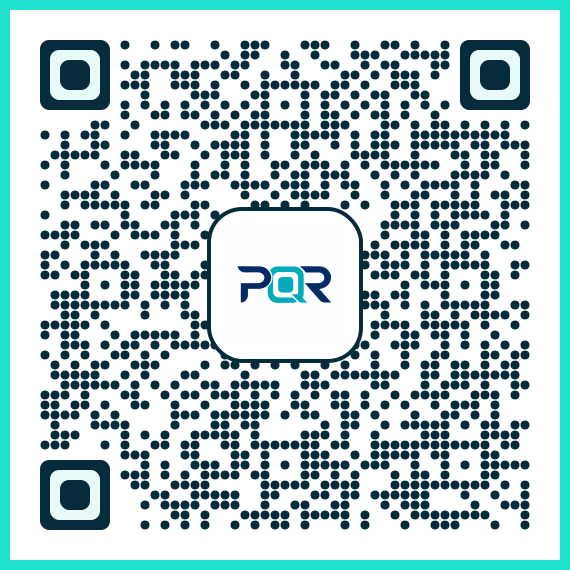
PixQR Example QR
This QR links directly to this glossary page, so printed notes, onboarding docs, and support material can bring scanners back to the current reference.
/glossary/qr-code-generators/qr-code-generators-quality-check
A simple example of a Quality Check in action involves validating a URL before generating a QR code. This ensures that the link is not only valid but also safe for use in a QR code.
const url = 'https://example.com';
const isValid = validateUrl(url);
if (isValid) {
  generateQRCode(url);
}
The example checks if the URL is valid before proceeding to QR generation. This basic form of Quality Check prevents malformed or unsafe links from entering the system.
Production Example
In a production environment, Quality Check is more comprehensive, involving multiple layers of validation and error reporting. The following example demonstrates how a QR code generator might integrate Quality Check into its API workflow.
const generateQRWithQC = async (data, options) => {
  const validation = await validateInput(data, options);
  if (!validation.isValid) {
    throw new Error('Input failed quality check');
  }
  const qrCode = await createQRCode(data);
  const scanTest = await testScan(qrCode);
  if (!scanTest.passed) {
    throw new Error('Scan reliability test failed');
  }
  return qrCode;
};
This version ensures that all inputs are validated, the QR code is generated, and a scan simulation is performed before returning the result. It is more robust and suitable for production systems where reliability and error handling are critical.
Common Mistakes
- Skipping input validation before QR code generation, leading to malformed or unsafe links in production.
- Assuming that a QR code is functional without simulating scan behavior, which can result in user experience failures.
- Ignoring design compliance rules, such as color contrast or accessibility, which can lead to failed scans on certain devices.
- Not implementing privacy checks, which can result in accidental exposure of sensitive data.
- Using outdated encoding standards, causing compatibility issues with scanning applications.
Security And Production Notes
- Always validate URLs to prevent redirection to malicious domains or phishing sites.
- Ensure that QR code payloads are encoded using standards compliant with ISO/IEC 18004 to avoid compatibility issues.
- Perform scan simulations under varying lighting and camera conditions to improve real-world reliability.
- Enforce color contrast and accessibility standards to ensure QR codes are scannable by users with visual impairments.
- Block sensitive or private information from being embedded in QR codes to prevent data leakage.
Related Concepts
Quality Check in PixQR is closely tied to several related concepts:
- QR Code Generation — The core process of creating QR codes, which Quality Check validates.
- Dynamic Redirects — Ensures that links are valid and functional before redirecting users.
- Scan Reliability — A key output of Quality Check, ensuring that QR codes are scannable under real-world conditions.
- Brand Safety — Quality Check ensures that QR codes align with brand guidelines and do not include unsafe or inappropriate content.
- Analytics — Quality Check data can be used to improve QR code performance and user engagement metrics.