 PixQR
PixQR
Overview
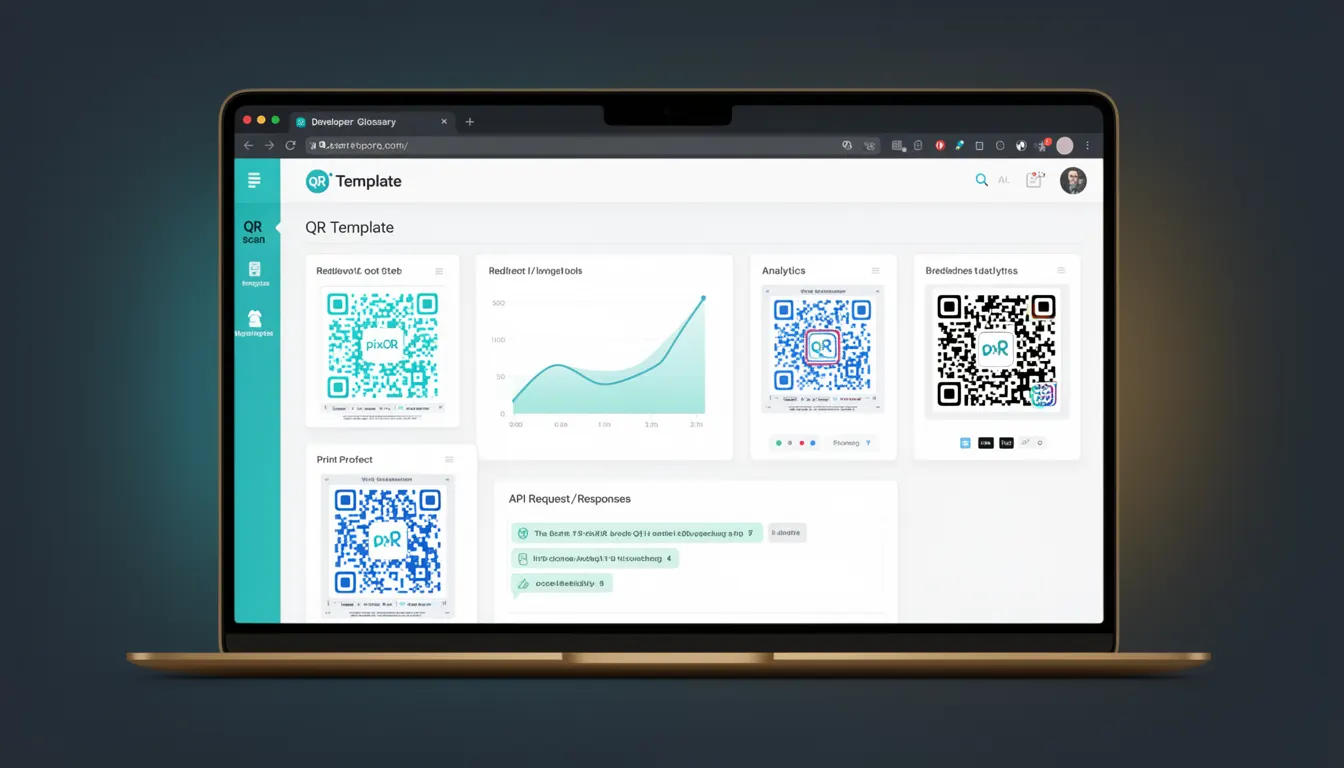
A QR Template in the context of PixQR refers to a predefined structure or configuration that defines how a QR code is generated, styled, and managed. It serves as a reusable building block for creating consistent, brand-safe, and functional QR codes across an organization or application. QR Templates can include visual design parameters, content source configurations, redirect behaviors, analytics tracking, and security settings.
Developers use QR Templates to streamline QR code creation workflows, reduce manual errors, and ensure compliance with branding, privacy, and operational standards. Templates are particularly valuable in environments where multiple QR codes are generated regularly, such as marketing campaigns, inventory tracking, or event management.
Why It Matters
QR Templates are critical for maintaining consistency and reliability in QR code deployments. In production environments, a mismatched or poorly configured QR code can lead to failed scans, incorrect redirects, or security vulnerabilities. By using templates, developers ensure that each QR code adheres to predefined rules, reducing human error and improving operational efficiency.
For brand safety, templates enforce consistent styling and content handling, preventing unauthorized or misleading QR codes from being generated. From a security standpoint, templates can include controls for link sanitization, redirect validation, and analytics integration, which are essential for fraud prevention and compliance with privacy regulations.
How It Works
QR Templates in PixQR are defined through a configuration system that supports various attributes and parameters. Each template can be applied to a QR generation request, and the system uses these settings to produce a QR code that meets specified requirements. Key mechanisms include:
- Visual styling rules such as color schemes, logo placement, and border styles.
- Content source parameters that determine where the QR code links to or what data it encodes.
- Redirect behavior controls, including whether the destination is dynamic or static, and how redirects are tracked.
- Analytics and tracking options, such as UTM parameters or custom event tracking.
- Security settings like URL sanitization, domain whitelisting, and access control rules.
Templates can be versioned, exported, and reused across projects. They support both static and dynamic QR code generation, and their configuration is typically handled through an API or a management dashboard. Templates may also include validation rules that ensure the QR code content meets certain criteria before generation.
Quick Reference
| Item | Purpose | Notes |
|---|---|---|
| Template ID | Unique identifier for a QR template | Used in API requests to apply a specific template |
| Visual settings | Controls appearance of QR code | Includes colors, logo, and border options |
| Content source | Defines where QR code points to | Can be static or dynamic URL |
| Redirect behavior | Configures how redirects are handled | Supports tracking and analytics |
| Security rules | Enforces content and access controls | Prevents malicious or unauthorized use |
Basic Example
PixQR Example QR
This QR links directly to this glossary page, so printed notes, onboarding docs, and support material can bring scanners back to the current reference.

This example demonstrates how a QR Template might be defined in a PixQR API call to generate a QR code with a specific design and redirect behavior.
{
  "template_id": "brand_template_v1",
  "content": "https://example.com/landing",
  "redirect_tracking": true,
  "analytics": {
    "utm_source": "pixqr",
    "utm_medium": "qr"
  }
}
This JSON payload specifies the use of a predefined template, sets a destination URL, enables tracking, and adds UTM parameters for analytics. The template ensures consistent branding and security across all QR codes generated with this configuration.
Production Example
In a production environment, a QR Template must be robust, secure, and configurable. This example shows a more complete template definition that includes validation, branding rules, and access control.
{
  "template_id": "event_template_2024",
  "name": "Event Registration QR",
  "visual": {
    "foreground_color": "#000000",
    "background_color": "#ffffff",
    "logo_url": "https://example.com/logo.png"
  },
  "content_source": {
    "type": "dynamic",
    "url_pattern": "https://event.example.com/register/{user_id}"
  },
  "redirect": {
    "track_scans": true,
    "validate_domain": true,
    "allowed_domains": ["event.example.com"]
  },
  "security": {
    "sanitize_urls": true,
    "require_https": true
  }
}
This configuration ensures that all QR codes generated with this template are consistent in appearance, use secure redirects, and comply with domain restrictions. It also enables scan tracking and URL sanitization, which are critical for event management and fraud prevention.
Common Mistakes
- Not validating the content source before applying a template, leading to invalid or malicious redirects.
- Reusing a template without updating it for new branding or security requirements, causing inconsistencies.
- Ignoring analytics or tracking settings in templates, resulting in missed data for campaign performance.
- Using hardcoded values in templates instead of dynamic parameters, reducing flexibility and scalability.
- Overlooking security controls like URL sanitization or domain validation, which can expose systems to abuse.
Security And Production Notes
- Templates should always validate content sources to prevent malicious redirects or injection attacks.
- Use secure protocols (HTTPS) and domain whitelisting to protect against unauthorized use.
- Templates must support dynamic parameters to allow for personalized or contextual QR codes.
- Implement access controls to ensure only authorized users can modify or deploy templates.
- Regularly audit templates for outdated or insecure configurations to maintain compliance and security.
Related Concepts
QR Template is closely related to several core concepts in QR code generation and management:
- QR Code Generation: Templates define how QR codes are structured and encoded.
- Dynamic Redirects: Templates often control how QR code links are resolved and tracked.
- Scan Analytics: Templates can include settings for tracking and reporting scan data.
- Brand Safety: Templates enforce visual and content standards to align with brand guidelines.
- Operational Workflows: Templates streamline production processes by standardizing QR code creation.