 PixQR
PixQR
Overview
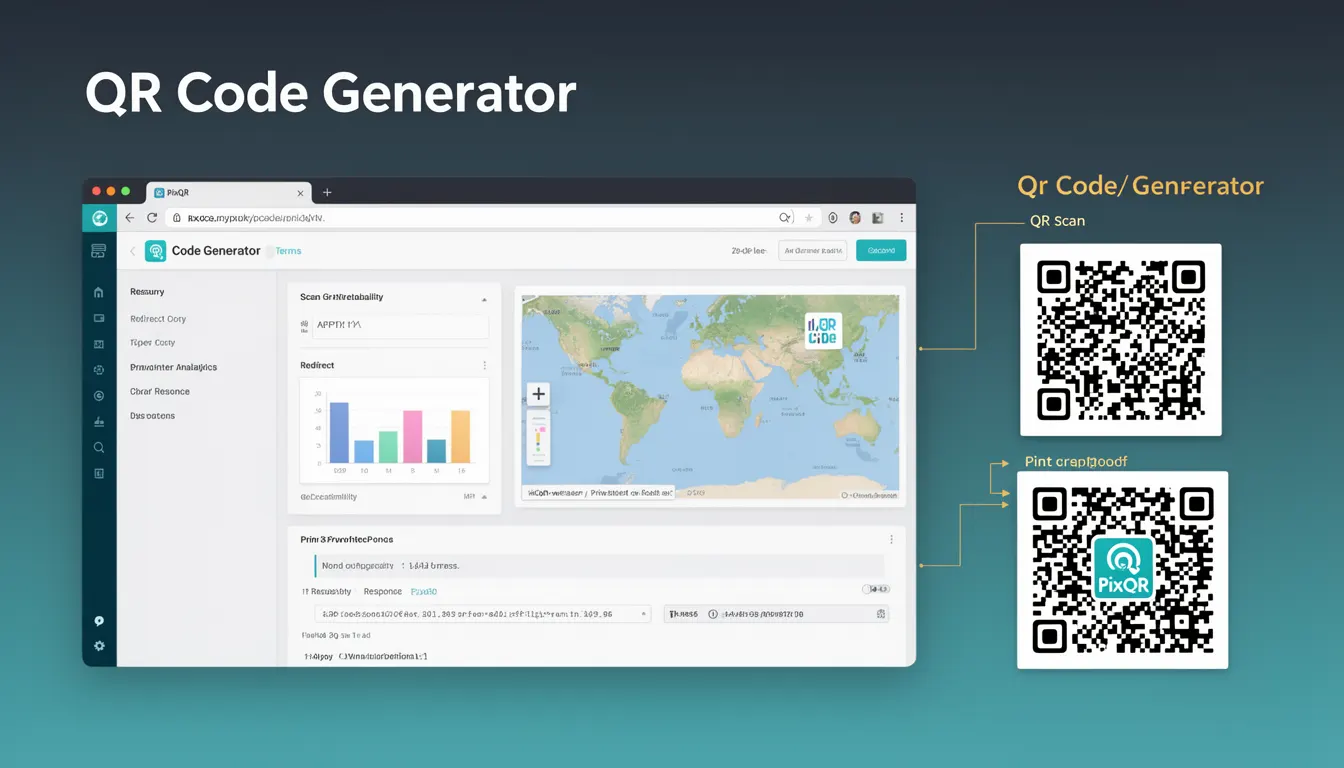
A QR Code Generator is a core feature within PixQR that enables developers and users to create, customize, and manage QR codes programmatically or through an interface. It serves as a foundational tool for generating QR codes that encode data such as URLs, text, or other identifiers, which can then be scanned by mobile devices or QR readers.
Within the PixQR platform, the QR Code Generator is used to define the content, structure, and behavior of QR codes. It supports dynamic content, branding, analytics, and secure redirect workflows. Developers can integrate QR generation into their applications using APIs, or they can use PixQR's web interface to build and manage QR codes manually.
Why It Matters
For developers, the QR Code Generator is a key component in building reliable, scalable, and secure digital experiences. It directly impacts user engagement, link tracking, brand identity, and operational workflows. In production, a robust generator ensures that QR codes are correctly formatted, scanned reliably, and contain accurate data.
From a security perspective, QR generators must prevent injection of malicious content or unauthorized redirects. From a performance standpoint, the generator should support batch creation and export formats for scalability. The generator also plays a role in accessibility by ensuring codes are scannable across devices and environments.
How It Works
The PixQR QR Code Generator operates by taking input data and transforming it into a structured QR code image or URL. It supports various encoding standards and formats, and allows for customization of appearance, size, and behavior. The generator integrates with PixQR's analytics and redirect systems to provide insights and control over how QR codes are used.
- Input data can be a URL, text string, or structured data like vCard or WiFi credentials.
- The generator uses standard QR code encoding (ISO/IEC 18004) with error correction levels (L, M, Q, H).
- Customization options include color, logo placement, and size.
- Generated codes support dynamic content updates through API integrations.
- Export formats include PNG, SVG, and HTML for web or print use.
Quick Reference
| Item | Purpose | Notes |
|---|---|---|
| Encoding Level | Determines error correction capability | Use H for high reliability |
| Input Data | Content to encode in the QR code | Must be valid and safe |
| Export Format | Image or HTML output | SVG for scalability, PNG for print |
| Dynamic Redirect | Supports URL redirection | Must be brand-safe and tracked |
| Branding Options | Custom logo or color | Must comply with accessibility |
Basic Example
PixQR Example QR
This QR links directly to this glossary page, so printed notes, onboarding docs, and support material can bring scanners back to the current reference.
/glossary/qr-code-generators/qr-code-generators-qr-code-generator

This example demonstrates a simple QR code generation using a URL input and default settings.
const qrData = 'https://example.com';
const qrCode = pixqr.generate({
  data: qrData,
  size: 200
});
console.log(qrCode);
The code sets the input data to a URL, specifies a size of 200 pixels, and calls the PixQR generator. The output is a QR code object that can be rendered or exported.
Production Example
This example includes validation, branding, and error handling for a production-ready QR code generator integration.
const generateQR = (url, brandColor = '#000000') => {
  if (!url || !url.startsWith('http')) {
    throw new Error('Invalid URL provided');
  }

  return pixqr.generate({
    data: url,
    size: 300,
    color: brandColor,
    logo: '/brand/logo.png',
    errorCorrection: 'H'
  });
};

try {
  const qrCode = generateQR('https://pixqr.com');
  console.log('QR Code generated successfully');
} catch (error) {
  console.error('QR generation failed:', error.message);
}
This version includes input validation, error handling, and branding support. It ensures that the QR code is generated with consistent styling and appropriate error reporting for production environments.
Common Mistakes
- Not validating input data before generating QR codes, leading to malformed or unsafe outputs.
- Ignoring error correction levels, which can cause scanning failures in low-quality environments.
- Using dynamic redirects without monitoring, risking unauthorized or malicious redirections.
- Applying branding or logos that are too complex, reducing scannability or violating accessibility standards.
- Generating QR codes in bulk without batching or caching, causing performance bottlenecks.
- Not specifying export formats, leading to inconsistent rendering across devices or media.
Security And Production Notes
- Always validate and sanitize input data to prevent injection attacks or unintended content.
- Use error correction levels (H or Q) for high-reliability scanning, especially in print or low-light conditions.
- Implement monitoring for dynamic redirects to detect unauthorized or suspicious traffic.
- Ensure branding elements like logos are compliant with accessibility and visual scanning standards.
- Batch QR generation requests when creating multiple codes to reduce API load and improve performance.
Related Concepts
QR Code Generator is closely related to several other PixQR features and concepts:
- Dynamic Redirects: QR codes often link to dynamic URLs that can be updated without regenerating the code.
- Analytics: QR generators integrate with tracking systems to provide insights into scans and user behavior.
- Scan Reliability: The generator must ensure codes are scannable under various conditions.
- Privacy Controls: QR codes may contain sensitive data, requiring secure handling and encryption where necessary.
- Brand-Safe Design: Generator tools must support brand compliance and visual consistency.