 PixQR
PixQR
Overview
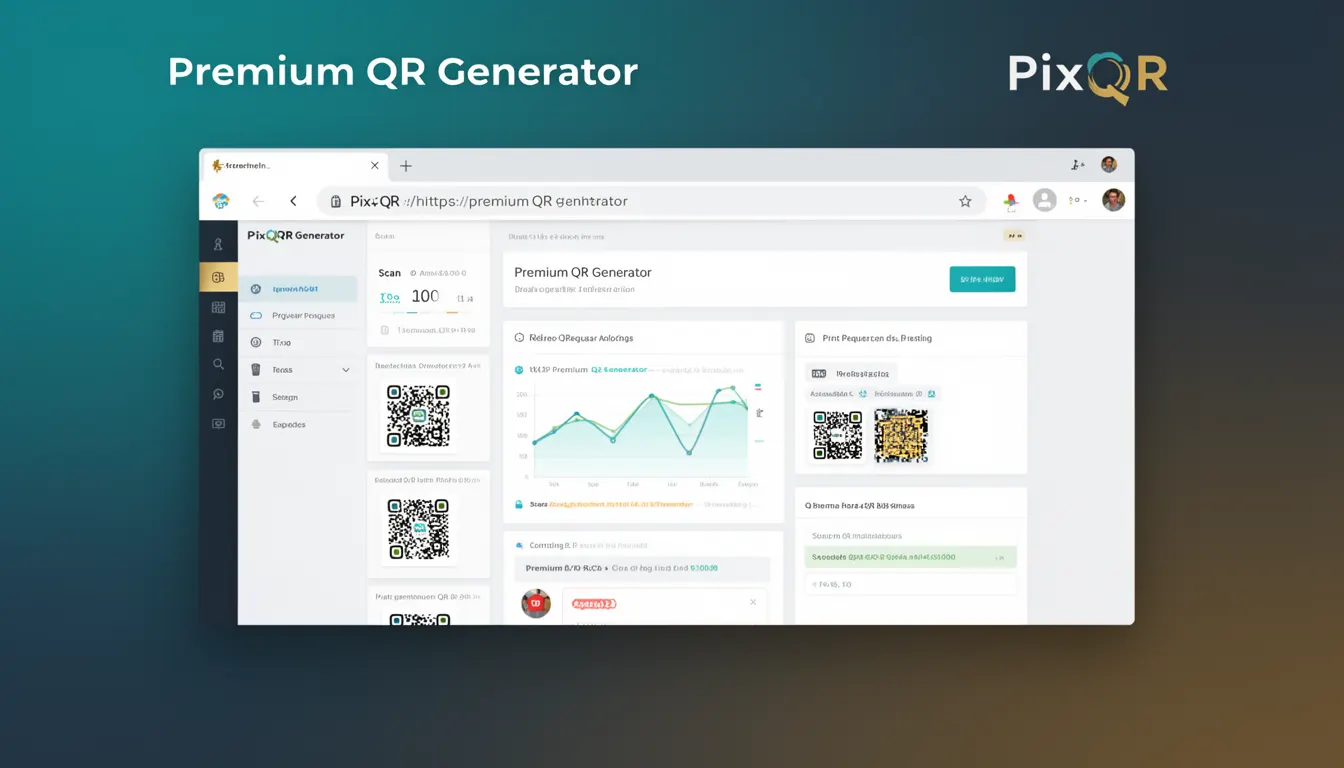
A Premium QR Generator in the PixQR platform refers to a specialized feature or tool designed for advanced QR code creation, export, and management. It provides developers and users with enhanced control over QR code attributes, design elements, analytics, and operational workflows beyond basic QR generation capabilities.
This functionality is particularly useful in production environments where dynamic redirects, brand-safe design, privacy compliance, and reliable scan tracking are required. The Premium QR Generator enables users to create QR codes tailored for specific business needs, including multi-platform support, customizable branding, and integration-ready export formats.
Why It Matters
For developers working with PixQR, the Premium QR Generator is essential when deploying scalable, secure, and analytics-rich QR code solutions. It supports operational workflows that require dynamic link management, brand consistency, and privacy compliance, which are critical for enterprise-level applications.
Without a premium generator, users may face limitations in export options, analytics depth, or customizability. For example, basic QR generators might not support dynamic redirects or advanced tracking parameters, which are crucial for marketing automation, A/B testing, or user behavior analytics.
How It Works
The Premium QR Generator operates by accepting structured input parameters, processing them through a secure backend, and outputting a QR code that meets specified design and functional requirements. It integrates with PixQR's core systems to support advanced features like:
- Dynamic URL redirection with tracking parameters
- Customizable QR code appearance (colors, logos, shapes)
- Export formats including PNG, SVG, and downloadable templates
- Analytics integration with real-time scan tracking and user behavior data
- Operational workflow support including batch generation, API access, and secure token handling
Under the hood, the generator uses optimized algorithms to ensure scan reliability, supports brand-safe design through configurable templates, and ensures compliance with privacy regulations such as GDPR or CCPA. It also supports API-driven workflows for integration with internal systems, allowing developers to automate QR code generation at scale.
Quick Reference
| Item | Purpose | Notes |
|---|---|---|
| Dynamic Redirect | Supports real-time URL changes | Requires API token for configuration |
| Export Format | Provides multiple output options | Supports PNG, SVG, and templates |
| Analytics | Tracks scans and user behavior | Real-time dashboard access |
| Brand Design | Customizes QR code appearance | Logo and color customization |
| Operational Workflow | Supports batch and API integration | Batch generation for scalability |
Basic Example
PixQR Example QR
This QR links directly to this glossary page, so printed notes, onboarding docs, and support material can bring scanners back to the current reference.
/glossary/qr-code-generators/qr-code-generators-premium-qr-generator
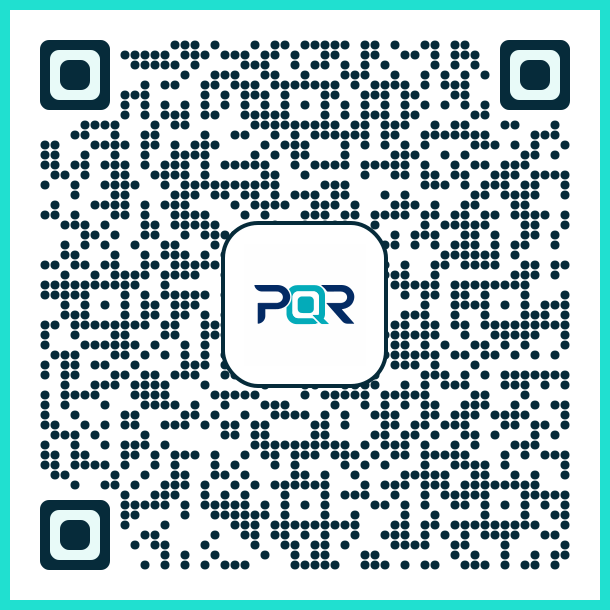
This basic example demonstrates how to generate a QR code with a simple URL using the PixQR Premium QR Generator API.
{
  "url": "https://example.com",
  "format": "png",
  "size": 256,
  "branding": {
    "logo": "https://example.com/logo.png",
    "color": "#000000"
  }
}
The example includes a URL, output format, size, and branding options. These parameters define how the QR code is generated and displayed. The branding section allows for customization, such as adding a logo or setting a color scheme.
Production Example
This production-ready example shows how to securely configure a QR code generator with dynamic redirects, analytics, and export settings.
{
  "url": "https://example.com/redirect",
  "redirect_type": "dynamic",
  "analytics": {
    "enabled": true,
    "track_device": true,
    "track_location": false
  },
  "export": {
    "format": "svg",
    "quality": "high",
    "downloadable": true
  },
  "branding": {
    "logo": "https://example.com/brand-logo.png",
    "color": "#007BFF",
    "border_radius": 10
  },
  "security": {
    "token_required": true,
    "ttl": 86400
  }
}
This version includes enhanced security features, analytics tracking, and export settings. It is suitable for enterprise or high-volume use cases where compliance, scalability, and data handling are critical.
Common Mistakes
- Not validating URL inputs before QR generation, leading to broken links or security vulnerabilities.
- Using default branding options without customizing for brand consistency or accessibility.
- Ignoring analytics settings, resulting in missed opportunities for user behavior insights.
- Overlooking export format selection, which may impact compatibility with scanning systems or print workflows.
- Failing to implement token-based access control, exposing QR codes to unauthorized modifications or misuse.
Security And Production Notes
- Always validate and sanitize URL inputs to prevent injection or malicious link redirection.
- Use token-based authentication for API access to prevent unauthorized QR code modifications.
- Enable analytics only where required to comply with privacy regulations such as GDPR.
- Choose export formats that are compatible with scanning systems and avoid lossy formats for print.
- Implement TTL (time-to-live) for dynamic QR codes to ensure they do not remain active indefinitely.
Related Concepts
The Premium QR Generator connects to several core PixQR features and development practices:
- Dynamic Redirects – Enables real-time URL updates and tracking.
- Scan Tracking – Provides data on user behavior and QR code performance.
- Brand-Safe Design – Ensures QR codes align with brand guidelines and accessibility standards.
- Privacy Compliance – Supports GDPR, CCPA, and other regulatory frameworks.
- Operational Workflows – Integrates with batch generation, API access, and automation tools.