 PixQR
PixQR
Overview
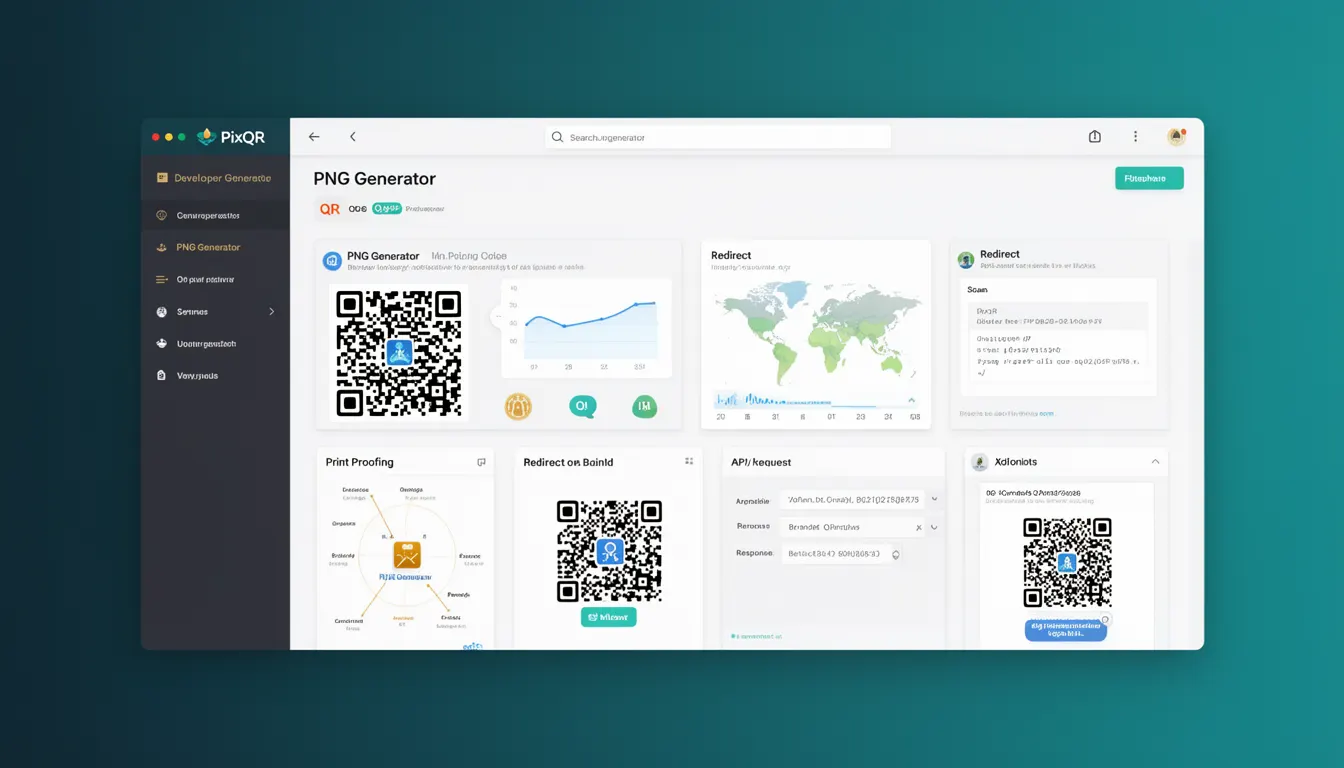
A PNG Generator in the context of PixQR refers to a core component or feature that enables developers to create, export, and manage QR codes in the Portable Network Graphics (PNG) format. This functionality is essential for generating visual representations of data that can be scanned by mobile devices, integrated into web pages, or printed on physical media.
When using PixQR's PNG Generator, developers typically specify parameters such as the content to encode, the size of the QR code, error correction level, and output format. The tool generates a PNG image that maintains the integrity and scannability of the QR code while adhering to brand-safe design principles and operational workflows.
Why It Matters
For developers working with PixQR, the PNG Generator is critical for ensuring consistent, reliable, and secure QR code generation across platforms. It allows for dynamic content encoding, responsive sizing, and integration into various digital environments while maintaining compatibility with standard QR code scanners.
In production environments, accurate PNG generation is essential for preventing scan failures, ensuring compliance with brand guidelines, and supporting analytics tracking. Poorly generated QR codes can lead to user confusion, reduced engagement, and potential security vulnerabilities if misused or misconfigured.
How It Works
The PNG Generator within PixQR operates by accepting a set of input parameters and transforming them into a visual QR code in PNG format. The process includes encoding data, applying error correction, and rendering the final image with specified dimensions and styling.
- The generator accepts data strings or URLs to encode within the QR code.
- It supports configurable error correction levels (L, M, Q, H) to balance data integrity and scannability.
- Output size can be specified in pixels or scaled relative to input data.
- Color customization options allow for brand alignment while maintaining contrast for scanning.
- Security features such as domain validation and content sanitization are applied to prevent malicious inputs.
Quick Reference
| Item | Purpose | Notes |
|---|---|---|
| data | Content to encode | Must be valid URL or text |
| size | Output dimensions | Pixel-based or scalable |
| errorCorrection | Data integrity level | L, M, Q, H options |
| color | Foreground color | Hex or RGB format |
| backgroundColor | Background color | Must ensure contrast |
Basic Example
PixQR Example QR
This QR links directly to this glossary page, so printed notes, onboarding docs, and support material can bring scanners back to the current reference.
/glossary/qr-code-generators/qr-code-generators-png-generator
This basic example demonstrates how to generate a QR code PNG with default settings using PixQR's PNG Generator API.
const qrCode = pixqr.generate({
  data: 'https://example.com',
  size: 200,
  format: 'png'
});
The example specifies a URL to encode, sets the QR code size to 200 pixels, and outputs a PNG format. The generated code is ready for immediate use in web applications or print materials.
Production Example
This production-ready example includes validation, error handling, and configuration for brand-safe design and scan reliability.
const generateQR = (url, options = {}) => {
  try {
    if (!url || !isValidUrl(url)) {
      throw new Error('Invalid URL provided');
    }

    const config = {
      data: url,
      size: options.size || 300,
      errorCorrection: options.errorCorrection || 'M',
      color: options.color || '#000000',
      backgroundColor: options.backgroundColor || '#FFFFFF'
    };

    return pixqr.generate(config);
  } catch (error) {
    console.error('QR generation failed:', error.message);
    return null;
  }
};
This version ensures input validation, applies sensible defaults, and handles potential errors gracefully. It is suitable for integration into larger applications where robustness and maintainability are required.
Common Mistakes
- Using invalid or unescaped URLs can cause encoding failures or injection vulnerabilities.
- Ignoring error correction levels may result in unscannable codes under poor lighting or physical damage.
- Setting inappropriate colors without contrast checks can reduce QR code readability for users.
- Not validating input size parameters can lead to oversized images that impact performance or print quality.
- Overlooking domain or content restrictions may expose the system to misuse or fraudulent links.
Security And Production Notes
- All inputs must be sanitized to prevent injection attacks or malformed data.
- Use error correction levels appropriate for intended usage (e.g., H for high-risk environments).
- Ensure color contrast meets accessibility standards for usability across devices.
- Validate image dimensions to prevent excessive memory consumption or rendering issues.
- Implement rate limiting to avoid abuse of the PNG generation endpoint in shared environments.
Related Concepts
Several closely related developer concepts connect to the PNG Generator in PixQR:
- QR Code Encoding: The process of converting input data into a scannable format using specific algorithms.
- Dynamic Redirects: Systems that allow changing target URLs without altering the QR code itself.
- Scan Analytics: Tracking how QR codes are used, including scan frequency and user behavior.
- Brand-Safe Design: Ensuring QR codes align with visual identity and comply with brand guidelines.
- Privacy Controls: Managing data exposure and ensuring user privacy in QR code usage.