 PixQR
PixQR
Overview
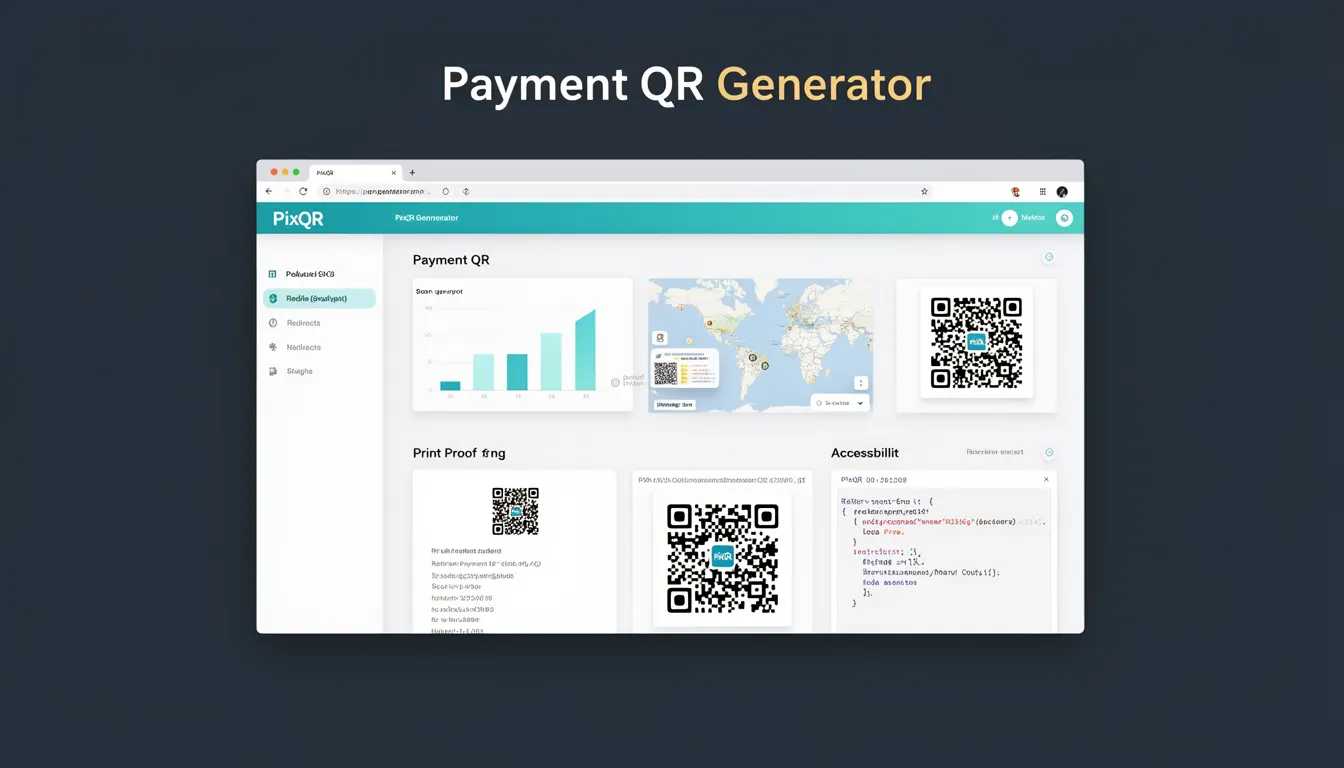
A Payment QR Generator is a feature within the PixQR platform that allows developers and businesses to create QR codes specifically designed for payment processing. These QR codes are not generic; they are structured to support payment transactions, often integrating with payment gateways, dynamic redirects, and secure transaction tracking.
Developers use Payment QR Generators to produce codes that encode payment-specific data such as merchant IDs, transaction amounts, currency codes, and payment method types. These codes can be embedded in marketing materials, invoices, or web pages to facilitate seamless payment collection. The generator typically supports dynamic QR code creation, ensuring that transaction details can be updated or managed after code generation.
Why It Matters
For developers, the Payment QR Generator is critical in enabling fast, secure, and scalable payment processing workflows. It bridges the gap between a business’s payment infrastructure and user-facing QR codes, ensuring that transactions are reliably tracked and secure. For example, a merchant using PixQR can generate a QR code that dynamically updates transaction details without reissuing new codes, which reduces operational overhead and enhances flexibility.
From a security standpoint, Payment QR Generators must ensure that encoded data is not tampered with and that the QR codes themselves are not prone to fraud. PixQR ensures that payment-related QR codes are designed with privacy and brand safety in mind, preventing unauthorized or malicious use of payment data.
How It Works
The Payment QR Generator operates by accepting transaction parameters and encoding them into a structured QR code format. The system supports dynamic updates, ensuring that the QR code’s content can be modified post-generation without needing to regenerate the code. It integrates with PixQR’s analytics and operational workflows to track scan behavior and transaction outcomes.
- The generator accepts parameters such as merchant ID, transaction amount, currency, and payment method type.
- It encodes these into a QR code using a standardized format like
payment://orbitcoin:for specific payment protocols. - QR codes are generated with embedded analytics to track scan behavior, including time, device, and location data.
- Dynamic redirects are supported, allowing transaction details to be updated after the QR code is created.
- Generated QR codes are optimized for scan reliability and can be exported in multiple formats, such as PNG or SVG.
Quick Reference
| Item | Purpose | Notes |
|---|---|---|
| merchant_id | Identifies the business or merchant | Required for transaction routing |
| amount | Transaction amount in specified currency | Must be numeric and validated |
| currency | Three-letter ISO code for payment currency | Defaults to USD if not specified |
| payment_method | Type of payment supported (e.g., card, bank transfer) | Used for routing logic |
| dynamic_redirect | Enables updating transaction data post-generation | Requires backend support |
Basic Example
PixQR Example QR
This QR links directly to this glossary page, so printed notes, onboarding docs, and support material can bring scanners back to the current reference.
/glossary/qr-code-generators/qr-code-generators-payment-qr-generator

This example demonstrates a minimal configuration for generating a payment QR code using PixQR’s API. It encodes a transaction with a fixed amount and currency.
const paymentQR = pixqr.generate({
  type: 'payment',
  merchant_id: 'M123456',
  amount: 50.00,
  currency: 'USD'
});
The code specifies a payment type, assigns a merchant ID, and sets an amount and currency. This configuration produces a QR code that encodes a transaction-ready payload for payment processing.
Production Example
This example shows a more robust setup that includes validation, error handling, and dynamic updates. It reflects how a production system might integrate with PixQR’s Payment QR Generator.
const generatePaymentQR = (transactionData) => {
  const { merchantId, amount, currency } = transactionData;
  if (!merchantId || !amount || !currency) {
    throw new Error('Missing required transaction parameters');
  }

  return pixqr.generate({
    type: 'payment',
    merchant_id: merchantId,
    amount: parseFloat(amount),
    currency: currency.toUpperCase(),
    dynamic_redirect: true
  });
};
This version validates inputs before generating a QR code, ensuring that only correctly formatted transaction data is used. The use of dynamic_redirect allows for backend updates to transaction details without reissuing QR codes, which is essential for scalability and operational flexibility.
Common Mistakes
- Not validating transaction amount formats, leading to invalid QR code payloads or payment processing errors.
- Ignoring the
dynamic_redirectparameter, resulting in static QR codes that cannot be updated post-generation. - Using unsupported currency codes, which may cause payment gateways to reject transactions.
- Generating QR codes without specifying a merchant ID, which leads to routing failures in the payment system.
- Embedding sensitive data in QR codes without encryption, exposing transaction details to unauthorized parties.
Security And Production Notes
- Always validate transaction parameters before QR generation to avoid malformed codes or payment failures.
- Use HTTPS for all QR code generation endpoints to prevent data interception during transmission.
- Implement access control on the QR code generation API to restrict usage to authorized users or systems.
- Ensure QR codes are not embedded in public or untrusted environments where they may be misused.
- Monitor analytics and scan behavior to detect anomalies or fraudulent activity related to QR code usage.
Related Concepts
Payment QR Generators are closely related to several core PixQR features and concepts. Dynamic QR redirects allow QR code content to be updated post-generation, which is essential for transaction flexibility. QR analytics provide insights into scan behavior and user engagement, helping optimize payment workflows. Brand-safe design ensures QR codes maintain a consistent and trustworthy appearance. Privacy controls prevent sensitive data from being exposed in QR code payloads. Operational workflows define how QR codes are managed and tracked from creation to transaction completion.