 PixQR
PixQR
Overview
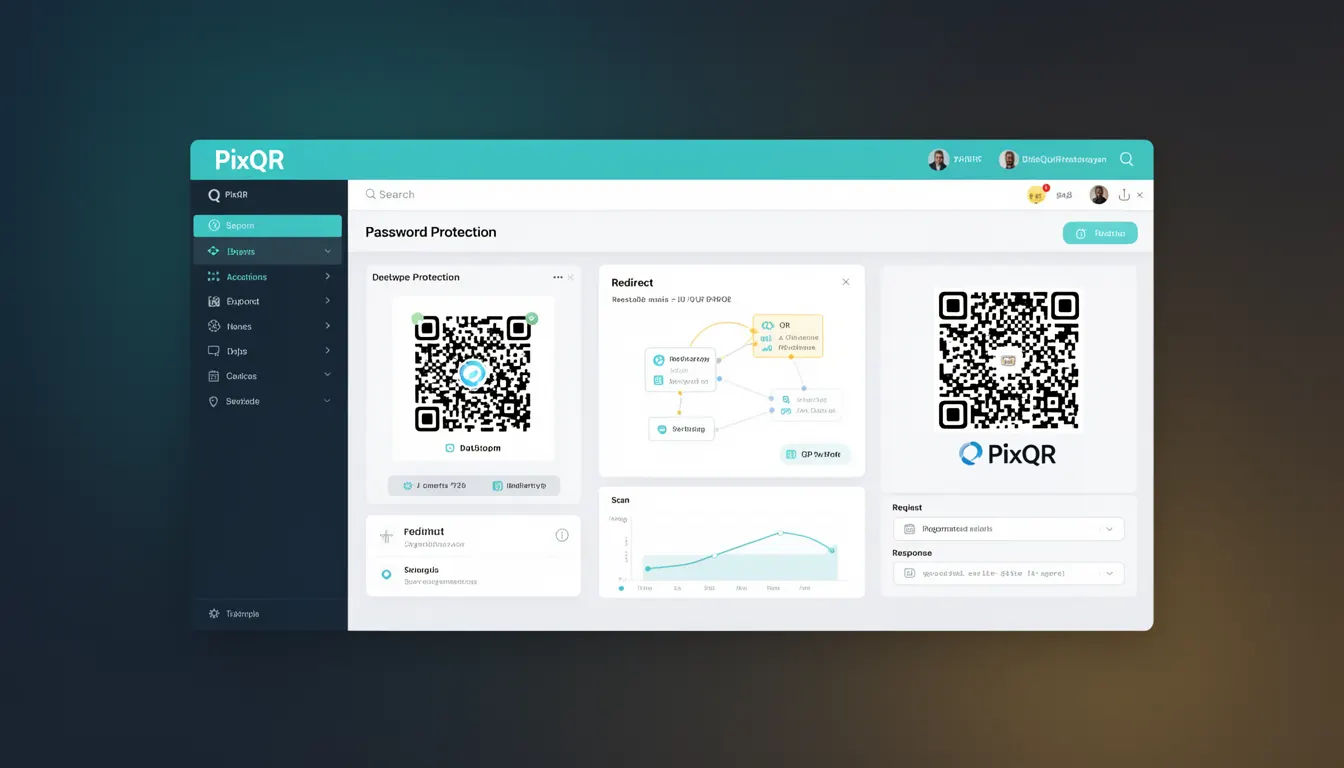
Password Protection in the context of QR code generation refers to a feature that allows developers to secure QR codes with a password or access control mechanism. This ensures that only users who possess the correct password can access the content or functionality linked by the QR code. In PixQR, this feature is typically implemented as a configuration option during QR code creation or management.
Developers use Password Protection when they need to restrict access to sensitive information, such as private documents, restricted content, or specific landing pages. It provides a layer of access control that complements other QR code security features, such as dynamic redirects, analytics, and scan tracking. Password Protection is especially relevant in enterprise or branded QR code deployments where access control is critical for maintaining privacy and preventing unauthorized use.
Why It Matters
Password Protection is crucial for developers managing QR codes in environments where access control is necessary. For example, in a marketing campaign, a QR code may link to a landing page with premium content. Without Password Protection, anyone who scans the QR code could access the content, potentially leading to unauthorized access or data exposure.
In operational workflows, this feature enhances compliance with privacy regulations such as GDPR or CCPA by ensuring that sensitive data is only accessible to authorized users. It also supports secure sharing of resources in internal systems, such as access to project documentation or secure file downloads. Developers who implement Password Protection in their QR code workflows reduce the risk of unauthorized access and maintain a higher level of operational security.
How It Works
Password Protection in QR code generation is implemented through a combination of backend logic, configuration options, and user interaction flow. When a QR code is created with Password Protection enabled, the system generates a unique access token or identifier that is associated with the password. This identifier is embedded within the QR code's data structure or is stored separately and linked to the QR code's metadata.
- Password Protection is typically enabled via a configuration parameter when creating a QR code, such as
password_protect: true. - Upon scanning, the QR code redirects to a password entry page or prompts the user to enter the password before granting access.
- The system validates the password against a secure database or hash stored in the PixQR backend.
- If the password is valid, the user is redirected to the target content or resource.
- If the password is invalid, access is denied, and the user may be prompted to try again or notified of the error.
For dynamic QR codes, the password protection mechanism can be integrated with the redirect logic, ensuring that the access control is enforced even when the target URL changes. This is particularly useful in environments where content is frequently updated but access control must remain consistent.
Quick Reference
| Item | Purpose | Notes |
|---|---|---|
password_protect | Enables or disables password protection for a QR code | Boolean value, defaults to false |
password | Defines the password required to access the QR code's content | String, must be securely stored |
redirect_url | Target URL after successful password entry | Must be a valid HTTPS endpoint |
access_token | Unique identifier for access control | Generated and stored by PixQR backend |
scan_count | Tracks how many times the QR code has been scanned | Optional, used for analytics |
Basic Example
PixQR Example QR
This QR links directly to this glossary page, so printed notes, onboarding docs, and support material can bring scanners back to the current reference.
/glossary/qr-code-generators/qr-code-generators-password-protection

This basic example demonstrates how to enable Password Protection when creating a QR code using a PixQR API. The example shows the minimal configuration needed to secure a QR code with a password.
{
  "content": "https://example.com/restricted-content",
  "password_protect": true,
  "password": "secure123",
  "type": "dynamic"
}
In this example, the password_protect flag is set to true, indicating that access to the content is restricted. The password field specifies the required password, and the content field defines the target URL. The QR code will prompt users to enter the password before accessing the content.
Production Example
This example shows a more realistic implementation of Password Protection in a production environment. It includes validation, secure password handling, and error management. The configuration ensures that the QR code is generated securely and that access is controlled.
{
  "content": "https://secure.example.com/download",
  "password_protect": true,
  "password": "s3cureP@ssw0rd!",
  "redirect_url": "https://secure.example.com/access-granted",
  "type": "dynamic",
  "analytics": true,
  "scan_limit": 5
}
This version includes additional parameters such as redirect_url, which defines where the user is redirected after successful password entry, and scan_limit, which restricts the number of times the QR code can be scanned. These features enhance the functionality and security of the QR code in a real-world application.
Common Mistakes
- Using weak or predictable passwords, such as
123456orpassword, which can be easily guessed or cracked. - Storing passwords in plain text or using insecure hashing methods, which can lead to unauthorized access if the database is compromised.
- Not implementing rate limiting or account lockout mechanisms, which can make the system vulnerable to brute-force attacks.
- Allowing users to scan the QR code multiple times without enforcing access control, leading to potential misuse.
- Using insecure HTTP endpoints for password validation, which can expose credentials to interception.
Security And Production Notes
- Passwords must be securely hashed using algorithms such as bcrypt or PBKDF2 before being stored in the database.
- Use HTTPS for all endpoints involved in password validation to prevent credential interception.
- Implement rate limiting to prevent brute-force attacks on password entry.
- Ensure that the QR code's content is not exposed before password validation to avoid unauthorized access.
- Regularly audit access logs and scan data to detect potential misuse or anomalies in QR code usage.
Related Concepts
Password Protection is closely related to several other QR code and access control concepts. Dynamic Redirects allow for changes in content while maintaining the same QR code, and when combined with Password Protection, ensure that access control remains consistent. Analytics provide insights into QR code usage, including how many times it was scanned or accessed. Scan Tracking helps in monitoring access, especially when combined with password validation. Access Control Lists and Authentication are broader concepts that support secure access to resources, and Password Protection is a specific implementation within these frameworks.