 PixQR
PixQR
Overview
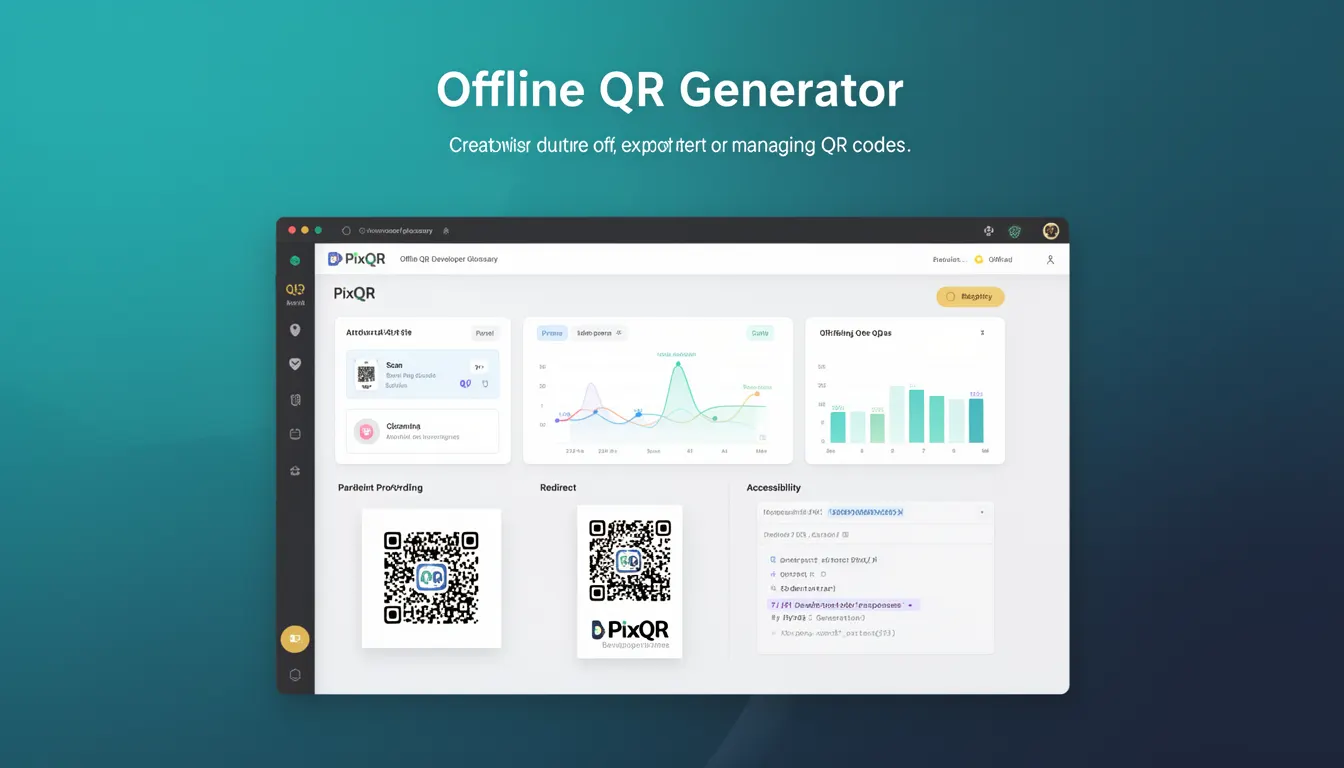
An Offline QR Generator is a feature or tool within PixQR that allows developers to create, export, or manage QR codes without requiring an active internet connection or server-side processing. This capability is particularly useful for developers who need to generate QR codes in environments where network access is unreliable, restricted, or unavailable.
Offline QR generation enables developers to precompute QR code data, store it locally, and later deploy it in applications or systems without depending on external APIs or network requests. This approach supports offline-first development workflows and ensures consistent QR code generation even when network connectivity is compromised.
Why It Matters
Offline QR generation is essential for developers working in environments with limited or no internet access. It supports scenarios such as field deployments, secure data handling, and applications where network reliability is a concern. By generating QR codes locally, developers can reduce latency, avoid dependency on external services, and improve application performance and reliability.
In production settings, offline QR generation enhances security by minimizing exposure to network-based attacks and reducing reliance on third-party services. It also ensures that QR code generation remains consistent and predictable, especially in applications where network conditions vary or where access to external APIs may be restricted due to firewall or corporate policies.
How It Works
The Offline QR Generator operates by using local libraries or precomputed data structures to encode and render QR codes. It supports various QR code formats, including standard QR codes, and provides options for customization, such as size, color, and error correction levels.
- QR code data is encoded using a local library that implements the QR code standard (ISO/IEC 18004).
- The generator supports multiple output formats, such as PNG, SVG, and base64-encoded strings.
- It allows customization of visual properties like size, color, and background transparency.
- Error correction levels (L, M, Q, H) can be selected to balance data capacity and error resilience.
- Generated QR codes can be cached locally for reuse without reprocessing.
Quick Reference
| Item | Purpose | Notes |
|---|---|---|
| Offline QR Generator | Creates QR codes without network access | Useful for offline or secure environments |
| Encoding Method | QR code standard compliance | Uses ISO/IEC 18004 |
| Output Formats | Supports PNG, SVG, base64 | Flexible for various use cases |
| Error Correction | Adjusts data resilience | Levels L, M, Q, H |
| Customization | Visual properties of QR codes | Size, color, transparency |
Basic Example
PixQR Example QR
This QR links directly to this glossary page, so printed notes, onboarding docs, and support material can bring scanners back to the current reference.
/glossary/qr-code-generators/qr-code-generators-offline-qr-generator

This basic example demonstrates how to generate a QR code using the Offline QR Generator. It creates a QR code for a URL and outputs it as a base64 string.
const qrCode = new PixQR.OfflineGenerator({
  data: 'https://example.com',
  size: 200,
  errorCorrection: 'M'
});

const base64Data = qrCode.toBase64();
The example initializes an Offline QR Generator with a URL as input data, sets a size of 200 pixels, and selects a medium error correction level. The resulting QR code is then converted to a base64-encoded string for use in web applications.
Production Example
This production-ready example includes validation, error handling, and accessibility considerations. It ensures that QR code generation is robust and suitable for real-world deployment.
class QRCodeManager {
  constructor() {
    this.generator = new PixQR.OfflineGenerator();
  }

  generateQRCode(data, options = {}) {
    if (!data || typeof data !== 'string') {
      throw new Error('Invalid input data');
    }

    const config = {
      data,
      size: options.size || 256,
      errorCorrection: options.errorCorrection || 'M',
      color: options.color || '#000000',
      backgroundColor: options.backgroundColor || '#ffffff'
    };

    try {
      const qrCode = this.generator.generate(config);
      return qrCode.toBase64();
    } catch (error) {
      console.error('QR code generation failed:', error);
      return null;
    }
  }
}

const manager = new QRCodeManager();
const qrData = manager.generateQRCode('https://example.com');
This version introduces validation to ensure that input data is valid, handles potential errors during generation, and provides default values for configuration options. It also supports accessibility by allowing customization of colors and background settings, which is crucial for users with visual impairments.
Common Mistakes
- Not validating input data before generating QR codes, which can lead to malformed QR codes or runtime errors.
- Ignoring error correction levels, resulting in QR codes that are not resilient to damage or scanning issues.
- Using hardcoded color values without considering accessibility or branding requirements.
- Generating QR codes without specifying size, leading to inconsistent rendering in different environments.
- Reusing generated QR codes without caching or storing them properly, causing unnecessary reprocessing.
Security And Production Notes
- Offline QR generation reduces exposure to network-based attacks by eliminating reliance on external APIs.
- Always validate input data to prevent injection attacks or malformed QR codes.
- Ensure that generated QR codes comply with accessibility standards, such as contrast ratios and color usage.
- Use secure error correction levels to improve the reliability of QR codes in real-world scanning environments.
- Implement caching or precomputation to avoid repeated processing and improve performance in high-volume applications.
Related Concepts
Offline QR generation is closely related to several core concepts in QR code development and application design:
- QR Code Standards: Offline generators must adhere to the QR code specification (ISO/IEC 18004) to ensure compatibility and reliability.
- Dynamic Redirects: While offline generators are used for static QR code creation, they can be integrated with dynamic redirect systems for enhanced functionality.
- Scan Reliability: Offline QR generation supports consistent scanning performance by ensuring predictable code structure and visual properties.
- Privacy and Data Handling: Offline generation minimizes data exposure and supports secure, private QR code creation workflows.
- Print Reliability: Offline QR codes can be optimized for print environments, ensuring they remain scannable in physical media.