 PixQR
PixQR
Overview
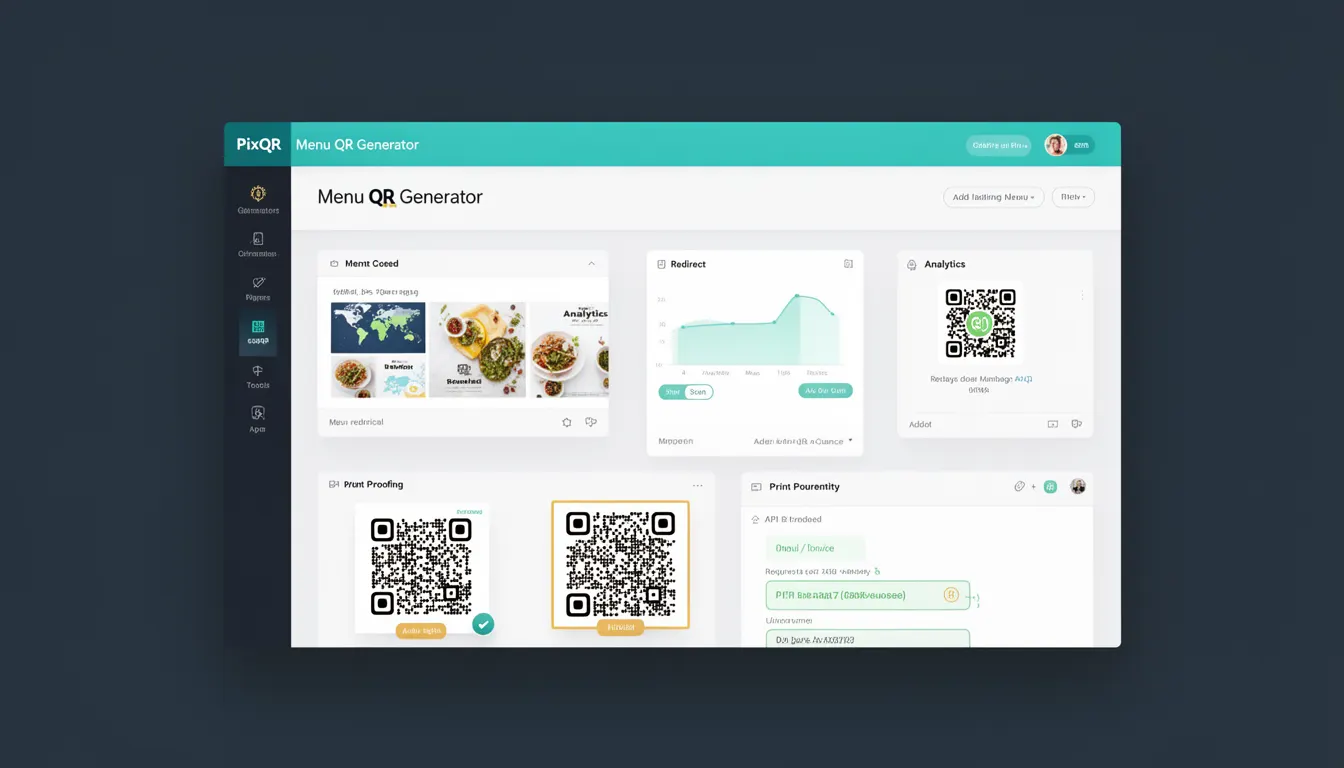
A Menu QR Generator within the PixQR platform is a feature that allows developers and content creators to generate QR codes specifically designed to direct users to menu content, such as digital restaurant menus, product catalogs, or other structured content. This tool is part of a broader suite of QR code generation capabilities that emphasize brand-safe design, privacy, analytics, and secure operational workflows.
In practice, a Menu QR Generator is used when a business or developer needs to provide a quick, reliable, and scalable way for users to access structured content. For instance, a restaurant might use a Menu QR Generator to create a QR code that, when scanned, opens a digital menu hosted on their website or a dedicated menu platform. This approach avoids physical menu printing, reduces costs, and enhances the user experience by providing access to dynamic content that can be updated in real time.
Why It Matters
For developers and businesses, a Menu QR Generator offers significant practical advantages. It enables dynamic content delivery, allowing menus to be updated without reprinting physical QR codes. This flexibility is crucial for businesses that frequently change offerings, such as restaurants or retail stores. Additionally, it supports analytics and tracking, allowing businesses to understand user engagement with their menu content, such as which items are most viewed or scanned.
From a technical standpoint, the generator must ensure that the QR code is scannable across a wide range of devices and environments. It also needs to support various redirect mechanisms, such as HTTP 301 or 302 redirects, to ensure that the user is directed to the correct content without interruption. This is particularly important in environments where users may have limited connectivity or are scanning QR codes in low-light conditions.
How It Works
The Menu QR Generator in PixQR operates by accepting structured input, such as a URL or content identifier, and generating a QR code that encodes this data. The generator supports various output formats, including standard PNG, SVG, and downloadable files, and can be configured with specific parameters to control how the QR code behaves upon scanning.
- The generator accepts a URL or content identifier as input, which is encoded into the QR code's payload.
- It supports dynamic redirect options, including HTTP status codes (301, 302) and custom headers to manage how the redirect is handled.
- It integrates with PixQR’s analytics platform to track scan events, providing insights into user behavior and engagement.
- The generator ensures that QR codes are generated with appropriate error correction levels to maintain scannability even under adverse conditions.
- It supports brand-safe design features, such as custom colors, logos, and branding elements, to ensure that the QR code aligns with the business's visual identity.
Quick Reference
| Item | Purpose | Notes |
|---|---|---|
| Input URL | Specifies the destination of the QR code | Must be a valid, accessible URL |
| Redirect Type | Controls how the redirect is handled | Supports 301 and 302 redirects |
| Error Correction Level | Determines scannability under adverse conditions | Options: L, M, Q, H (default: M) |
| Output Format | Specifies the file format of the generated QR code | Supports PNG, SVG, and downloadable formats |
| Branding Options | Allows customization of QR code appearance | Supports logo embedding and color customization |
Basic Example
PixQR Example QR
This QR links directly to this glossary page, so printed notes, onboarding docs, and support material can bring scanners back to the current reference.
/glossary/qr-code-generators/qr-code-generators-menu-qr-generator

This basic example demonstrates how to generate a QR code for a menu URL using PixQR’s Menu QR Generator. The example shows a minimal configuration that sets the target URL and specifies the output format.
const menuQR = pixqr.generateMenuQR({
  url: "https://example.com/menu",
  format: "png"
});
The example initializes a Menu QR Generator with a URL pointing to a digital menu and specifies the output format as PNG. This configuration ensures that the generated QR code will direct users to the menu page when scanned.
Production Example
In a production environment, a Menu QR Generator should include validation, error handling, and analytics integration. This example shows how to configure a QR code with multiple options, including redirect behavior, branding, and error correction.
const menuQR = pixqr.generateMenuQR({
  url: "https://restaurant.example.com/menu",
  redirectType: 302,
  errorCorrection: "H",
  format: "svg",
  branding: {
    logo: "https://restaurant.example.com/logo.svg",
    color: "#000000"
  },
  analytics: {
    trackScans: true,
    customParams: {
      campaign: "summer_menu"
    }
  }
});
This version is more robust and suitable for production because it includes error correction, branding options, and analytics tracking. It also specifies a 302 redirect, which is appropriate for temporary content changes, and ensures that the QR code is scalable and visually consistent with the brand.
Common Mistakes
- Using invalid or non-accessible URLs as input, which results in a QR code that fails to redirect correctly.
- Ignoring error correction levels, leading to QR codes that are unreadable under poor lighting or physical damage.
- Not configuring branding options, which can result in QR codes that do not align with the business's visual identity.
- Disabling analytics tracking, which prevents businesses from gaining insights into user engagement and scan behavior.
- Choosing an inappropriate redirect type, such as using a 301 redirect for content that changes frequently, which can lead to caching issues.
Security And Production Notes
- Always validate URLs to prevent open redirect vulnerabilities, which can be exploited for phishing or malicious redirection.
- Use HTTPS for all destination URLs to ensure secure communication and prevent man-in-the-middle attacks.
- Implement rate limiting to prevent abuse of the QR code generation API, especially in public-facing environments.
- Ensure that branding elements, such as logos, are hosted on secure and reliable domains to avoid broken links or security warnings.
- Monitor analytics data for anomalies, such as unexpected spikes in scans, which could indicate fraudulent activity or misuse.
Related Concepts
The Menu QR Generator is closely related to several other QR code generation and management concepts. These include general QR code generators, which form the foundation of the feature, and dynamic redirects, which determine how the QR code behaves upon scanning. Analytics integration is essential for tracking user engagement, while branding and design options ensure that the QR code aligns with the business's identity. Finally, security and privacy considerations are paramount, especially when handling user data or redirecting to external content.