 PixQR
PixQR
Overview
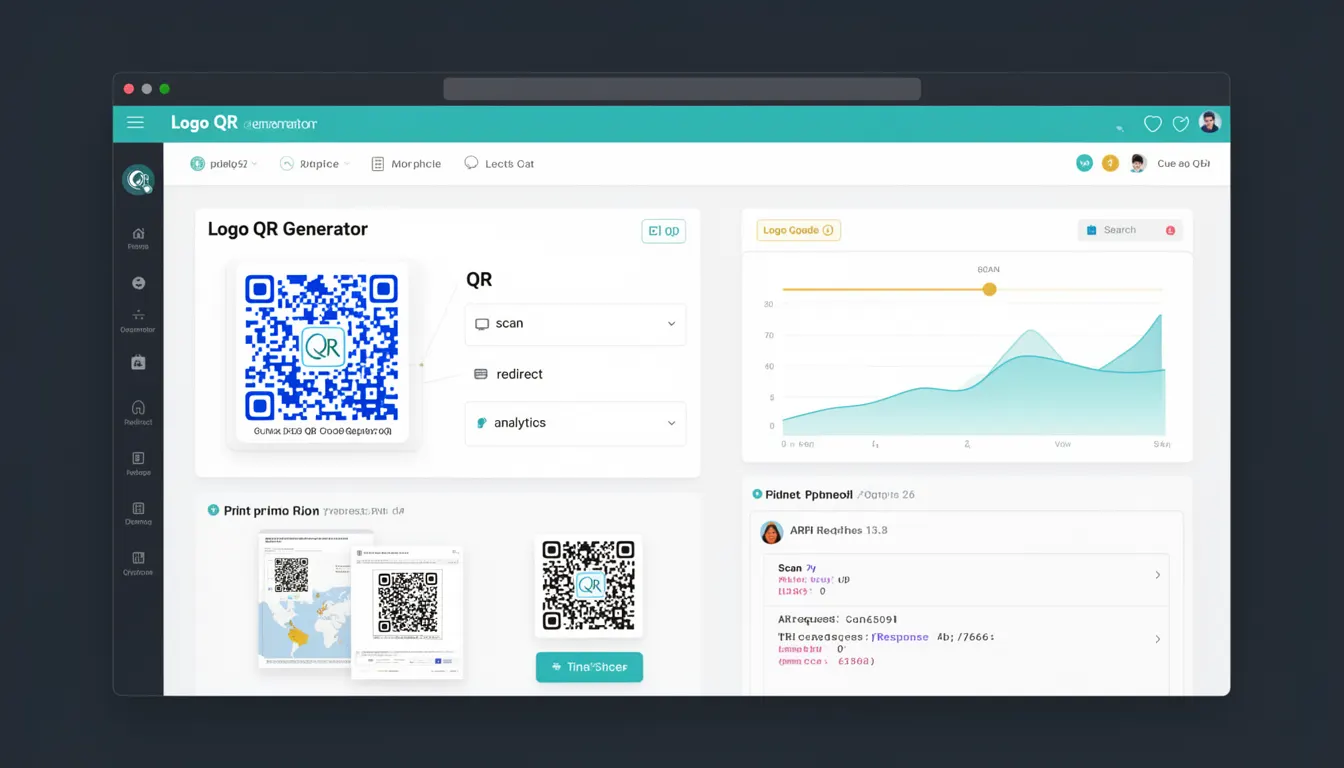
A Logo QR Generator is a feature or tool within PixQR that allows developers and content creators to embed a brand logo or image into a QR code. This functionality enhances brand recognition and visual identity while maintaining the core functionality of the QR code — to redirect users to a specified URL.
In PixQR, the Logo QR Generator is used during the QR code creation process. It enables users to upload a logo image, which is then embedded into the QR code structure without compromising the code's scannability. The tool supports standard image formats like PNG, JPG, and GIF, and enforces size and resolution constraints to ensure reliable scanning across devices.
Why It Matters
For developers and marketers, a Logo QR Generator is a powerful branding tool that increases user trust and engagement. It ensures that QR codes are visually consistent with a brand’s identity, making them more recognizable and professional. This is especially important in marketing campaigns, event materials, or printed media where QR codes are scanned repeatedly.
From a technical perspective, embedding a logo into a QR code requires careful handling to maintain scan reliability. PixQR ensures that logos are scaled and positioned to avoid interfering with the QR code's data structure. Poor implementation can lead to scannability issues, which directly impact user experience and campaign success.
How It Works
The Logo QR Generator in PixQR operates by integrating a user-provided image into the QR code matrix while preserving its scannability. The process involves several key steps and considerations:
- The system accepts image uploads in standard formats like PNG, JPG, and GIF with a maximum file size of 2MB.
- Logos are resized to a fixed percentage (typically 15–25%) of the QR code's total area to prevent interference with data encoding.
- The system performs image validation to ensure logos are not too complex or transparent, which could reduce QR code readability.
- Logo positioning is handled automatically, with the image placed at the center of the QR code matrix.
- After generation, the system validates the QR code to ensure it remains scannable with the embedded logo.
Internally, PixQR uses a combination of image processing libraries and QR encoding algorithms to ensure that the logo does not disrupt the data matrix. The QR code structure is analyzed to find optimal placement areas, and the logo is rendered with anti-aliasing to preserve clarity at different resolutions.
Quick Reference
| Item | Purpose | Notes |
|---|---|---|
| Logo upload | Accepts image file for embedding | Supports PNG, JPG, GIF |
| Image size | Controls logo dimensions | Max 2MB, recommended 15–25% of QR area |
| Positioning | Determines logo placement | Centered automatically |
| Validation | Ensures scannability | Prevents interference with data matrix |
| Export options | Provides generated QR code formats | Supports PNG, SVG, and downloadable image |
Basic Example
PixQR Example QR
This QR links directly to this glossary page, so printed notes, onboarding docs, and support material can bring scanners back to the current reference.
/glossary/qr-code-generators/qr-code-generators-logo-qr-generator
This basic example demonstrates how to initiate a Logo QR Generator workflow using PixQR’s API. It shows the minimal required parameters for uploading a logo and generating a QR code.
const response = await fetch('/api/qr/generate', {
  method: 'POST',
  headers: { 'Content-Type': 'application/json' },
  body: JSON.stringify({
    url: 'https://example.com',
    logo: 'data:image/png;base64,iVBORw0KGgoAAAANSUhEUgAAAAEAAAABCAYAAAAfFcSJAAAADUlEQVR42mP8/5+hHgAHggJ/PchI7wAAAABJRU5ErkJggg=='
  })
});
The url field specifies the destination of the QR code, and the logo field contains a base64-encoded image. This approach is suitable for simple internal tools or demo purposes.
Production Example
This example shows a more robust implementation for a production environment. It includes validation, error handling, and a secure approach to logo upload using a temporary file system.
const fs = require('fs');
const FormData = require('form-data');
const axios = require('axios');

const generateQRWithLogo = async (url, logoPath) => {
  const form = new FormData();
  form.append('url', url);
  form.append('logo', fs.createReadStream(logoPath));

  try {
    const response = await axios.post('https://api.pixqr.com/qr/generate', form, {
      headers: form.getHeaders()
    });
    return response.data;
  } catch (error) {
    console.error('QR generation failed:', error.message);
    throw error;
  }
};
This version is production-ready because it uses file-based uploads, handles errors gracefully, and ensures secure data transmission. It also avoids embedding large binary data directly in JSON, which is critical for performance and API stability.
Common Mistakes
- Uploading logos that are too large or too complex, which can reduce QR code scannability.
- Using transparent backgrounds in logos that may interfere with the QR matrix.
- Embedding logos without validating their dimensions or aspect ratio, leading to visual distortion.
- Not handling API errors, which can cause silent failures in QR code generation.
- Hardcoding logo paths or URLs, which reduces maintainability and scalability.
Security And Production Notes
- Always validate image file types and sizes to prevent malicious uploads or resource exhaustion.
- Sanitize image data to avoid embedding harmful content into QR codes.
- Use HTTPS for all API calls to ensure secure data transmission.
- Implement rate limiting to prevent abuse of the QR generation endpoint.
- Store temporary files securely and delete them after processing to avoid disk space leaks.
Related Concepts
Several PixQR features and concepts are closely related to the Logo QR Generator:
- Dynamic QR Code Redirects: These allow URLs to be updated after QR code generation, but logos are fixed at creation time.
- QR Code Analytics: Provides insights into how QR codes are scanned, including whether logos affect user behavior or scan rates.
- Print Quality Assurance: Ensures that QR codes with logos are scannable at various print resolutions and under different lighting conditions.
- Brand-Safe Design: A core PixQR principle that ensures logos are embedded in a way that aligns with brand guidelines and avoids visual conflicts.
- Privacy Controls: Determines whether logos or other metadata are stored or transmitted in a way that complies with privacy regulations like GDPR.