 PixQR
PixQR
Overview
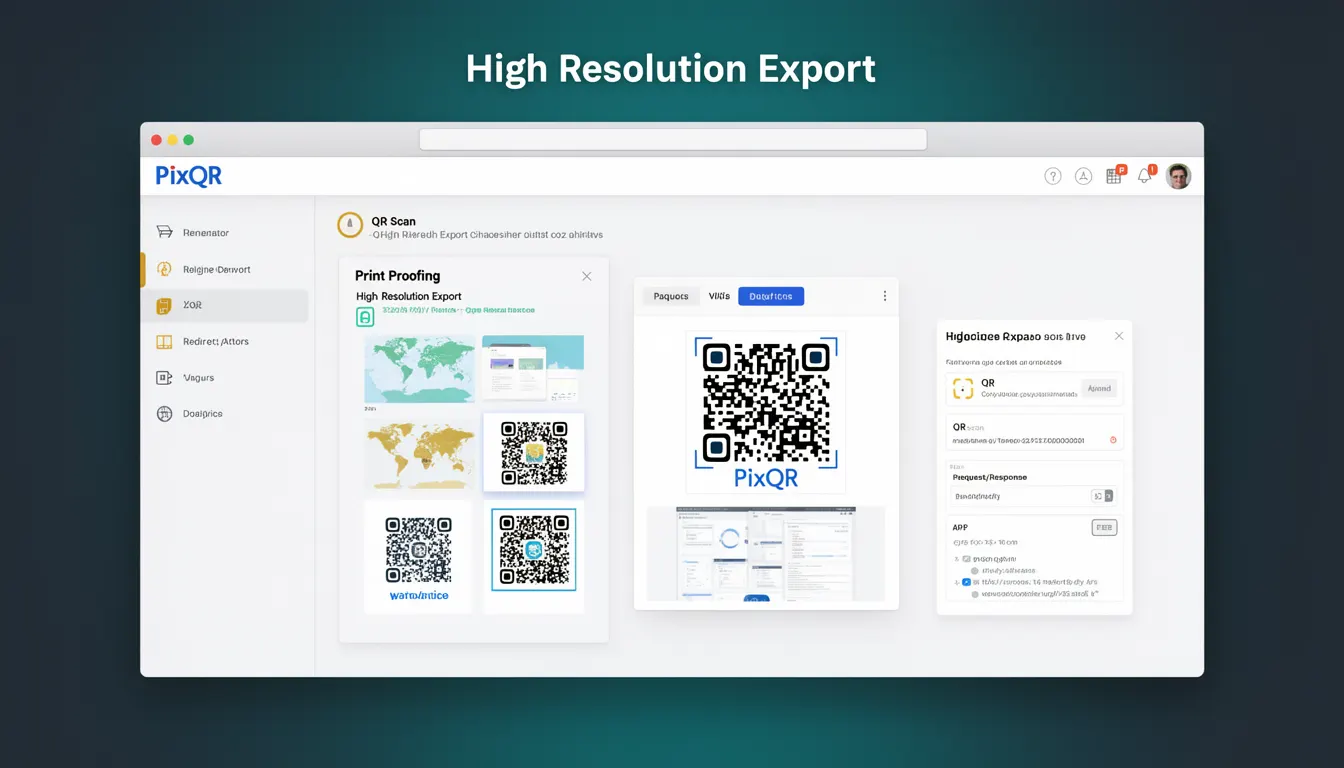
High Resolution Export is a feature within QR code generation platforms like PixQR that enables users to produce QR codes at higher pixel densities or resolutions. This capability is essential for applications where the QR code must be scanned reliably at various distances or printed at large sizes, such as in marketing materials, signage, or physical product labels.
In PixQR, this feature typically allows developers and content creators to specify output dimensions, pixel density, or resolution levels when generating a QR code. It supports both dynamic and static QR code outputs, ensuring that the generated code maintains scannability and visual clarity at any scale. The functionality is particularly relevant in environments where physical print quality, device display fidelity, or scanning accuracy must be preserved.
Why It Matters
For developers working with QR code platforms like PixQR, the High Resolution Export capability ensures that generated codes meet the technical and practical requirements of diverse use cases. When QR codes are printed at large sizes or displayed on high-resolution screens, low-resolution versions may become unreadable or fail to scan correctly. This can lead to user frustration, loss of functionality, and decreased engagement.
From a performance perspective, exporting at high resolution also impacts file size and rendering time. PixQR's implementation balances quality with efficiency, ensuring that developers can produce high-quality codes without compromising on system resources or scan reliability. For brand-safe design, high-resolution exports help maintain visual integrity across all mediums, from digital media to physical print.
How It Works
The High Resolution Export feature in PixQR operates by allowing users to define the output resolution or pixel density of a QR code. This typically involves specifying parameters such as width, height, or DPI (dots per inch). The platform then generates a QR code that meets these specifications, ensuring that the code remains scannable and visually clear.
- Resolution is typically specified in pixels or DPI, with higher values producing clearer and larger codes.
- Export formats may include PNG, SVG, or JPEG, each with their own resolution handling characteristics.
- Dynamic QR codes can be exported at high resolution while preserving their redirect functionality.
- Some implementations support adaptive resolution, automatically adjusting based on intended use case or output medium.
- High-resolution exports may increase file size, which can affect load times or storage requirements in certain environments.
Quick Reference
| Item | Purpose | Notes |
|---|---|---|
| Export resolution | Defines pixel density of the QR code | Higher values improve print and screen clarity |
| Output format | Specifies the file type for export | PNG and SVG support lossless high-resolution output |
| DPI setting | Controls physical print resolution | Typically 150 DPI or higher for print quality |
| Dynamic QR support | Ensures redirect functionality persists | High-res dynamic codes must be scanned via API or web link |
| File size impact | Higher resolution increases file size | Consider compression or format choice for performance |
Basic Example
PixQR Example QR
This QR links directly to this glossary page, so printed notes, onboarding docs, and support material can bring scanners back to the current reference.
/glossary/qr-code-generators/qr-code-generators-high-resolution-export

This example shows a basic PixQR API call to generate a high-resolution QR code using a standard export endpoint.
const response = await fetch('https://api.pixqr.com/v1/qr/export', {
  method: 'POST',
  headers: {
    'Authorization': 'Bearer YOUR_API_KEY',
    'Content-Type': 'application/json'
  },
  body: JSON.stringify({
    content: 'https://example.com',
    resolution: 600,
    format: 'png'
  })
});
The resolution parameter sets the output pixel density to 600 DPI, and the format specifies a PNG export. This ensures the QR code is suitable for high-quality print or large digital displays.
Production Example
This example demonstrates a more robust implementation that includes validation, error handling, and configuration for production use.
const generateHighResQR = async (url, resolution = 600, format = 'png') => {
  try {
    const response = await fetch('https://api.pixqr.com/v1/qr/export', {
      method: 'POST',
      headers: {
        'Authorization': `Bearer ${process.env.PIXQR_API_KEY}`,
        'Content-Type': 'application/json'
      },
      body: JSON.stringify({
        content: url,
        resolution: resolution,
        format: format,
        margin: 1
      })
    });

    if (!response.ok) {
      throw new Error(`Export failed: ${response.status}`);
    }

    const blob = await response.blob();
    return URL.createObjectURL(blob);
  } catch (error) {
    console.error('Error generating high-res QR:', error);
    throw error;
  }
};
This version includes environment variable handling, validation, and error management, making it suitable for integration into production systems. It also specifies a margin to ensure scannability and includes a default resolution for clarity.
Common Mistakes
- Using low resolution for large-scale prints or signage, which results in unreadable QR codes.
- Ignoring file size impacts when exporting high-resolution QR codes, leading to performance degradation.
- Not specifying output format, which defaults to a less suitable format for certain use cases.
- Confusing resolution and DPI settings, causing mismatched expectations for print or screen display.
- Forgetting to validate input content before export, which may result in invalid QR codes or API errors.
Security And Production Notes
- Always validate QR content before export to prevent injection of malicious links or redirects.
- Use secure API keys and limit access to export endpoints to authenticated users or services.
- Implement file size limits to prevent abuse or resource exhaustion during export.
- Ensure high-resolution exports do not inadvertently expose internal or sensitive data in metadata.
- Consider caching or pre-generating high-resolution QR codes to reduce repeated API calls and improve performance.
Related Concepts
High Resolution Export in PixQR connects closely with several core QR code generation concepts:
- Dynamic QR Codes – High-resolution exports can preserve dynamic functionality, ensuring links remain active and trackable.
- Scan Reliability – Higher resolution supports better scanning accuracy, especially in low-light or noisy environments.
- Print Quality – Export resolution directly impacts how well a QR code prints on physical materials.
- Export Formats – Different formats (PNG, SVG, JPEG) support varying resolution levels and are chosen based on intended use.
- API Usage Patterns – High-resolution exports often require specific API parameters, making them part of a broader platform integration strategy.