 PixQR
PixQR
Overview
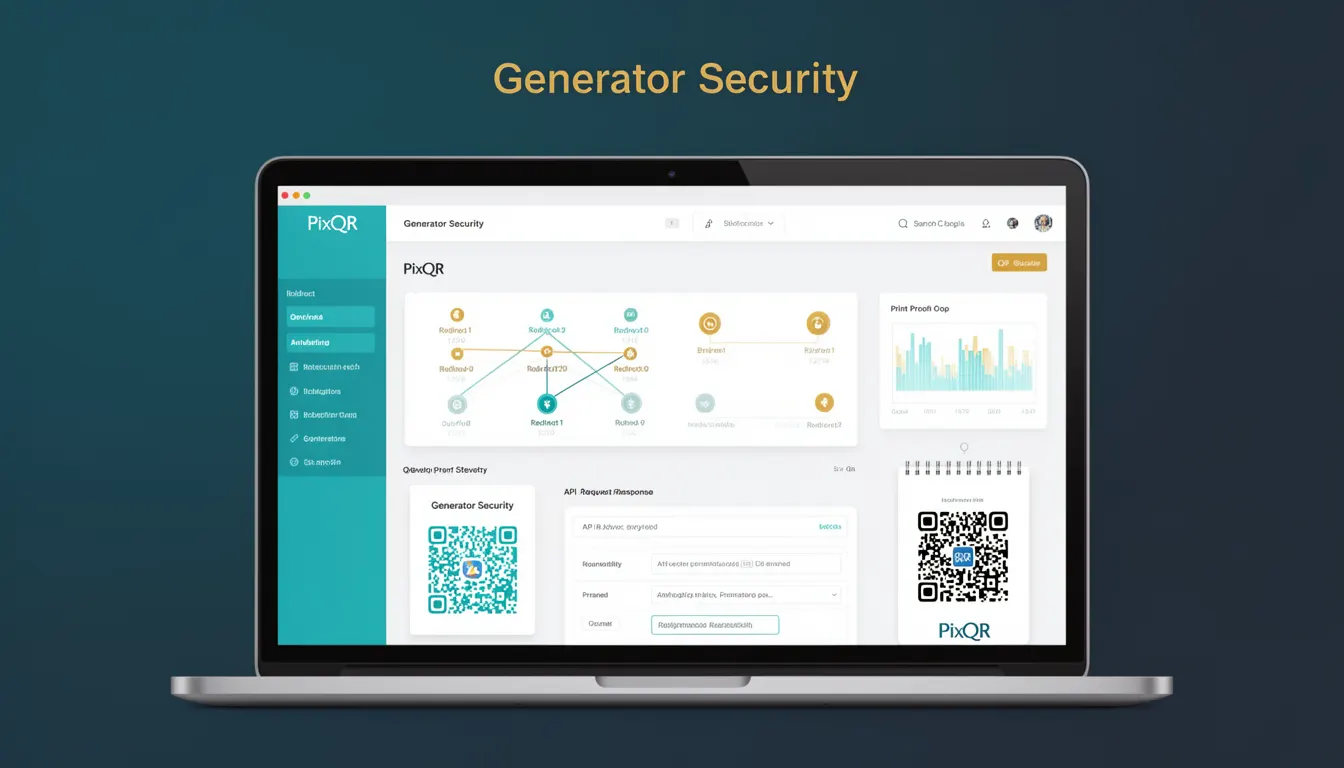
Generator Security refers to the suite of protective mechanisms and controls implemented within a QR code generation system to prevent unauthorized use, data tampering, or exploitation during the creation, export, or management of QR codes. In the context of PixQR, Generator Security ensures that QR code generation is secure, reliable, and aligned with brand and privacy standards.
Developers working with PixQR’s platform must understand how Generator Security is applied in API integrations, user interfaces, and backend workflows. It is essential for preventing malicious actors from creating fraudulent QR codes or exploiting system vulnerabilities to gain unauthorized access to content or data.
Why It Matters
Generator Security is critical for maintaining the integrity of QR code systems, especially in environments where brand safety, privacy compliance, and operational reliability are key. Without proper controls, QR code generators can be misused to redirect users to malicious sites, inject harmful payloads, or expose sensitive data.
For product teams and site operators, Generator Security directly impacts user trust and system compliance. For example, a QR code generator that does not validate input URLs or enforce secure redirect policies can lead to phishing attacks or data breaches. In PixQR, this translates to robust validation, access controls, and audit logging to support secure operations.
How It Works
Generator Security in PixQR operates through multiple overlapping mechanisms that validate inputs, control access, and enforce compliance during QR code creation. The system ensures that only trusted users or systems can generate QR codes, and that generated codes are safe for public use.
- Input validation ensures that URLs or content passed to the generator are safe and conform to allowed formats.
- Access control restricts who can generate or manage QR codes, often via API keys or user roles.
- Content sanitization strips or encodes potentially dangerous elements from generated links or payloads.
- Rate limiting prevents abuse by limiting how many QR codes can be generated within a time window.
- Export controls manage how QR codes are delivered, including options for secure, brand-safe formats.
Quick Reference
| Item | Purpose | Notes |
|---|---|---|
| Input validation | Ensures URLs or content are safe | Prevents malicious input |
| Access control | Limits who can generate QR codes | Requires authentication or API keys |
| Content sanitization | Removes or encodes unsafe elements | Prevents XSS or payload injection |
| Rate limiting | Prevents abuse or spam | Enforces limits per user or API key |
| Export options | Controls how QR codes are delivered | Supports secure, brand-safe formats |
Basic Example
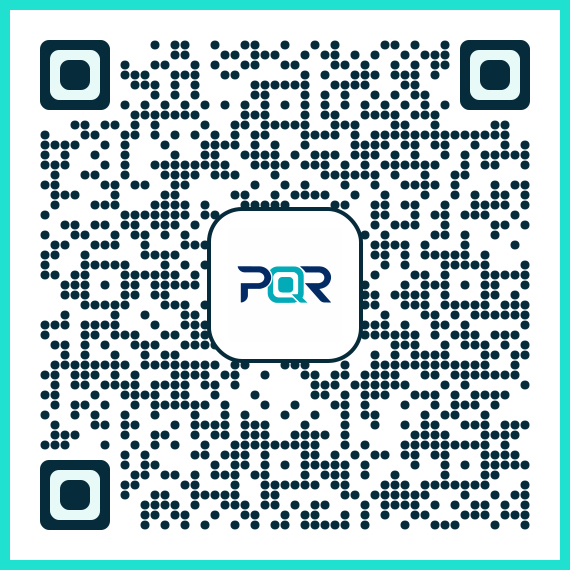
PixQR Example QR
This QR links directly to this glossary page, so printed notes, onboarding docs, and support material can bring scanners back to the current reference.
/glossary/qr-code-generators/qr-code-generators-generator-security
This basic example shows how to generate a secure QR code using PixQR's API with input validation.
const response = await fetch('https://api.pixqr.com/generate', {
  method: 'POST',
  headers: {
    'Content-Type': 'application/json',
    'Authorization': 'Bearer YOUR_API_KEY'
  },
  body: JSON.stringify({
    url: 'https://example.com',
    brand_safe: true
  })
});
The url parameter is validated for safety, and brand_safe ensures the QR code is rendered with brand-compliant styling. The API key ensures only authorized users can access the generator.
Production Example
In a production environment, QR code generation must include comprehensive validation, access control, and error handling.
async function generateSecureQR(url, apiKey) {
  const validatedUrl = validateUrl(url);
  if (!validatedUrl) {
    throw new Error('Invalid URL');
  }

  const response = await fetch('https://api.pixqr.com/generate', {
    method: 'POST',
    headers: {
      'Content-Type': 'application/json',
      'Authorization': `Bearer ${apiKey}`
    },
    body: JSON.stringify({
      url: validatedUrl,
      brand_safe: true,
      analytics: true
    })
  });

  if (!response.ok) {
    throw new Error('Failed to generate QR');
  }

  return await response.json();
}
This version includes URL validation, proper error handling, and secure API usage. It also enables analytics for tracking, which is a common production requirement.
Common Mistakes
- Not validating input URLs, leading to potential injection of malicious content or redirection to harmful sites.
- Using hardcoded API keys in client-side code, which exposes them to unauthorized access.
- Disabling brand-safe rendering or export options without understanding the security implications.
- Ignoring rate limits or access control, which can lead to abuse or denial-of-service conditions.
- Failing to log or audit QR code generation events, which makes it difficult to track misuse or system anomalies.
Security And Production Notes
- Always validate URLs before passing them to the generator to avoid XSS or redirect attacks.
- Use API keys or tokens for access control, never expose credentials in client-side code.
- Enable brand-safe rendering by default to maintain visual consistency and reduce risk of content injection.
- Implement rate limiting to prevent automated abuse of the QR generation API.
- Log all QR code generation events for compliance and incident response purposes.
Related Concepts
Generator Security is closely related to several core concepts in QR code systems and web development:
- Input Sanitization – Ensures that user-provided data is cleaned and safe before processing.
- Access Control – Manages permissions for who can generate or modify QR codes.
- API Security – Protects API endpoints from unauthorized or malicious use.
- Redirect Safety – Ensures that QR codes point to safe, intended destinations.
- Privacy Compliance – Aligns QR code generation with regulations such as GDPR or CCPA.