 PixQR
PixQR
Overview
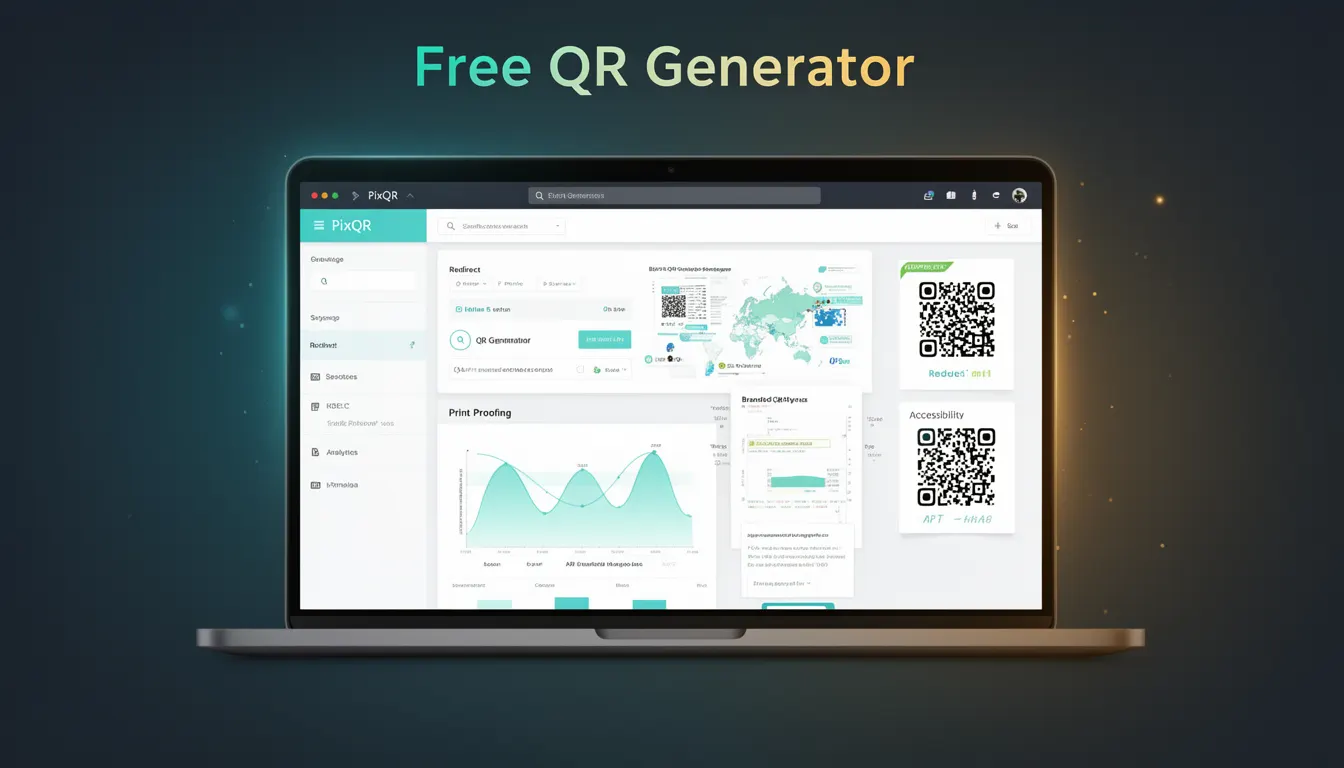
A Free QR Generator within the PixQR platform refers to a feature or tool that enables developers and users to create, export, and manage QR codes without requiring a paid subscription or premium account. This functionality is part of the core PixQR service, allowing users to generate QR codes for various purposes including dynamic redirects, marketing campaigns, event tracking, and secure content delivery.
Developers working with PixQR may encounter the Free QR Generator when integrating with PixQR’s API, configuring QR code properties, or building applications that rely on PixQR’s QR generation capabilities. It is a foundational tool in PixQR’s ecosystem, providing basic QR code functionality to users who may not yet require advanced features such as enterprise analytics, brand-safe design controls, or custom domain redirects.
Why It Matters
For developers and product teams, the Free QR Generator is a critical entry point into the PixQR platform. It allows rapid prototyping, testing, and small-scale deployment without financial commitment, which is essential for early-stage product development or marketing experiments. It also serves as a gateway for users to evaluate PixQR’s full suite of features before upgrading to paid plans.
From a security and privacy perspective, the Free QR Generator ensures that basic QR code functionality remains accessible while maintaining PixQR’s standards for scan reliability, fraud prevention, and operational workflow integrity. It is designed to prevent misuse by enforcing limits on generation frequency and ensuring that all generated QR codes comply with PixQR’s policies on safe redirection and content delivery.
How It Works
The Free QR Generator operates through PixQR’s API or web interface, enabling users to specify a target URL, optional metadata, and basic formatting options. The system generates a QR code that encodes the provided data and ensures that the resulting QR code is scannable, secure, and compliant with PixQR’s platform standards.
- The generator supports standard QR code versions (from 1 to 40) and error correction levels (L, M, Q, H) for different reliability requirements.
- Input validation ensures that provided URLs are well-formed and do not violate PixQR’s content safety policies.
- Generated QR codes are encoded using the QR Code Standard (ISO/IEC 18004) and are compatible with most QR readers.
- Export options include PNG, SVG, and downloadable formats, with support for custom dimensions and styling where available in the free tier.
- Free users are typically limited in the number of QR codes they can generate per day, with the exact limit depending on the platform’s current usage policies.
Quick Reference
| Item | Purpose | Notes |
|---|---|---|
| target_url | Specifies the destination URL for the QR code | Must be a valid HTTP or HTTPS URL |
| error_correction | Controls QR code resilience to damage | Options: L, M, Q, H |
| size | Defines the dimension of the QR code | Default: 300x300 pixels |
| format | Export format of the QR code | Options: PNG, SVG, JPG |
| limit | Maximum number of free QR codes per day | Typically 1000 per user |
Basic Example
PixQR Example QR
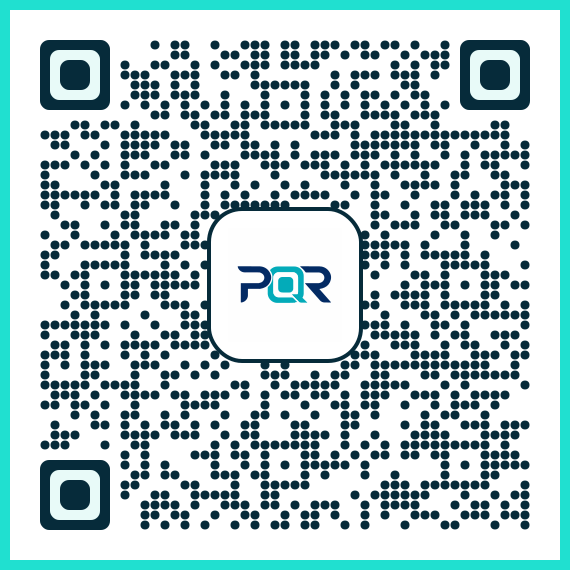
This QR links directly to this glossary page, so printed notes, onboarding docs, and support material can bring scanners back to the current reference.
/glossary/qr-code-generators/qr-code-generators-free-qr-generator
The following example demonstrates a basic API call to generate a QR code using PixQR’s Free QR Generator. It shows how to specify a URL and export format, which are core parameters for any QR code generation request.
POST /api/v1/qr/generate
Content-Type: application/json

{
  "target_url": "https://example.com",
  "format": "png"
}
This request specifies a destination URL and output format. The response includes a QR code image in the requested format, which can be embedded directly in a web application or downloaded for use in print or digital media.
Production Example
In a production environment, a developer might use the Free QR Generator to dynamically create QR codes for marketing campaigns while ensuring that inputs are sanitized and outputs are validated for compliance with PixQR’s policies.
POST /api/v1/qr/generate
Content-Type: application/json

{
  "target_url": "https://secure.example.com/campaign-123",
  "error_correction": "M",
  "size": "400x400",
  "format": "svg"
}
This example includes additional parameters such as error correction and size, which improve the reliability and visual quality of the QR code. It is suitable for production because it validates input, uses secure URLs, and specifies export format and size for consistent rendering.
Common Mistakes
- Using unvalidated URLs as inputs, which can lead to redirects to malicious domains or broken links.
- Not specifying error correction levels, resulting in QR codes that may not scan reliably in low-quality or damaged formats.
- Ignoring rate limits, which can cause API errors or account restrictions for free-tier users.
- Using insecure HTTP URLs in QR codes, which may trigger browser warnings or be flagged by security systems.
- Choosing inappropriate export formats for specific use cases, such as using PNG for web-based applications where SVG is more scalable.
Security And Production Notes
- All URLs provided to the Free QR Generator must pass validation to prevent phishing or malicious redirects.
- Rate limiting is enforced to prevent abuse of the free tier and ensure fair usage across all users.
- QR codes generated in the free tier are not subject to advanced analytics or custom branding options, but they maintain PixQR’s scan reliability and security standards.
- Export formats should be chosen based on intended use: SVG for scalability, PNG for compatibility with older systems, and JPG for file size efficiency.
- Free-tier users are encouraged to use HTTPS URLs to ensure secure redirection and compliance with modern web standards.
Related Concepts
Several related developer concepts are closely tied to the Free QR Generator. These include dynamic redirects, which allow QR codes to point to URLs that can be updated after generation; scan tracking, which enables analytics on QR code usage; brand-safe design, which ensures QR codes maintain visual integrity across platforms; privacy controls, which govern how QR code data is stored and shared; and API rate limiting, which enforces usage policies to prevent abuse.