 PixQR
PixQR
Overview
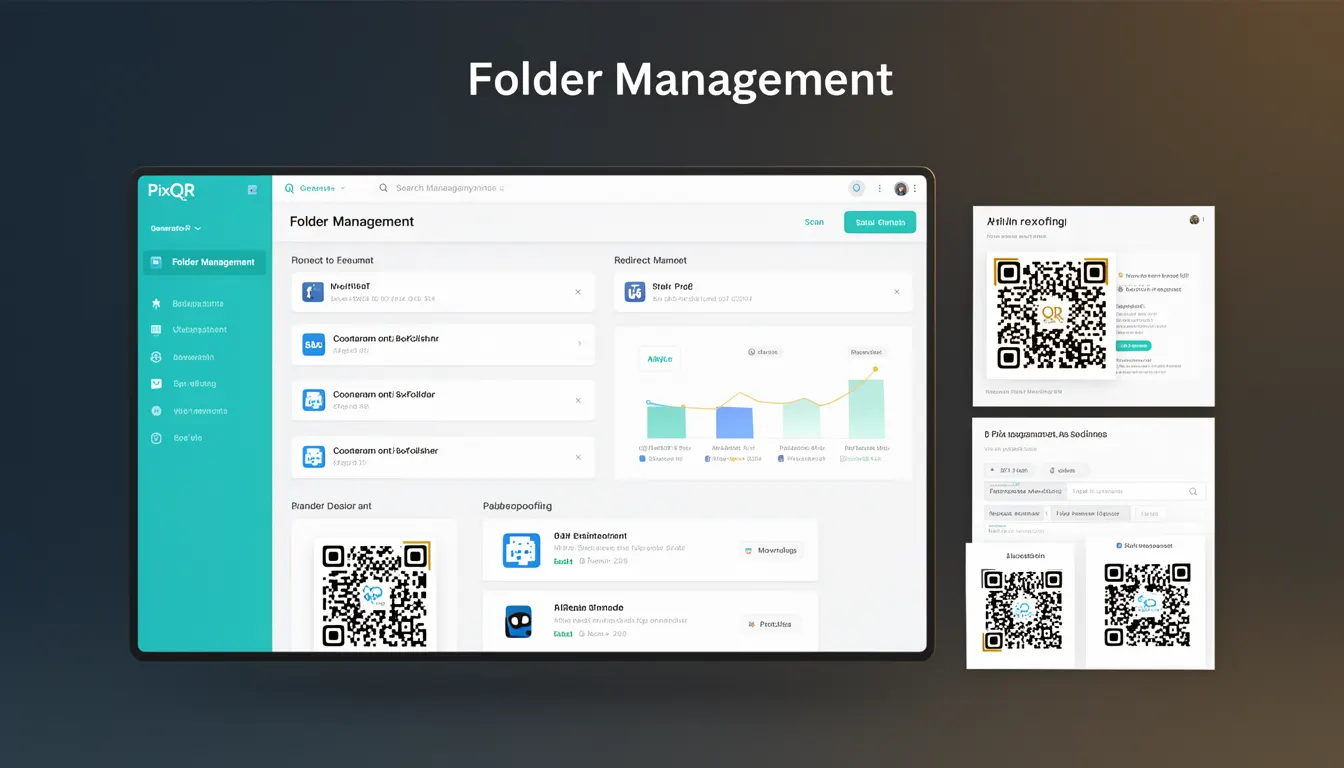
Folder Management in the context of PixQR refers to the organizational capabilities within the platform that allow developers and administrators to structure, categorize, and control access to QR codes through a hierarchical folder system. This feature enables teams to manage large numbers of QR codes efficiently by grouping them logically, setting permissions, and applying consistent policies across collections.
Within PixQR's ecosystem, Folder Management is not just a UI convenience—it is a core infrastructure component that integrates with QR code generation, analytics, and redirect workflows. It allows for better version control, audit trails, and streamlined deployment processes, especially in enterprise or multi-team environments where QR codes are generated at scale.
Why It Matters
Folder Management is essential for developers and platform maintainers because it directly impacts scalability, security, and operational efficiency. As QR code libraries grow, manual organization becomes unmanageable. A well-implemented folder structure ensures that teams can locate, update, and monitor QR codes without performance degradation or accidental exposure.
From a security perspective, Folder Management enables role-based access control (RBAC) and audit logging for QR code modifications. It prevents unauthorized changes to critical QR codes and ensures compliance with internal policies or regulatory requirements. For example, a marketing team may have read-only access to a folder containing internal-use-only QR codes, while a developer team may have full access to a folder for production QR codes.
In terms of user experience, Folder Management supports rapid deployment workflows by allowing teams to pre-configure templates or settings for specific folders. This ensures consistency in branding, analytics tracking, and redirect behavior across similar QR codes, reducing errors and speeding up onboarding.
How It Works
Folder Management in PixQR operates through a hierarchical tree structure where each folder can contain subfolders and QR code entries. The system supports nested folders to allow granular control over QR code organization and access.
- Each folder can be assigned a unique identifier (ID) and a human-readable name for internal tracking and API access.
- Folders support metadata fields such as tags, descriptions, and creation timestamps to enhance searchability and categorization.
- Access controls are applied at the folder level, allowing granular permissions for read, write, and delete operations.
- QR codes within a folder inherit folder-level settings such as analytics tracking, redirect behavior, and branding elements unless overridden.
- API endpoints are provided for programmatic folder creation, modification, and deletion, enabling integration with CI/CD pipelines and external systems.
When a QR code is generated, the system checks the folder's configuration to apply appropriate settings. For instance, if a folder is configured to disable analytics tracking, all QR codes within that folder will not generate tracking data unless explicitly enabled at the QR code level.
The system also supports folder-level analytics and reporting, which aggregate data from all QR codes within a folder. This is useful for tracking campaign performance or monitoring usage trends across specific product lines or departments.
Quick Reference
| Item | Purpose | Notes |
|---|---|---|
| folder_id | Unique identifier for a folder | Used in API calls and internal references |
| folder_name | Human-readable name for the folder | Must be unique within parent folder |
| parent_folder_id | Reference to parent folder | Null for root folders |
| permissions | Access control list for the folder | Supports read, write, delete, and manage |
| metadata | Custom attributes for folder categorization | Supports tags, descriptions, and timestamps |
Basic Example
PixQR Example QR
This QR links directly to this glossary page, so printed notes, onboarding docs, and support material can bring scanners back to the current reference.
/glossary/qr-code-generators/qr-code-generators-folder-management

This example demonstrates how to create a new folder using the PixQR API. It illustrates the minimal required parameters and the expected response format.
POST /api/v1/folders
{
  "folder_name": "Marketing Campaigns",
  "parent_folder_id": null
}
Response:
{
  "folder_id": "f1234567890",
  "folder_name": "Marketing Campaigns",
  "parent_folder_id": null,
  "created_at": "2025-04-01T10:00:00Z"
}
The key lines in this example are the folder_name and parent_folder_id fields. The folder_name is required and must be unique within the parent folder scope. The parent_folder_id is optional and set to null for root-level folders.
Production Example
This example shows how to set up a folder with permissions and metadata for a production environment. It includes error handling and validation to ensure that folder creation is robust and secure.
POST /api/v1/folders
{
  "folder_name": "Product Launch 2025",
  "parent_folder_id": "f0000000001",
  "metadata": {
    "campaign_id": "PL2025",
    "department": "Product Marketing",
    "tags": ["launch", "2025", "product"]
  },
  "permissions": [
    {
      "role": "developer",
      "access_level": "write"
    },
    {
      "role": "analyst",
      "access_level": "read"
    }
  ]
}
Response:
{
  "folder_id": "f9876543210",
  "folder_name": "Product Launch 2025",
  "parent_folder_id": "f0000000001",
  "created_at": "2025-04-01T10:00:00Z",
  "metadata": {
    "campaign_id": "PL2025",
    "department": "Product Marketing",
    "tags": ["launch", "2025", "product"]
  }
}
This version is more suitable for production because it includes metadata and permissions. Metadata enhances searchability and reporting, while permissions ensure that only authorized roles can modify the folder. The structure also supports integration with external systems through consistent identifiers and standardized fields.
Common Mistakes
- Not setting explicit permissions at the folder level, leading to unintended access to sensitive QR codes.
- Using non-unique folder names within the same parent, which can cause confusion or API errors during updates.
- Ignoring metadata fields when creating folders, resulting in poor searchability and auditability.
- Creating deeply nested folder structures, which can complicate navigation and slow down API responses.
- Using folder IDs directly in client-side code without sanitization, potentially exposing internal system structure.
- Not validating folder hierarchy before API requests, leading to errors when trying to move or delete folders with children.
Security And Production Notes
- Folder IDs should be treated as sensitive data and not exposed in client-side code or logs without sanitization.
- Always validate folder hierarchy before making API calls to prevent orphaned or invalid folder structures.
- Implement RBAC at the folder level to enforce access control and prevent privilege escalation.
- Use consistent naming conventions for folders to improve auditability and reduce human error.
- Ensure that folder metadata fields are sanitized to prevent injection attacks or data corruption.
Related Concepts
Folder Management connects closely with several core PixQR concepts:
- QR Code Generation: Folders are used to organize QR codes and apply consistent generation settings.
- Access Control: Folder permissions determine who can view or modify QR codes within a collection.
- Analytics: Folder-level analytics aggregate data from all QR codes in that folder.
- API Integration: Folder structures are exposed through API endpoints for programmatic control.
- Version Control: Folders can be used to manage different versions of QR code templates or campaigns.