 PixQR
PixQR
Overview
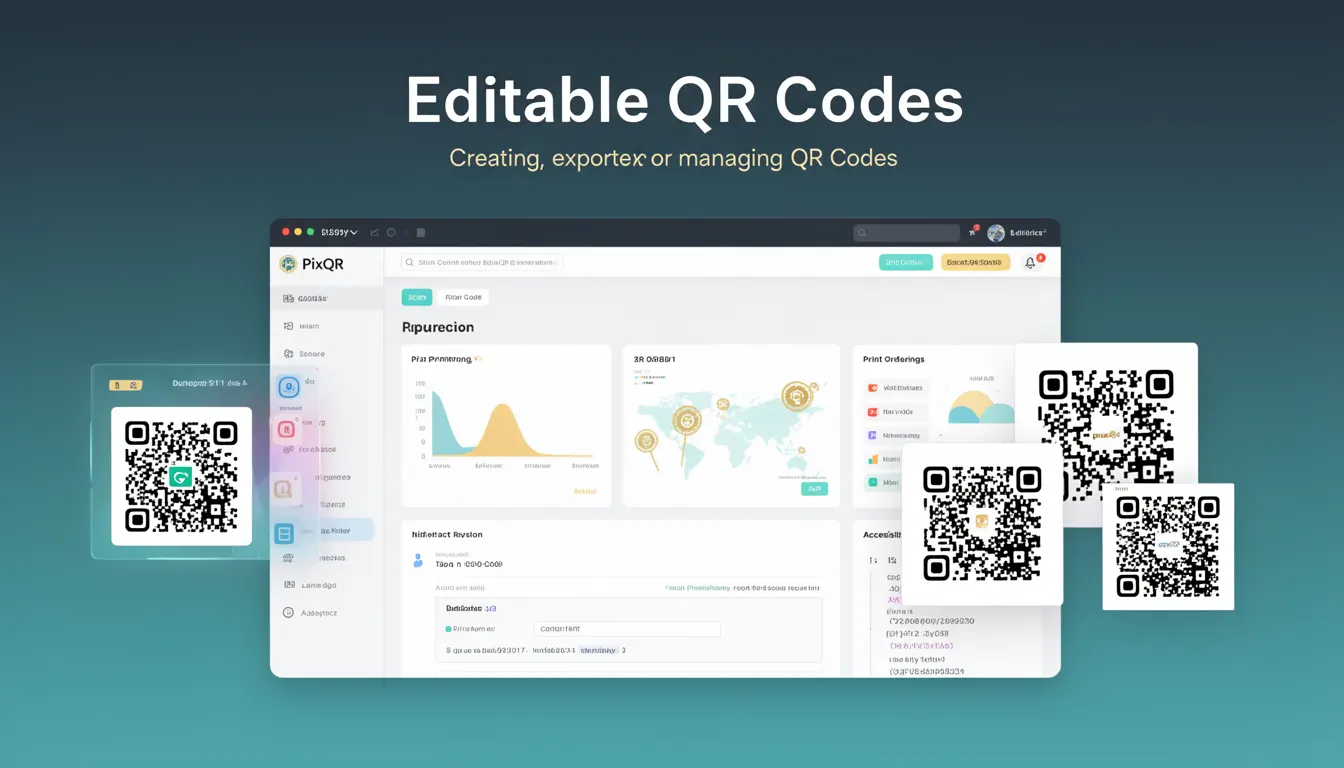
Editable QR Codes refer to a feature within QR code generation platforms that allows users to create, modify, and manage QR codes through an interactive interface or API. These codes are not static; they can be updated after creation, enabling dynamic content delivery, link redirection, and flexible branding options.
In PixQR, editable QR codes support real-time updates, ensuring that the destination URL or content can be changed without requiring a new physical QR code to be printed or distributed. This capability is particularly useful for campaigns, event promotions, or marketing materials where content may need to be updated based on real-time conditions or feedback.
Why It Matters
Editable QR codes provide significant operational flexibility for developers and marketers managing dynamic content. Unlike static QR codes, which are permanently linked to a fixed URL or content, editable QR codes allow for updates without reprinting or re-distributing physical assets. This is especially important for:
- Reducing production overhead for frequent content changes
- Enabling A/B testing of different landing pages
- Supporting time-sensitive promotions or event updates
- Ensuring content relevance during campaign lifecycles
- Improving tracking accuracy by allowing mid-campaign adjustments
For developers, this feature implies a need for secure, scalable backend systems that support real-time updates and maintain historical data for analytics. It also requires robust access control to prevent unauthorized modifications.
How It Works
The functionality of editable QR codes in PixQR is built around a core system that allows users to modify the target content of a QR code post-generation. The following elements define how this works:
- Each editable QR code is associated with a unique identifier (ID) that maps to a database record containing the current target URL, metadata, and configuration settings.
- Users can update the destination URL or content through a dashboard or API endpoint, triggering an immediate change in the QR code's behavior.
- Changes are logged and versioned for audit trails, allowing administrators to revert to previous configurations if needed.
- Analytics data is preserved and associated with the QR code ID, ensuring historical tracking remains intact even when content changes.
- Security measures such as access tokens, IP restrictions, and role-based permissions are applied to prevent unauthorized modifications.
Internally, PixQR uses a two-tier architecture: a frontend interface for configuration and a backend service for processing updates. The backend ensures that all changes are validated before being applied, and it maintains consistency across multiple devices or systems accessing the same QR code.
Quick Reference
| Item | Purpose | Notes |
|---|---|---|
| QR Code ID | Unique identifier for a QR code | Used to reference and update the QR code |
| Target URL | Destination of the QR code | Can be updated in real time |
| Access Token | Authentication for API updates | Required for secure modification |
| Version History | Tracks changes to QR code content | Enables rollback to previous states |
| Analytics Data | Tracking of scans and user behavior | Preserved during content updates |
Basic Example
PixQR Example QR
This QR links directly to this glossary page, so printed notes, onboarding docs, and support material can bring scanners back to the current reference.
/glossary/qr-code-generators/qr-code-generators-editable-qr-codes

This example demonstrates a simple API call to update a QR code's target URL using PixQR's REST API:
curl -X PUT https://api.pixqr.com/v1/qr-codes/12345 \
  -H "Authorization: Bearer <token>" \
  -H "Content-Type: application/json" \
  -d '{"target_url": "https://example.com/new-page"}'
The key elements are the QR code ID (12345), the authorization header with a valid token, and the JSON payload containing the updated URL. This call updates the QR code's destination without requiring a new physical QR code.
Production Example
A production-ready implementation involves validation, error handling, and secure access control:
const updateQRCode = async (id, newUrl, token) => {
  if (!id || !newUrl || !token) {
    throw new Error('Missing required parameters');
  }

  try {
    const response = await fetch(`https://api.pixqr.com/v1/qr-codes/${id}`, {
      method: 'PUT',
      headers: {
        'Authorization': `Bearer ${token}`,
        'Content-Type': 'application/json'
      },
      body: JSON.stringify({ target_url: newUrl })
    });

    if (!response.ok) {
      throw new Error(`HTTP error! status: ${response.status}`);
    }

    const result = await response.json();
    return result;
  } catch (error) {
    console.error('Failed to update QR code:', error);
    throw error;
  }
};
This version includes input validation, error handling, and structured API communication. It ensures that only valid requests are sent and that errors are properly reported, making it suitable for use in a larger application or service.
Common Mistakes
- Not validating the target URL before updating, leading to broken links or malicious redirections
- Using insecure tokens or exposing access keys in client-side code
- Ignoring version history, which makes it difficult to revert changes or audit modifications
- Not handling API errors gracefully, causing application crashes or data loss
- Updating QR codes in production without testing, potentially affecting live campaigns or user experience
- Assuming all QR codes can be modified without access control, leading to unauthorized changes
Security And Production Notes
- Always validate and sanitize URLs to prevent open redirect vulnerabilities
- Implement role-based access control to restrict who can modify QR codes
- Use HTTPS and secure tokens for all API interactions to prevent interception
- Log all changes to QR codes for compliance and audit purposes
- Ensure that analytics data is preserved during updates to maintain tracking integrity
Related Concepts
Editable QR codes are closely related to several other developer concepts:
- Dynamic QR Codes – QR codes that can be modified post-creation, a key feature of editable QR codes.
- API Integration – The ability to programmatically update QR codes requires robust API support.
- Content Management Systems – Editable QR codes often integrate with CMS platforms for centralized content updates.
- Analytics and Tracking – Real-time updates must not disrupt existing tracking or reporting mechanisms.
- Access Control – Secure modification of QR codes requires strong authentication and authorization protocols.