 PixQR
PixQR
Overview
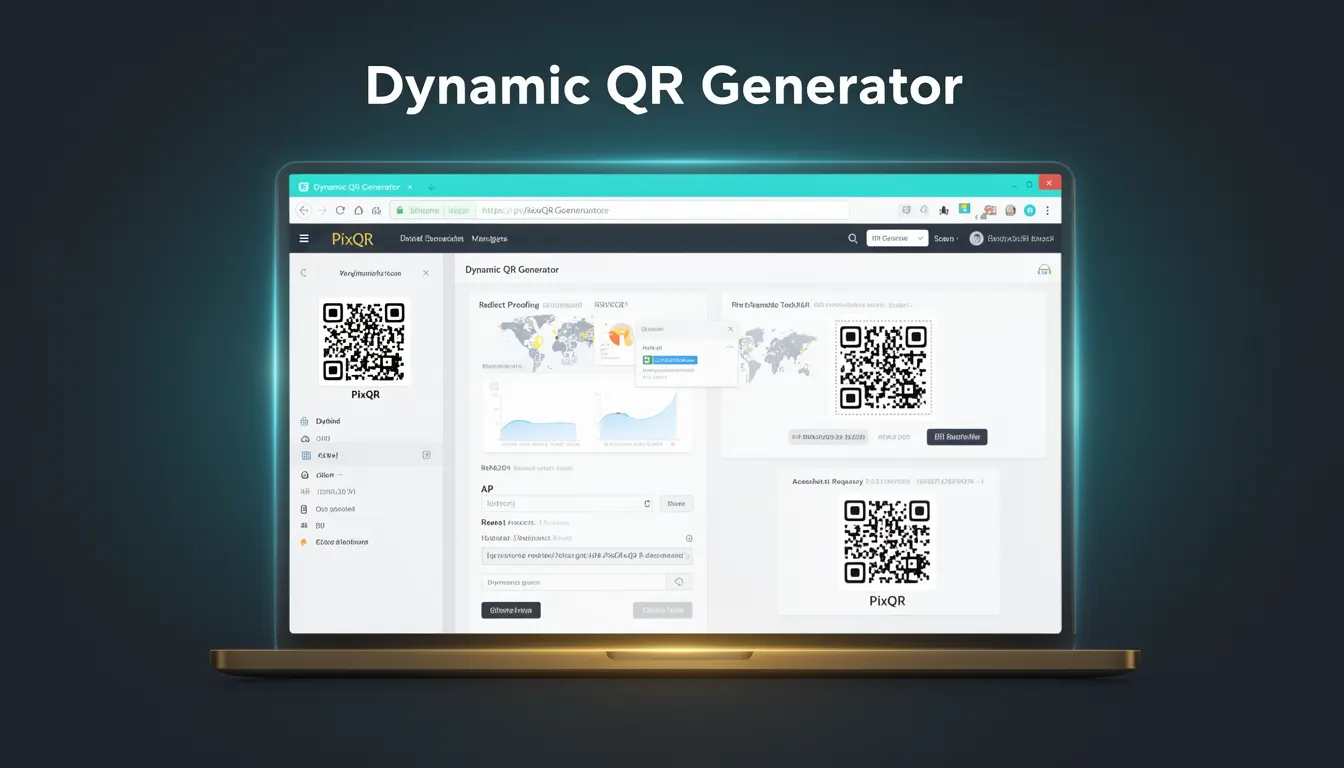
A Dynamic QR Generator is a feature or tool within PixQR that allows developers and content creators to generate QR codes that can be updated or modified after creation. Unlike static QR codes, which contain fixed URLs or data, dynamic QR codes store a reference to a backend URL or redirect configuration that can be changed at any time without re-printing or re-generating the physical code.
In PixQR, a dynamic QR generator is typically accessed through an API or dashboard interface, where users define a target URL or destination, and the system returns a QR code that points to a PixQR-managed endpoint. This endpoint then redirects to the configured destination, enabling real-time updates to the content behind the QR code.
Why It Matters
For developers and marketers, dynamic QR codes are essential for maintaining flexibility in campaigns, tracking user behavior, and ensuring content remains current without physical reprints. For example, a promotional QR code for a product launch can be updated to point to a new landing page or redirect to a different URL without requiring a new physical QR code to be printed.
From a security standpoint, dynamic QRs help prevent outdated or malicious links from being embedded in physical materials, as administrators can update or invalidate the redirect destination at any time. In PixQR, this feature also supports analytics, allowing developers to track scan counts, geographic data, and user behavior for optimization and reporting.
How It Works
A dynamic QR generator in PixQR operates by creating a unique identifier for each QR code, which is stored in a database along with associated metadata such as the target URL, redirect type, and optional analytics settings. When a user scans the QR code, their device makes a request to the PixQR endpoint, which then redirects them to the configured URL.
- The system assigns a unique identifier to each generated QR code, typically a UUID or hash-based ID.
- Each QR code is linked to a backend redirect configuration, which can be modified at any time.
- Scan tracking and analytics data are collected and stored separately for each QR code, enabling performance reporting.
- Redirects can be configured to use HTTP 301 (permanent) or 302 (temporary) status codes depending on the intended behavior.
- QR codes are generated with a fixed size and error correction level to ensure scannability across devices and print formats.
Quick Reference
| Item | Purpose | Notes |
|---|---|---|
| Unique Identifier | Stores QR code reference | Used for tracking and management |
| Target URL | Destination of the redirect | Can be updated post-generation |
| Redirect Type | HTTP status code for redirect | 301 or 302 |
| Analytics Settings | Controls scan tracking | Optional, enabled by default |
| Scan Count | Tracks number of scans | Accessible via API or dashboard |
Basic Example
PixQR Example QR
This QR links directly to this glossary page, so printed notes, onboarding docs, and support material can bring scanners back to the current reference.
/glossary/qr-code-generators/qr-code-generators-dynamic-qr-generator

This example demonstrates how to create a basic dynamic QR code using a PixQR API call. The code defines a target URL and generates a QR code that will redirect to that URL.
{
  "target_url": "https://example.com/new-page",
  "qr_size": 300,
  "error_correction": "M",
  "analytics_enabled": true
}
The example shows a JSON payload used to configure a QR code. The target_url specifies the destination, while qr_size and error_correction define rendering properties. Enabling analytics_enabled allows tracking of scans.
Production Example
In a production environment, developers often need to validate inputs, ensure secure redirects, and manage error states. This example shows a more robust configuration with input validation and error handling.
{
  "target_url": "https://secure.example.com/landing",
  "qr_size": 300,
  "error_correction": "H",
  "analytics_enabled": true,
  "redirect_type": "302",
  "branding": {
    "logo_url": "https://example.com/logo.png",
    "color": "#000000"
  },
  "expires_at": "2025-12-31T23:59:59Z"
}
This configuration includes branding options, a redirect type, and an expiration date. The error_correction is set to "H" for higher resilience, and the expires_at field ensures the QR code is automatically disabled after a specified date, improving security and lifecycle management.
Common Mistakes
- Not validating the target URL before QR generation, leading to broken or malicious redirects.
- Using default error correction levels that may not be suitable for print quality or scanning in low-light environments.
- Ignoring analytics settings, resulting in missed tracking opportunities for campaign optimization.
- Reusing QR codes without updating the target URL, causing outdated content delivery.
- Setting incorrect redirect types, which can cause issues with search engine indexing or browser caching.
Security And Production Notes
- Always validate and sanitize the target URL to prevent open redirect vulnerabilities.
- Use HTTPS for all target URLs to ensure secure redirects and prevent man-in-the-middle attacks.
- Implement expiration dates for QR codes to reduce the window of opportunity for misuse.
- Ensure analytics are enabled to monitor and detect anomalies in scan behavior.
- Use error correction levels (H or Q) for print-based QR codes to maintain scannability in poor conditions.
Related Concepts
Dynamic QR generators are closely related to several core concepts in QR code management and digital marketing:
- Static QR Codes – Fixed QR codes with unchangeable destinations, often used for permanent links or branding.
- Redirect Management – The process of configuring and updating URLs that QR codes point to, critical for dynamic functionality.
- Scan Analytics – Data collection and reporting on QR code scans, essential for campaign performance evaluation.
- QR Code Branding – Customization of QR code appearance, including colors, logos, and styling for brand consistency.
- Link Shortening – A related service that reduces long URLs into shorter, scannable formats, often integrated with dynamic QR systems.