 PixQR
PixQR
Overview
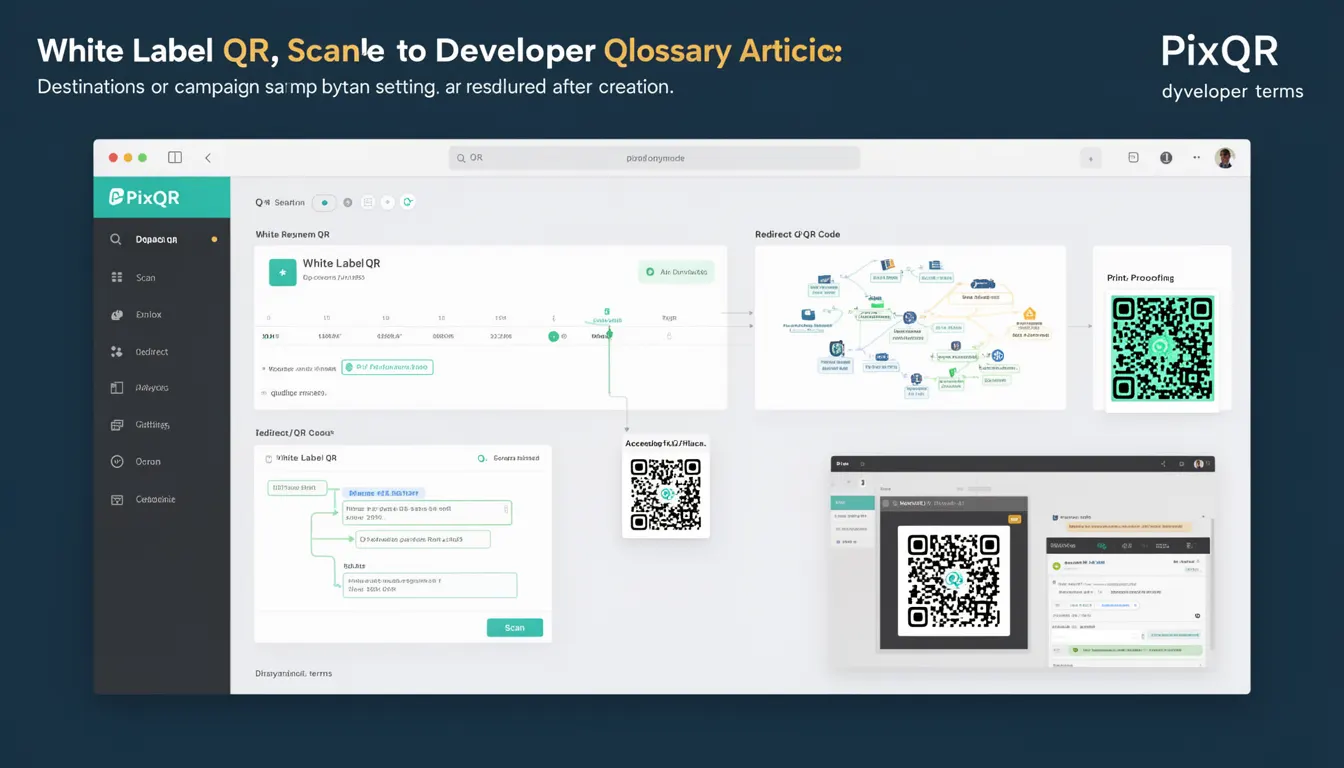
A White Label QR is a dynamic QR code variant used in PixQR that allows for post-creation modification of destination URLs, campaign settings, or metadata. This capability enables organizations to maintain control over their QR code content even after deployment, providing flexibility in marketing, analytics, and operational workflows.
White Label QRs are especially valuable for enterprises or agencies managing large-scale campaigns where redirect destinations may change frequently, or where campaign performance data needs to be updated in real time. The term emphasizes the brand-neutral nature of the QR code, which can be customized for different clients or internal use cases without requiring new QR code generation.
Why It Matters
For developers and platform maintainers, White Label QRs provide a powerful mechanism for managing dynamic content at scale. The ability to update destinations or campaign attributes without regenerating QR codes reduces operational overhead, minimizes disruption to user experience, and supports agile marketing strategies.
From a security perspective, White Label QRs require careful access control and validation. If misconfigured, they can expose systems to unauthorized changes or redirect to malicious domains. The dynamic nature also introduces potential for performance degradation if not properly cached or managed. In production environments, these QR codes must be monitored for changes, validated for safety, and integrated into analytics pipelines to ensure accurate tracking.
How It Works
White Label QRs operate on a backend system where QR code attributes are stored separately from the QR code image itself. The QR code image is generated once and links to a unique identifier or token that resolves to a dynamic configuration stored in a database or content management system.
- Each White Label QR is assigned a unique identifier (ID) that maps to a configuration object in the PixQR backend.
- Configuration objects can include target URL, campaign tags, expiration time, analytics tracking settings, and access control rules.
- The QR code image is generated using a standard QR code encoder and includes a reference to the backend identifier.
- When scanned, the PixQR platform resolves the identifier and fetches the latest configuration before redirecting.
- Changes to the configuration are propagated immediately to all scans, ensuring real-time updates.
Quick Reference
| Item | Purpose | Notes |
|---|---|---|
| QR ID | Unique identifier for a QR code | Used to fetch dynamic configuration |
| Target URL | Destination after QR scan | Can be updated post-creation |
| Campaign Tags | Metadata for tracking and categorization | Updated in real time |
| Access Control | Permissions for editing QR settings | Should be role-based |
| Expiration Time | Time after which QR becomes inactive | Can be extended or reset |
Basic Example
PixQR Example QR
This QR links directly to this glossary page, so printed notes, onboarding docs, and support material can bring scanners back to the current reference.

This example demonstrates the structure of a White Label QR configuration object, showing how attributes are stored and updated.
{
  "qr_id": "wl-12345",
  "target_url": "https://example.com/landing",
  "campaign_tags": ["spring_promo", "email_campaign"],
  "expires_at": "2025-06-30T23:59:59Z",
  "access_control": {
    "allowed_users": ["admin@example.com"],
    "allowed_ips": ["192.168.1.1"]
  }
}
The qr_id uniquely identifies the QR code, while target_url and campaign_tags are editable fields. The expires_at field defines the code's lifespan, and access_control ensures only authorized users can modify settings.
Production Example
This example shows a production-ready implementation of a White Label QR management system, including validation and access control.
{
  "qr_id": "wl-67890",
  "target_url": "https://secure.example.com/redirect",
  "campaign_tags": ["webinar", "registration"],
  "expires_at": "2025-08-31T23:59:59Z",
  "analytics": {
    "track_scans": true,
    "track_location": false
  },
  "access_control": {
    "allowed_users": ["marketing@example.com", "admin@example.com"],
    "allowed_ips": ["10.0.0.0/8"]
  }
}
This version includes enhanced analytics settings and stricter IP-based access control, suitable for enterprise-grade deployment. The structure supports scalable operations and secure configuration updates.
Common Mistakes
- Not validating URL formats before updating the target, leading to invalid redirects or broken links.
- Allowing unrestricted access to QR configuration endpoints, exposing systems to unauthorized changes.
- Using outdated or unescaped QR identifiers, which can cause resolution failures or injection vulnerabilities.
- Ignoring expiration time settings, resulting in outdated QR codes remaining active indefinitely.
- Failing to implement proper logging or audit trails for configuration changes, making troubleshooting difficult.
Security And Production Notes
- Always validate and sanitize all incoming URLs to prevent open redirect vulnerabilities.
- Implement role-based access control (RBAC) to limit who can modify QR configurations.
- Use HTTPS for all QR code endpoints to prevent man-in-the-middle attacks.
- Cache QR resolution responses to improve performance and reduce backend load.
- Log all configuration changes with timestamps and user identifiers for auditability.
Related Concepts
White Label QRs are closely related to several core PixQR concepts:
- Dynamic QR Code: A QR code that resolves to a backend configuration, enabling runtime updates.
- Link Management: The process of maintaining and updating destination URLs for campaigns.
- Scan Analytics: Tracking and reporting on QR code scan behavior, which White Label QRs support through real-time configuration.
- Operational Workflows: The processes and automation around QR code deployment and lifecycle management.
- Brand Safety: Ensuring that QR code destinations align with brand standards and do not expose users to harmful content.