 PixQR
PixQR
Overview
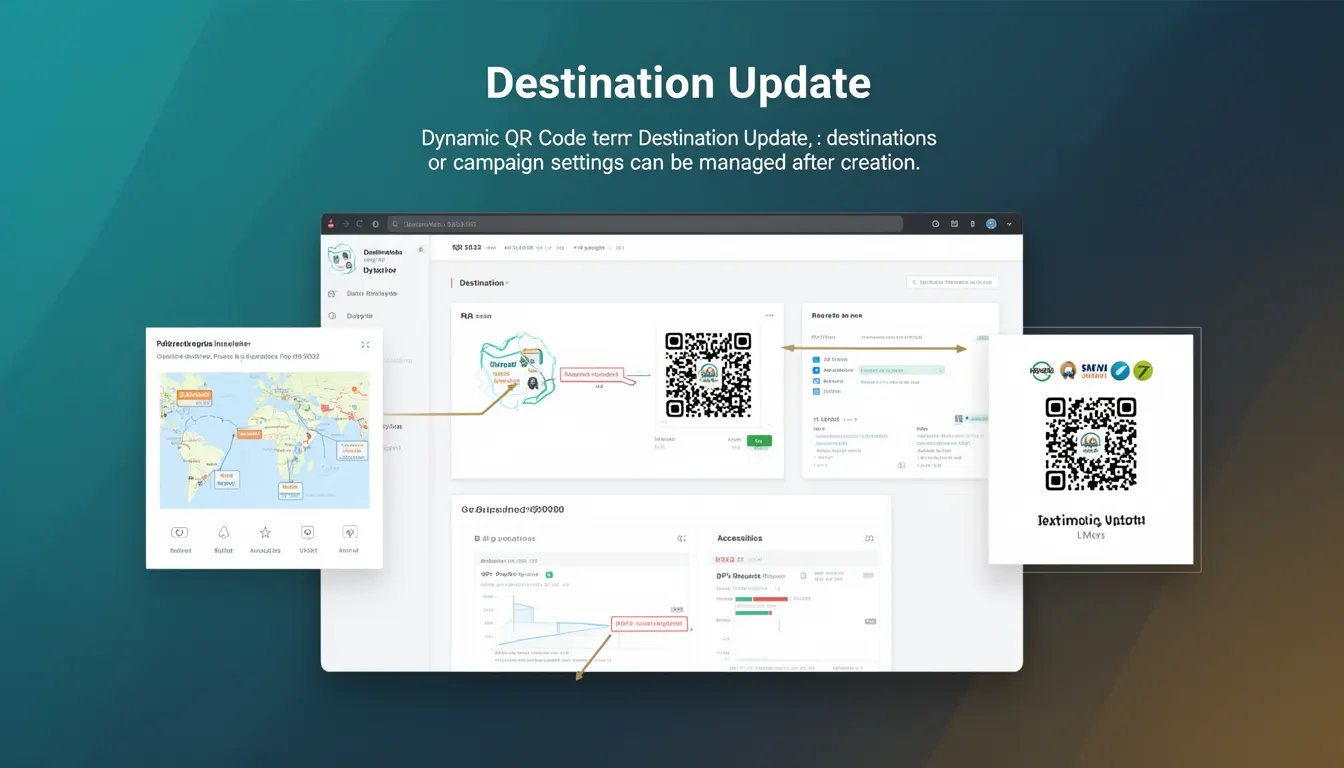
Destination Update is a core feature of dynamic QR codes within the PixQR platform, enabling users to modify the destination URL or campaign settings after a QR code has been generated and deployed. This functionality is essential for maintaining operational flexibility, especially in environments where content or links may change frequently, such as marketing campaigns, event promotions, or product launches.
Unlike static QR codes, which are fixed at creation time, dynamic QR codes support Destination Update, allowing developers and marketers to redirect users to new URLs without re-printing or re-generating physical QR codes. This capability is particularly valuable in scenarios where real-time adjustments are necessary, such as during a live event or when responding to unexpected changes in campaign strategy.
Why It Matters
For developers and operations teams, Destination Update provides a critical balance between control and adaptability. It allows for the rapid correction of errors, real-time campaign adjustments, and the ability to respond to dynamic business needs without manual intervention or physical rework. For example, if a campaign URL becomes outdated, a developer can simply update the destination through the PixQR dashboard or API, and all existing QR codes will automatically redirect to the new location.
From a user experience perspective, this feature ensures that QR codes remain functional and relevant over time, reducing the risk of broken links and improving engagement. For security and privacy, it allows for the quick deactivation or modification of destinations, which is essential in cases of phishing or compromised campaigns. In production environments, it supports scalable and maintainable systems where content changes are frequent and automated.
How It Works
When a dynamic QR code is created in PixQR, the system generates a unique identifier that links to a backend configuration. This configuration holds the current destination URL and associated campaign settings. The Destination Update mechanism allows these settings to be modified at any time through the platform's API or dashboard, without affecting the QR code itself.
- The QR code's underlying identifier remains constant, ensuring no physical reprints are required when changes occur.
- Each update to the destination URL is logged for audit and compliance purposes, maintaining transparency in operations.
- Updates are propagated instantly to all users scanning the QR code, with no delay in redirection.
- The system supports conditional redirects based on time, geographic location, or user behavior, allowing for advanced campaign targeting.
- Each destination update can include metadata such as campaign tags, tracking parameters, and custom headers for enhanced analytics.
Quick Reference
| Item | Purpose | Notes |
|---|---|---|
| destination_url | Specifies the URL to which the QR code redirects | Must be a valid HTTPS or HTTP URL |
| campaign_tags | Assigns metadata to the QR code for tracking | Used for analytics and campaign categorization |
| redirect_type | Defines the HTTP redirect behavior | Supports 301, 302, or custom redirect codes |
| update_timestamp | Records the last modification time | Automatically populated on update |
| tracking_parameters | Enables UTM or custom tracking in URLs | Supports dynamic parameter injection |
Basic Example
PixQR Example QR
This QR links directly to this glossary page, so printed notes, onboarding docs, and support material can bring scanners back to the current reference.
/glossary/qr-code-dynamic/dynamic-qr-codes-destination-update

This example demonstrates how to update a QR code's destination URL using the PixQR API. The update is made via a simple HTTP request that modifies the backend configuration.
curl -X PUT https://api.pixqr.com/v1/qr/1234567890 \
  -H "Authorization: Bearer YOUR_API_TOKEN" \
  -H "Content-Type: application/json" \
  -d '{"destination_url": "https://example.com/new-page"}'
The request specifies the QR code identifier, authorizes the action using an API token, and provides a JSON payload with the updated destination URL. This ensures that any scan of the QR code will now redirect to the new page.
Production Example
This more comprehensive example shows how to safely update a destination URL in a production environment, including validation and error handling.
const updateDestination = async (qrId, newUrl) => {
  if (!newUrl || !newUrl.startsWith('http')) {
    throw new Error('Invalid URL provided');
  }

  const response = await fetch(`https://api.pixqr.com/v1/qr/${qrId}`, {
    method: 'PUT',
    headers: {
      'Authorization': 'Bearer YOUR_API_TOKEN',
      'Content-Type': 'application/json'
    },
    body: JSON.stringify({ destination_url: newUrl })
  });

  if (!response.ok) {
    throw new Error(`Failed to update destination: ${response.status}`);
  }

  return await response.json();
};
This version includes input validation to ensure the URL is well-formed, uses asynchronous handling for API calls, and properly manages errors. It is suitable for integration into larger systems where reliability and security are paramount.
Common Mistakes
- Updating the destination URL without validating its format or accessibility, which can result in broken links.
- Not implementing proper authentication or authorization checks before allowing destination updates, exposing the system to unauthorized changes.
- Using outdated API endpoints or incorrect identifiers, which leads to failed updates and system errors.
- Overlooking the need for audit logs, which makes it difficult to track or reverse unintended changes.
- Assuming that all QR code scans will immediately reflect updates, without accounting for caching or network delays in some environments.
Security And Production Notes
- All destination updates must be authenticated using a valid API token to prevent unauthorized changes.
- Destination URLs are validated for correctness and security, including checks for phishing or malicious content.
- Each update is logged with a timestamp and user identifier for compliance and auditing purposes.
- Updates are propagated instantly, but may be subject to CDN or caching policies that vary by configuration.
- Support for HTTPS-only URLs ensures secure redirection and protects against man-in-the-middle attacks.
Related Concepts
Destination Update is closely related to several other dynamic QR code features and concepts:
- Dynamic QR Code – A QR code that allows runtime modifications to its destination, as opposed to static QR codes.
- Redirect Management – The process of controlling how users are directed from a QR code to a URL, often including analytics and tracking.
- Scan Analytics – Data collected on QR code scans, including timestamps, geolocation, and device details, often tied to destination changes.
- API Access Control – The mechanisms used to secure access to QR code updates and management via API.
- Content Delivery Network (CDN) – The infrastructure that may cache or delay updates to QR code destinations in certain configurations.