 PixQR
PixQR
Overview
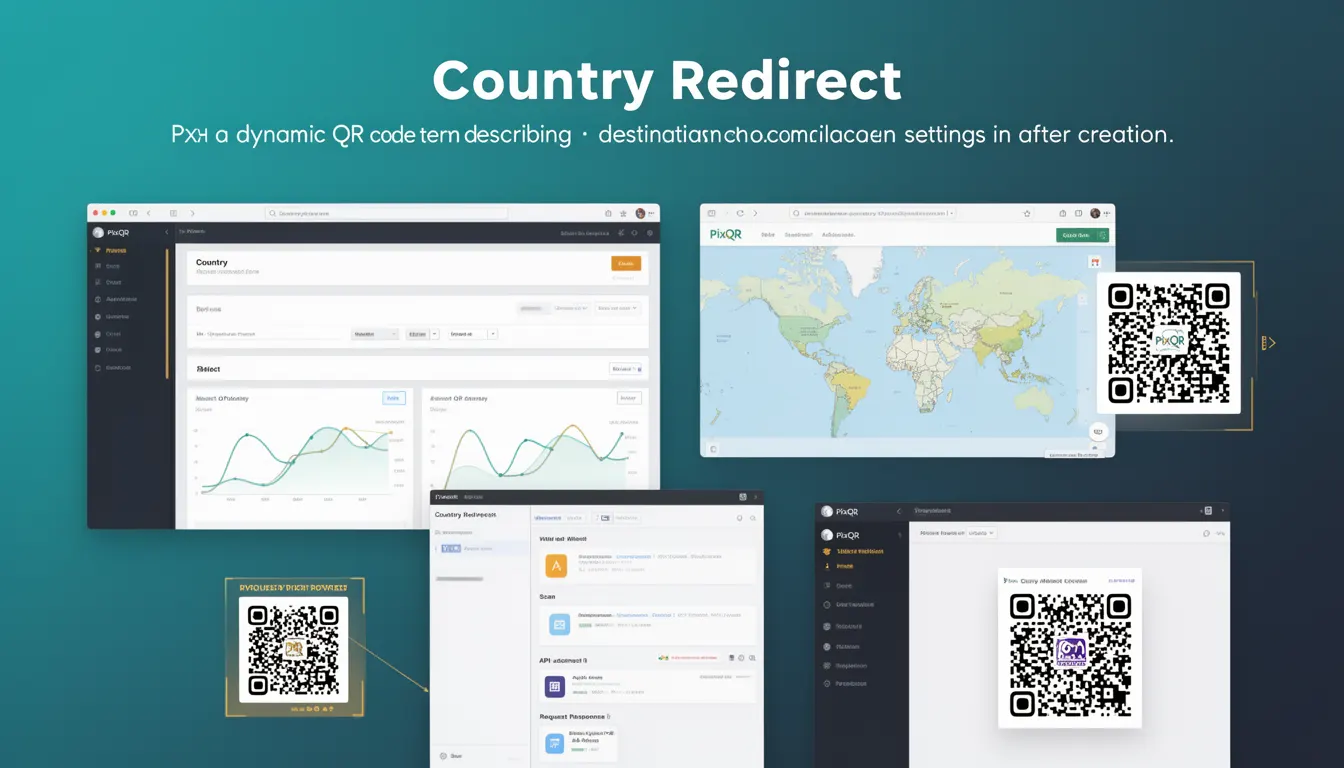
Country Redirect is a dynamic QR code feature within PixQR that enables campaign managers to define and update destination URLs or campaign settings after a QR code has been generated and deployed. This functionality is especially useful for marketing campaigns, event promotions, or product launches where the target audience or content may change dynamically.
In practice, Country Redirect allows developers and marketers to assign different destination URLs based on the geographic location of the QR code scanner. For example, a global campaign may direct users to localized landing pages depending on their country. This behavior is managed through a dynamic redirect system that supports real-time updates without requiring physical QR code regeneration.
Why It Matters
Country Redirect enhances campaign flexibility and reduces operational overhead. It allows marketers to adjust content or landing pages based on regional preferences or campaign phases without re-printing or re-generating physical QR codes. This is particularly valuable in scenarios involving time-sensitive promotions, multilingual content, or compliance with regional regulations.
From a developer perspective, Country Redirect ensures that QR code behavior remains consistent with evolving business logic. It also supports analytics and tracking by enabling granular attribution based on user geography, which can improve campaign ROI and user engagement metrics.
How It Works
Country Redirect operates by integrating geographic location data from the QR code scanner’s IP address or user agent into a dynamic routing system. This system evaluates the user’s location and selects the appropriate URL or campaign setting from a pre-defined list.
- Country Redirect is configured during QR code creation or via a management dashboard after generation.
- The system uses a database of geolocation mappings to determine the country of origin for each scan.
- Each country can be assigned a unique destination URL or campaign-specific settings.
- Updates to the redirect rules can be made in real time, affecting all active QR codes using that configuration.
- Country Redirect supports fallback behavior for scanners from unrecognized or non-configured countries.
Quick Reference
| Item | Purpose | Notes |
|---|---|---|
| Country Redirect Configuration | Assigns destination URLs by geographic region | Supports up to 200 countries |
| Dynamic URL Mapping | Maps IP-based geolocation to destination URLs | Uses IP-to-country database |
| Fallback URL | Defines default behavior for unrecognized regions | Required for all configurations |
| Real-Time Update | Enables runtime modification of redirect rules | No QR code regeneration required |
| Scan Tracking | Records geographic data for analytics | Supports geo-tagging in reports |
Basic Example
PixQR Example QR
This QR links directly to this glossary page, so printed notes, onboarding docs, and support material can bring scanners back to the current reference.

This example demonstrates how a basic Country Redirect configuration might be defined in a PixQR campaign.
{
  "country_redirect": {
    "US": "https://example.com/us",
    "GB": "https://example.com/uk",
    "fallback": "https://example.com/default"
  }
}
The configuration assigns specific URLs for users from the United States and United Kingdom, with a fallback URL for all other regions. This structure is used by PixQR’s backend to determine the correct destination during a scan.
Production Example
In a production environment, Country Redirect configurations are often part of a larger campaign management system that includes validation, error handling, and fallback logic.
{
  "country_redirect": {
    "US": "https://shop.example.com/us/products",
    "CA": "https://shop.example.com/ca/products",
    "GB": "https://shop.example.com/uk/products",
    "fallback": "https://shop.example.com/global/products",
    "validate": true
  }
}
This version includes validation to ensure URLs are correctly formatted and a fallback for any unexpected behavior. It is suitable for production use in scalable systems where reliability and error handling are critical.
Common Mistakes
- Not defining a fallback URL, which causes scans from unrecognized regions to fail silently.
- Using unvalidated or malformed URLs in country mappings, leading to broken links or security vulnerabilities.
- Assigning the same destination URL to multiple countries, reducing the effectiveness of geo-targeting.
- Overlooking IP geolocation accuracy, which can lead to incorrect redirections for users in border regions.
- Forgetting to update redirect rules when campaign goals or content change, resulting in outdated user experiences.
Security And Production Notes
- Country Redirect configurations must be validated to prevent open redirect vulnerabilities.
- Ensure that all URLs in the redirect mapping are HTTPS to maintain secure connections.
- Use a reliable IP geolocation service to avoid misclassification of user locations.
- Implement rate limiting or access controls on redirect endpoints to prevent abuse.
- Log and monitor redirect behavior for anomalies or unexpected traffic patterns.
Related Concepts
Country Redirect is closely related to several core QR code and campaign management features:
- Dynamic QR Codes – Country Redirect is a feature of dynamic QR codes, which allow runtime modifications to content or destination.
- Geolocation APIs – The system relies on geolocation services to determine the user’s region.
- Redirect Management – Country Redirect is part of a broader redirect strategy, which includes URL shortening and A/B testing.
- Scan Analytics – Geographic data from scans is often used to optimize campaign performance.
- API-Driven Campaigns – Country Redirect is typically managed through PixQR’s API, enabling automation and integration with external systems.