 PixQR
PixQR
Overview
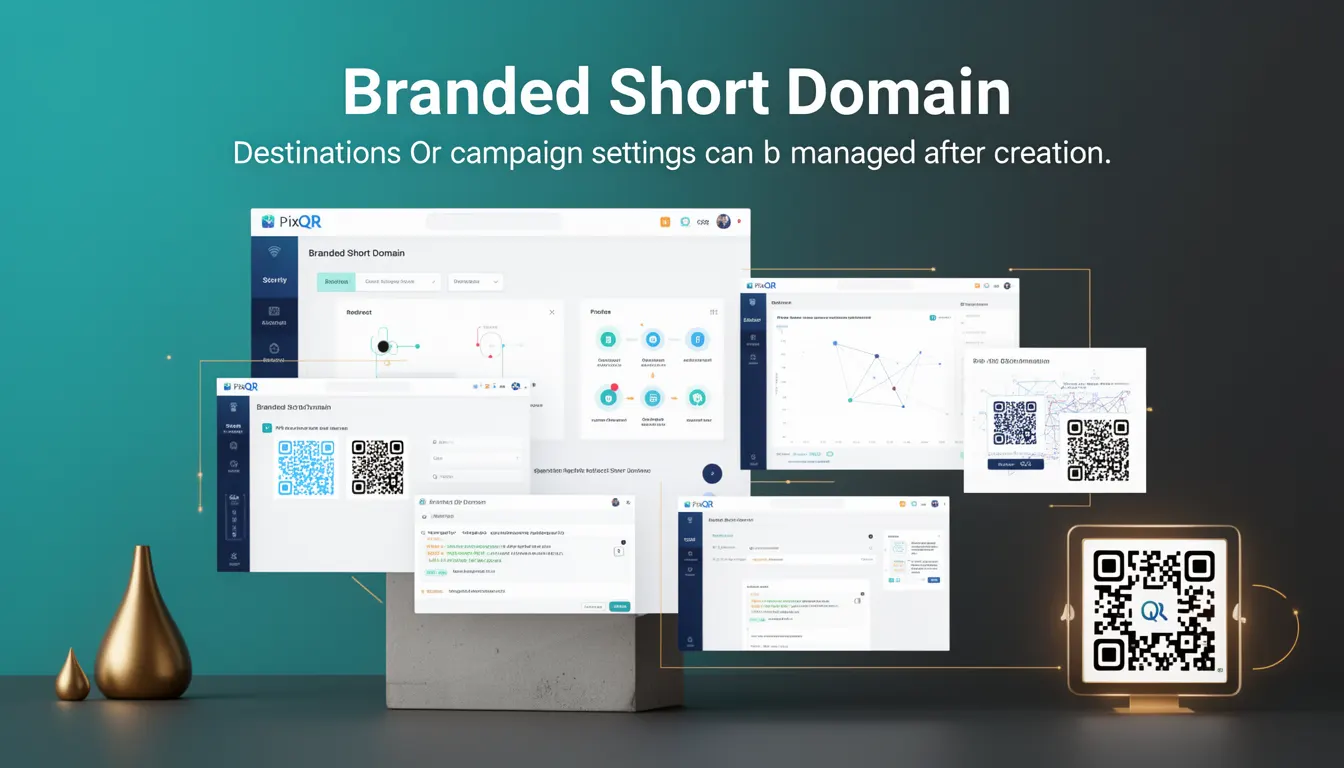
A Branded Short Domain in the context of PixQR refers to a custom, concise domain used to generate dynamic QR codes. These domains are typically short, memorable, and associated with a brand or campaign. Unlike standard QR codes that point directly to a destination URL, a Branded Short Domain allows for dynamic redirection, meaning that the destination can be changed post-creation without altering the QR code itself.
This mechanism is essential for marketers, developers, and campaign managers who need flexibility in redirecting QR code scans. It enables real-time updates to landing pages, promotional offers, or campaign data, without the need to regenerate or re-print physical QR codes. In PixQR, Branded Short Domains are configured through the platform’s API or dashboard and are used in dynamic QR code generation workflows.
Why It Matters
Branded Short Domains are critical for maintaining consistent branding, campaign control, and operational efficiency. For developers and marketers, they allow dynamic content updates without physical reprints, which is especially valuable for time-sensitive promotions or events. They also support advanced analytics by enabling tracking of scan behavior across multiple destinations or campaigns.
From a security perspective, Branded Short Domains help ensure that QR code destinations remain under brand control and are not susceptible to manipulation or phishing. PixQR’s platform enforces strict validation and monitoring to maintain safe redirection practices. For site operators, these domains improve scan reliability by reducing the chance of broken or redirected links, especially when used in print or physical media.
How It Works
Branded Short Domains in PixQR are implemented as part of the dynamic QR code system, where a unique domain is assigned to a user’s account or campaign. This domain is used to generate QR codes that point to a centralized redirection endpoint. The endpoint then forwards users to the actual destination based on configuration rules.
- Each Branded Short Domain is associated with a specific account or campaign, ensuring content isolation and control.
- The domain can be configured with custom settings such as redirect rules, analytics tracking, and access control.
- Once a QR code is generated using the Branded Short Domain, the destination can be modified at any time through the PixQR dashboard or API.
- Scan tracking and analytics are enabled by default, providing insights into usage and engagement.
- The platform enforces HTTPS and secure redirects to protect user data and prevent malicious redirection.
Quick Reference
| Item | Purpose | Notes |
|---|---|---|
| Branded Short Domain | Generates dynamic QR codes with configurable redirects | Used in dynamic QR workflows |
| Redirect Configuration | Allows post-creation destination updates | Modifiable through API or dashboard |
| Scan Analytics | Tracks QR code usage and engagement | Enabled by default |
| HTTPS Enforcement | Ensures secure redirection | Prevents phishing or data leakage |
| Access Control | Limits domain usage to authorized users | Configurable per campaign or account |
Basic Example
PixQR Example QR
This QR links directly to this glossary page, so printed notes, onboarding docs, and support material can bring scanners back to the current reference.
/glossary/qr-code-dynamic/dynamic-qr-codes-branded-short-domain

The following example shows how a Branded Short Domain might be used to generate a QR code with a dynamic redirect. This is a simplified representation of the concept and does not include actual API calls or credentials.
// Example: QR code generation with Branded Short Domain
const qrConfig = {
  domain: "brand.pixqr.io",
  destination: "https://example.com/campaign-1",
  campaign: "summer-sale-2024"
};

// PixQR API would handle domain validation and QR generation
const qrCode = pixqr.generate(qrConfig);
In this example, the domain brand.pixqr.io is used to generate a QR code that points to a campaign-specific destination. The platform allows updating the destination later without re-generating the QR code.
Production Example
In a production environment, a Branded Short Domain would be used with additional validation, error handling, and analytics integration. The following example shows how a developer might configure a domain for a campaign, ensuring secure and scalable QR code generation.
// Production example: Secure QR code with Branded Short Domain
const campaign = {
  name: "product-launch-2024",
  domain: "launch.pixqr.io",
  redirectUrl: "https://example.com/product-launch",
  analytics: true,
  secure: true
};

try {
  const response = await pixqr.createQR(campaign);
  console.log("QR code generated with domain:", response.domain);
} catch (error) {
  console.error("QR code creation failed:", error.message);
}
This version includes error handling, analytics tracking, and HTTPS enforcement. It is suitable for production workflows and integrates with PixQR’s security and monitoring systems.
Common Mistakes
- Using unverified or non-branded domains can lead to security vulnerabilities and reduced trust in scans.
- Not updating redirect destinations properly can result in outdated or broken QR code links.
- Ignoring analytics or tracking settings can prevent campaign performance monitoring.
- Reusing domains across multiple campaigns without isolation can lead to incorrect tracking or access conflicts.
- Failing to enforce HTTPS on redirect endpoints can expose users to man-in-the-middle attacks or phishing.
Security And Production Notes
- All Branded Short Domains are validated for DNS and SSL compliance before activation.
- Redirects are enforced over HTTPS to protect user data and prevent malicious interference.
- Access control policies are applied per domain to restrict who can modify redirect settings.
- Scan tracking data is anonymized and stored securely to comply with privacy regulations.
- Domains are monitored for suspicious activity or abuse to maintain platform integrity.
Related Concepts
Branded Short Domains are closely related to several other QR code and campaign management concepts:
- Dynamic QR Codes – Branded Short Domains are a key component of dynamic QR code functionality, enabling flexible redirection.
- Redirect Management – The ability to change destinations after creation is a core feature of domains used in dynamic QR workflows.
- Scan Analytics – Analytics are often enabled by default for Branded Short Domains to track engagement and campaign performance.
- Domain Validation – Ensuring domains are valid and secure is a prerequisite for Branded Short Domain use in PixQR.
- Secure Redirects – HTTPS enforcement is a critical feature that underpins the security of Branded Short Domains.