 PixQR
PixQR
Overview
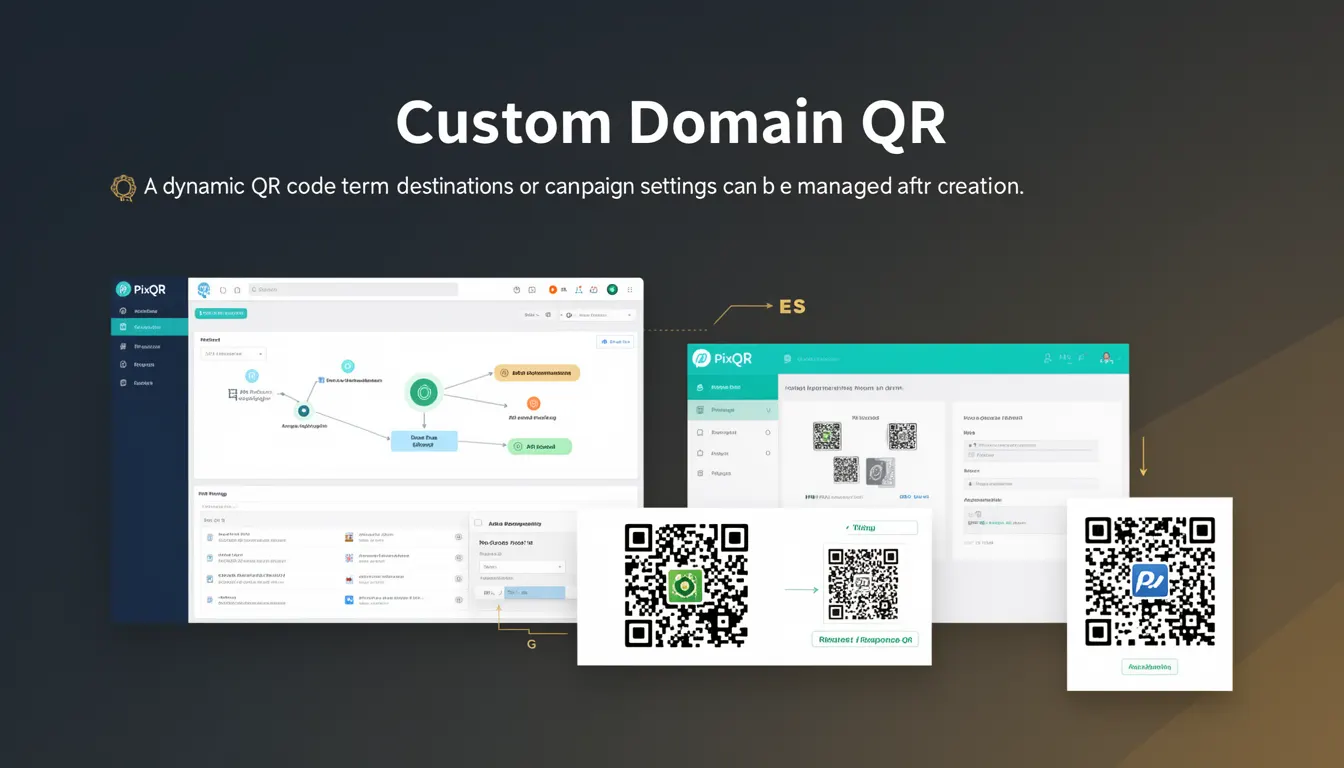
A Custom Domain QR, within the PixQR platform, refers to a dynamic QR code variant where the destination URL or campaign settings can be modified after the QR code is generated. Unlike static QR codes, which encode a fixed URL, Custom Domain QRs are linked to a configurable endpoint that can be updated through the PixQR dashboard or API.
This functionality allows users to manage and redirect QR code destinations without re-generating the physical or digital code. It supports campaign flexibility, A/B testing, and dynamic content updates, making it ideal for marketing, event management, and logistics use cases.
Why It Matters
For developers and product teams, Custom Domain QRs offer a powerful mechanism for dynamic content management. They eliminate the need to regenerate physical QR codes or update digital assets when redirects or campaign content change. This reduces operational overhead, supports agile workflows, and improves scalability for large deployments.
From a security standpoint, this feature allows centralized control over destination URLs, reducing risks associated with uncontrolled redirects or exposure of internal endpoints. It also supports compliance with privacy regulations by enabling rapid updates to tracking or redirect URLs when required.
Performance-wise, Custom Domain QRs reduce the number of unique QR codes that must be tracked or managed, since a single QR code can be updated to point to different content over time. This is especially useful in scenarios involving high-volume print campaigns or event signage.
How It Works
When a Custom Domain QR is created in PixQR, it is associated with a unique identifier (typically a UUID or internal reference) that links to a dynamic redirect configuration. This configuration can include the target URL, tracking parameters, analytics tags, and campaign metadata.
- The QR code itself encodes a short, stable identifier or endpoint, not a direct URL.
- Each QR code is tied to a configuration object stored in PixQR's backend system.
- Updates to the configuration are reflected in real-time when the QR code is scanned.
- The system supports both HTTP and HTTPS redirect endpoints.
- Tracking and analytics data are captured at the time of scan, not at the time of QR creation.
Upon scanning, the QR code sends a request to PixQR's servers using the encoded identifier. The system retrieves the current configuration, applies any active campaign rules, and returns a redirect response to the final destination. This allows seamless updates without changing the physical or digital QR code.
Quick Reference
| Item | Purpose | Notes |
|---|---|---|
| QR Code Identifier | Links to dynamic configuration | Stable across updates |
| Redirect Endpoint | Target URL for scan redirection | Supports HTTP/HTTPS |
| Campaign Metadata | Additional context for analytics | Optional, but recommended |
| Update Frequency | How often settings can change | Real-time in PixQR |
| Scan Tracking | Analytics and event logging | Logged at scan time |
Basic Example
PixQR Example QR
This QR links directly to this glossary page, so printed notes, onboarding docs, and support material can bring scanners back to the current reference.

This example demonstrates the basic structure of a Custom Domain QR configuration. It shows how a QR code is linked to a dynamic endpoint that can be updated later.
{
  "qr_id": "a1b2c3d4-e5f6-7890-abcd-ef1234567890",
  "destination_url": "https://example.com/campaign",
  "created_at": "2025-04-01T10:00:00Z",
  "updated_at": "2025-04-01T10:00:00Z",
  "campaign_name": "Summer Sale"
}
The qr_id uniquely identifies the QR code. The destination_url is the target URL that can be updated. The created_at and updated_at timestamps track when the QR was generated and last modified.
Production Example
In a production environment, a Custom Domain QR might be configured through an API call with validation and error handling to ensure integrity and compliance.
{
  "qr_id": "f0e9d8c7-b6a5-4321-fedc-ba9876543210",
  "destination_url": "https://secure.example.com/redirect",
  "campaign_metadata": {
    "source": "email_campaign",
    "utm_source": "pixqr",
    "utm_medium": "qr_code",
    "utm_campaign": "product_launch"
  },
  "is_active": true,
  "expires_at": "2025-06-01T00:00:00Z"
}
This version includes metadata for tracking, an activation status, and an expiration date. It is suitable for production workflows where campaign data must be managed securely and audited for compliance.
Common Mistakes
- Updating the destination URL without validating the new endpoint, leading to broken redirects.
- Using insecure HTTP endpoints in production, exposing users to man-in-the-middle risks.
- Not setting expiration dates for QR codes, causing outdated redirects to persist indefinitely.
- Reusing QR IDs for different campaigns, which can cause confusion and tracking errors.
- Ignoring analytics data or campaign metadata, reducing the value of the dynamic feature.
Security And Production Notes
- Always validate destination URLs for proper schema and domain before saving to a QR configuration.
- Use HTTPS endpoints to ensure secure redirection and prevent data interception.
- Implement access controls on the QR configuration API to prevent unauthorized updates.
- Log all updates to QR configurations for audit and compliance purposes.
- Set expiration dates on QR codes to prevent indefinite redirections and reduce maintenance overhead.
Related Concepts
Custom Domain QRs are closely related to several core QR code and digital asset management concepts. Dynamic QR codes, which include Custom Domain QRs, are distinct from static QR codes in their ability to update content post-generation. Redirect management ensures that scan traffic is properly routed and tracked. Campaign analytics provide insights into usage and performance. API-driven QR generation supports automation and integration with marketing platforms. Finally, privacy controls ensure that data collection and tracking align with regulatory standards.