 PixQR
PixQR
Overview
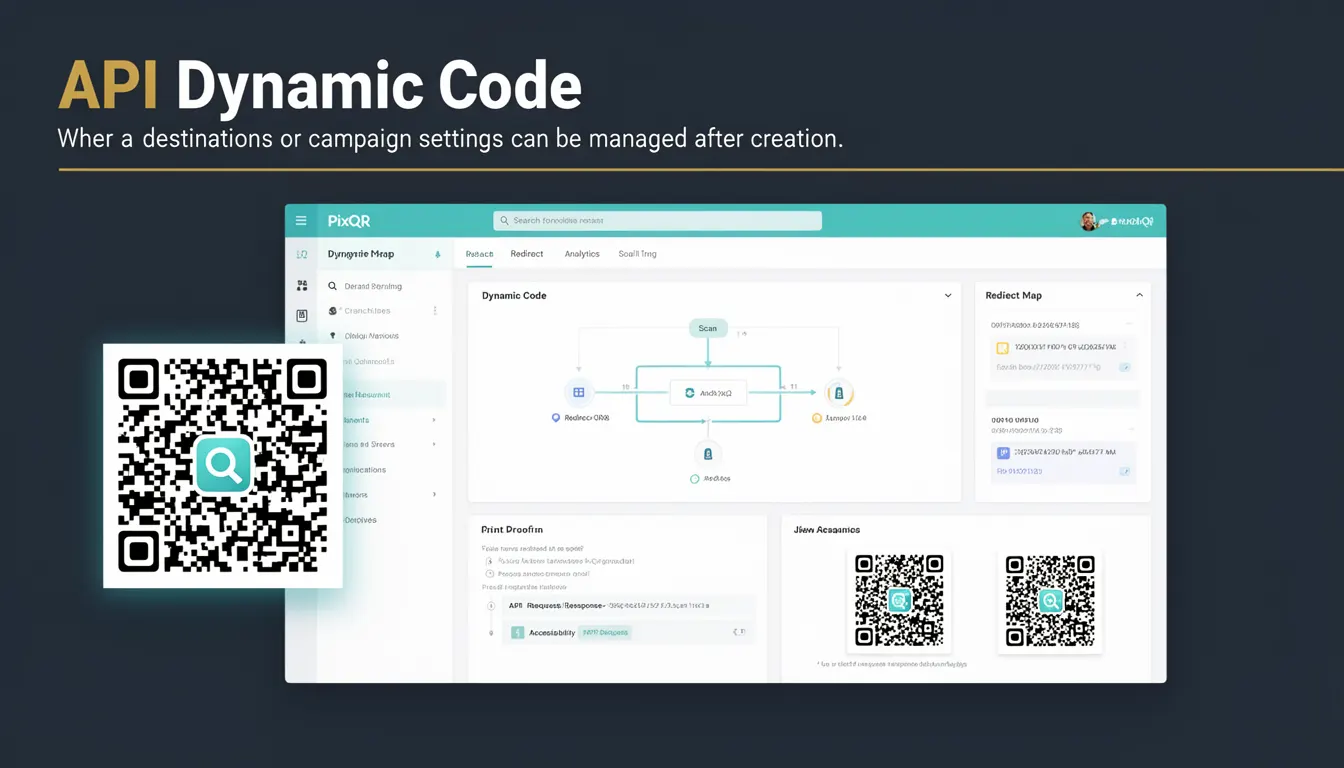
API Dynamic Code in the context of PixQR refers to a QR code configuration that allows for runtime modification of destination URLs or campaign parameters after the QR code has been generated. Unlike static QR codes, which encode a fixed URL at creation time, dynamic codes are linked to a backend system that can update content or behavior without requiring a new physical QR code to be printed or distributed.
This functionality is especially valuable in marketing campaigns, event management, and logistics where content needs to be updated frequently or in response to real-time events. For example, a QR code used for a concert ticket may need to update the entry time or venue location if an event is rescheduled. Similarly, a product QR code might redirect to different landing pages based on inventory or promotional status.
Why It Matters
For developers and operations teams, API Dynamic Code eliminates the need to re-print or re-distribute physical QR codes when content changes, reducing both material costs and the risk of outdated information. It also enables more sophisticated tracking and analytics, as dynamic QR codes can be configured to record scan behavior, redirect based on user attributes, or even integrate with external systems for real-time updates.
From a security standpoint, dynamic QR codes must be carefully managed to prevent unauthorized access or manipulation. PixQR ensures that dynamic code configurations are protected through secure API access controls, and that changes to destinations or campaign parameters are logged and auditable. This is critical in environments where QR codes are used for sensitive operations, such as financial transactions or access control.
How It Works
The mechanism behind API Dynamic Code involves a backend system that stores the mapping between a QR code identifier and its associated destination or campaign settings. When a user scans the QR code, the PixQR system retrieves the current configuration from this backend and performs the appropriate redirect or action.
- Each dynamic QR code is associated with a unique identifier (UUID) that is stored in the PixQR system and used to fetch the latest configuration.
- The API allows developers to update the destination URL, campaign tags, or redirect behavior without modifying the physical QR code itself.
- Configuration changes are immediately effective for all scans, ensuring that users always receive the most up-to-date content.
- API Dynamic Code supports advanced features such as conditional redirects based on geographic location, time of day, or user agent.
- Each dynamic QR code can be configured with a TTL (time-to-live) to automatically expire after a set period, helping manage campaign lifecycles.
Quick Reference
| Item | Purpose | Notes |
|---|---|---|
| UUID | Unique identifier for dynamic QR code | Used to fetch current configuration |
| Destination URL | Target URL for redirection | Can be updated post-creation |
| Campaign Tags | Metadata for tracking and analytics | Used in reporting dashboards |
| Redirect Behavior | How the system handles the scan | Supports HTTP 301/302 redirects |
| TTL | Time-to-live for the code | Automatically disables after expiry |
Basic Example
PixQR Example QR
This QR links directly to this glossary page, so printed notes, onboarding docs, and support material can bring scanners back to the current reference.

This example demonstrates how a developer might update a dynamic QR code's destination using PixQR’s API.
curl -X PUT \
  https://api.pixqr.com/v1/qr-codes/dynamic/123e4567-e89b-12d3-a456-426614174000 \
  -H 'Authorization: Bearer YOUR_API_TOKEN' \
  -H 'Content-Type: application/json' \
  -d '{
    "destination_url": "https://example.com/new-landing-page"
  }'
The key line is the PUT request to the dynamic QR code endpoint, which updates the destination URL. The UUID uniquely identifies the QR code, and the API token ensures secure access.
Production Example
In a production environment, developers must ensure that dynamic QR code updates are logged, validated, and handled with care to prevent accidental or malicious changes.
const updateQRCode = async (uuid, newDestination) => {
  const response = await fetch(`https://api.pixqr.com/v1/qr-codes/dynamic/${uuid}`, {
    method: 'PUT',
    headers: {
      'Authorization': `Bearer ${process.env.PIXQR_API_TOKEN}`,
      'Content-Type': 'application/json'
    },
    body: JSON.stringify({
      destination_url: newDestination,
      campaign_tags: ['campaign-2025', 'event-summer']
    })
  });

  if (!response.ok) {
    throw new Error('Failed to update QR code');
  }

  return await response.json();
};
This version includes environment variable usage for credentials, JSON validation, and error handling, making it suitable for production systems where reliability and security are paramount.
Common Mistakes
- Not validating destination URLs before updating, which can lead to redirects to malicious domains.
- Using hardcoded API tokens in client-side code, exposing the system to unauthorized access.
- Ignoring audit logs, which makes it difficult to track who changed what and when.
- Updating QR codes without testing, resulting in broken or unexpected redirects.
- Assuming that all QR code scans are tracked automatically, when in fact tracking must be explicitly enabled.
Security And Production Notes
- Always use HTTPS for API endpoints to prevent interception of sensitive data.
- Implement rate limiting to prevent abuse of the API during mass updates or attacks.
- Validate all destination URLs to ensure they conform to expected formats and do not point to unsafe domains.
- Use environment variables for API tokens to avoid hardcoding credentials in source code.
- Enable audit logging for all dynamic QR code changes to maintain a record of who made what modifications.
Related Concepts
API Dynamic Code is closely related to several other QR code technologies and concepts. Static QR codes provide a fixed link, while dynamic codes allow for updates. Campaign analytics involve tracking scans and behavior, which dynamic codes support through backend logging. Redirect management controls how the system handles the user's journey after scanning, and API access control ensures only authorized users can modify configurations. Finally, QR code lifecycle management includes creation, update, and expiration of codes, all of which are integral to the operation of dynamic QR codes.