 PixQR
PixQR
Overview
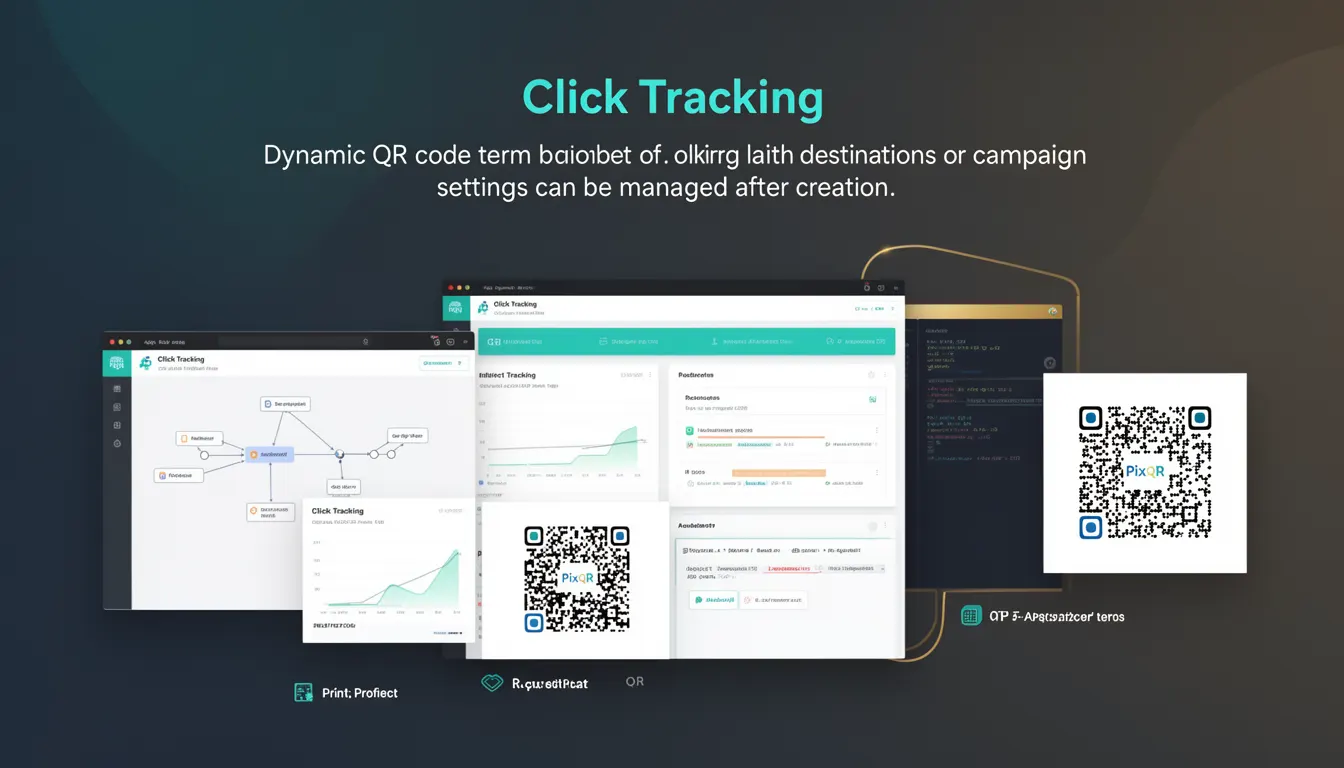
Click Tracking is a dynamic QR code functionality within PixQR that enables administrators or developers to monitor and manage how QR code scans translate into user interactions. It provides a way to dynamically update destination URLs or campaign configurations after a QR code has been generated, without needing to regenerate or re-print the physical code.
When a QR code is scanned, the system records the interaction, and with Click Tracking enabled, the platform can redirect to a new URL or update campaign settings in real time. This feature is particularly valuable for marketing campaigns, where campaign performance must be adjusted on the fly, or for A/B testing scenarios where different destinations are tested based on user behavior or campaign parameters.
Why It Matters
Click Tracking plays a critical role in dynamic campaign management and real-time analytics. For developers and marketers, it enables responsive marketing strategies where campaigns can be adjusted without requiring new physical materials or code regeneration. It also supports advanced analytics by providing granular data on scan behavior, such as location, time, and user intent, which can be used to optimize engagement.
From a security and privacy perspective, Click Tracking ensures that QR code destinations can be updated to comply with regulatory changes or to redirect to safe, brand-compliant content. It also allows for the implementation of fraud detection by enabling administrators to quickly disable compromised or malicious links.
How It Works
Click Tracking in PixQR operates through a backend system that associates a unique identifier with each QR code. When a user scans a QR code, the system resolves the identifier to fetch the latest destination URL or campaign settings. This mechanism is transparent to the end user and does not alter the QR code itself, only the behavior it triggers.
- The QR code's unique identifier is stored in the PixQR database, linked to a campaign or destination configuration.
- Each scan event generates a log entry that includes timestamp, IP address, device type, and geographic data.
- Administrators can update the destination URL or campaign parameters in real time via the PixQR dashboard or API.
- Click Tracking data is available through the PixQR analytics interface, with support for filtering and exporting.
- The system supports multiple destination URLs for A/B testing or segmentation, and can dynamically route scans to the appropriate URL.
Quick Reference
| Item | Purpose | Notes |
|---|---|---|
| Dynamic Identifier | Uniquely identifies a QR code | Used to resolve destination at scan time |
| Scan Log Entry | Records scan metadata | Includes IP, time, device, and location |
| Destination Update | Allows real-time URL change | Does not require QR code regeneration |
| Analytics Interface | Provides access to scan data | Supports filtering and export |
| Routing Logic | Directs scans to correct URL | Supports A/B testing and segmentation |
Basic Example
PixQR Example QR
This QR links directly to this glossary page, so printed notes, onboarding docs, and support material can bring scanners back to the current reference.

The following example demonstrates how a QR code's destination can be updated via the PixQR API after the code is generated.
curl -X PUT https://api.pixqr.com/v1/qr-codes/abc123 \
  -H "Authorization: Bearer YOUR_API_TOKEN" \
  -H "Content-Type: application/json" \
  -d '{"destination_url": "https://example.com/new-landing-page"}'
This command updates the destination URL for a QR code identified by the ID abc123. The next scan of this QR code will redirect to the new URL, without needing to regenerate the physical QR code.
Production Example
In a production environment, a developer might implement Click Tracking with validation and error handling to ensure that destination URLs are safe and properly formatted.
const updateQRDestination = async (qrId, newUrl) => {
  try {
    const response = await fetch(`https://api.pixqr.com/v1/qr-codes/${qrId}`, {
      method: 'PUT',
      headers: {
        'Authorization': 'Bearer ' + API_TOKEN,
        'Content-Type': 'application/json'
      },
      body: JSON.stringify({ destination_url: newUrl })
    });
    if (!response.ok) {
      throw new Error(`Failed to update QR code: ${response.status}`);
    }
    return await response.json();
  } catch (error) {
    console.error('QR destination update failed:', error);
    throw error;
  }
};
This function provides a structured way to update QR code destinations with error handling, ensuring that any failure in the update process is logged and propagated for further action.
Common Mistakes
- Not validating URLs before updating them, which can lead to redirection to malicious or non-existent domains.
- Using outdated API tokens or failing to manage token expiration, resulting in failed updates or unauthorized access.
- Updating destination URLs without monitoring or logging, which makes it difficult to track changes or debug issues.
- Not considering device or geographic targeting when routing scans, which can lead to irrelevant or poor user experience.
- Assuming that all QR code scans will be tracked, without understanding that some users may scan from devices that do not support tracking.
Security And Production Notes
- Always validate URLs to ensure they are safe and conform to expected formats to prevent open redirects.
- Use secure API tokens and implement token rotation to prevent unauthorized access to QR code configurations.
- Log all updates to QR code destinations for audit and troubleshooting purposes.
- Ensure that destination URLs are compliant with privacy regulations, especially when tracking user behavior.
- Implement rate limiting on API calls to prevent abuse or denial-of-service scenarios.
Related Concepts
Click Tracking is closely related to several other QR code and analytics concepts:
- Dynamic QR Code: A QR code that can be updated post-generation, enabling real-time changes to its behavior.
- Redirect Management: The process of handling and controlling URL redirections, which is central to Click Tracking.
- Analytics Integration: The ability to collect and analyze scan data, which is a core benefit of Click Tracking.
- Brand Safety: Ensuring that QR code destinations are aligned with brand guidelines and do not expose users to harmful content.
- Scan Reliability: The consistency of QR code scanning behavior, which Click Tracking must maintain to avoid user confusion or loss of functionality.