 PixQR
PixQR
Overview
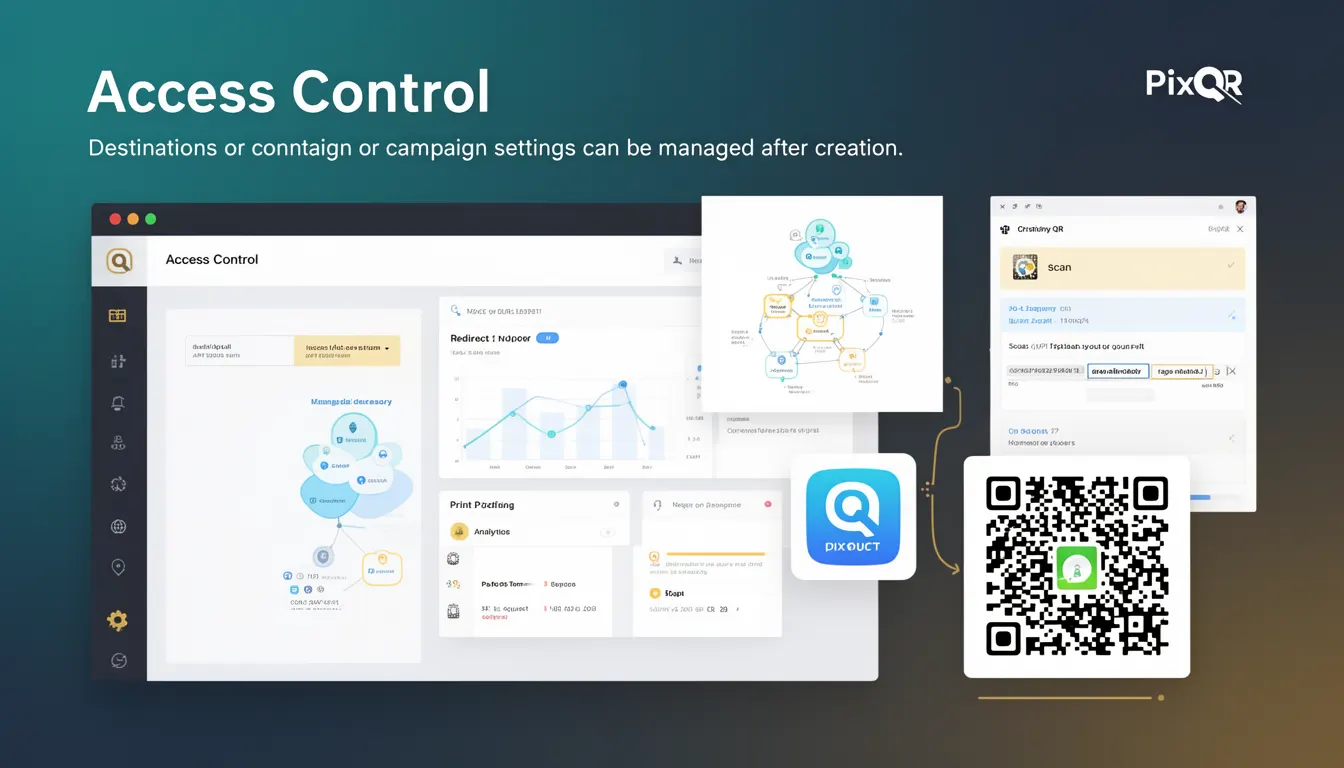
Access Control in the context of PixQR dynamic QR codes refers to the ability to manage and modify the destination URL or campaign settings after the QR code has been generated. This functionality enables users to dynamically update content without needing to regenerate or re-print physical QR codes, offering flexibility in campaign management and real-time adjustments.
Developers working with PixQR's dynamic QR code APIs or platforms will encounter Access Control as a core feature that allows post-creation modifications. This is particularly useful in scenarios where campaigns need to be updated frequently, such as promotions, event details, or content that changes over time. Access Control ensures that QR codes remain functional and relevant even after initial deployment.
Why It Matters
Access Control is essential for developers and marketers managing dynamic campaigns, especially in environments where content or destinations change frequently. It reduces the operational overhead of maintaining or updating physical QR codes, which is crucial for cost efficiency and campaign agility.
From a security perspective, Access Control allows administrators to limit who can modify a QR code's destination or settings. This prevents unauthorized changes that could redirect users to malicious sites or compromise campaign integrity. It also supports compliance with data protection regulations by enabling controlled access to campaign data.
In terms of user experience, dynamic access control ensures that users always land on the correct and intended content, even if the original destination changes. This is particularly valuable for campaigns involving time-sensitive promotions or event information, where real-time updates are necessary.
How It Works
Access Control within PixQR dynamic QR codes operates through a combination of API endpoints, user permissions, and administrative settings. Once a QR code is created, it can be managed through a secure dashboard or API, allowing authorized users to modify its destination or settings.
- Access Control is enabled via API keys or user roles that define who can modify a QR code's parameters.
- Each QR code has a unique identifier (ID) that is used to fetch or update its settings.
- Changes to the destination URL or campaign settings are processed in real-time and take effect immediately for new scans.
- Administrators can set expiration dates or time-based access restrictions for modifications.
- Access logs are typically maintained to track changes and ensure accountability.
Access Control in PixQR also supports granular permissions, allowing fine-grained control over which aspects of a QR code can be modified. For example, one user might be allowed to change the destination URL, while another can only modify metadata or analytics settings.
Quick Reference
| Item | Purpose | Notes |
|---|---|---|
| API Key Permissions | Define access level for modifying QR code settings | Use role-based access control (RBAC) for secure updates |
| QR Code ID | Unique identifier for targeting specific QR codes | Required for fetching and updating QR code attributes |
| Update Endpoint | API route for modifying QR code parameters | Supports real-time updates without re-printing |
| Access Logs | Track who made changes and when | Useful for compliance and audit purposes |
| Expiration Settings | Control duration of access to modify a QR code | Prevents long-term unauthorized access |
Basic Example
PixQR Example QR
This QR links directly to this glossary page, so printed notes, onboarding docs, and support material can bring scanners back to the current reference.

This example demonstrates how a basic access control flow might look when updating a QR code's destination URL using a PixQR API endpoint. It assumes a valid API key and QR code ID.
curl -X PUT https://api.pixqr.com/v1/qr-codes/12345 \
  -H "Authorization: Bearer YOUR_API_KEY" \
  -H "Content-Type: application/json" \
  -d '{"destination_url": "https://example.com/new-page"}'
The example uses a PUT request to update the destination URL of a QR code with ID 12345. The API key is passed in the Authorization header, and the new destination is provided in the request body. This action updates the QR code's behavior without requiring a new physical code.
Production Example
In a production environment, Access Control should be implemented with validation, error handling, and secure authentication. The following example shows how to securely update a QR code with proper checks and error handling.
const updateQRCode = async (qrId, newDestination, apiKey) => {
  try {
    const response = await fetch(`https://api.pixqr.com/v1/qr-codes/${qrId}`, {
      method: 'PUT',
      headers: {
        'Authorization': `Bearer ${apiKey}`,
        'Content-Type': 'application/json'
      },
      body: JSON.stringify({ destination_url: newDestination })
    });

    if (!response.ok) {
      throw new Error(`HTTP error! Status: ${response.status}`);
    }

    const updatedQR = await response.json();
    return updatedQR;
  } catch (error) {
    console.error('Failed to update QR code:', error);
    throw error;
  }
};
This version includes error handling and validation to ensure that only valid updates are processed. It uses a secure API key and handles potential HTTP errors, making it suitable for real-world applications. The function returns the updated QR code object, which can be used to confirm the change.
Common Mistakes
- Using the same API key for all updates without role-based permissions, leading to unauthorized changes.
- Not validating the destination URL before updating, which can lead to broken or malicious redirects.
- Ignoring access logs, which can prevent tracking of unauthorized or accidental changes.
- Hardcoding API keys in client-side code, exposing them to potential misuse.
- Allowing unlimited access to modify QR code settings without expiration or revocation mechanisms.
Security And Production Notes
- Always use secure API keys with limited permissions to reduce the risk of unauthorized access.
- Validate all destination URLs to ensure they are safe and compliant with internal policies.
- Implement access logs to track changes and support audits or compliance checks.
- Never expose API keys in client-side code or public repositories.
- Set expiration times or revocation mechanisms for access to prevent long-term unauthorized modifications.
Related Concepts
Access Control is closely related to several other developer concepts in QR code management and digital marketing:
- Role-Based Access Control (RBAC): A method of regulating access to resources based on user roles, often used in Access Control systems.
- Dynamic QR Code: A QR code whose destination can be updated post-generation, a core feature that Access Control enables.
- API Key Management: The practice of securely generating, storing, and rotating API keys, essential for Access Control.
- Destination URL Validation: Ensuring that updated URLs are safe and functional before applying changes.
- Scan Analytics: Tracking how QR codes are used, which can be enhanced by Access Control to monitor changes in behavior.