 PixQR
PixQR
Overview
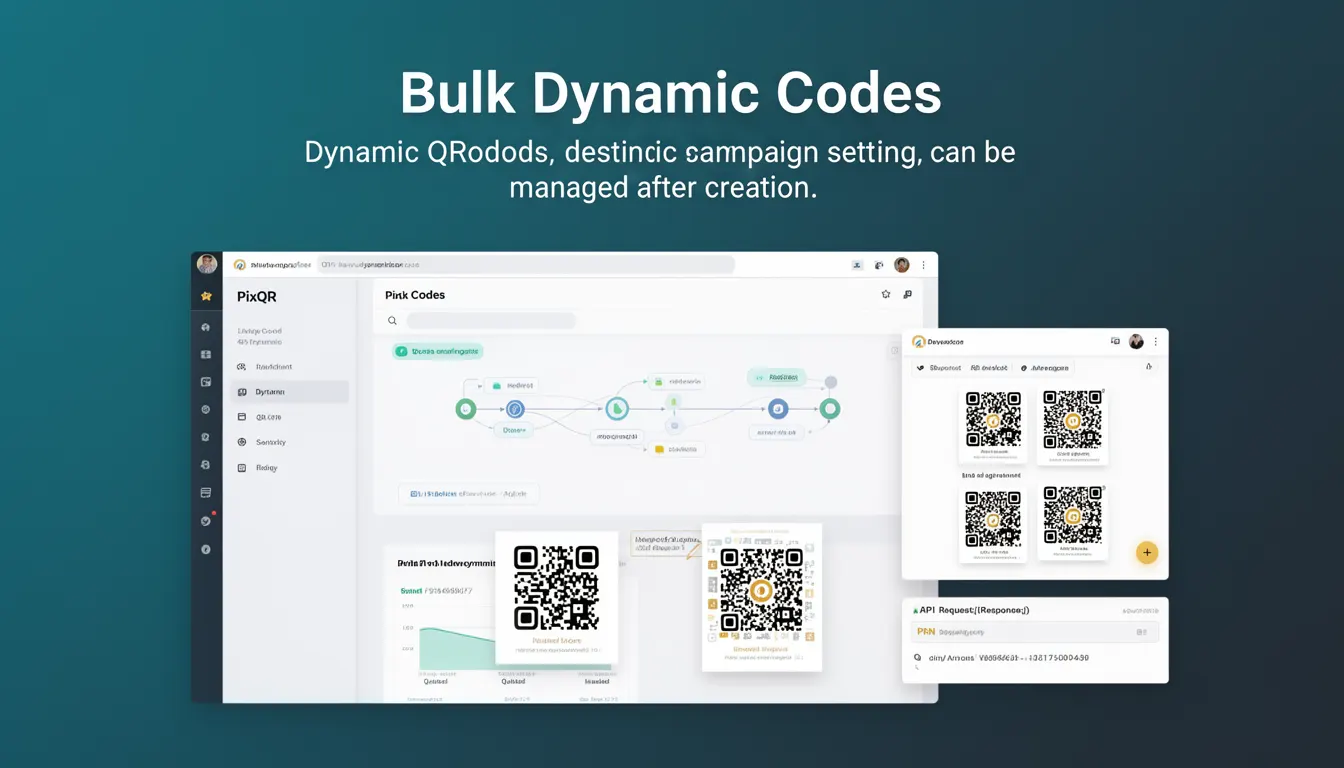
Bulk Dynamic Codes in the PixQR platform refer to a feature that allows users to generate multiple dynamic QR codes simultaneously, each with individually configurable destination URLs or campaign settings. These codes are created in a batch and can be managed and updated post-creation, providing flexibility in campaign deployment and tracking.
For developers, this concept is central to scalable QR code management workflows. It enables automation of QR code generation, particularly in scenarios where large volumes of codes are required for marketing campaigns, product labeling, or event management. The dynamic nature of these codes allows for real-time updates to redirect destinations without re-printing or re-generating physical assets.
Why It Matters
For developers and operations teams, Bulk Dynamic Codes offer a significant advantage in terms of automation and scalability. Instead of manually creating and managing individual QR codes, teams can generate hundreds or thousands of codes with a single API call. This is especially valuable for large-scale campaigns where rapid deployment and real-time adaptability are essential.
From a security standpoint, the ability to update redirect destinations centrally ensures that if a URL becomes compromised or outdated, it can be changed immediately across all relevant codes. This reduces the risk of stale or malicious redirects and supports better operational hygiene.
In terms of analytics, Bulk Dynamic Codes allow for unified tracking and reporting across multiple codes, simplifying campaign analysis and attribution. This is particularly beneficial for A/B testing, geo-targeted campaigns, or tracking different marketing channels with minimal overhead.
How It Works
The mechanism behind Bulk Dynamic Codes in PixQR involves a batch creation API endpoint that accepts an array of code configurations. Each configuration includes parameters such as the destination URL, expiration date, analytics settings, and custom metadata. Once created, these codes are assigned unique identifiers and can be updated via a separate API endpoint.
- Each code in a bulk set is dynamically generated and stored in PixQR's database with a unique identifier.
- Destination URLs can be updated at any time, affecting all scans of that code.
- Analytics data is collected per code and can be aggregated or filtered by campaign, date, or other parameters.
- Codes can be grouped and managed using tags or metadata for easier organization and retrieval.
- API endpoints support both creation and modification of bulk sets, enabling dynamic updates during campaigns.
Quick Reference
| Item | Purpose | Notes |
|---|---|---|
| bulk_create endpoint | Generates multiple QR codes in a single request | Accepts array of configurations |
| update_code endpoint | Modifies a single code's destination or settings | Applies to all scans of that code |
| code_id | Unique identifier for each code in the bulk set | Used in analytics and management |
| destination_url | Target URL that the QR code scans to | Can be updated post-creation |
| metadata | Custom data associated with each code | Used for filtering and tracking |
Basic Example
PixQR Example QR
This QR links directly to this glossary page, so printed notes, onboarding docs, and support material can bring scanners back to the current reference.
/glossary/qr-code-dynamic/dynamic-qr-codes-bulk-dynamic-codes

This example demonstrates how to create a basic bulk set of dynamic QR codes using PixQR's API. Each code in the set is configured with a unique destination URL.
{
  "codes": [
    {
      "destination_url": "https://example.com/campaign1",
      "metadata": {
        "campaign": "summer_sale",
        "location": "store_a"
      }
    },
    {
      "destination_url": "https://example.com/campaign2",
      "metadata": {
        "campaign": "summer_sale",
        "location": "store_b"
      }
    }
  ]
}
The codes array contains multiple configuration objects, each defining a unique destination URL and optional metadata. This structure allows for batch creation of codes with different purposes or campaigns.
Production Example
In a production environment, a developer might generate a bulk set of QR codes with validation, error handling, and metadata for campaign tracking. This example shows how to structure a request that includes robust configuration and data management.
{
  "codes": [
    {
      "destination_url": "https://shop.example.com/products/123",
      "metadata": {
        "product_id": "123",
        "campaign": "back_to_school",
        "store_id": "001"
      },
      "expires_at": "2025-08-31T23:59:59Z",
      "analytics_enabled": true
    },
    {
      "destination_url": "https://shop.example.com/products/456",
      "metadata": {
        "product_id": "456",
        "campaign": "back_to_school",
        "store_id": "002"
      },
      "expires_at": "2025-08-31T23:59:59Z",
      "analytics_enabled": true
    }
  ],
  "batch_name": "Back to School 2025"
}
This version includes expiration dates, analytics flags, and structured metadata. It is suitable for production because it ensures codes are properly tracked, can be safely expired, and are organized under a campaign name for easy retrieval.
Common Mistakes
- Not validating URLs before bulk creation, leading to malformed or inaccessible redirects.
- Using identical metadata across multiple codes, making it difficult to track individual scans.
- Ignoring expiration dates, resulting in outdated codes that may cause user confusion or security risks.
- Overlooking analytics settings, which leads to missed opportunities for campaign insights.
- Creating codes without batch naming, complicating management and reporting in large-scale deployments.
Security And Production Notes
- Always validate destination URLs to prevent malicious redirects and ensure brand-safe scanning.
- Use expiration dates to limit the lifetime of codes and reduce exposure to potential misuse.
- Implement access controls and API key management to restrict who can create or modify bulk sets.
- Ensure analytics are enabled for codes in production to capture real-time scan data and optimize campaigns.
- Batch names and metadata should be sanitized to prevent injection or unintended data exposure.
Related Concepts
Bulk Dynamic Codes are closely related to several other developer concepts in QR code management:
Dynamic QR Codes are the foundational concept, where QR codes can have their destinations updated post-creation. Bulk Dynamic Codes extend this to multiple codes at once.
API Management is essential for creating and updating bulk sets efficiently, especially in automated workflows.
Analytics and Tracking provide insights into how codes are used, making them valuable for marketing and product teams.
QR Code Lifecycle includes generation, deployment, monitoring, and eventual retirement of codes, all of which are supported by Bulk Dynamic Codes.
Batch Processing is the underlying mechanism that allows multiple QR codes to be created or updated in a single operation, improving performance and reducing API overhead.