 PixQR
PixQR
Overview
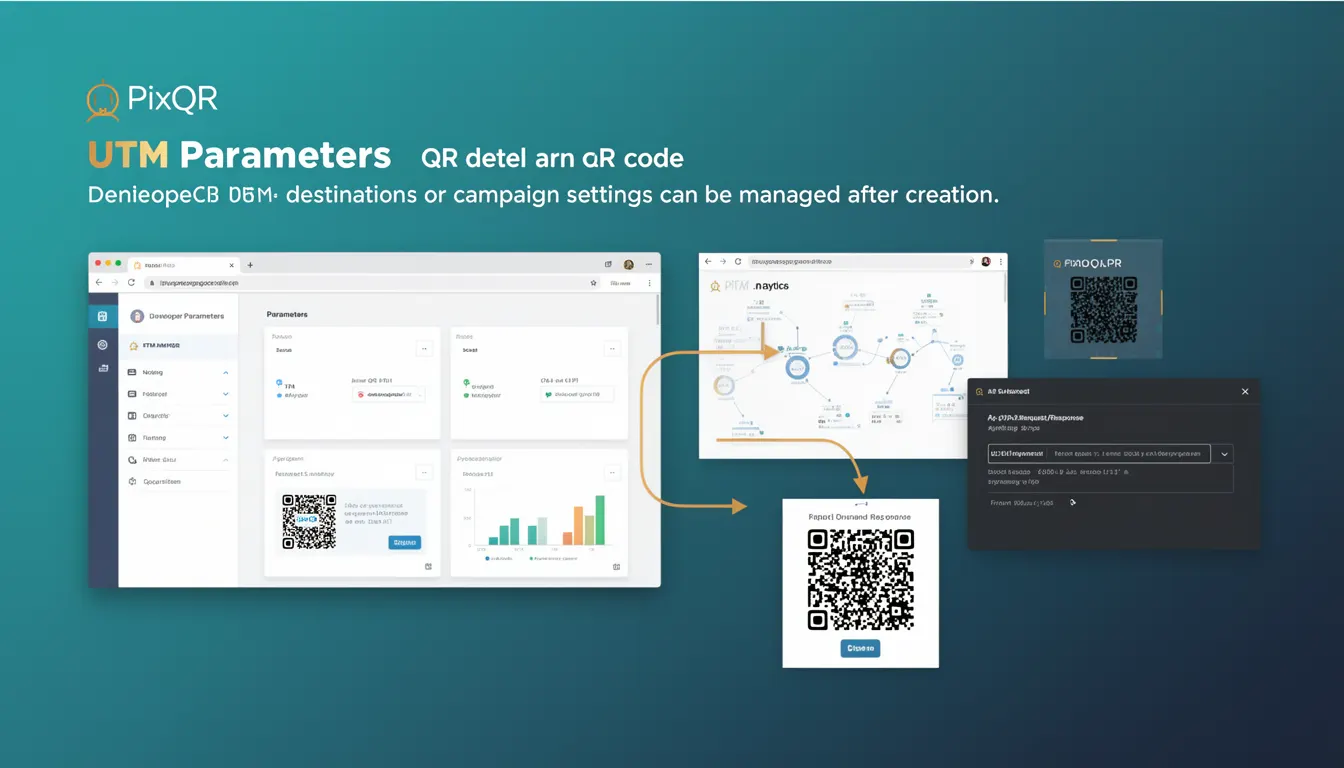
UTM Parameters, short for "Urchin Tracking Module" parameters, are a set of predefined URL query string components used to track the performance of marketing campaigns and user behavior. In the context of PixQR, UTM parameters are implemented within dynamic QR codes to allow campaign tracking, destination redirection, and analytics collection after a QR code is created.
When a user scans a QR code that contains UTM parameters, the parameters are appended to the final URL destination. These parameters are then processed by analytics platforms like Google Analytics, enabling developers and marketers to understand which QR code campaigns drive traffic, engagement, or conversions.
Why It Matters
UTM parameters are crucial for developers working with PixQR because they enable precise tracking of QR code performance without requiring changes to the QR code itself after creation. This is especially important in dynamic QR code environments where redirect settings may change over time. UTM parameters allow teams to attribute traffic to specific campaigns, devices, or content types, which is essential for performance analysis and optimization.
From a security and operational standpoint, UTM parameters help ensure that campaign tracking is accurate and tamper-proof. If UTM parameters are not correctly implemented, campaign analytics can become skewed, leading to incorrect decisions about resource allocation or marketing strategy. In PixQR, this is particularly important because the platform allows dynamic updates to QR code destinations, and UTM parameters ensure that tracking remains intact even when the destination URL changes.
How It Works
When a dynamic QR code is generated in PixQR, UTM parameters can be configured as part of the destination URL. These parameters are appended to the final URL when a user scans the QR code. The parameters are processed by analytics tools to generate reports and insights.
- UTM parameters are defined by a set of standardized query string keys such as
utm_source,utm_medium,utm_campaign,utm_term, andutm_content. - Each parameter has a specific role:
utm_sourceidentifies the source of traffic (e.g., "email"),utm_mediumidentifies the medium (e.g., "social"), andutm_campaignidentifies the specific campaign (e.g., "summer_sale"). - These parameters are appended to the final URL as part of the dynamic redirect chain, ensuring that analytics tools can correctly attribute traffic.
- UTM parameters can be set at the time of QR code creation or updated dynamically through the PixQR dashboard or API.
- When a QR code is scanned, the parameters are preserved and passed through to the final destination, enabling accurate tracking and attribution.
Quick Reference
| Item | Purpose | Notes |
|---|---|---|
utm_source | Identifies the source of traffic | Example: "newsletter", "social_media" |
utm_medium | Identifies the medium of traffic | Example: "email", "banner", "organic" |
utm_campaign | Identifies the specific campaign | Example: "spring_sale", "product_launch" |
utm_term | Identifies paid keywords | Used in paid search campaigns |
utm_content | Identifies different versions of a campaign | Example: "button_a", "text_link" |
Basic Example
PixQR Example QR
This QR links directly to this glossary page, so printed notes, onboarding docs, and support material can bring scanners back to the current reference.

This example demonstrates a basic URL with UTM parameters added to a dynamic QR code destination.
https://example.com/page?utm_source=newsletter&utm_medium=email&utm_campaign=summer_saleIn this case, the parameters indicate that the traffic originated from a newsletter email, part of a summer sale campaign. The final destination is https://example.com/page, and the UTM parameters are used for analytics.
Production Example
This example shows how UTM parameters might be managed within a PixQR dynamic QR code configuration, ensuring that tracking is preserved even when redirect URLs are updated.
{
  "destination": "https://example.com/product",
  "utm_parameters": {
    "utm_source": "pixqr_campaign",
    "utm_medium": "qr_code",
    "utm_campaign": "brand_awareness_2024",
    "utm_content": "promo_banner_1"
  }
}
This structure ensures that UTM parameters are embedded in the QR code configuration and are preserved during any updates to the destination URL. It is suitable for production environments where consistency and traceability are critical.
Common Mistakes
- Not validating UTM parameter values, leading to malformed URLs or analytics errors.
- Overwriting UTM parameters during dynamic redirect updates, which can break campaign tracking.
- Using UTM parameters without proper encoding, causing issues with special characters in URLs.
- Not including required parameters such as
utm_sourceorutm_medium, which may result in incomplete analytics data. - Hardcoding UTM parameters directly into QR code URLs instead of managing them through the PixQR API, reducing flexibility and maintainability.
Security And Production Notes
- Always sanitize UTM parameter values to prevent injection attacks or malformed URLs.
- Ensure that UTM parameters are not used to transmit sensitive or personally identifiable information (PII).
- Use consistent naming conventions for UTM parameters to avoid confusion and maintain data integrity.
- Validate UTM parameter values at the API or platform level to prevent errors in analytics tracking.
- When updating QR code destinations dynamically, preserve UTM parameters to maintain tracking accuracy.
Related Concepts
UTM parameters are closely related to several core concepts in digital marketing and analytics:
- Analytics Platforms: UTM parameters are consumed by platforms like Google Analytics, Adobe Analytics, and others to generate campaign reports.
- Dynamic Redirects: In PixQR, dynamic redirects allow URL changes after QR code creation, but UTM parameters must remain intact to preserve tracking.
- URL Encoding: Properly encoded UTM parameters are essential for URL validity and analytics accuracy.
- Campaign Attribution: UTM parameters form the foundation of digital campaign attribution, allowing precise tracking of marketing ROI.
- Privacy and Data Handling: UTM parameters should not contain sensitive or PII, as they are part of public URLs.