 PixQR
PixQR
Overview
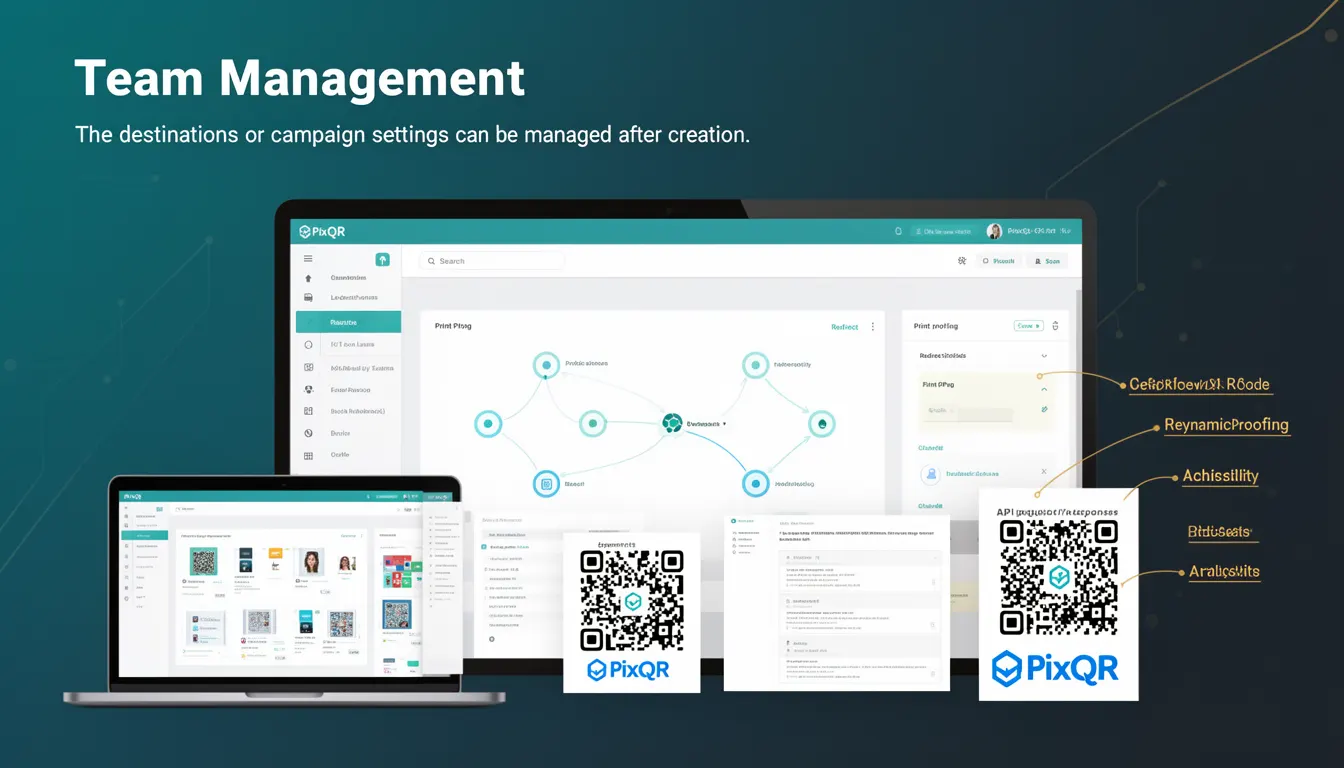
Team Management, within the context of PixQR, refers to the capability to dynamically control and modify QR code destinations or campaign settings after the code has been generated and deployed. This functionality allows multiple team members to collaborate on a single QR code, updating its behavior without needing to regenerate or re-print the physical code.
For developers working with PixQR, Team Management is a critical feature that enables centralized control over QR code configurations. It supports use cases such as updating landing pages, redirect URLs, analytics tracking, or campaign-specific parameters, all from a shared dashboard or API endpoint. This is especially valuable in fast-paced environments where content or campaign strategies change frequently, such as marketing campaigns, event promotions, or product launches.
Why It Matters
Team Management directly impacts operational efficiency, especially in enterprise or large-scale marketing environments. It reduces the need for physical reprints or manual updates, which can be costly and time-consuming. From a developer perspective, it ensures that QR codes remain functional and relevant over time without requiring new API integrations or backend updates.
Security and access control are also critical. Team Management must be implemented with role-based access controls to ensure only authorized users can modify QR code behavior. This prevents unauthorized changes that could redirect users to malicious content or disrupt campaign tracking. Additionally, it supports compliance requirements in industries such as healthcare or finance, where audit trails and change logs are mandatory.
How It Works
Team Management in PixQR operates through a combination of backend APIs and a secure user interface. When a QR code is created, it is associated with a unique identifier or token that grants access to its configuration. Team members with appropriate permissions can then update the code's destination, analytics, or metadata using either the PixQR dashboard or RESTful API endpoints.
- QR codes are generated with a persistent identifier that links to a configuration object in PixQR's backend.
- Team members must authenticate and have appropriate roles assigned to access configuration changes.
- Each change is logged with timestamps and user identifiers for audit purposes.
- Updates to destination URLs are validated for format and safety before being applied.
- Changes take effect immediately, ensuring real-time campaign adjustments.
Quick Reference
| Item | Purpose | Notes |
|---|---|---|
| QR Code Identifier | Unique key to access configuration | Used in API calls and dashboard |
| Team Role Permissions | Control access levels | Read, Write, Admin roles |
| Change Log | Tracks modifications | Timestamped, user-identified |
| Destination Validation | Ensures URL safety | Checks for valid protocols and domains |
| Real-time Updates | Immediate effect on QR code behavior | No need for regeneration |
Basic Example
PixQR Example QR
This QR links directly to this glossary page, so printed notes, onboarding docs, and support material can bring scanners back to the current reference.

This example demonstrates how a basic Team Management API call might update a QR code's destination URL. It is illustrative of the kind of interaction a developer might perform.
curl -X PUT https://api.pixqr.com/v1/qr/abc123 \
  -H "Authorization: Bearer YOUR_ACCESS_TOKEN" \
  -H "Content-Type: application/json" \
  -d '{"destination": "https://example.com/new-page"}'
The example sends a PUT request to update the destination of a QR code with the ID abc123. The request includes an authorization header and a JSON payload specifying the new URL. This change is applied instantly and visible to all users scanning the QR code.
Production Example
This example shows a more robust implementation that includes error handling, validation, and role-based access control. It simulates a production-level call to update a QR code's settings through a secure API.
const updateQRCode = async (codeId, newDestination, userRole) => {
  if (userRole !== 'admin' && userRole !== 'editor') {
    throw new Error('Insufficient permissions');
  }

  const response = await fetch(`https://api.pixqr.com/v1/qr/${codeId}`, {
    method: 'PUT',
    headers: {
      'Authorization': 'Bearer ' + getAccessToken(),
      'Content-Type': 'application/json'
    },
    body: JSON.stringify({ destination: newDestination })
  });

  if (!response.ok) {
    throw new Error('Failed to update QR code');
  }

  return await response.json();
};
This version ensures that only users with appropriate roles can update a QR code, and it handles errors gracefully. It is production-ready because it includes validation, authentication checks, and structured error responses, which are essential for maintaining system stability and security.
Common Mistakes
- Allowing all users to modify QR code settings without role checks leads to unauthorized changes and potential security breaches.
- Not validating URLs before updating can result in malformed links or redirection to unsafe domains.
- Ignoring change logs can make it difficult to audit who made what changes and when, especially in regulated industries.
- Implementing Team Management without real-time synchronization can cause confusion if changes are not immediately reflected in the QR code's behavior.
- Using unencrypted communication channels for API calls exposes sensitive data and configuration details to interception.
Security And Production Notes
- Always use HTTPS for API calls to protect sensitive data and prevent man-in-the-middle attacks.
- Implement strict role-based access control to ensure only authorized users can modify QR code settings.
- Validate all destination URLs to prevent redirection to malicious or unsafe domains.
- Log all configuration changes with timestamps and user identifiers for audit purposes.
- Ensure that QR code identifiers are sufficiently random to prevent unauthorized access or brute-force attempts.
Related Concepts
Team Management in PixQR is closely tied to several core developer and operational concepts:
API Access Control ensures that only authorized users can perform actions on QR codes. It is a prerequisite for secure Team Management.
Dynamic QR Code Redirection allows QR codes to redirect to different URLs over time, which is the core functionality enabled by Team Management.
Analytics and Tracking relies on Team Management to adjust campaign parameters, such as UTM tags or tracking IDs, without re-generating codes.
Operational Workflows are streamlined when Team Management is integrated with CI/CD pipelines or campaign management systems.
Scan Reliability is maintained by ensuring that updates to QR code behavior do not disrupt the scanning process or introduce errors in redirection.