 PixQR
PixQR
Overview
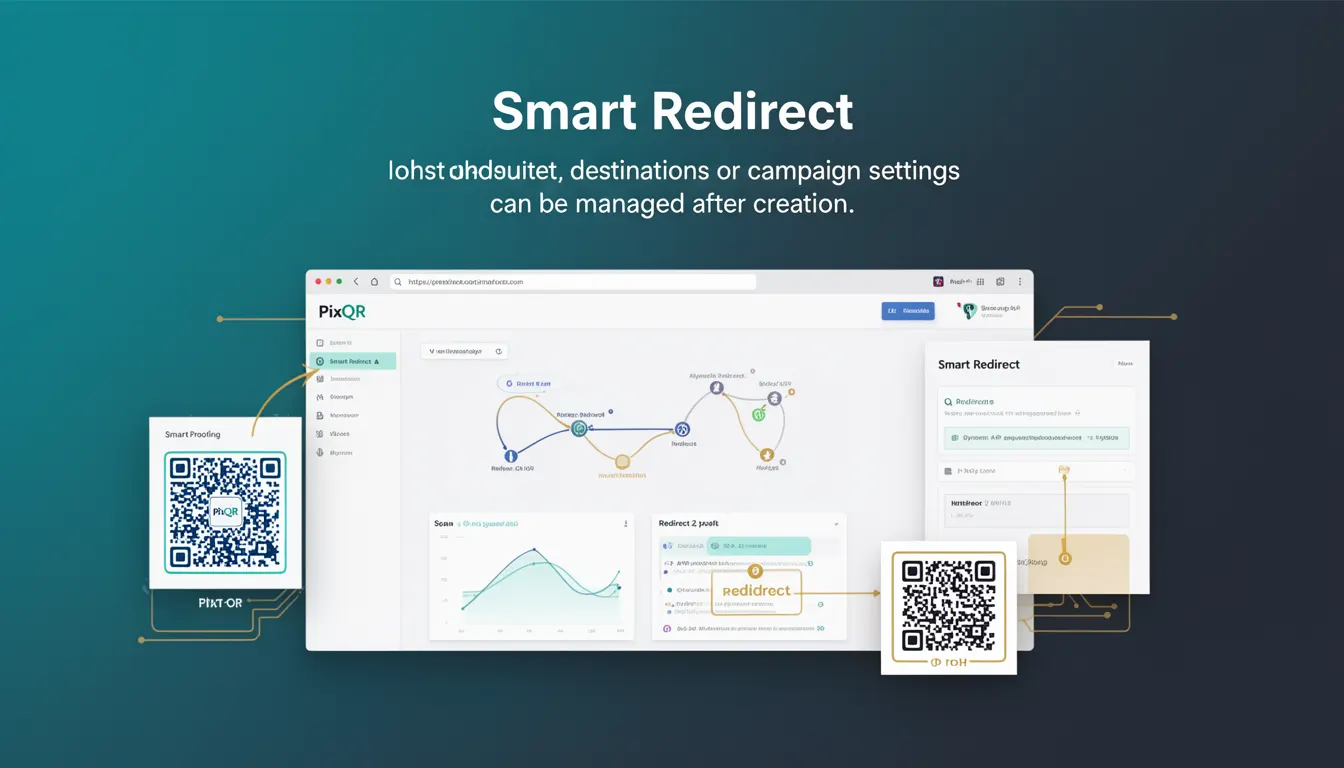
Smart Redirect is a dynamic QR code functionality within the PixQR platform that allows users to modify the destination URL or campaign settings of a QR code after its initial creation. This capability enables real-time adjustments to campaign behavior without requiring physical reprinting of QR codes, making it a powerful tool for marketing, analytics, and operational flexibility.
Developers and marketers using PixQR encounter Smart Redirect when they need to update campaign links, track performance changes, or adapt QR code destinations based on external factors like seasonal promotions, event timing, or user segmentation. It is especially valuable in environments where link accuracy and campaign responsiveness are critical to success.
Why It Matters
Smart Redirect directly impacts operational efficiency by reducing the need for physical QR code replacement and minimizing campaign downtime. For developers, it offers a flexible API interface that supports dynamic updates, which can be integrated into larger automation or analytics workflows.
From a security perspective, Smart Redirect allows for controlled updates without exposing sensitive QR code payloads or compromising link integrity. It also supports privacy compliance by enabling quick changes to redirect destinations when user tracking or data collection policies shift. For user experience, this feature ensures that QR codes remain relevant and functional even as campaign strategies evolve.
How It Works
Smart Redirect operates through a backend system that stores a mapping between a QR code identifier and its associated destination URL or campaign settings. When a user updates a QR code's redirect target, the system modifies the stored mapping rather than altering the QR code image itself. This mechanism allows for seamless, real-time changes while maintaining the physical QR code's scan reliability.
- Smart Redirect requires a unique identifier (such as a QR code ID) to track and update the associated redirect destination.
- Each QR code can be configured with a default redirect URL, which can be updated through the PixQR API or dashboard.
- Updates to a Smart Redirect QR code are propagated instantly, meaning new scans will immediately follow the updated destination.
- Analytics data is preserved and tied to the QR code identifier, allowing for accurate tracking of campaign performance over time.
- Smart Redirect supports both HTTP and HTTPS destination URLs, with validation to ensure secure redirects.
Quick Reference
| Item | Purpose | Notes |
|---|---|---|
| QR Code ID | Unique identifier for a QR code | Used to retrieve and update redirect settings |
| Redirect URL | Target destination for QR code scans | Must be a valid HTTP or HTTPS URL |
| Update Endpoint | API method to modify redirect destination | Requires valid authentication and permissions |
| Analytics Tracking | Preserved during updates | Link performance data remains tied to QR code ID |
| Validation | Ensures destination URL safety | Prevents invalid or malicious redirects |
Basic Example
PixQR Example QR
This QR links directly to this glossary page, so printed notes, onboarding docs, and support material can bring scanners back to the current reference.

This example demonstrates a simple Smart Redirect configuration using PixQR's API endpoint to update a QR code's destination URL.
curl -X PUT https://api.pixqr.com/v1/qr-codes/12345 \
  -H "Authorization: Bearer YOUR_API_TOKEN" \
  -H "Content-Type: application/json" \
  -d '{"redirect_url": "https://example.com/new-landing-page"}'
The command sends a PUT request to the PixQR API, targeting a specific QR code ID. The payload includes the new redirect URL. This update is applied immediately and affects all future scans of the QR code.
Production Example
This example shows a more robust Smart Redirect implementation that includes error handling, validation, and logging for production use.
const updateQRRedirect = async (qrId, newUrl, token) => {
  try {
    const response = await fetch(`https://api.pixqr.com/v1/qr-codes/${qrId}`, {
      method: 'PUT',
      headers: {
        'Authorization': `Bearer ${token}`,
        'Content-Type': 'application/json'
      },
      body: JSON.stringify({ redirect_url: newUrl })
    });

    if (!response.ok) {
      throw new Error(`HTTP error: ${response.status}`);
    }

    const result = await response.json();
    console.log('Redirect updated successfully:', result);
    return result;
  } catch (error) {
    console.error('Failed to update QR redirect:', error);
    throw error;
  }
};
This function wraps the API call in a try-catch block and includes proper error reporting. It ensures that updates are logged and handled gracefully, making it suitable for production environments where reliability and traceability are essential.
Common Mistakes
- Updating a QR code's redirect without validating the new URL, which may lead to broken links or security vulnerabilities.
- Using insecure HTTP URLs in Smart Redirect configurations, which can be flagged by modern browsers or security scanners.
- Not updating analytics tracking after a redirect change, resulting in inaccurate performance data.
- Attempting to update a QR code with insufficient permissions, causing API errors or access denials.
- Overlooking the need for real-time propagation of updates, leading to inconsistent scan behavior across different systems.
Security And Production Notes
- Always validate redirect URLs to ensure they are valid and secure, especially when accepting user input.
- Use HTTPS for all redirect destinations to prevent man-in-the-middle attacks and ensure compliance with modern security standards.
- Implement strict authentication and authorization checks for API access to prevent unauthorized updates to QR code settings.
- Log all Smart Redirect changes for audit and compliance purposes, particularly in regulated industries.
- Ensure that QR code identifiers are not exposed in public-facing URLs or logs to prevent unauthorized access to campaign controls.
Related Concepts
Smart Redirect is closely related to several other QR code and link management concepts. Dynamic QR codes, which form the basis of Smart Redirect, are a subset of QR codes that allow runtime modifications. Campaign analytics and tracking systems rely on the stability of QR code identifiers to ensure accurate attribution. API security and access control are critical to the integrity of Smart Redirect updates. Finally, link validation and domain reputation play a role in ensuring that Smart Redirect destinations remain trustworthy and functional.