 PixQR
PixQR
Overview
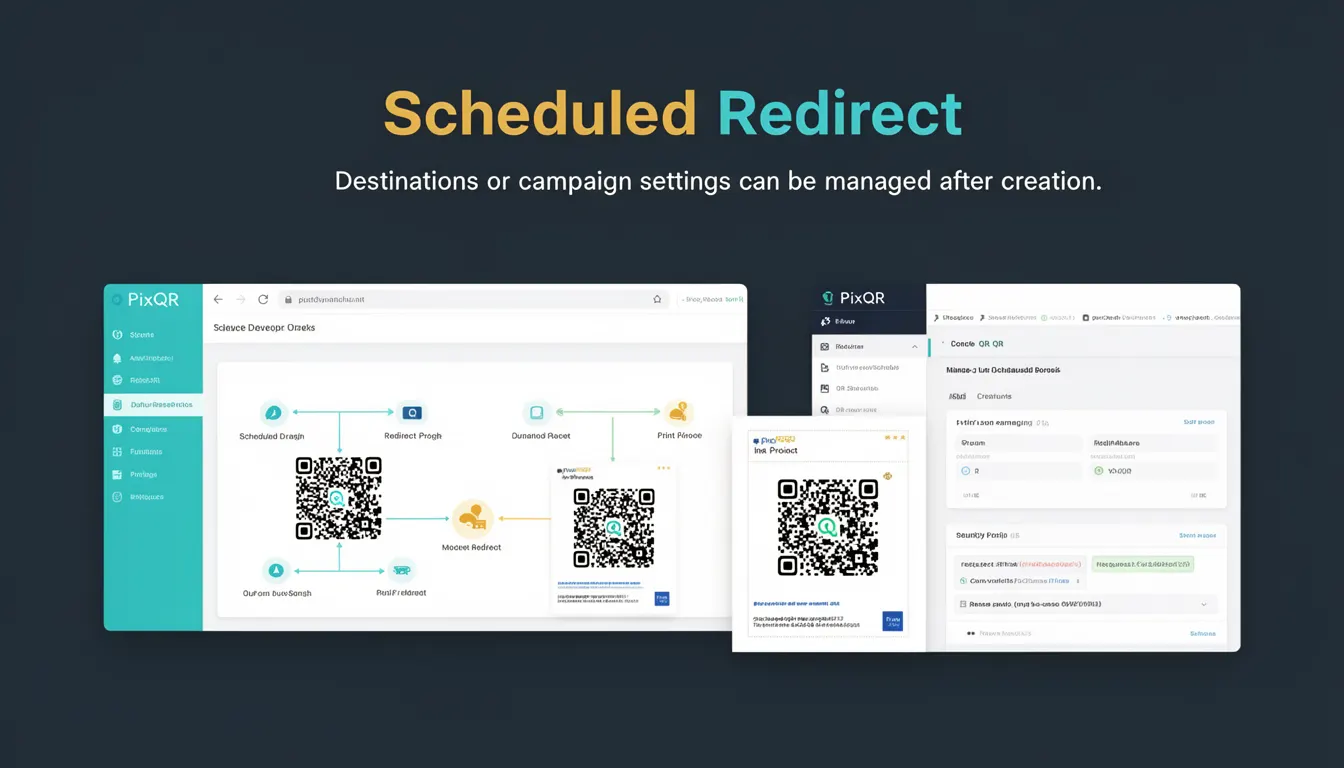
A Scheduled Redirect in the PixQR platform refers to a dynamic QR code functionality that allows users to define and modify destination URLs or campaign settings after the QR code has been generated. This capability enables campaign managers to adjust redirects without regenerating the QR code itself, offering flexibility for time-sensitive promotions, A/B testing, or real-time campaign adjustments.
Developers working with PixQR must understand how Scheduled Redirects function within the dynamic QR code framework to effectively implement and manage campaign workflows. It is particularly relevant in scenarios where a QR code is deployed for a specific time window or event, and the destination needs to change based on real-time data or user behavior.
Why It Matters
For developers, Scheduled Redirects are essential because they provide a mechanism to maintain campaign integrity without requiring physical QR code regeneration or re-printing. This is especially important in marketing campaigns, event management, or logistics where the destination URL might need updating due to changing conditions or real-time analytics.
From a security perspective, Scheduled Redirects must be carefully managed to prevent unauthorized changes or redirects to malicious domains. The system must validate all destination URLs and maintain audit trails for compliance. For performance, the platform must ensure that redirect updates do not introduce latency or downtime in the scanning experience. Accessibility and user experience are also impacted, as users should not encounter broken links or inconsistent redirect behavior when scanning a QR code.
How It Works
Scheduled Redirects operate through a backend configuration system that allows users to set a future redirect action for a QR code. The system evaluates the scheduled redirect at the time of scan, ensuring that the most up-to-date destination is resolved. The functionality is integrated into the PixQR API and dashboard, enabling both programmatic and manual adjustments.
- Each QR code with a Scheduled Redirect has a unique identifier that maps to a configuration object in the system.
- The configuration includes a start time, end time, and target URL for the redirect.
- When a QR code is scanned, the system checks the current time against the scheduled redirect configuration.
- If the current time falls within the scheduled window, the system resolves the redirect to the target URL.
- If no scheduled redirect is active, the system defaults to the original QR code destination or a fallback URL.
Quick Reference
| Item | Purpose | Notes |
|---|---|---|
| Scheduled Redirect ID | Uniquely identifies a scheduled redirect configuration | Used in API requests and dashboard UI |
| Start Time | Defines when the redirect becomes active | Must be in ISO 8601 format |
| End Time | Defines when the redirect stops being active | Optional, defaults to never ending |
| Target URL | The destination to redirect to during the scheduled period | Must be a valid HTTP/HTTPS URL |
| Status | Indicates whether the redirect is active, pending, or expired | Automatically updated by the system |
Basic Example
PixQR Example QR
This QR links directly to this glossary page, so printed notes, onboarding docs, and support material can bring scanners back to the current reference.
/glossary/qr-code-dynamic/dynamic-qr-codes-scheduled-redirect

This example demonstrates how to define a scheduled redirect using a simple JSON configuration. It is used when setting up a QR code in the PixQR dashboard or API.
{
  "scheduled_redirect": {
    "start_time": "2025-04-01T10:00:00Z",
    "end_time": "2025-04-01T12:00:00Z",
    "target_url": "https://example.com/special-offer"
  }
}
The start_time and end_time define the period during which the redirect is active. The target_url is the destination that users will be directed to when scanning the QR code during that time window.
Production Example
In a production environment, a scheduled redirect might be part of a larger campaign management system. This example includes validation and error handling for API calls.
const scheduledRedirectConfig = {
  "start_time": "2025-04-01T10:00:00Z",
  "end_time": "2025-04-01T12:00:00Z",
  "target_url": "https://example.com/special-offer"
};

const apiResponse = await fetch('https://api.pixqr.com/v1/qr-codes/12345/scheduled-redirect', {
  method: 'POST',
  headers: {
    'Authorization': 'Bearer YOUR_API_TOKEN',
    'Content-Type': 'application/json'
  },
  body: JSON.stringify(scheduledRedirectConfig)
});

if (apiResponse.ok) {
  console.log('Scheduled redirect configured successfully');
} else {
  console.error('Failed to configure scheduled redirect:', apiResponse.status);
}
This version includes proper error handling, API token authentication, and validation of the response status. It is suitable for production because it follows secure practices and integrates with PixQR's API in a way that ensures reliability and traceability.
Common Mistakes
- Using invalid date formats in
start_timeorend_time, which leads to configuration errors and failed redirects. - Setting overlapping scheduled redirects for the same QR code, causing unpredictable behavior or conflicts.
- Not validating the
target_urlfor security, potentially allowing malicious domains to be used in redirects. - Forgetting to update or remove expired redirects, which can lead to broken links or outdated campaign data.
- Not testing the scheduled redirect before deployment, resulting in unexpected user experiences during critical events.
Security And Production Notes
- All URLs in scheduled redirects must be validated against a whitelist or domain list to prevent phishing or malicious redirection.
- Time zones must be handled carefully to ensure scheduled redirects are interpreted correctly across different regions.
- API tokens used for scheduled redirect management must be rotated regularly and stored securely to prevent unauthorized access.
- Each scheduled redirect should have an audit trail to track changes, including who made the change and when.
- Systems should enforce rate limits on scheduled redirect updates to prevent abuse or denial-of-service attacks.
Related Concepts
Several PixQR concepts are closely related to Scheduled Redirects, including Dynamic QR Code, Campaign Management, API Access Control, Scan Analytics, and Redirect Validation. Dynamic QR codes form the foundation of scheduled redirects, as they allow for runtime modifications. Campaign Management systems often integrate scheduled redirects to adjust promotions or events. API Access Control ensures that only authorized users can modify scheduled redirects. Scan Analytics provide insights into how scheduled redirects are performing, and Redirect Validation ensures that all destinations are safe and compliant.