 PixQR
PixQR
Overview
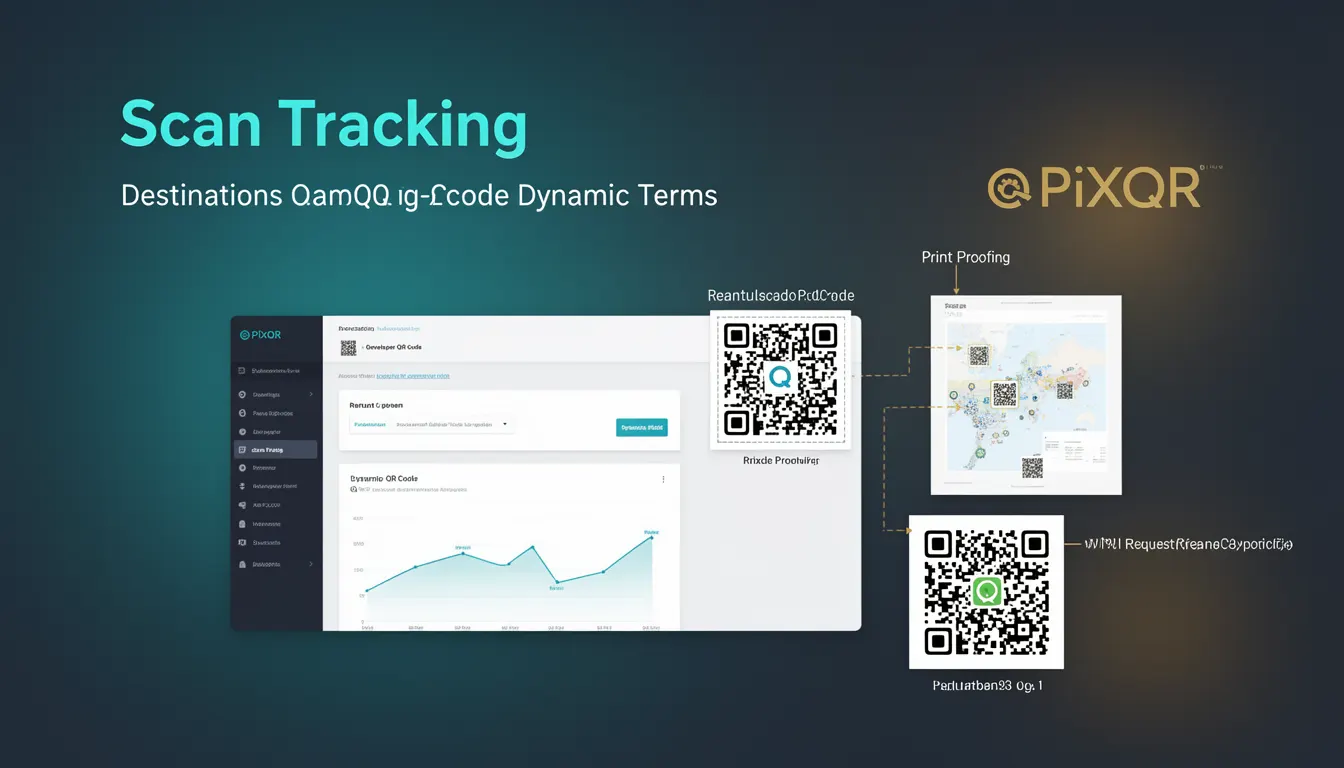
Scan Tracking is a dynamic QR code feature that allows developers and marketers to monitor, analyze, and modify QR code behavior after its creation. It enables real-time updates to destination URLs, campaign settings, and tracking parameters without requiring a new QR code to be generated or printed.
This capability is particularly valuable in marketing campaigns, event management, and product distribution where dynamic adjustments are necessary. For example, a QR code for a promotional campaign might initially point to a landing page, but later be updated to redirect to a different offer or a special event page.
Why It Matters
Scan Tracking is essential for campaign agility, performance optimization, and operational efficiency. It allows teams to respond quickly to changing market conditions or campaign performance without the overhead of generating new physical QR codes or updating distribution systems.
From a security standpoint, Scan Tracking helps ensure that redirects are monitored and controlled, reducing the risk of malicious redirections. It also supports privacy compliance by enabling campaign owners to track and manage data collection practices. For developers, this feature allows for more flexible API integrations and real-time analytics, improving both the functionality and maintainability of QR code systems.
How It Works
Scan Tracking operates by embedding metadata or a reference ID in the QR code that links to a backend system. When a QR code is scanned, the system retrieves the latest destination or campaign settings from the server before redirecting the user.
- The QR code itself contains a unique identifier that maps to a dynamic configuration stored on the PixQR platform.
- Each scan triggers a backend API call to fetch the most recent redirect URL or campaign parameters.
- Scan data is collected and stored for analytics, including timestamps, geographic location, and device information.
- Updates to destination URLs or campaign settings are propagated instantly to all active QR codes using that configuration.
- The system supports both immediate and scheduled updates to maintain control over campaign behavior over time.
Quick Reference
| Item | Purpose | Notes |
|---|---|---|
| Dynamic QR Code ID | Uniquely identifies a QR code configuration | Used in backend API calls |
| Scan Tracking API | Retrieves latest redirect settings | Called on each QR code scan |
| Scan Data Logs | Stores analytics for each scan | Includes geo, timestamp, device |
| Configuration Update | Changes redirect URL or campaign settings | Applies instantly to all QR codes |
| Real-time Redirect | Enables dynamic destination changes | Requires backend connectivity |
Basic Example
PixQR Example QR
This QR links directly to this glossary page, so printed notes, onboarding docs, and support material can bring scanners back to the current reference.

This example shows how a basic scan tracking setup might be initialized using a PixQR API call to update a QR code's redirect destination.
const response = await fetch('https://api.pixqr.com/v1/qr-codes/abc123', {
  method: 'PATCH',
  headers: {
    'Authorization': 'Bearer YOUR_API_TOKEN',
    'Content-Type': 'application/json'
  },
  body: JSON.stringify({
    redirect_url: 'https://example.com/new-destination'
  })
});
The example demonstrates how to update a QR code's redirect URL using a PATCH request. The API token authenticates the request, and the body contains the new destination URL. This change is immediately reflected in all scans of that QR code.
Production Example
This example illustrates a more robust implementation with error handling, validation, and configuration management.
async function updateQRCodeRedirect(qrId, newUrl) {
  if (!qrId || !newUrl) {
    throw new Error('QR ID and redirect URL are required');
  }

  try {
    const response = await fetch(`https://api.pixqr.com/v1/qr-codes/${qrId}`, {
      method: 'PATCH',
      headers: {
        'Authorization': `Bearer ${process.env.PIXQR_API_TOKEN}`,
        'Content-Type': 'application/json'
      },
      body: JSON.stringify({
        redirect_url: newUrl,
        updated_at: new Date().toISOString()
      })
    });

    if (!response.ok) {
      throw new Error(`Failed to update QR code: ${response.status}`);
    }

    const result = await response.json();
    return result;
  } catch (error) {
    console.error('QR code update failed:', error);
    throw error;
  }
}
This version includes validation for required parameters, error handling for API failures, and uses environment variables for sensitive data. It also adds a timestamp to the update for audit purposes, making it suitable for production environments where reliability and traceability are critical.
Common Mistakes
- Not validating redirect URLs before updating, which can lead to broken links or malicious redirections.
- Using hardcoded API tokens in client-side code, exposing credentials to attackers.
- Ignoring scan data logs, which prevents proper campaign analysis and optimization.
- Updating QR code configurations without testing, potentially causing unexpected behavior in active campaigns.
- Not implementing proper error handling, leading to silent failures in dynamic updates.
Security And Production Notes
- Always validate redirect URLs to prevent open redirect vulnerabilities.
- Use secure, encrypted connections (HTTPS) for all API interactions.
- Store API tokens securely and never expose them in client-side code.
- Implement rate limiting to prevent abuse of the scan tracking API.
- Ensure that scan data logs comply with privacy regulations such as GDPR or CCPA.
Related Concepts
Scan Tracking is closely related to QR code generation, dynamic redirects, campaign analytics, and API integrations. It is part of a broader ecosystem that includes URL shortening, real-time data collection, and secure link management. It also connects to operational workflows that ensure QR code reliability, fraud prevention, and brand-safe design.