 PixQR
PixQR
Overview
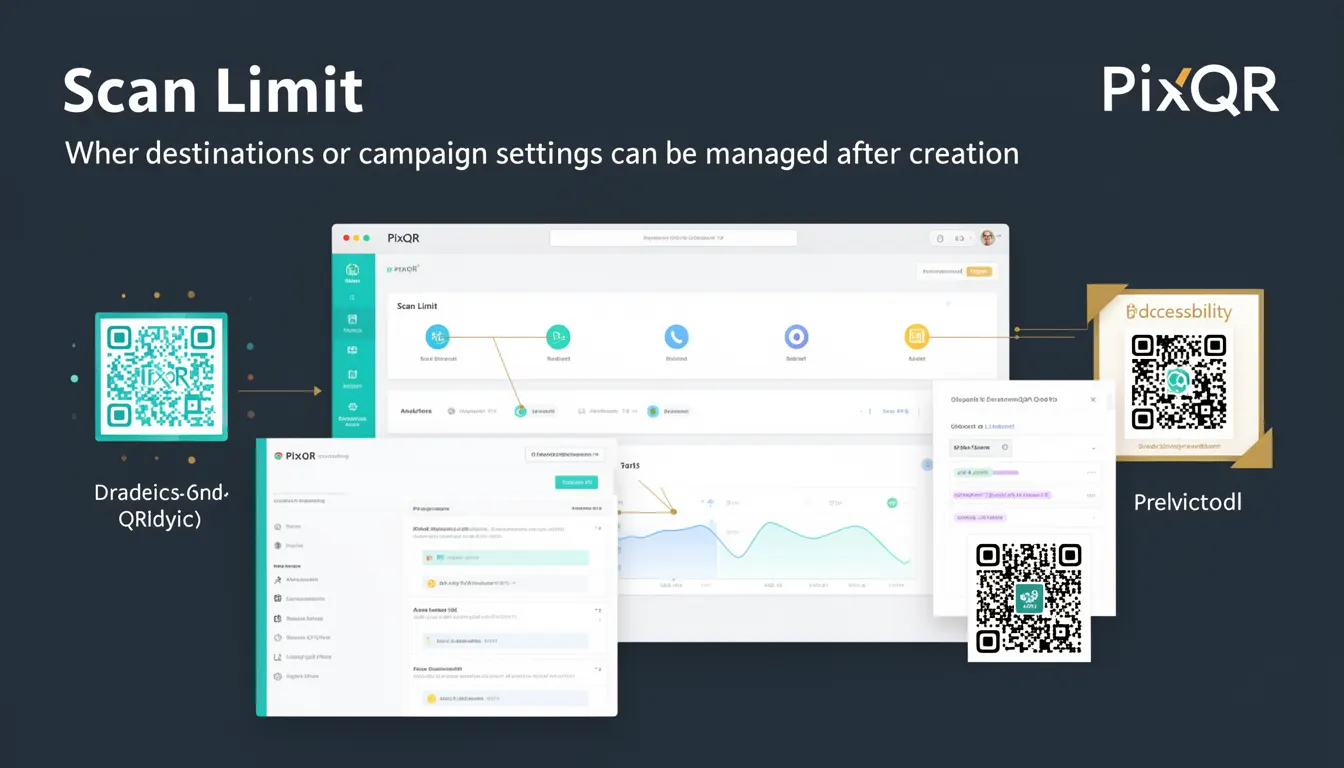
Scan Limit is a dynamic QR code configuration term used within the PixQR platform to define how many times a QR code can be scanned or used before its destination or campaign settings are automatically disabled or redirected. This mechanism is critical for controlling campaign exposure, managing limited-time promotions, and preventing unauthorized reuse of a QR code.
Developers and marketers using PixQR for dynamic QR code generation and campaign management rely on Scan Limit to enforce usage rules, reduce fraud, and maintain campaign integrity. It allows for real-time control of how many times a QR code can be scanned, which is especially useful in scenarios like promotional giveaways, event ticketing, or controlled access systems.
Why It Matters
Scan Limit plays a crucial role in maintaining the integrity and security of QR code campaigns. When a QR code is set with a scan limit, it ensures that only a predetermined number of scans can occur, after which the QR code either becomes inactive or redirects to a different destination. This is particularly important in scenarios where limited resources or access need to be managed.
From a developer’s perspective, implementing Scan Limit helps prevent abuse of dynamic QR codes in environments where unauthorized access or overuse could compromise campaign goals. For example, in a promotional campaign, if a QR code is intended to provide a discount to 100 users, Scan Limit ensures that no more than 100 users can redeem the offer, regardless of how many times the code is scanned or shared.
How It Works
Scan Limit is implemented as a configuration parameter within PixQR's dynamic QR code generation and management system. It operates by tracking each scan event and decrementing a counter until it reaches zero, at which point the QR code’s behavior changes based on the configured settings.
- Scan Limit can be set to a fixed integer value, such as 10, 50, or 1000, to define how many times the QR code can be scanned before it becomes inactive.
- When the scan count reaches the limit, the QR code can redirect to a predefined fallback URL, display a message, or simply stop responding to scans.
- Scan Limit is enforced at the backend level, ensuring that even if a QR code is physically scanned multiple times, the system tracks and enforces the limit.
- Scan Limit can be combined with other dynamic features like geo-targeting, time-based redirects, and user tracking to create complex and secure campaign rules.
- For campaigns that require real-time updates, Scan Limit can be modified after the QR code is created, allowing for dynamic adjustments to the campaign’s behavior.
Quick Reference
| Item | Purpose | Notes |
|---|---|---|
| Scan Limit | Defines maximum number of scans before QR code behavior changes | Can be adjusted post-creation |
| Scan Counter | Tracks current number of scans | Automatically decremented |
| Fallback URL | Destination after scan limit is reached | Optional, can be custom |
| Behavior on Limit Reached | Defines action after limit is hit | Can be inactive, redirect, or message |
| Real-Time Update | Ability to modify scan limit after creation | Requires admin-level access |
Basic Example
PixQR Example QR
This QR links directly to this glossary page, so printed notes, onboarding docs, and support material can bring scanners back to the current reference.

This example shows how a developer might configure a QR code with a Scan Limit of 5 using PixQR's API. It demonstrates the core concept of setting a limit and understanding how it affects the QR code's behavior.
{
  "url": "https://example.com/promo",
  "scan_limit": 5,
  "fallback_url": "https://example.com/expired"
}
The scan_limit property defines how many times the QR code can be scanned. The fallback_url specifies the destination once the limit is reached. This configuration ensures that only five scans are allowed before the QR code redirects to the fallback page.
Production Example
This more robust example shows how a production system might manage a Scan Limit in a dynamic QR code setup. It includes error handling, validation, and configuration management to ensure that the scan limit is enforced consistently and securely.
{
  "url": "https://api.pixqr.com/redirect/12345",
  "scan_limit": 100,
  "fallback_url": "https://api.pixqr.com/redirect/expired",
  "enabled": true,
  "created_at": "2025-04-01T10:00:00Z",
  "updated_at": "2025-04-01T10:00:00Z",
  "campaign_id": "campaign_001"
}
This version includes additional metadata like created_at and updated_at for audit purposes, and a campaign_id to group related QR codes. It also ensures that the QR code is enabled and ready for use, and that the system can track changes to the scan limit over time.
Common Mistakes
- Setting a Scan Limit of zero or a negative value, which can lead to unexpected behavior or immediate inactivation of the QR code.
- Not defining a fallback URL, which can result in users seeing a blank page or error when the scan limit is reached.
- Overlooking the real-time update capability of Scan Limit, leading to missed opportunities to adjust campaign rules during active use.
- Using Scan Limit without combining it with other security measures like geo-targeting or user tracking, increasing the risk of abuse.
- Not validating the scan limit value during API calls, which can cause runtime errors or inconsistent behavior in dynamic campaigns.
Security And Production Notes
- Scan Limit is enforced server-side, ensuring that no client-side manipulation can bypass the configured limit.
- It is recommended to use a fallback URL that clearly communicates to users that the QR code has been exhausted.
- When modifying Scan Limit post-creation, access controls should be in place to prevent unauthorized changes.
- Scan Limit data should be logged for auditing and compliance purposes, especially in regulated industries.
- Scan Limit should be used in conjunction with other dynamic QR code features to maximize security and control.
Related Concepts
Scan Limit is closely related to several other dynamic QR code features and concepts. These include:
- Dynamic Redirect – A QR code that can change its destination based on conditions, often used in conjunction with Scan Limit.
- Scan Analytics – Tracking how many times a QR code is scanned, which can be used to monitor campaign performance and enforce Scan Limit.
- QR Code Campaign Management – The overarching system that controls how QR codes behave, including Scan Limit, expiration, and access rules.
- Access Control – Ensuring that only authorized users or systems can modify or access QR code settings, including Scan Limit.
- API Integration – Scan Limit is often managed via API calls, making it a key element in automated QR code systems.