 PixQR
PixQR
Overview
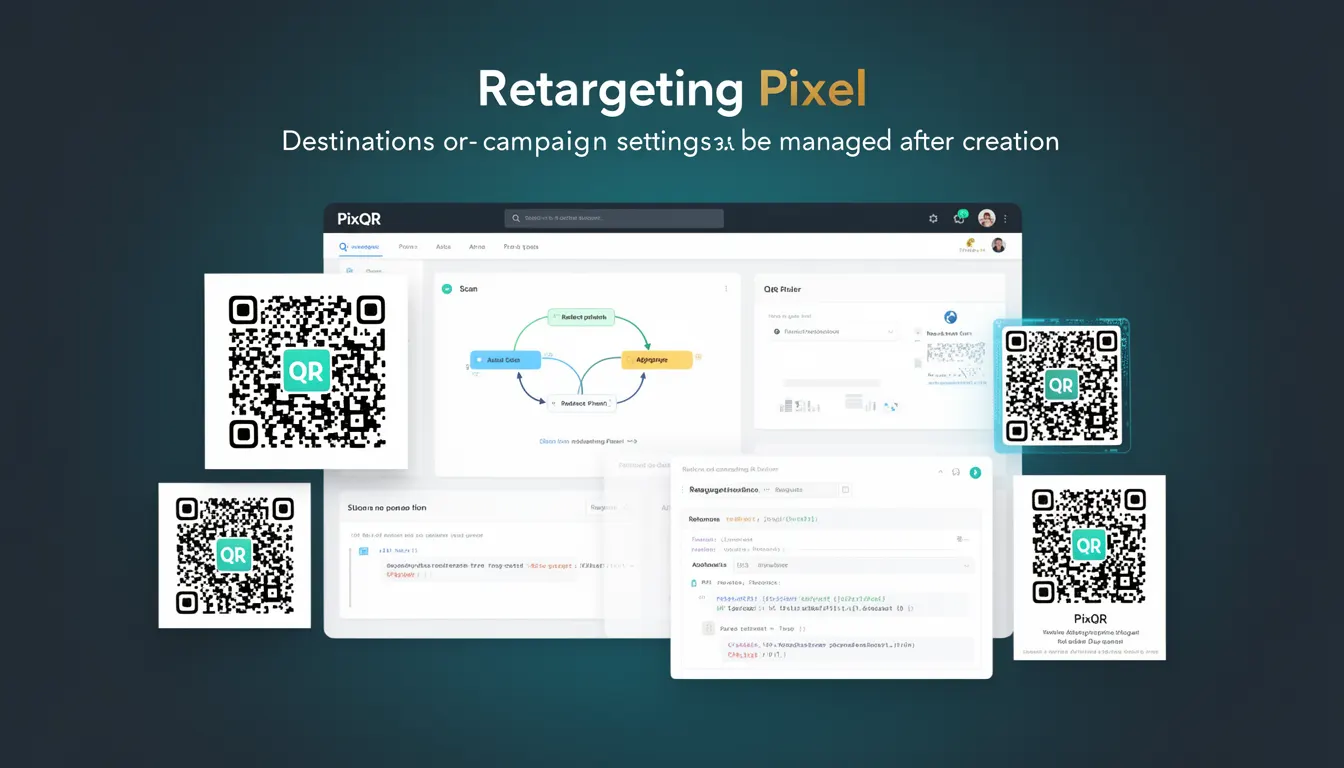
A Retargeting Pixel within the context of PixQR refers to a dynamic QR code feature that enables campaign management and redirection after the QR code has been generated. This mechanism allows developers and marketers to update or modify the destination URL, tracking parameters, or campaign settings without needing to regenerate or re-print the physical QR code.
For developers working with PixQR, this capability is especially useful when managing dynamic campaigns, A/B testing, or real-time campaign adjustments. It ensures that the QR code continues to function as intended even after initial deployment, supporting operational flexibility and reducing maintenance overhead.
Why It Matters
Retargeting Pixel functionality is critical for maintaining campaign effectiveness and reducing operational friction. In dynamic marketing environments, where campaign goals, landing pages, or tracking needs may change rapidly, the ability to adjust QR code destinations post-creation avoids costly reprints, re-deployments, and manual updates.
For developers and site operators, Retargeting Pixel supports scalable campaign management by allowing centralized configuration through PixQR's API or dashboard. It also enhances tracking fidelity by enabling updated analytics and attribution data to be tied to the same physical QR code, which is especially valuable for offline-to-online (O2O) marketing efforts.
How It Works
The Retargeting Pixel mechanism in PixQR operates by associating a unique identifier or token with a QR code during creation. This token is used to retrieve and update campaign-specific configurations, such as destination URLs, UTM parameters, or tracking IDs. The system maintains a mapping between the QR code and its dynamic attributes, enabling real-time modifications.
- The QR code's identifier is stored in PixQR's backend and linked to a configuration object that holds campaign parameters.
- Updates to the destination or tracking settings are made through the PixQR API or dashboard, and these changes propagate instantly to all scans of the QR code.
- Each QR code can support multiple dynamic attributes, including URL, campaign tags, and redirect behavior.
- Changes made to a QR code’s dynamic settings are logged for audit and compliance purposes, ensuring transparency in campaign management.
- The Retargeting Pixel does not alter the QR code's physical structure or appearance, ensuring consistent scan reliability and brand-safe design.
Quick Reference
| Item | Purpose | Notes |
|---|---|---|
| Dynamic QR Code Identifier | Links to campaign configuration | Used in API calls to retrieve or update settings |
| Destination URL | Target of the QR scan | Can be updated without re-printing the QR code |
| Tracking Parameters | UTM, campaign tags, or analytics data | Updated in real time via PixQR API |
| Configuration Object | Holds all dynamic attributes | Stored server-side for secure access |
| Update Log | Tracks changes to campaign settings | Available for compliance and audit |
Basic Example
PixQR Example QR
This QR links directly to this glossary page, so printed notes, onboarding docs, and support material can bring scanners back to the current reference.
/glossary/qr-code-dynamic/dynamic-qr-codes-retargeting-pixel

This basic example shows how a developer might reference a QR code's dynamic configuration using the PixQR API. The example retrieves the current settings for a given QR code identifier.
const qrId = "abc123xyz";
const response = await fetch(`https://api.pixqr.com/v1/qr/${qrId}/config`);
const config = await response.json();
console.log(config.destinationUrl);
The code fetches a QR code's configuration object and logs its destination URL. This is a simple demonstration of how developers can programmatically access and inspect dynamic attributes associated with a QR code.
Production Example
This more robust example demonstrates how a production environment might validate and update a QR code's dynamic attributes using a secure API endpoint. It includes error handling and access control checks.
const updateQRConfig = async (qrId, newDestination) => {
  const response = await fetch(`https://api.pixqr.com/v1/qr/${qrId}/config`, {
    method: 'PUT',
    headers: {
      'Authorization': `Bearer ${API_TOKEN}`,
      'Content-Type': 'application/json'
    },
    body: JSON.stringify({ destinationUrl: newDestination })
  });
  if (!response.ok) {
    throw new Error('Failed to update QR configuration');
  }
  return await response.json();
};
This version is suitable for production because it enforces secure authentication, includes error handling, and validates the structure of the update request. It aligns with PixQR's security model, which requires token-based access for modifying dynamic QR attributes.
Common Mistakes
- Modifying the QR code identifier instead of the configuration object, leading to invalid or broken links.
- Using unverified or insecure API tokens, which can result in unauthorized updates or data exposure.
- Not validating the destination URL before updating, which may lead to broken redirects or tracking errors.
- Updating configurations in real time without logging changes, making it difficult to audit campaign modifications.
- Assuming all QR codes support Retargeting Pixel functionality, which may not be true for static QR codes or legacy systems.
Security And Production Notes
- All Retargeting Pixel updates must be authenticated using secure API tokens to prevent unauthorized modifications.
- Destination URLs should be validated for correctness and safety to avoid phishing or malicious redirects.
- Changes to campaign settings are logged and auditable to support compliance and tracking integrity.
- Dynamic QR codes should not expose sensitive data or internal system identifiers in their configuration.
- Implement rate-limiting on API calls to prevent abuse or denial-of-service scenarios during high-volume updates.
Related Concepts
Retargeting Pixel is closely related to several core QR code and campaign management concepts:
- Dynamic QR Codes – The foundation of Retargeting Pixel, enabling runtime modifications to QR behavior.
- Redirect Management – The process of routing QR scans to updated or new destinations.
- API-Driven Campaigns – Campaigns that are managed through programmatic interfaces, such as PixQR's API.
- Scan Analytics – Tracking and reporting on QR code scans, which can be enhanced by Retargeting Pixel updates.
- Brand-Safe Design – Ensuring that QR code content remains aligned with brand guidelines and safety standards.