 PixQR
PixQR
Overview
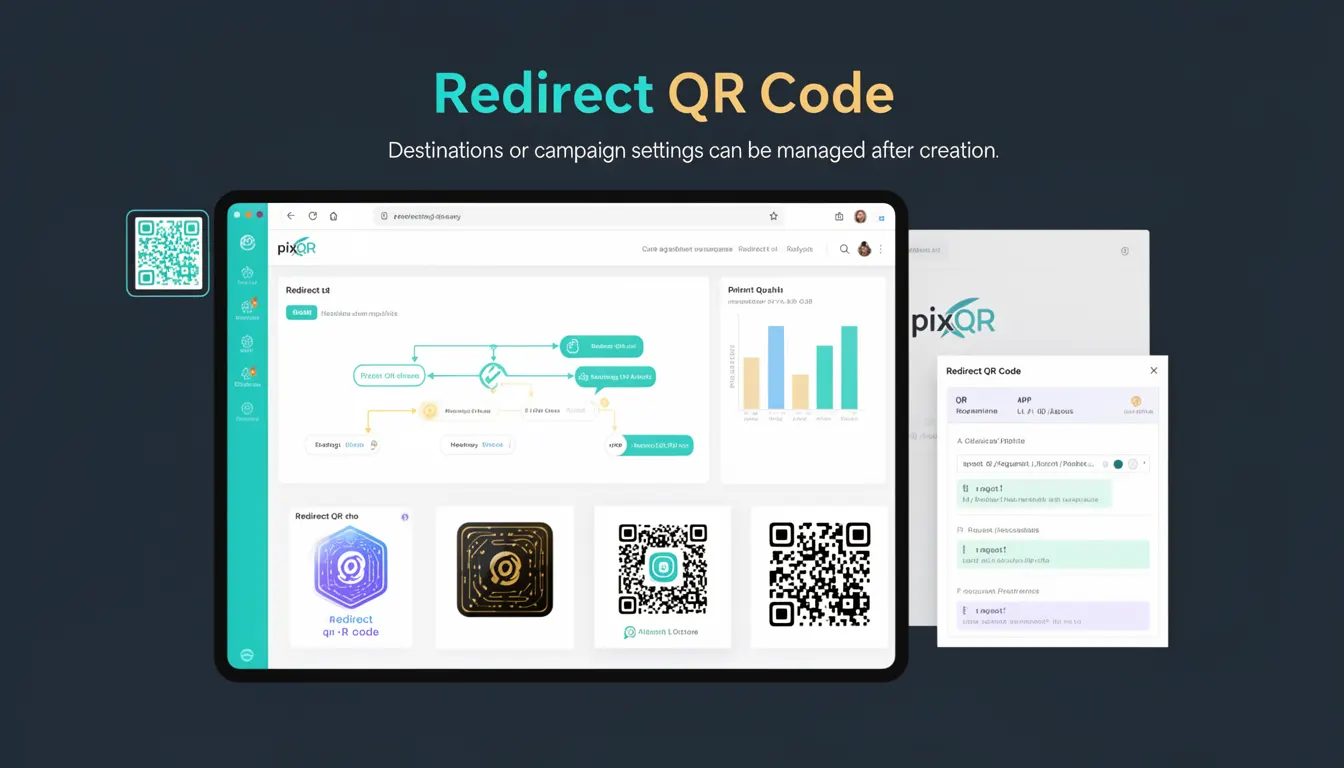
A Redirect QR Code is a dynamic QR code variant where the destination URL or campaign settings can be modified after the QR code has been generated and deployed. Unlike static QR codes, which encode a fixed URL, dynamic QR codes store a reference to a server-side resource that can be updated without regenerating the physical QR code.
This capability is particularly useful for marketing campaigns, event promotions, or content that may change over time. For example, a QR code used for a product launch might initially redirect to a landing page, but after the event, the same QR code could redirect to a post-event thank-you page or a related product.
Why It Matters
Redirect QR codes provide operational flexibility for developers and marketers managing campaigns. They reduce the need for physical reprints or reissuance when content or destination URLs change, which is especially valuable for time-sensitive promotions or rapidly evolving content.
From a security standpoint, dynamic QR codes can be updated to redirect to safe destinations or disable access if a link becomes compromised. For analytics, they enable tracking of engagement across multiple versions of a campaign without changing the QR code itself. This flexibility also supports better content management workflows, allowing teams to update content in real-time without altering the QR code infrastructure.
How It Works
Redirect QR codes function by encoding a unique identifier or token instead of a direct URL. When a user scans the QR code, their device sends a request to the PixQR platform's servers, which then retrieve the current destination based on that identifier.
- The QR code itself contains a short, unique identifier, typically a UUID or similar token, which is stored in the PixQR backend.
- The PixQR system maps this identifier to a destination URL or campaign configuration, which can be updated via an API or dashboard.
- Each redirect is logged for analytics, and the system can support A/B testing by allowing multiple destinations to be assigned to the same identifier.
- Redirects can be configured to include headers, parameters, or custom tracking data to enhance analytics or security.
- When a QR code is scanned, the PixQR platform performs a redirect to the latest configured URL, ensuring that the end user always accesses the most up-to-date content.
Quick Reference
| Item | Purpose | Notes |
|---|---|---|
| Identifier | Unique token for QR code lookup | Stored in PixQR backend |
| Destination URL | Target page for redirect | Editable post-creation |
| Analytics Tracking | Scan event logging | Includes geo, timestamp, device |
| Redirect Configuration | Settings for redirect behavior | Supports headers, parameters |
| API Endpoint | For updating redirect settings | Requires authentication |
Basic Example
PixQR Example QR
This QR links directly to this glossary page, so printed notes, onboarding docs, and support material can bring scanners back to the current reference.

This example demonstrates how a basic redirect QR code is created and how the destination can be updated after creation.
POST /api/qr-codes
{
  "type": "redirect",
  "destination": "https://example.com/launch"
}

PATCH /api/qr-codes/{id}
{
  "destination": "https://example.com/thank-you"
}
The first request creates a QR code with an initial destination. The second request updates the destination without requiring a new QR code to be generated.
Production Example
In a production environment, a redirect QR code might be used in a marketing campaign with a need for frequent updates and analytics tracking.
POST /api/qr-codes
{
  "type": "redirect",
  "destination": "https://campaign.example.com/landing",
  "name": "Summer Sale 2025",
  "tags": ["marketing", "sale"],
  "analytics": {
    "enabled": true,
    "tracking_params": ["utm_source", "utm_medium"]
  }
}

PATCH /api/qr-codes/{id}
{
  "destination": "https://campaign.example.com/results",
  "analytics": {
    "enabled": true,
    "tracking_params": ["utm_source", "utm_medium", "utm_campaign"]
  }
}
This version includes additional metadata, tag support, and analytics configuration. It ensures that updates are tracked and that campaign data remains consistent with platform-wide analytics.
Common Mistakes
- Not updating the destination URL in the backend when the QR code is scanned, leading to outdated content delivery.
- Using unauthenticated API endpoints to modify QR code settings, which can result in unauthorized access or malicious redirects.
- Overlooking the need to validate destination URLs before updating, which can lead to broken links or phishing vulnerabilities.
- Not implementing analytics tracking or logging, which prevents teams from monitoring the QR code’s performance or usage.
- Creating multiple QR codes with identical identifiers, which can cause confusion and inconsistent behavior in tracking or redirects.
Security And Production Notes
- Always validate destination URLs before updating a redirect to prevent malicious or broken links.
- Use secure, authenticated API endpoints to modify QR code settings to prevent unauthorized changes.
- Implement rate limiting on QR code update endpoints to prevent abuse or denial-of-service attacks.
- Ensure that all redirect configurations include appropriate headers or parameters to support tracking and analytics.
- Log all QR code updates for auditability and compliance with platform policies or data governance requirements.
Related Concepts
Redirect QR codes are closely related to several other QR code and link management concepts. Dynamic QR codes are a broader category that includes redirects, and they are often used in conjunction with campaign tracking and analytics. Static QR codes, in contrast, are immutable and do not support post-creation updates.
API-based QR code management systems allow developers to programmatically create, update, and monitor QR codes. This integration is essential for automating workflows or linking QR codes to content management systems. Link shortening services also provide similar functionality, though they are often less secure or feature-rich than dedicated QR platforms like PixQR.
Scan reliability and brand-safe design are also important considerations. A well-configured redirect QR code must maintain its reliability even when the destination changes, and it should be designed to support brand guidelines and user trust.