 PixQR
PixQR
Overview
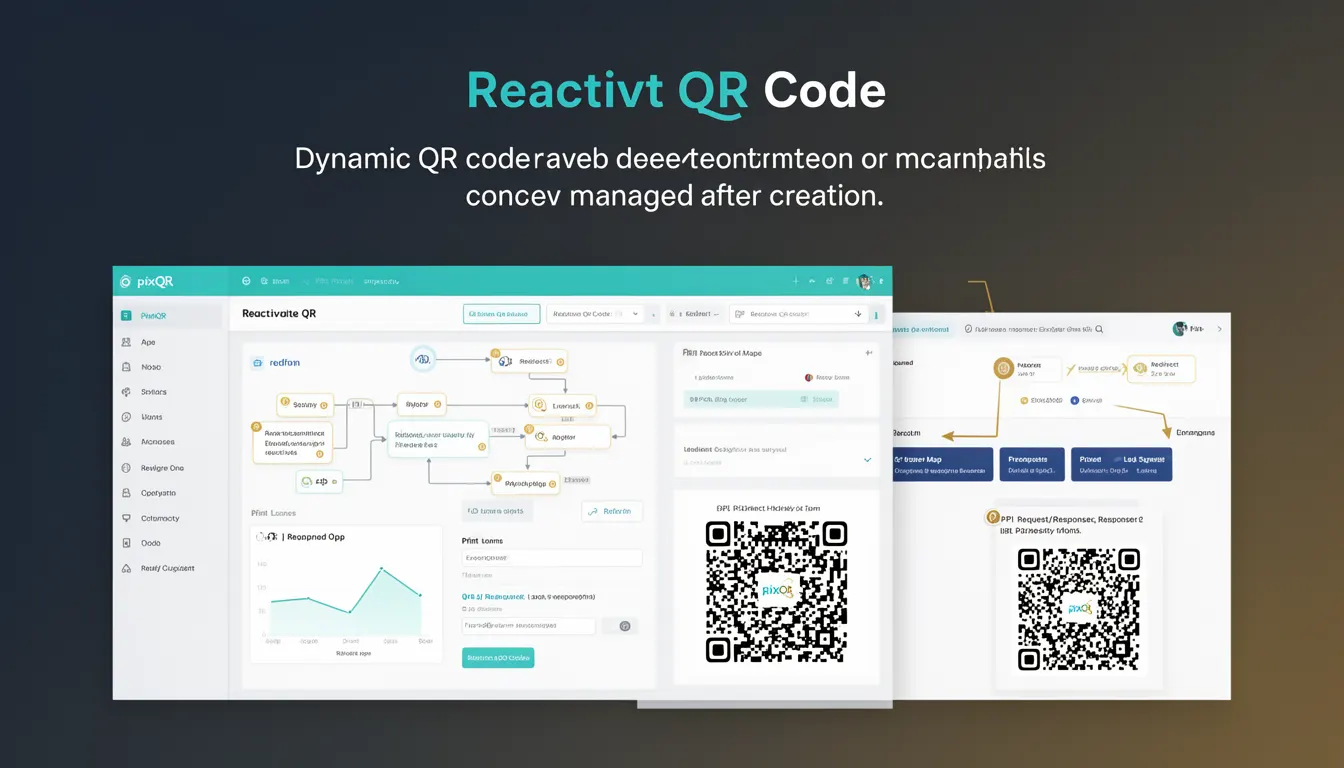
Reactivate QR Code is a dynamic QR code functionality within the PixQR platform that allows users to restore or re-enable a previously deactivated QR code. This capability is particularly useful in scenarios where a QR code has been temporarily disabled due to campaign changes, security concerns, or operational adjustments, but later needs to be re-enabled without requiring a new QR code generation.
When a QR code is deactivated in PixQR, its associated destination URL or campaign settings are preserved in the system. Reactivate QR Code enables administrators or developers to restore those settings, ensuring continuity of operations without the need to recreate the QR code or reconfigure the associated links. This functionality is especially valuable in environments where frequent updates to QR code destinations are required, such as in marketing campaigns, event management, or product promotions.
Why It Matters
For developers and site operators, Reactivate QR Code provides operational flexibility and reduces administrative overhead. It allows teams to manage QR code lifecycles dynamically without disrupting existing scans or requiring end-user intervention. This is particularly important in environments where QR codes are used for critical operations such as inventory tracking, access control, or customer engagement.
From a security standpoint, the ability to reactivate a QR code while maintaining its original configuration helps prevent accidental exposure of outdated or compromised destinations. It also supports compliance with privacy regulations by enabling precise control over when and how QR code destinations are made active or inactive. Additionally, in large-scale deployments, this feature minimizes the risk of operational errors caused by manual re-creation of QR codes, thereby improving reliability and reducing downtime.
How It Works
The Reactivate QR Code functionality in PixQR operates by maintaining a persistent record of QR code metadata and associated settings even when the QR code is deactivated. When a user chooses to reactivate a QR code, the system restores its previous configuration and re-enables scanning functionality.
- Deactivated QR codes are stored in a system-managed state, retaining their original URL, campaign settings, and tracking data.
- Reactivate operations are typically initiated through an API endpoint or web interface with appropriate permissions.
- Upon reactivation, the QR code's scan count and analytics data remain intact, preserving historical insights.
- Reactivation can be performed programmatically or manually, with audit logs tracking the action for compliance purposes.
- Access controls and authentication mechanisms ensure that only authorized users can perform reactivation, preventing unauthorized access to sensitive QR code configurations.
Quick Reference
| Item | Purpose | Notes |
|---|---|---|
| Reactivation API Endpoint | Restores a deactivated QR code to active state | Requires valid authentication token |
| QR Code State | Indicates whether a QR code is active or inactive | Stored in database with timestamp |
| Configuration Preservation | Maintains URL, campaign settings, and analytics | Not affected by deactivation or reactivation |
| Audit Logging | Tracks reactivation events for compliance | Includes user, timestamp, and action details |
| Access Control | Ensures only authorized users can reactivate | Based on role-based permissions |
Basic Example
PixQR Example QR
This QR links directly to this glossary page, so printed notes, onboarding docs, and support material can bring scanners back to the current reference.
/glossary/qr-code-dynamic/dynamic-qr-codes-reactivate-qr-code

The following example demonstrates a basic API call to reactivate a QR code using PixQR's RESTful interface. This example shows how a developer might interact with the system to restore a previously deactivated QR code.
curl -X PUT https://api.pixqr.com/v1/qr-codes/abc123/reactivate \
  -H "Authorization: Bearer <token>" \
  -H "Content-Type: application/json"
This request sends a PUT command to the PixQR API endpoint to reactivate the QR code with ID abc123. The Authorization header includes a valid token for authentication, and the request body is empty since the reactivation is a state change rather than a configuration update.
Production Example
In a production environment, reactivation may involve additional validation and error handling. The following example shows a more robust implementation using a JavaScript-based API client, including checks for authentication and response status.
const reactivateQRCode = async (qrCodeId, authToken) => {
  const response = await fetch(`https://api.pixqr.com/v1/qr-codes/${qrCodeId}/reactivate`, {
    method: 'PUT',
    headers: {
      'Authorization': `Bearer ${authToken}`,
      'Content-Type': 'application/json'
    }
  });

  if (!response.ok) {
    throw new Error(`Failed to reactivate QR code: ${response.status}`);
  }

  const result = await response.json();
  return result;
};
This version includes error handling and checks for HTTP status codes, ensuring that the application responds appropriately to failures during reactivation. It also encapsulates the logic into a reusable function, which is suitable for integration into larger systems or applications.
Common Mistakes
- Attempting to reactivate a QR code without valid authentication tokens, leading to access denied errors and failed operations.
- Ignoring audit logs after reactivation, which can make compliance and troubleshooting difficult in regulated environments.
- Reactivating a QR code with outdated destination URLs, potentially causing incorrect redirects or data leakage.
- Not validating the QR code state before attempting reactivation, which can lead to unnecessary API calls and system overhead.
- Assuming that all QR code attributes are preserved during deactivation and reactivation, which may not always be the case with dynamic content or third-party integrations.
Security And Production Notes
- Ensure that only authenticated and authorized users can perform reactivation to prevent unauthorized access to QR code configurations.
- Implement strict audit logging for all reactivation events, including user identity, timestamp, and reason for reactivation.
- Validate that QR code destinations are still valid and secure before reactivation to avoid redirecting users to malicious or outdated URLs.
- Use HTTPS exclusively for all API interactions to protect sensitive data and authentication tokens from interception.
- Consider implementing rate limiting on reactivation requests to prevent abuse or accidental overuse of the API.
Related Concepts
Reactivate QR Code is closely related to several other QR code management concepts within PixQR. These include QR code deactivation, which is the inverse of reactivation; QR code lifecycle management, which encompasses all stages from creation to deletion; dynamic URL redirection, which allows for flexible destination updates; analytics and tracking, which provide insights into QR code usage; and access control, which governs who can perform administrative actions such as reactivation.