 PixQR
PixQR
Overview
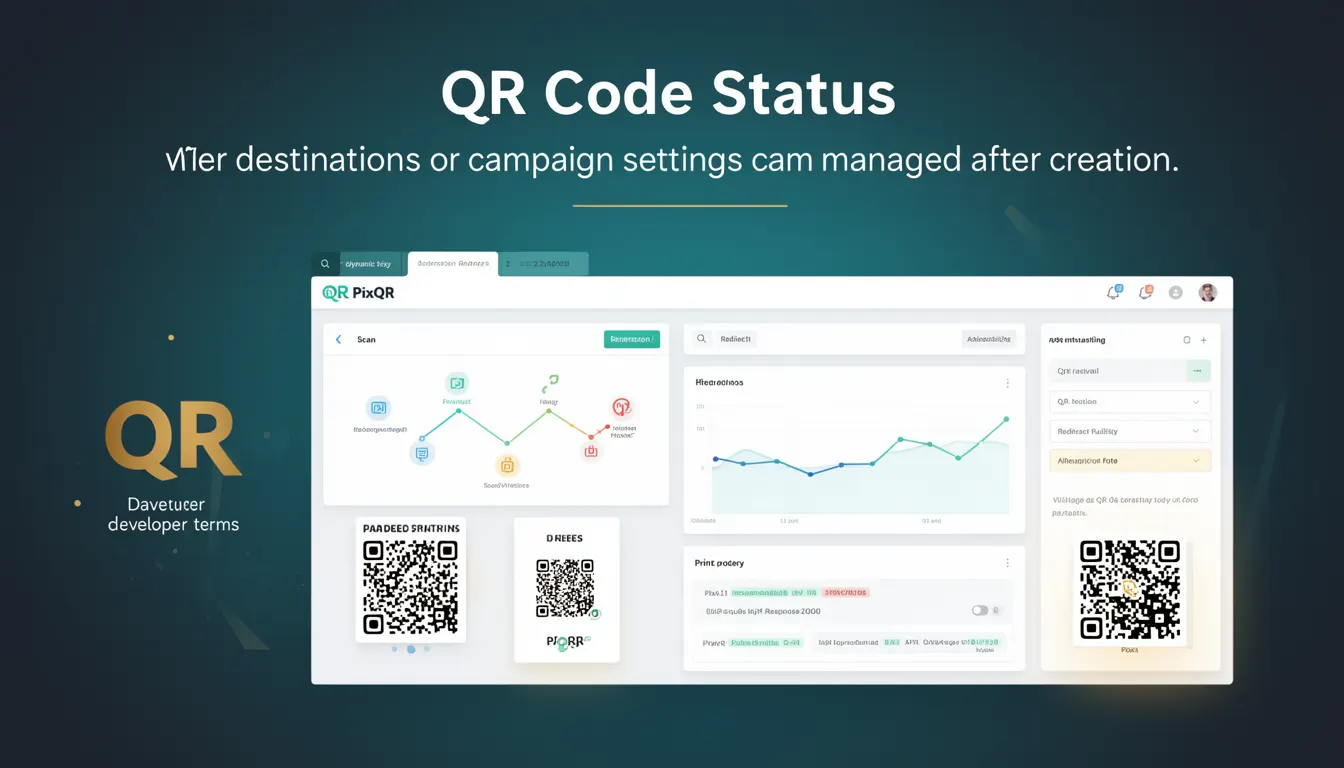
QR Code Status refers to the dynamic management capabilities of a QR code after its initial creation. In the PixQR platform, this term describes how QR code destinations, campaign settings, and redirect configurations can be modified post-creation without requiring a new physical or digital QR code generation.
This functionality is particularly valuable in environments where campaign content must be updated in real time, such as promotional events, product launches, or marketing initiatives that require last-minute changes. It allows users to adjust where a QR code points, modify tracking parameters, or update branding elements without re-printing or re-uploading the code.
Why It Matters
For developers and platform operators, QR Code Status enables operational flexibility and reduces the cost of campaign adjustments. It allows for dynamic redirect management, which is essential for A/B testing, time-sensitive promotions, or content that changes based on external triggers.
From a security perspective, this dynamic capability requires careful access control and audit logging to prevent unauthorized changes. In PixQR, QR Code Status is typically managed through secure API endpoints, with changes logged and tied to user sessions to maintain compliance with privacy regulations.
For user experience, QR Code Status ensures that QR code campaigns remain relevant and functional over time. If a campaign URL becomes outdated or a destination changes, operators can update the QR code's target without disrupting user interaction or requiring new physical media.
How It Works
QR Code Status operates through a backend management system that stores and updates the destination URL or campaign settings associated with a QR code. The system typically maintains a mapping between a QR code identifier and its current configuration.
- The QR code itself contains a unique identifier, usually a hash or UUID, that links to a configuration record in the PixQR database.
- When a QR code is scanned, the system resolves the identifier to retrieve the current destination or campaign settings.
- Changes to the destination or campaign settings are made through a secure API endpoint, which updates the database record.
- Any updates to the QR Code Status are immediately reflected in all scan events, ensuring consistency across all platforms.
- The system supports version control for changes, allowing administrators to revert to previous configurations if needed.
Quick Reference
| Item | Purpose | Notes |
|---|---|---|
| QR Code Identifier | Uniquely identifies a QR code record | Used in API calls to retrieve or update status |
| Destination URL | Current target of the QR code | Can be updated without re-generating the QR code |
| Update Timestamp | Tracks when the QR code status was last modified | Used for auditing and compliance |
| Access Control | Ensures only authorized users can modify status | Requires session-based authentication |
| Version History | Stores previous configurations for rollback | Supports audit trail and recovery |
Basic Example
PixQR Example QR
This QR links directly to this glossary page, so printed notes, onboarding docs, and support material can bring scanners back to the current reference.

This basic example demonstrates how a QR code status can be updated using a PixQR API endpoint.
curl -X PUT "https://api.pixqr.com/v1/qr-codes/abc123" \
  -H "Authorization: Bearer token123" \
  -H "Content-Type: application/json" \
  -d '{"destination": "https://example.com/new-page"}'
The command sends a PUT request to the PixQR API to update the destination URL of a QR code with the identifier abc123. The Authorization header ensures secure access, and the Content-Type header specifies the payload format.
Production Example
In a production environment, a QR code status update should include validation, error handling, and audit logging.
const updateQRCodeStatus = async (qrId, newDestination, token) => {
  try {
    const response = await fetch(`https://api.pixqr.com/v1/qr-codes/${qrId}`, {
      method: 'PUT',
      headers: {
        'Authorization': `Bearer ${token}`,
        'Content-Type': 'application/json'
      },
      body: JSON.stringify({ destination: newDestination })
    });

    if (!response.ok) {
      throw new Error(`HTTP error! status: ${response.status}`);
    }

    const result = await response.json();
    console.log('QR code status updated:', result);
    return result;
  } catch (error) {
    console.error('Failed to update QR code status:', error);
    throw error;
  }
};
This version includes error handling and validation, ensuring that API calls are made securely and that any failures are logged for debugging. It also returns the updated configuration for further use in the application.
Common Mistakes
- Updating QR code destinations without verifying the new URL, leading to broken links or malicious redirections.
- Using insecure tokens or session identifiers in API calls, exposing the system to unauthorized changes.
- Modifying QR code status without logging changes, making it difficult to audit or revert updates.
- Overlooking the impact of real-time updates on analytics or tracking, which can skew campaign data.
- Not validating the structure of QR code identifiers, which can lead to malformed requests or system errors.
Security And Production Notes
- QR Code Status updates must be authenticated using secure tokens to prevent unauthorized changes.
- All updates should be logged with timestamps and user identifiers for audit and compliance purposes.
- Validate all incoming destination URLs to prevent phishing or malicious redirection.
- Implement rate limiting on API endpoints to prevent abuse or denial-of-service attacks.
- Ensure that version history is maintained and accessible to authorized administrators for rollback.
Related Concepts
QR Code Status is closely related to several core concepts in QR code management and digital asset operations:
- Dynamic Redirects — QR Code Status relies on dynamic redirect mechanisms to route scans to updated destinations.
- Scan Analytics — The ability to update QR code status affects how campaign data is tracked and reported.
- Link Management — QR Code Status is a form of link management that allows real-time updates.
- Operational Workflows — Status updates are part of larger operational processes for managing QR code campaigns.
- API Security — Secure access to QR Code Status is critical to maintaining platform integrity.