 PixQR
PixQR
Overview
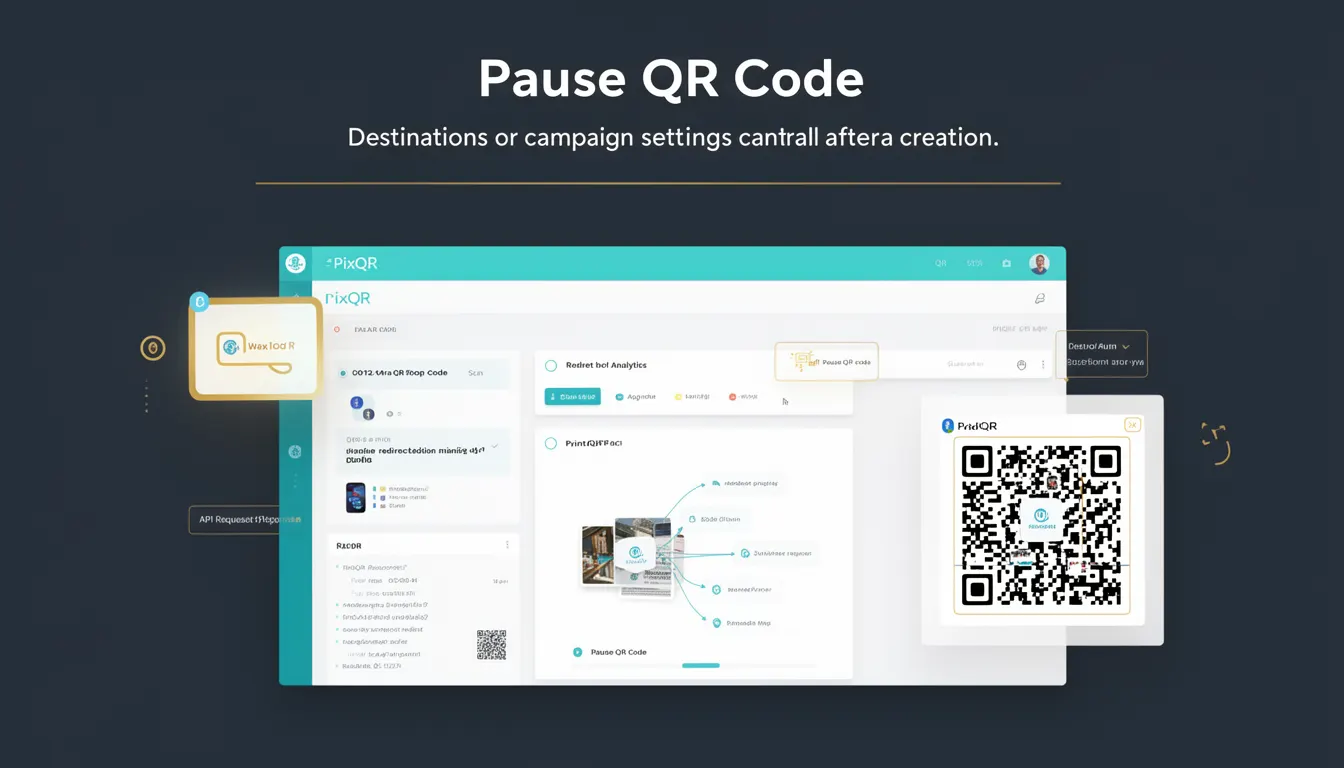
A Pause QR Code in the PixQR platform refers to a dynamic QR code that allows operators to temporarily disable or suspend its functionality without deleting or modifying the underlying redirect configuration. This capability is essential for campaign management, testing, and operational control, particularly when a QR code's target needs to be paused for maintenance, security review, or strategic reasons.
Unlike static QR codes, which are immutable once generated, dynamic QR codes in PixQR support lifecycle management features such as pausing, resuming, and updating. The pause mechanism is implemented at the platform level, allowing users to control access to a QR code's destination URL through a simple toggle or API call. This feature is especially useful in environments where QR codes are used for marketing, inventory tracking, or access control, and where quick adjustments are required.
Why It Matters
For developers and operations teams managing QR code campaigns, the ability to pause a QR code provides operational resilience and flexibility. It enables non-destructive control over campaign flow, reducing the risk of unintended exposure or access to outdated content. For example, a marketing campaign might need to be paused during a system upgrade or if a redirect URL becomes compromised. Pausing allows for immediate action without the need to recreate the QR code or update all associated systems.
From a security standpoint, pausing a QR code is a critical control mechanism that helps prevent unauthorized access or misuse. It also supports compliance requirements by enabling temporary deactivation of potentially sensitive or non-compliant redirects. Additionally, it supports performance and analytics workflows by allowing operators to isolate specific campaigns or test scenarios without affecting the broader system.
How It Works
The pause functionality in PixQR is implemented through a backend control system that manages the state of a QR code's active status. When a QR code is paused, the platform internally flags it as inactive, preventing scans from resolving to its target URL. The mechanism is designed to be transparent to end-users, ensuring that scans still return a valid QR response but do not redirect to the intended destination.
- The pause state is persisted in the platform's database, ensuring consistency across all scan and analytics systems.
- Pausing does not affect the QR code's visual appearance or its underlying configuration, including the target URL or associated metadata.
- When resumed, the QR code immediately becomes active again, with no delay or data loss.
- Platform APIs support both programmatic and UI-based control of the pause state, enabling integration with automation tools.
- Analytics and scan logs continue to be recorded even when a QR code is paused, providing a complete audit trail for compliance and analysis.
Quick Reference
| Item | Purpose | Notes |
|---|---|---|
| Pause State | Disables QR code redirection | State is persistent and visible in API responses |
| Resume Functionality | Re-enables QR code redirection | Immediate activation upon resume |
| Scan Behavior | Scans return valid QR response but no redirect | Does not affect scan tracking or analytics |
| API Endpoint | Control pause/resume via API | Supports standard HTTP verbs and JSON payloads |
| Configuration | Pausing is managed via dashboard or API | Does not modify target URL or metadata |
Basic Example
PixQR Example QR
This QR links directly to this glossary page, so printed notes, onboarding docs, and support material can bring scanners back to the current reference.

The following example demonstrates how a QR code's pause state can be toggled using a hypothetical API endpoint. This is a simplified illustration of the platform's pause functionality.
POST /api/qr-codes/12345/pause
Content-Type: application/json

{
  "status": "paused"
}
The example shows a request to pause a QR code with ID 12345. The status field is set to paused, which signals the platform to disable redirection for that QR code. Scans will still return a valid QR response but will not redirect to the configured URL.
Production Example
In a production environment, a developer might use a more robust approach to manage QR code pausing, including validation, error handling, and logging. This example shows how a service might integrate pause functionality into a larger workflow.
PUT /api/qr-codes/67890/toggle-pause
Content-Type: application/json
Authorization: Bearer <token>

{
  "action": "pause",
  "reason": "Scheduled maintenance"
}
This version includes an action parameter and a reason field for audit purposes. The service ensures that only authenticated users can perform the operation, and logs the action for compliance tracking. The pause is applied atomically, and the system returns a confirmation response that includes the updated QR code state.
Common Mistakes
- Assuming that pausing a QR code disables all tracking or analytics. Pausing only affects redirection; analytics continue to record scan activity.
- Using pause as a substitute for proper access control or URL validation. Pausing is not a security mechanism but a lifecycle management tool.
- Ignoring the impact of pause on campaign metrics. Paused QR codes may skew performance data if not accounted for in reporting.
- Automating pause/resume without proper state checks. This can lead to unintended behavior, such as resuming a code that was already paused.
- Not documenting pause actions in system logs. This can make troubleshooting or compliance audits more difficult.
Security And Production Notes
- Ensure that only authorized users can pause or resume QR codes to prevent accidental or malicious deactivation of critical links.
- Log all pause and resume actions with timestamps and user identifiers for compliance and audit purposes.
- Validate the QR code ID and user permissions before applying a pause or resume operation to avoid unauthorized access.
- Do not rely on pause functionality for access control or data protection; it is a lifecycle control, not a security feature.
- Use HTTPS for all API interactions to prevent interception of pause/resume requests and maintain data integrity.
Related Concepts
Pause QR Code is closely related to several other dynamic QR code concepts:
- Dynamic QR Code: A QR code that supports updates and state changes, unlike static QR codes.
- Redirect Management: The broader system of controlling where a QR code points, including pausing, updating, or replacing targets.
- Scan Tracking: The ability to monitor QR code scans, which continues even when a QR code is paused.
- API Lifecycle Control: The set of operations that allow developers to manage QR code state programmatically.
- Operational Workflows: The processes and controls that enable teams to manage QR codes in production environments.