 PixQR
PixQR
Overview
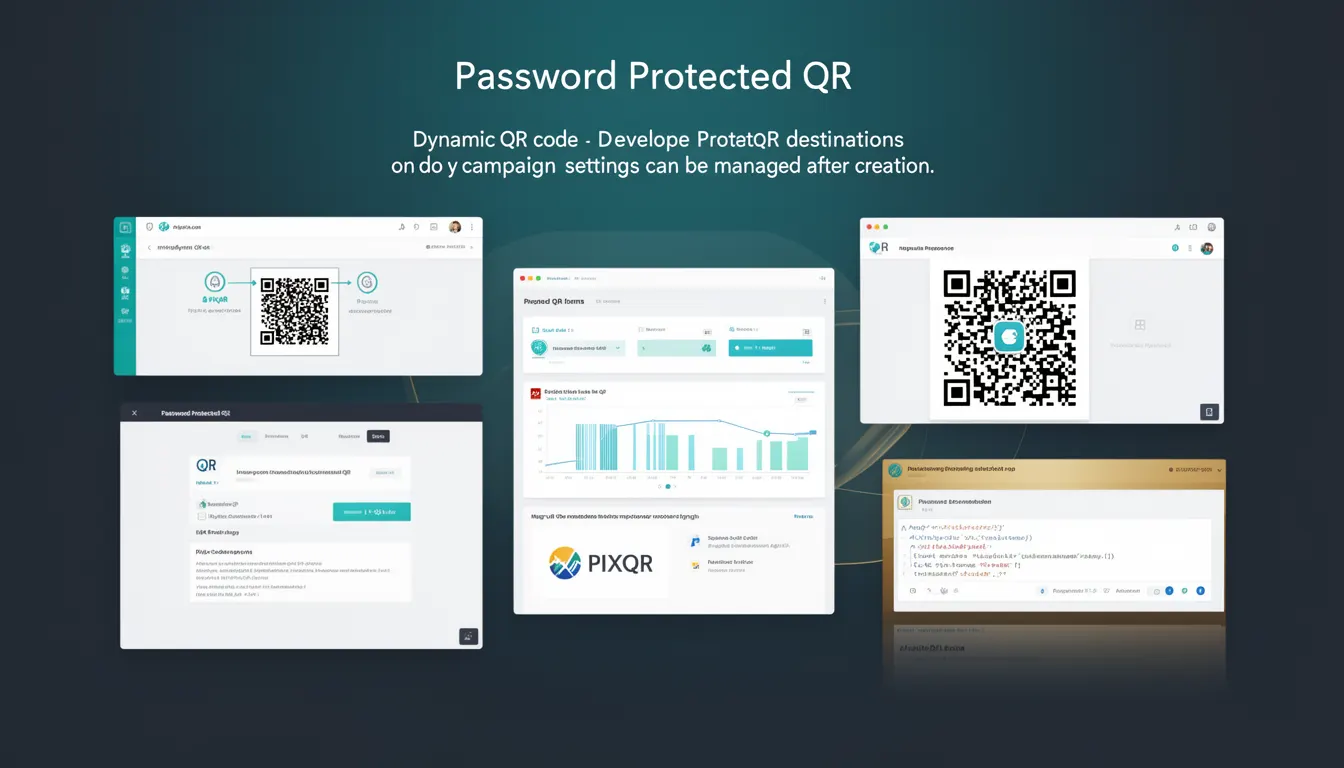
A Password Protected QR code is a dynamic QR code feature within the PixQR platform that allows creators to secure access to a QR code's destination or campaign settings using a password. Once a QR code is generated with password protection enabled, only users who know the password can modify the destination URL, campaign parameters, or other associated metadata. This mechanism ensures that the QR code's content remains stable and secure, preventing unauthorized changes that could lead to fraudulent redirects or exposure of sensitive campaign data.
This feature is especially valuable for marketing teams, developers, and content managers who need to maintain control over campaign analytics, redirect behavior, or brand integrity. It is often used in scenarios where a QR code is deployed across multiple channels or teams, and access control is required to avoid accidental or malicious modifications. The password is typically set during QR code creation and stored securely within PixQR's backend systems, not exposed to the public or transmitted in plaintext.
Why It Matters
For developers and operations teams, password-protected QR codes provide a robust method of maintaining campaign integrity and preventing unauthorized tampering. Without this control, a QR code's destination or settings could be modified by anyone with access to the QR code’s management interface or API, leading to potential security risks, brand confusion, or loss of analytics data. In a production environment, this can also impact tracking accuracy, especially when campaign data is used for attribution or performance analysis.
From a compliance and governance standpoint, this feature helps ensure that only authorized personnel can modify critical campaign elements. It supports internal audit requirements, prevents accidental changes, and enhances operational workflows where QR code configurations are shared across teams or managed by third-party vendors. It also reduces the risk of phishing or spoofing attacks if a QR code's destination is altered without authorization.
How It Works
Password Protected QR codes are implemented as a configuration option within PixQR’s dynamic QR code generation API. When enabled, the system generates a unique identifier for the QR code and associates it with a secure password hash. This hash is stored in a secure database and is never exposed to the end user or transmitted in plain text. The password is only required when performing write operations, such as updating the destination URL or modifying campaign metadata.
- The password is set during QR code creation and is stored in an encrypted format using industry-standard hashing algorithms.
- Access to the QR code’s management interface or API endpoints requires authentication via the password or a session token.
- Once a QR code is password protected, all future updates must be authenticated with the correct password or token.
- Modifications to the QR code’s destination, campaign settings, or metadata are logged for audit purposes.
- If the password is lost or forgotten, PixQR provides a recovery mechanism through account-level access or administrative controls.
Quick Reference
| Item | Purpose | Notes |
|---|---|---|
| Password Protection Toggle | Enables or disables password protection | Must be set at creation time |
| Password Hash | Securely stored authentication credential | Never exposed in plaintext |
| Update Authentication | Required for modifying QR code settings | Used in API requests |
| Access Logs | Tracks changes to QR code settings | Enabled by default for protected codes |
| Recovery Mechanism | Allows password reset or access recovery | Admin or account-level access required |
Basic Example
PixQR Example QR
This QR links directly to this glossary page, so printed notes, onboarding docs, and support material can bring scanners back to the current reference.
/glossary/qr-code-dynamic/dynamic-qr-codes-password-protected-qr

This example demonstrates the basic structure of a QR code creation request with password protection enabled. It shows how the password is included in the initial request, and how it is required for subsequent updates.
{
  "destination": "https://example.com/campaign",
  "password_protected": true,
  "password": "securePassword123",
  "campaign_name": "Summer Sale 2024"
}
The "password_protected" field is set to true to enable the feature. The "password" field is included in the creation request to set the initial authentication credential. Subsequent updates to this QR code will require the same password to be passed in the update request.
Production Example
In a production environment, a QR code creation request includes additional validation and secure handling of the password. The system logs all access attempts and ensures that the password is never exposed in logs or API responses. This example shows how a team might integrate this into an automated workflow.
{
  "destination": "https://analytics.example.com/qr/12345",
  "password_protected": true,
  "password": "a1b2c3d4e5f6",
  "campaign_name": "Product Launch Event",
  "metadata": {
    "source": "email_campaign",
    "channel": "social_media"
  },
  "tracking": {
    "enabled": true,
    "analytics": ["ga4", "fb_pixel"]
  }
}
This version includes campaign metadata and tracking configuration, and it ensures that the password is securely handled and not exposed in any logs or error messages. The password is validated at the API level, and access attempts are logged for audit purposes.
Common Mistakes
- Using weak passwords that are easily guessed or brute-forced, leading to unauthorized access to QR code configurations.
- Storing passwords in plain text or in client-side code, exposing them to attackers or unauthorized users.
- Reusing the same password across multiple QR codes, increasing the risk of a single compromise affecting multiple campaigns.
- Forgetting to enable password protection when managing sensitive or high-traffic QR codes, leaving them open to tampering.
- Not implementing proper access logging or monitoring, making it difficult to detect unauthorized changes or suspicious activity.
Security And Production Notes
- Passwords are hashed using SHA-256 with a salt, ensuring that even if the database is compromised, the passwords cannot be directly decrypted.
- All API requests involving password-protected QR codes must be sent over HTTPS to prevent interception of credentials.
- Access logs are automatically generated for every modification attempt, helping with compliance and forensic analysis.
- It is recommended to use a unique, strong password for each QR code to minimize the risk of cross-contamination.
- Administrative recovery mechanisms are only accessible through secure, multi-factor authenticated sessions.
Related Concepts
Password Protected QR codes are closely related to several other QR code management features and security practices. Dynamic QR codes are the foundational concept that enables real-time updates and analytics. Campaign management systems often integrate with QR code platforms to track performance and attribution. API access control ensures that only authenticated users can interact with QR code resources. Secure token-based authentication is often used as an alternative to password-based access in high-security environments. Finally, audit logging and access control are essential for compliance and governance in enterprise settings.