 PixQR
PixQR
Overview
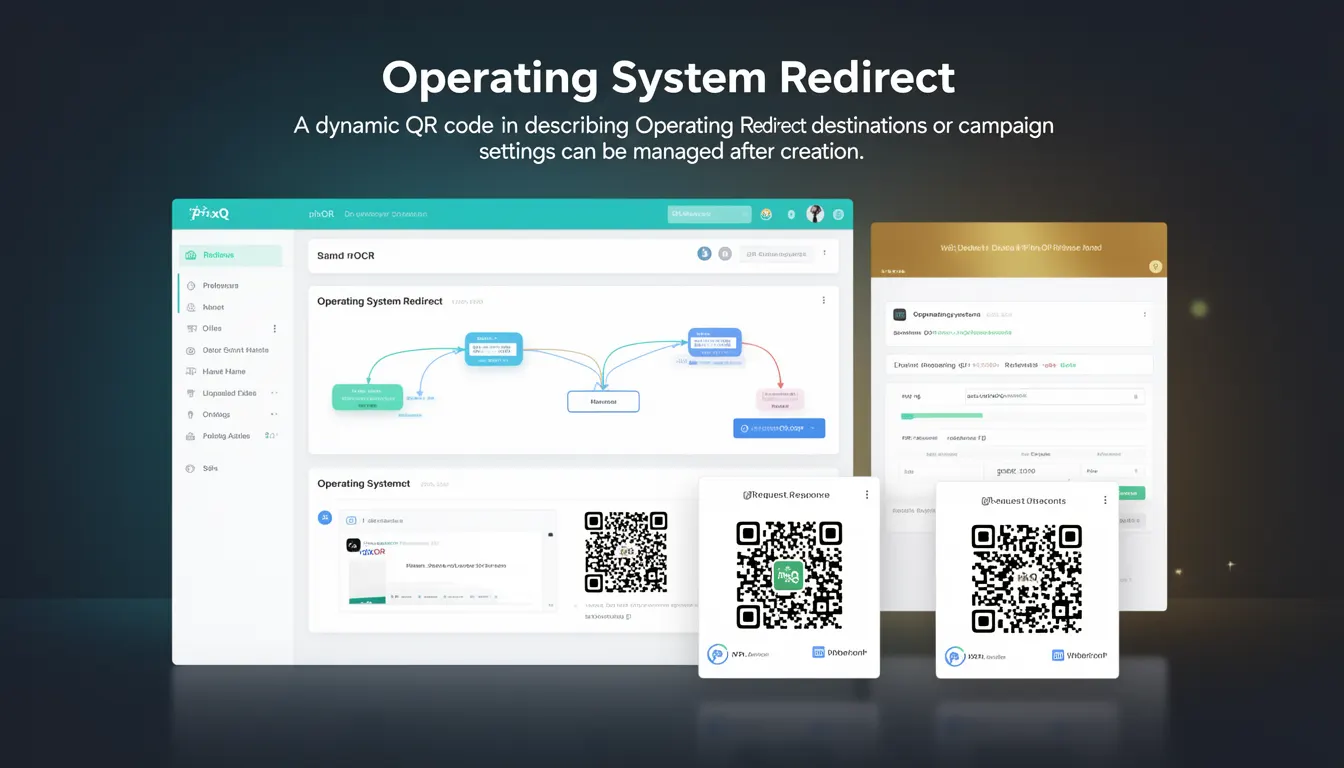
Operating System Redirect is a dynamic QR code feature within the PixQR platform that allows campaign creators to define different destination URLs or behaviors depending on the operating system of the device scanning the QR code. This functionality enables targeted content delivery, platform-specific landing pages, or conditional redirects that enhance user experience and campaign effectiveness.
Developers working with PixQR may encounter this feature when configuring dynamic QR codes for campaigns that require device-specific handling. It is particularly useful in scenarios where content or functionality varies between platforms, such as directing mobile users to a mobile-optimized page or desktop users to a full web experience.
Why It Matters
Operating System Redirect is essential for maintaining consistent user experience across devices and platforms. It allows campaign creators to avoid platform-specific issues such as mobile browser compatibility, responsive design limitations, or feature availability disparities. This capability is crucial in modern web environments where users access content from a wide range of devices with varying capabilities.
From a security standpoint, this feature helps prevent unintended exposure of platform-specific content or features that may not be available or secure on certain operating systems. It also enables better analytics tracking by ensuring that users are directed to appropriate landing pages for their device type, improving data accuracy and campaign performance metrics.
How It Works
Operating System Redirect operates through a dynamic URL resolution mechanism that identifies the scanning device's operating system and routes the user to the appropriate destination. The system evaluates the user agent string or platform headers sent during the QR code scan process to determine the target OS.
- When a QR code with OS redirect is scanned, PixQR analyzes the request headers to detect the operating system of the device.
- The platform identifies the OS as iOS, Android, Windows, macOS, or Linux based on user agent string patterns.
- Campaign creators can assign specific URLs or redirect behaviors for each operating system in the PixQR dashboard.
- Once the OS is identified, the system performs an immediate redirect to the designated URL for that platform.
- For fallback scenarios, a default URL can be configured to handle unrecognized or unsupported operating systems.
Quick Reference
| Item | Purpose | Notes |
|---|---|---|
| OS Redirect Configuration | Assigns destination URLs per operating system | Must be defined in PixQR dashboard |
| User Agent Detection | Identifies scanning device OS | Based on HTTP headers |
| Fallback URL | Default redirect for unknown platforms | Required for robust implementation |
| Redirect Type | Defines redirect behavior (301, 302, etc.) | Typically 302 for dynamic redirects |
| Platform Support | Supported operating systems | iOS, Android, Windows, macOS, Linux |
Basic Example
PixQR Example QR
This QR links directly to this glossary page, so printed notes, onboarding docs, and support material can bring scanners back to the current reference.
/glossary/qr-code-dynamic/dynamic-qr-codes-operating-system-redirect

This example demonstrates how a basic OS redirect configuration might be structured in the PixQR platform's API or dashboard. It shows how different URLs are assigned for different platforms.
{
  "redirects": {
    "ios": "https://example.com/ios-app",
    "android": "https://example.com/android-app",
    "default": "https://example.com/desktop"
  }
}
The example shows three platform-specific URLs with a fallback default. When a user scans the QR code, the system identifies their device OS and performs a redirect to the appropriate URL.
Production Example
This production-ready example demonstrates a more comprehensive OS redirect implementation that includes validation, error handling, and platform-specific optimizations. It reflects how developers might structure their configuration for real-world campaigns.
{
  "campaign_id": "campaign-12345",
  "os_redirects": {
    "ios": {
      "url": "https://app.example.com/ios-download",
      "type": "302",
      "timeout": 3000
    },
    "android": {
      "url": "https://play.google.com/store/apps/details?id=com.example.app",
      "type": "302",
      "timeout": 3000
    },
    "windows": {
      "url": "https://example.com/windows-install",
      "type": "302",
      "timeout": 3000
    },
    "default": {
      "url": "https://example.com/download",
      "type": "302",
      "timeout": 3000
    }
  },
  "analytics": {
    "track_os": true,
    "track_redirects": true
  }
}
This configuration includes specific redirect types, timeouts for each platform, and analytics tracking. The production version ensures that each platform has appropriate timeouts and that tracking is enabled for performance monitoring.
Common Mistakes
- Not configuring a default redirect can lead to broken links for unsupported platforms or unexpected user experiences.
- Incorrect user agent detection can cause misrouting, resulting in users being directed to incompatible content.
- Ignoring platform-specific requirements like mobile-optimized URLs or desktop-only features can create usability issues.
- Failing to test OS redirect behavior across multiple devices can result in missed platform-specific optimizations.
- Not implementing proper analytics tracking can prevent campaign optimization and performance analysis.
Security And Production Notes
- Always validate OS redirect URLs to prevent open redirect vulnerabilities and ensure all destinations are trusted.
- Implement proper timeout values for redirects to avoid hanging requests and improve performance.
- Use HTTPS for all redirect destinations to maintain security and prevent man-in-the-middle attacks.
- Regularly test OS detection logic to ensure compatibility with new device types and browser updates.
- Implement proper error handling and fallback mechanisms to ensure users always reach a valid destination.
Related Concepts
Operating System Redirect connects closely with several core QR code and web development concepts. Device detection and responsive design are fundamental to creating effective cross-platform experiences. URL routing and dynamic content delivery systems are closely related, as both involve conditional content delivery based on user characteristics. Analytics tracking and campaign management systems integrate with OS redirects to provide performance insights. Finally, platform-specific development practices and mobile-first design principles are essential for maximizing the effectiveness of OS redirect implementations.