 PixQR
PixQR
Overview
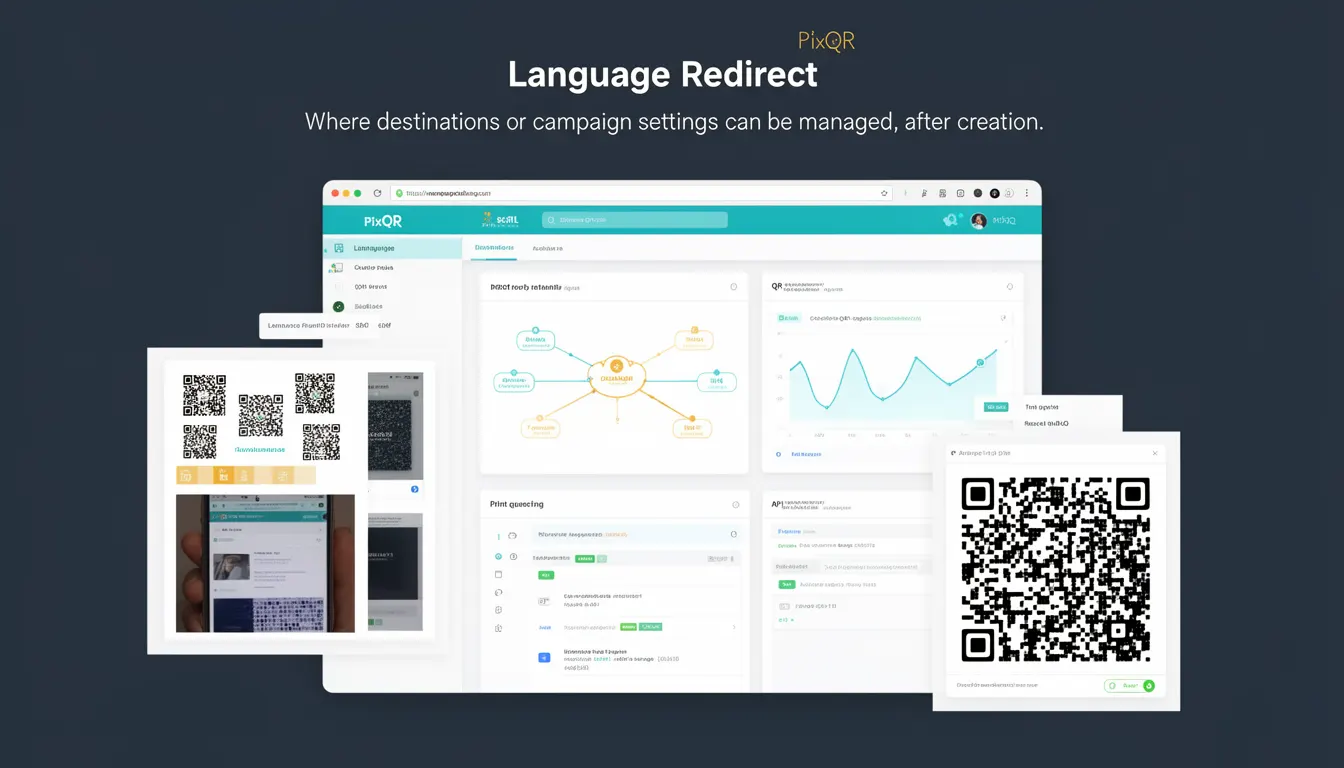
Language Redirect is a dynamic QR code feature within PixQR that allows developers and marketers to configure multiple destination URLs or campaign settings for a single QR code after its initial creation. This capability enables a QR code to behave differently based on the language or locale of the scanner, or to dynamically route users to appropriate content without requiring a new physical QR code.
It is particularly useful in global campaigns, multilingual marketing efforts, or when content needs to be localized or updated without re-printing materials. Language Redirect helps manage content delivery efficiently and ensures that users are directed to the most relevant version of a resource, based on language or other dynamic criteria.
Why It Matters
For developers and marketers working with global audiences, Language Redirect is a core feature for maintaining content relevance and operational efficiency. It eliminates the need for physical QR code reprinting when content needs to be updated or localized, which is especially valuable for campaigns with high-volume printing or limited print budgets.
From a user experience perspective, it ensures that users are directed to content in their preferred language, improving accessibility and engagement. For security and operational workflows, it supports dynamic updates that can be applied without exposing or compromising QR code integrity or tracking mechanisms. Language Redirect also supports analytics by enabling granular tracking of language-based scan behavior, which is critical for performance optimization and localization strategies.
How It Works
Language Redirect operates through a dynamic backend system that maps incoming scan requests to specific destination URLs or campaign settings based on language or other metadata. The system evaluates scan data, such as device locale or user agent, to determine the appropriate content to deliver.
- The system supports multiple language mappings, each tied to a unique destination URL or campaign configuration.
- Language Redirect can be configured to use browser language settings, IP geolocation, or explicit language parameters passed during the scan process.
- Each language mapping can be associated with distinct analytics, tracking, or content delivery parameters.
- Changes to language mappings are applied in real-time without requiring QR code regeneration or re-printing.
- Language Redirect integrates with PixQR's existing tracking and analytics systems to provide detailed insights into user behavior per language.
Quick Reference
| Item | Purpose | Notes |
|---|---|---|
| Language Mapping | Associates a language with a destination URL or campaign | Supports multiple languages |
| Dynamic Update | Allows real-time modification of language settings | No QR code regeneration required |
| Scan Metadata | Provides language context from scanner | Includes browser language and IP data |
| Analytics Integration | Tracks scan behavior by language | Supports performance insights |
| Content Delivery | Routes users to localized content | Improves user engagement |
Basic Example
PixQR Example QR
This QR links directly to this glossary page, so printed notes, onboarding docs, and support material can bring scanners back to the current reference.
/glossary/qr-code-dynamic/dynamic-qr-codes-language-redirect

This example demonstrates how to configure a basic Language Redirect using PixQR's API. It sets up two language mappings for English and French, directing users to different campaign URLs.
{
  "qr_code_id": "abc123",
  "language_redirect": {
    "en": "https://example.com/en/campaign",
    "fr": "https://example.com/fr/campaign"
  }
}
The example shows a QR code ID and a language mapping object where "en" and "fr" keys map to respective URLs. This configuration allows the system to route users to appropriate content based on their language preference.
Production Example
This more comprehensive example includes validation, error handling, and integration with analytics. It demonstrates how to securely and efficiently configure a Language Redirect for a multilingual campaign.
{
  "qr_code_id": "xyz789",
  "language_redirect": {
    "en": {
      "url": "https://example.com/en/campaign",
      "analytics": {
        "campaign_id": "en_campaign_123",
        "source": "qr_en"
      }
    },
    "es": {
      "url": "https://example.com/es/campaign",
      "analytics": {
        "campaign_id": "es_campaign_456",
        "source": "qr_es"
      }
    }
  },
  "default_language": "en"
}
This version includes analytics tracking and a default language fallback. It is suitable for production because it provides structured configuration, supports error handling, and maintains consistency across multiple language variants.
Common Mistakes
- Not setting a default language can lead to broken redirects for scanners that do not provide language metadata.
- Using unescaped URLs in language mappings may cause parsing errors or redirect failures in some systems.
- Overwriting language mappings without validation can result in unintended content delivery or broken links.
- Failing to test language-specific redirects with actual scanners may lead to incorrect routing in live environments.
- Not integrating analytics with language redirects can prevent tracking of user behavior by language, reducing campaign insights.
Security And Production Notes
- Always validate language codes and URLs before applying changes to avoid injection or redirect vulnerabilities.
- Ensure that language mappings are not exposed in client-side code to prevent tampering or bypassing intended redirects.
- Use HTTPS for all destination URLs to maintain secure communication and avoid mixed-content warnings.
- Implement rate limiting or access controls on language redirect endpoints to prevent abuse or unauthorized modifications.
- Monitor analytics data for unexpected language-based redirect patterns that may indicate system misconfigurations or security issues.
Related Concepts
Language Redirect is closely related to several other dynamic QR code features and standards:
- Dynamic QR Code – A foundational concept that allows QR codes to be modified post-creation, with Language Redirect being one of its key capabilities.
- Redirect Management – The broader system that handles all types of URL routing, including language-specific redirection.
- Analytics Integration – Language Redirect is often used alongside analytics to track user behavior by language or region.
- Localization – The practice of adapting content to regional or linguistic preferences, which Language Redirect supports.
- Content Delivery Network (CDN) – Language Redirect can work in tandem with CDNs to deliver optimized content based on user language.