 PixQR
PixQR
Overview
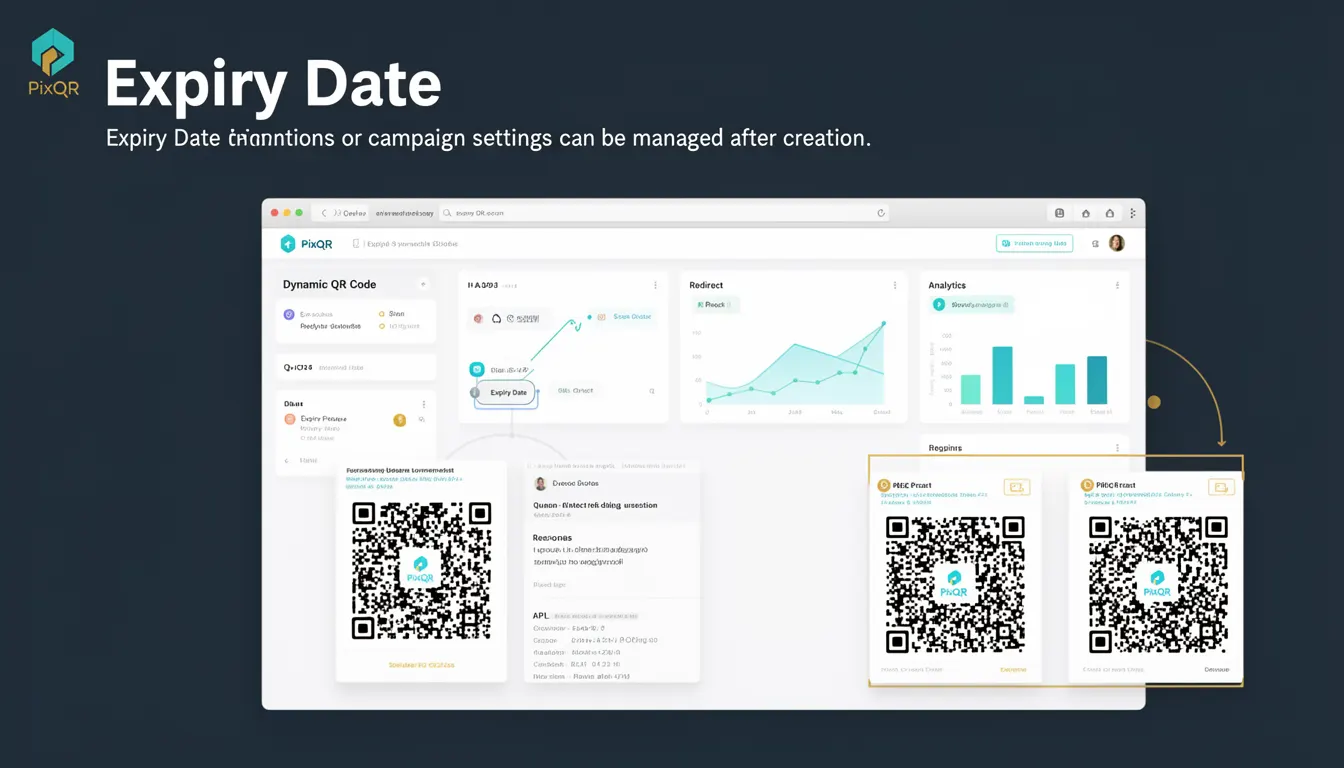
The Expiry Date is a dynamic QR code feature that defines a specific point in time after which a QR code will no longer function or redirect to its intended destination. This term is central to the management of dynamic QR codes within the PixQR platform, enabling creators to control the lifespan of their links and campaign settings.
For developers working with PixQR, the Expiry Date is a key attribute when creating or updating dynamic QR codes. It allows for precise control over when a QR code becomes invalid, which is especially useful for time-sensitive promotions, event-based campaigns, or temporary access grants. A well-defined Expiry Date helps ensure that outdated content is not accessed, improving both security and user experience.
Why It Matters
The Expiry Date is critical for maintaining control over QR code campaigns, particularly in environments where content or access rights change over time. For example, a promotional campaign may require a QR code to be valid only during a specific week. Setting an Expiry Date ensures that users who scan the code after that period are redirected to an appropriate fallback or an error message.
From a security standpoint, Expiry Dates help prevent unauthorized or accidental access to resources. If a QR code grants temporary access to a document or service, the Expiry Date ensures that access is automatically revoked, reducing the risk of prolonged exposure. For operational teams, this feature simplifies campaign lifecycle management, as it removes the need for manual deactivation or removal of QR codes.
How It Works
The Expiry Date is a parameter used when generating or updating a dynamic QR code in PixQR. It defines a timestamp after which the QR code will no longer redirect to its configured destination. The system enforces this date at the point of scan, ensuring that expired links either return an error or redirect to a pre-defined fallback URL.
- The Expiry Date is specified in UTC format and must be a valid date-time string, such as
2025-04-15T12:00:00Z. - When a QR code is scanned after its Expiry Date, the system checks the current timestamp against the configured date and returns a status indicating that the link is no longer valid.
- Expiry Dates can be updated at any time for an active QR code, allowing for flexible campaign adjustments.
- If an Expiry Date is not set, the QR code remains active indefinitely unless manually disabled or deleted.
- Expiry Dates are stored in the QR code's metadata and are accessible through the PixQR API for programmatic access and auditing.
Quick Reference
| Item | Purpose | Notes |
|---|---|---|
| Expiry Date | Defines the point in time after which a QR code becomes invalid | Must be in UTC format, e.g., 2025-04-15T12:00:00Z |
| Update Expiry Date | Allows modification of an existing QR code's expiration | Can be changed at any time during the code's active period |
| Default Behavior | QR codes without an Expiry Date are valid indefinitely | Not setting an Expiry Date is equivalent to a permanent link |
| Scan Handling | Scans after Expiry Date return an error or fallback URL | System enforces expiration at scan time, not at generation |
| API Access | Expiry Date is accessible in QR code metadata | Available for audit and programmatic management |
Basic Example
PixQR Example QR
This QR links directly to this glossary page, so printed notes, onboarding docs, and support material can bring scanners back to the current reference.

This example demonstrates how to set an Expiry Date when creating a dynamic QR code using the PixQR API.
{
  "destination": "https://example.com/promo",
  "expiry_date": "2025-04-15T12:00:00Z"
}
The destination field specifies the URL the QR code will redirect to, and the expiry_date field sets the time after which the QR code will no longer function. The date is in ISO 8601 format, ensuring consistent handling across platforms.
Production Example
This example shows how to programmatically create a QR code with an Expiry Date and update it later, suitable for production workflows involving campaign management.
{
  "destination": "https://example.com/event-access",
  "expiry_date": "2025-06-30T23:59:59Z",
  "name": "Event Access QR",
  "fallback_url": "https://example.com/expired"
}
This configuration ensures that the QR code is valid only until the end of the specified date. If the QR code is scanned after that time, the user is redirected to the fallback_url, which can be used to notify users that the event access has ended. This structure supports robust campaign lifecycle management and improves user experience by providing clear feedback.
Common Mistakes
- Not setting an Expiry Date for time-sensitive campaigns, leading to indefinite access and potential misuse.
- Using incorrect date formats, which can cause API errors or invalid expiration times.
- Assuming that the Expiry Date is enforced at creation time rather than at scan time, which may lead to confusion during testing.
- Forgetting to update the Expiry Date when campaign dates change, resulting in outdated or invalid QR codes.
- Using the same Expiry Date for multiple QR codes, which reduces flexibility in managing individual campaigns.
Security And Production Notes
- Always validate Expiry Dates in API requests to prevent malformed or invalid timestamps from being stored.
- Use UTC timestamps to avoid ambiguity in time zone handling across different systems and regions.
- Implement fallback URLs to provide users with clear information when a QR code has expired.
- Log Expiry Date changes for auditing purposes, especially in high-security or compliance-sensitive environments.
- Regularly review and clean up expired QR codes to maintain a clean and efficient system.
Related Concepts
The Expiry Date is closely related to several other QR code management features and concepts. Dynamic Redirects are the core functionality that makes Expiry Dates possible, as they allow for runtime adjustments. QR Code Metadata stores the Expiry Date and other attributes, making them accessible for audits or updates. Fallback URLs provide a mechanism for handling expired QR codes gracefully. Campaign Lifecycle Management integrates Expiry Dates into broader workflows, ensuring that QR codes are valid only when intended. Finally, Scan Analytics can track how often an expired QR code is scanned, providing insights into campaign effectiveness and potential security issues.