 PixQR
PixQR
Overview
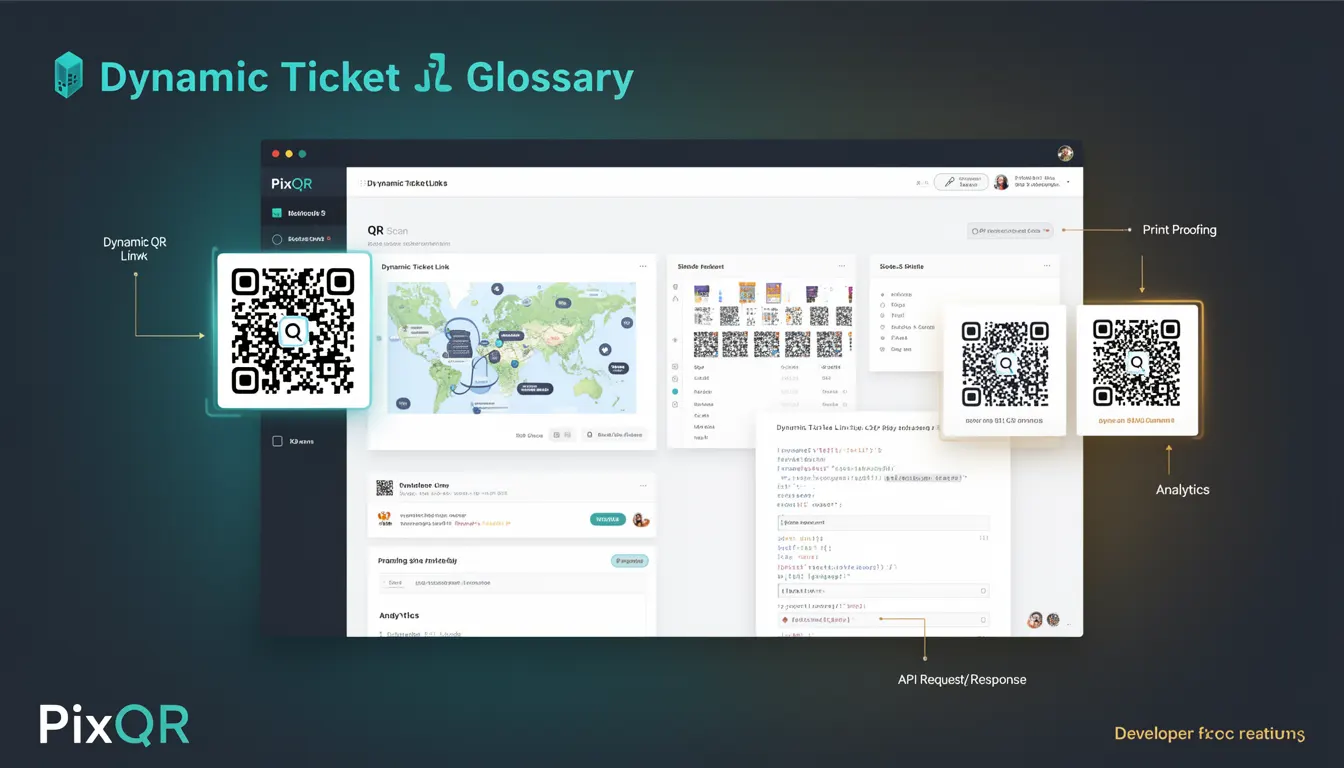
A Dynamic Ticket Link is a QR code feature within the PixQR platform that allows ticketing systems to generate a QR code with a dynamic destination. Unlike static QR codes that point to a fixed URL, dynamic ticket links can be updated post-creation, enabling campaign managers to modify the target URL, redirect behavior, or associated metadata without needing to regenerate or re-print physical tickets.
This functionality is particularly useful in event management, where ticket details, venue changes, or promotional campaigns may require updates after the initial ticket distribution. A Dynamic Ticket Link ensures that even if the QR code is printed or shared, the underlying destination can still be altered, providing flexibility and control over the ticket lifecycle.
Why It Matters
For developers and platform operators, Dynamic Ticket Links offer significant operational and security advantages. They reduce the need for re-printing physical tickets or reissuing digital QR codes, which can be costly and time-consuming. In a production environment, this capability supports real-time campaign adjustments, such as redirecting to a new event page, updating ticket validity, or managing dynamic content based on user context.
From a security standpoint, dynamic links help prevent fraud by enabling centralized control over access. If a ticket is compromised, administrators can quickly invalidate or redirect it without requiring end-user action. Additionally, dynamic links support analytics tracking, allowing for better monitoring of ticket usage and campaign performance.
How It Works
When a Dynamic Ticket Link is created, PixQR generates a unique identifier (UUID or similar) that maps to a configuration stored on the platform’s backend. This configuration includes the destination URL, campaign settings, and metadata such as expiration time, access permissions, or tracking parameters.
- The QR code itself encodes a short, stable identifier, not the full URL, which keeps the code compact and scan-efficient.
- Upon scanning, the PixQR platform resolves the identifier to the current destination, ensuring that updates are reflected in real-time.
- Administrators can modify the target URL, redirect behavior, or associated campaign settings via the PixQR dashboard or API.
- Dynamic links support advanced features like time-based expiration, geolocation restrictions, or conditional redirects based on user attributes.
- Each dynamic link maintains a history of changes, enabling auditability and rollback capabilities in case of errors or misuse.
Quick Reference
| Item | Purpose | Notes |
|---|---|---|
| Link Identifier | Unique key for mapping to backend configuration | Used in QR code payload |
| Target URL | Destination of the dynamic link | Can be updated post-creation |
| Expiration Time | Time after which the link becomes invalid | Configurable per ticket |
| Access Control | Permissions for link usage | Supports role-based access |
| Tracking Parameters | Analytics or campaign metadata | Enhances user behavior insights |
Basic Example
PixQR Example QR
This QR links directly to this glossary page, so printed notes, onboarding docs, and support material can bring scanners back to the current reference.
/glossary/qr-code-dynamic/dynamic-qr-codes-dynamic-ticket-link

This example demonstrates how a basic dynamic ticket link is structured in a backend system, showing how the identifier maps to a target URL.
{
  "link_id": "a1b2c3d4-e5f6-7890-abcd-ef1234567890",
  "target_url": "https://event.example.com/ticket/12345",
  "expires_at": "2025-06-15T18:00:00Z",
  "created_at": "2025-06-01T00:00:00Z"
}
The link_id is encoded into the QR code, while the target_url can be updated without changing the QR code itself. The expires_at field ensures the ticket is valid only for a specified duration.
Production Example
In a production environment, a ticketing system might use a more robust configuration that includes access control, analytics, and expiration handling.
{
  "ticket_id": "TICKET-7890",
  "dynamic_link": {
    "id": "f0e1d2c3-b4a5-6789-fedc-ba9876543210",
    "url": "https://api.pixqr.com/redirect/7890",
    "metadata": {
      "campaign": "SummerFestival2025",
      "user_segment": "premium",
      "analytics_id": "ANALYTICS-12345"
    },
    "settings": {
      "valid_until": "2025-06-15T20:00:00Z",
      "redirect_type": "302",
      "access_control": {
        "allowed_ips": ["192.168.1.100", "10.0.0.0/8"],
        "require_auth": true
      }
    }
  }
}
This structure supports scalability, security, and analytics. It allows for conditional redirects, IP-based access control, and campaign-specific tracking. The use of structured metadata and settings ensures that the dynamic link can be managed and audited effectively.
Common Mistakes
- Not validating the target URL before setting it, leading to broken redirects or security vulnerabilities.
- Using a static identifier in the QR code payload instead of a dynamic mapping, which defeats the purpose of the feature.
- Ignoring expiration time settings, causing outdated or invalid links to remain active.
- Reusing identifiers across different tickets or campaigns without proper separation, leading to unexpected behavior.
- Failing to log changes to dynamic link configurations, which impacts auditability and troubleshooting.
Security And Production Notes
- Always validate and sanitize the target URL to prevent open redirect vulnerabilities.
- Implement access control at both the link and backend levels to prevent unauthorized modifications.
- Use HTTPS for all dynamic link endpoints to ensure secure communication.
- Store dynamic link metadata in an encrypted format to protect sensitive data.
- Monitor usage of dynamic links for unusual activity, such as high-volume scans or invalid access attempts.
Related Concepts
Dynamic Ticket Links are closely related to several core QR code and digital ticketing concepts:
- Dynamic QR Code – A general term for QR codes with modifiable destinations, of which Dynamic Ticket Links are a specific implementation.
- URL Redirection – The underlying mechanism that allows dynamic links to redirect to updated destinations.
- Scan Tracking – Analytics that record when and how dynamic links are scanned, aiding campaign evaluation.
- Access Control – Security features that determine who can access or modify a dynamic link.
- API Integration – The method by which ticketing systems connect to PixQR to create and manage dynamic links.